
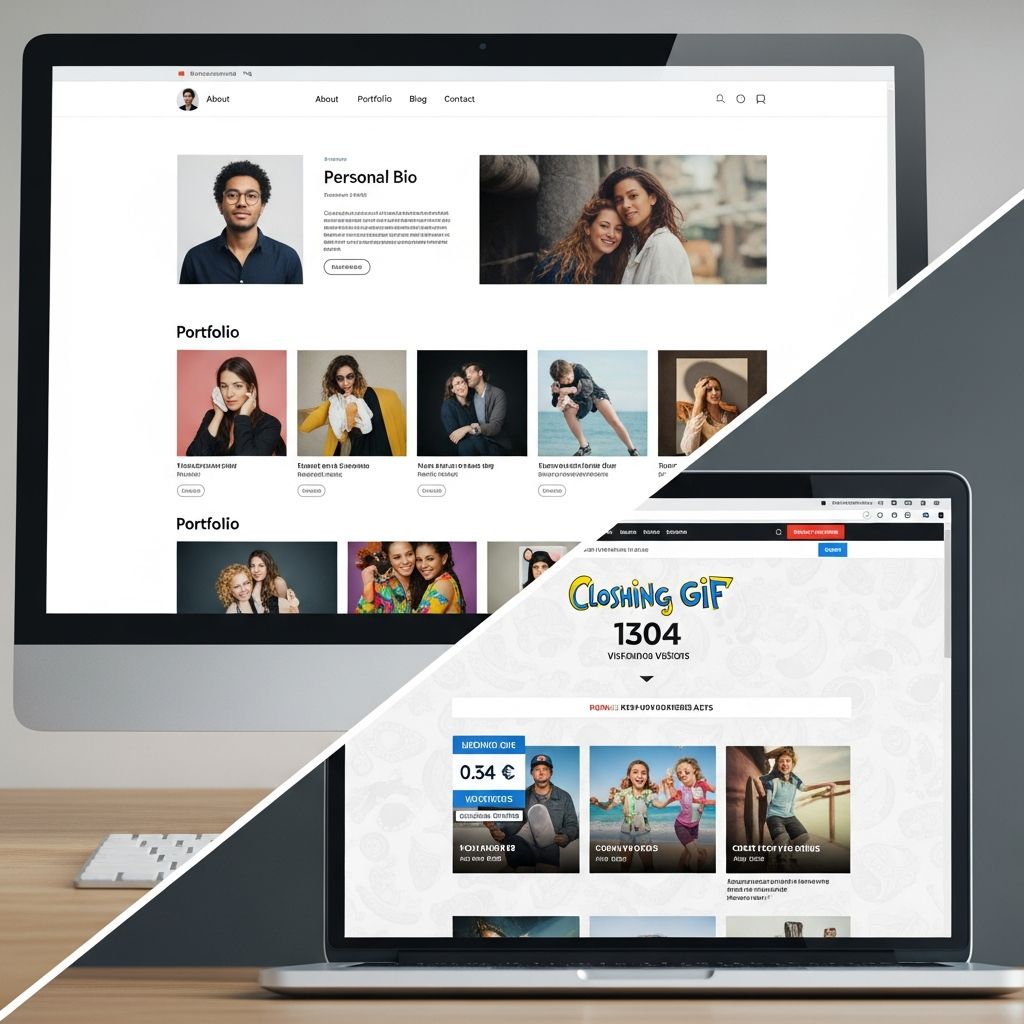
Your personal website is often the first in-depth look employers, clients, or collaborators get of you. Done well, it clarifies who you are, what you do, and why you are worth their time. Done poorly, it confuses visitors or buries the very strengths you want people to notice.
This guide walks through the most important elements to include on a personal website, what to leave out, and how to organize everything so visitors get a polished, professional impression within seconds.
Why a Personal Website Matters for Your Career
Recruiters and clients increasingly research candidates online before reaching out, which means your website can shape opportunities long before you speak to anyone.
- Control your narrative: A website lets you present a curated, accurate picture of your skills and achievements instead of relying on scattered social profiles.
- Show depth beyond a resume: You can share case studies, writing samples, talks, code, or creative work that will not fit on a one-page CV.
- Increase discoverability: When your name and expertise appear in search results, it becomes easier for people to find and verify you.
- Build long-term credibility: Consistent, high-quality content and a professional design signal reliability and seriousness.
Core Pages Every Personal Website Should Include
Most high-performing personal sites share a simple backbone. You can add more sections later, but these pages form the minimum structure that visitors expect.
| Page | Primary Goal | Key Questions It Answers |
|---|---|---|
| Homepage | Give a clear first impression and direct people where to go next. | Who are you? What do you do? Why should I keep exploring? |
| About | Provide context, personality, and your professional story. | How did you get here? What drives you? What makes you different? |
| Portfolio / Work | Demonstrate skills and impact with concrete examples. | What have you done? How good are you at it? Who benefited? |
| Resume or CV | Offer a structured overview of experience, education, and skills. | What roles have you held? Where have you worked or studied? |
| Contact | Make it simple and safe for people to reach you. | How can I get in touch? What’s the best channel? |
1. A Focused, Above-the-Fold Homepage
Your homepage should act like a concise elevator pitch, not a full autobiography. Research on web usability shows that visitors scan quickly and decide within seconds whether to stay.
- Clear headline: One sentence that states your role and value (for example, \”Product designer helping startups launch usable mobile apps\”).
- Short supporting intro: Two to three lines that mention your niche, strengths, and target audience.
- Professional image: A clean headshot or relevant photo that builds trust.
- Obvious next steps: Prominent buttons linking to your portfolio, resume, or contact page (for example, \”View My Work\” or \”Hire Me\”).
Avoid cluttered carousels or long blocks of text on the homepage; these often reduce clarity and overwhelm visitors.
2. A Genuine About Page That Supports Your Brand
Your about page bridges the gap between your resume and your personality. It should feel human, but still professional.
- Short narrative: Explain what you do today and how you got there in a few concise paragraphs.
- Relevance over nostalgia: Include details that help employers or clients understand your strengths, not every life event.
- Values and working style: Briefly describe what you care about and how you approach your work.
- Credibility cues: Mention notable employers, clients, awards, or media mentions without turning it into a brag list.
3. A Portfolio That Shows Outcomes, Not Just Outputs
A portfolio page should do more than display screenshots or file links. It should explain the story behind each project and the results you achieved.
- Curated projects: Select 3–8 strong examples that match the roles or clients you want next, rather than dumping every piece of work you have.
- Short case summaries: For each project, include:
- Context: who it was for and the problem you were solving.
- Your role: what you personally handled.
- Process: a brief look at how you approached the work.
- Impact: results, metrics, or feedback whenever possible.
- Visual support: Use images, charts, or short clips to make the story easy to follow.
- Social proof: Add short client or manager quotes to reinforce the value you delivered.
4. An Up-to-Date Resume or CV
While you may still share a PDF resume directly, many recruiters appreciate a web-based version they can quickly skim.
- Structured sections: Experience, education, skills, certifications, and relevant tools or technologies.
- Consistency with your downloadable resume: Titles, dates, and employers should match to avoid confusion.
- Optional download: Include a clearly labeled button to download a PDF version.
5. A Simple, Frictionless Contact Page
Make contacting you feel safe and easy, especially for busy hiring managers.
- Multiple options: Provide at least an email address or contact form, plus one professional social profile (such as LinkedIn).
- Clear expectations: Indicate what you are open to (freelance work, full-time roles, speaking, collaborations) so people know if their inquiry is appropriate.
- Spam protection: Use a form or obfuscated email to reduce bots while remaining accessible.
High-Value Extras That Strengthen Your Site
Once your core pages are in place, you can layer in additional sections that deepen your authority and help search engines understand your expertise.
Thoughtful Content or Blog Section
You do not need to post weekly, but occasional high-quality articles can show how you think and stay current.
- Targeted topics: Write about problems your ideal employers or clients care about, rather than broad life updates.
- Evergreen pieces: Focus on content that will still be relevant months later, such as how-to guides or case breakdowns.
- Search-friendly writing: Use clear headings, descriptive titles, and naturally placed keywords so search engines can understand your content.
Testimonials and Social Proof
Short, specific endorsements can reassure visitors that you are not just good on paper.
- Relevant voices: Prioritize recommendations from managers, clients, collaborators, or students you have mentored.
- Concrete details: Choose quotes that mention results, reliability, or strengths, not just generic praise.
- Attribution: Include names, roles, and organizations when you have permission.
Social and Professional Links
Linking to select external platforms helps visitors explore more of your work, but only if those profiles are professional and active.
- Include: LinkedIn, GitHub, Behance, Dribbble, Google Scholar, or a professional YouTube/Podcast.
- Skip: Casual personal accounts unless they are directly relevant to your field and reflect well on you.
- Align your brand: Keep your photo, bio, and key messages consistent across platforms so you are recognizable.
Common Mistakes to Avoid on a Personal Website
Knowing what not to include is just as important as knowing what to feature. Several patterns repeatedly hurt otherwise strong candidates.
1. Overloaded, Confusing Navigation
Too many menu items or clever but unclear labels slow visitors down and increase the chance they leave. User experience research recommends straightforward navigation with clear information hierarchy.
- Limit top-level items to the essentials (for example, Home, About, Work, Blog, Contact).
- Avoid vague labels like \”Stuff\” or \”Random\” for important sections.
- Group related subpages logically instead of scattering them across the menu.
2. Autoplay, Pop-Ups, and Other Distracting Elements
Anything that interrupts visitors without their permission — auto-playing audio, instant pop-ups, excessive animations — can damage trust and increase bounce rates.
- Let visitors choose when to watch videos or play audio.
- Use pop-ups sparingly, if at all, and ensure they are easy to close.
- Favor simple, fast-loading visuals over heavy effects that slow the page.
3. Personal Content That Dilutes Your Professional Story
Humor, side interests, and personal stories can help you stand out, but too much unrelated personal detail can distract from your core message.
- Avoid posting content you would not want a future employer or client to read in an interview.
- Separate professional and deeply personal material, especially on public-facing pages.
- If you share hobbies, connect them to skills or qualities that matter for your work (discipline, creativity, leadership).
4. Outdated, Broken, or Inconsistent Information
Broken links, old job titles, and conflicting dates make visitors question your attention to detail. Modern web design advice emphasizes keeping content current and functional.
- Review your site periodically to update roles, dates, and portfolio pieces.
- Remove obsolete projects that no longer represent your best work.
- Test forms, links, and downloads on both desktop and mobile devices.
5. Walls of Text With No Visual Structure
Even strong content becomes hard to read when presented as one long block. Clear visual hierarchy helps users scan and understand your message.
- Break long paragraphs into shorter sections.
- Use headings, bullet points, and bold text to emphasize key ideas.
- Include white space and consistent typography so the page feels breathable rather than cramped.
6. Neglecting Mobile and Basic Technical Quality
Most personal sites are viewed on multiple devices, and search engines reward mobile-friendly, fast, secure sites.
- Mobile responsiveness: Ensure pages adapt well to phones and tablets, with readable text and tap-friendly buttons.
- Page speed: Compress images and avoid unnecessary scripts that slow loading.
- Security and trust: Use HTTPS and avoid suspicious or intrusive third-party widgets.
Quick Checklist: What to Include vs. What to Skip
- Include:
- Concise homepage headline and introduction.
- Clear navigation to About, Work, Resume/CV, and Contact.
- Curated portfolio projects with context and outcomes.
- Short, relevant biography and professional photo.
- Contact form or email plus at least one professional social link.
- Optional: blog, testimonials, speaking or media features.
- Avoid:
- Autoplay music, videos, or aggressive pop-ups.
- Overly personal or controversial content on core pages.
- Out-of-date resumes, broken links, and incomplete case studies.
- Confusing menu labels or dozens of top-level navigation items.
- Dense, unformatted text with no headings or visual relief.
Frequently Asked Questions (FAQs)
How many pages should a personal website have?
Most professionals can start with 4–5 core pages: Home, About, Work/Portfolio, Resume or CV, and Contact. You can add a blog or additional sections later if you have the time to maintain them.
Do I really need a blog on my personal website?
No, a blog is optional. It is helpful only if you can publish a few thoughtful, well-edited posts that showcase your expertise. An empty or outdated blog is usually worse than having no blog at all.
Should I list every project I have ever worked on?
It is better to highlight a small number of representative projects that show your best work and align with your current goals. Curated portfolios are easier to navigate and more persuasive for busy reviewers.
How often should I update my personal website?
Review your site at least a few times a year or whenever your role changes, you finish a major project, or you start a job search. Updates help keep the information accurate and can improve visibility in search engines.
What if I am just starting and do not have much work to show?
You can include coursework, personal projects, volunteer work, or hypothetical projects that demonstrate relevant skills. Focus on explaining your process and what you learned, not just showing final outputs.
References
- The Definitive Guide to Personal Website in 2025 — Slidde. 2025-03-15. https://slidde.co/blogs/personal-website-definitive-guide
- A Beginner’s Guide to Creating a Personal Website in 2025 — Dorik. 2025-02-10. https://dorik.com/blog/how-to-create-personal-website
- Personal Website Trends: 10 Examples to Watch in 2025 — TekRevol. 2025-01-20. https://www.tekrevol.com/blogs/personal-website-examples/
- What Pages Should I Have on My Personal Website? — Network Solutions. 2024-06-05. https://www.networksolutions.com/blog/personal-website-pages/
- 10 Best Personal Website Examples to Inspire You in 2025 — a-fresh.website. 2025-04-01. https://a-fresh.website/blog/10-best-personal-website-examples-to-inspire-you-in-2025
- Web Design Best Practices for Your Next Website Project in 2025 — Elementor. 2025-03-01. https://elementor.com/blog/web-design-best-practices/

- Integrated M.A. in Applied Linguistics, University of Hyderabad
- 5+ years in editorial, instructional, SEO, and research-based writing
Sneha is a relationships and lifestyle writer with a strong foundation in applied linguistics and certified training in relationship coaching. She brings over five years of writing experience to theskillvault, crafting thoughtful, research-driven content that empowers readers to build healthier relationships, boost emotional well-being, and embrace holistic living. Her writing and insights reflect the belief that beauty, happiness, and wellness…