
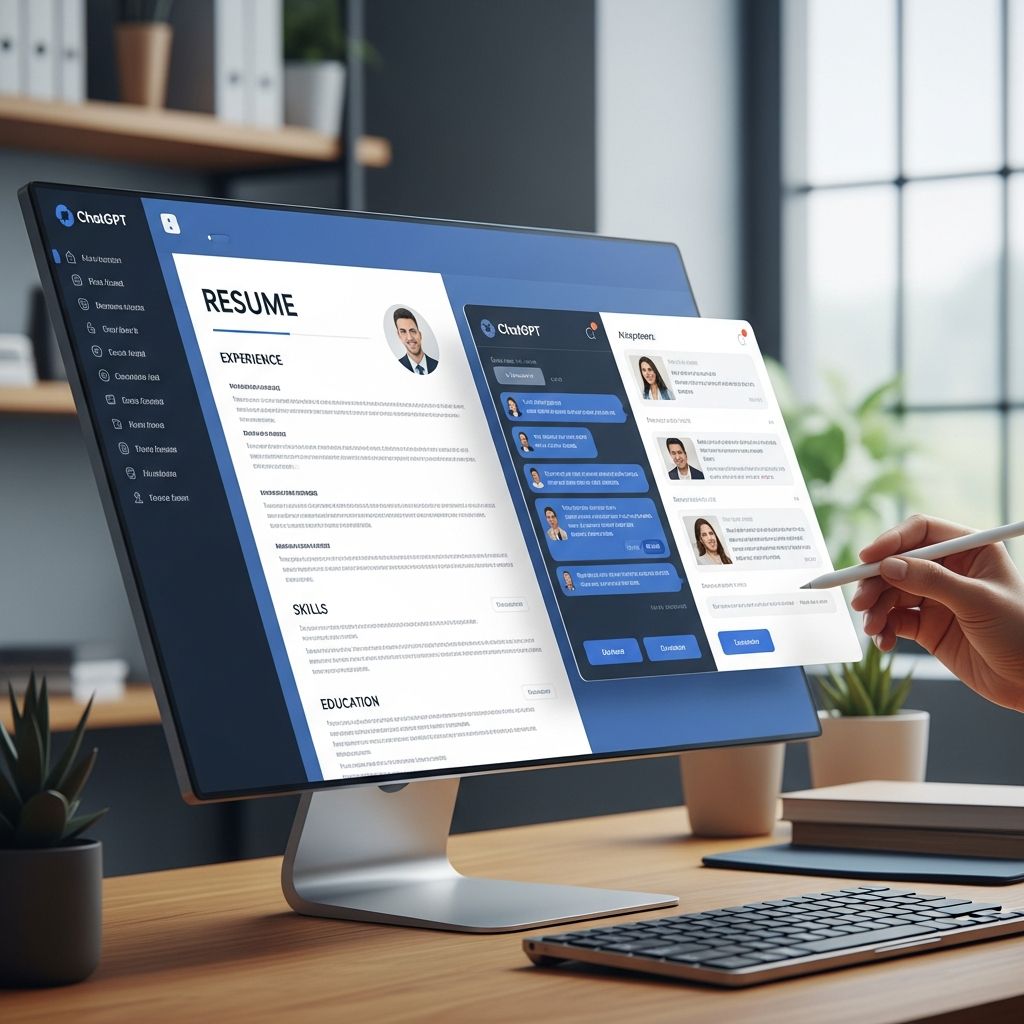
Generative AI tools like ChatGPT can make resume writing faster, less stressful, and more strategic—if you know how to guide them. Instead of replacing your judgment, ChatGPT works best as a writing partner that helps you clarify your achievements, polish language, and tailor each resume to a specific role.
This guide walks you through practical ways to use ChatGPT at every stage of resume creation while keeping the final document accurate, authentic, and aligned with what employers and applicant tracking systems (ATS) expect today.
Why Use ChatGPT for Resume Writing?
Resume writing is difficult because it asks you to summarize your experience, quantify results, and match employer expectations in a concise format. ChatGPT can reduce that friction by:
- Speeding up first drafts so you are never starting from a blank page.
- Suggesting stronger phrasing and action verbs that highlight accomplishments instead of duties.
- Helping with ATS alignment by identifying and integrating relevant keywords from job descriptions.
- Generating multiple versions targeting different roles or industries with minimal extra work.
However, employers still expect resumes to represent your real skills and results. Research on AI use in hiring shows that human oversight and accurate self-representation remain critical for fairness and trust. You should always review, edit, and fact-check any AI-generated content before using it in applications.
Preparing Your Inputs Before You Prompt ChatGPT
ChatGPT works best when you provide rich, specific input. Before you start prompting, gather:
- Your existing resume or a list of past roles, dates, employers, and locations.
- Key responsibilities and projects for each role.
- Metrics or outcomes (revenue, time saved, customer satisfaction, efficiency gains).
- 2–5 target job descriptions you’re interested in.
- A list of skills you want to emphasize (technical, soft, and industry-specific skills).
Many AI resume builders also recommend pulling in several job descriptions to help surface relevant keywords and patterns in what employers want. You can use the same strategy with ChatGPT by pasting those descriptions into your prompts.
Designing Effective Prompts for Resume Writing
The quality of what ChatGPT produces depends heavily on how you ask. Good prompts are:
- Context-rich: include your background, industry, and target role.
- Specific: say which section you want (summary, bullet points, skills, etc.).
- Constrained: define length, tone, and format.
Core Prompt Framework You Can Reuse
You can adapt the following general structure for most resume tasks:
"You are an expert recruiter in [industry] hiring for [target role]. Here is my background: [paste experience, skills, achievements]. Here is the job description: [paste text].Task: [state exactly what you want & any constraints, e.g., 'Write 4-6 bullet points for my current role, focused on measurable impact, using concise action verbs and ATS-friendly language.']"By giving ChatGPT a defined role (e.g., recruiter), context (your background), and a clear task, you help it produce content that is more targeted and useful.
Building Each Section of Your Resume with ChatGPT
Instead of asking ChatGPT to write your entire resume at once, get better results by working section by section.
1. Writing a Compelling Professional Summary
A modern resume summary should be a brief snapshot of who you are, what you do well, and the value you bring for a specific type of role. You can ask ChatGPT to:
- Turn a long career story into a concise, 3–4 line summary.
- Shift emphasis between leadership, technical depth, or industry expertise depending on the job.
- Generate multiple options in different tones (more formal vs. more conversational) and lengths.
Employers increasingly use ATS and quick human scans, so summaries packed with relevant skills and keywords—without jargon overload—can improve initial screening outcomes.
2. Turning Responsibilities into Achievement-Focused Bullets
Hiring managers and modern resume guides emphasize describing results instead of just listing duties. ChatGPT can help convert basic statements into impact-driven bullet points.
For example, you might provide a rough input such as:
"I answered customer emails and solved issues. Sometimes I trained new hires."Then ask ChatGPT to transform this into quantified, professional bullets by including any metrics you can recall (response times, satisfaction scores, number of new hires, etc.). AI resume tools use similar techniques—emphasizing strong verbs and measurable outcomes—to strengthen bullet points.
When you get outputs, double-check:
- Are the metrics realistic and truthful? If AI invented numbers, replace them with accurate approximations.
- Do the bullets reflect what you actually did, not what a model assumes someone in that role might do?
- Is the language consistent with your level (e.g., not exaggerating leadership responsibility)?
3. Highlighting Skills Strategically
Many ATS scans look for a mix of hard and soft skills aligned with the job posting. You can use ChatGPT to:
- Extract skill keywords from a job description.
- Map those skills to your real experience.
- Organize them into categories such as technical skills, tools, methods, and interpersonal skills.
Combine this with your own judgment to avoid listing tools you have never used or skills you cannot demonstrate. Misrepresenting skills can undermine trust during interviews and assessments.
4. Refining Education, Certifications, and Extras
ChatGPT can help decide how much detail to include for education, projects, volunteering, and certifications. For example, you can ask:
- How to present coursework for early-career roles.
- How to list bootcamps, online programs, or micro-credentials.
- Which extracurriculars to keep or remove for a senior-level position.
Research on credential transparency suggests clearly describing the level, provider, and relevance of non-degree learning can help employers interpret its value accurately.
Tailoring Your Resume for Each Job with ChatGPT
One of the biggest advantages of AI in resume building is rapid tailoring. Top AI resume platforms now routinely offer job-description matching and keyword scanning. You can emulate those features with ChatGPT using a simple workflow.
Step-by-Step Tailoring Workflow
- Paste the job description and ask ChatGPT to identify required skills, experience, and recurring keywords.
- Paste your current resume text and request a comparison, highlighting gaps and misalignments.
- Ask for targeted revisions to specific sections (summary, skill list, or a role’s bullets) to better reflect the job description.
- Review and adjust to ensure all updates are truthful and consistent with your experience.
Example of Using a Comparison Table
You can ask ChatGPT to present differences between your profile and a job posting in a simple HTML-style table. Here is an illustrative structure you might request:
| Job Requirement | Current Resume Evidence | Suggested Improvement |
|---|---|---|
| Experience with data dashboards | Mentions reporting but not tools used | Add bullet highlighting work with tools you actually used (e.g., Excel, BI tools). |
| Cross-functional collaboration | Implied but not explicit in bullets | Update one bullet to show how you partnered with other teams and on what outcomes. |
| Specific industry keyword | Not present | Incorporate the keyword naturally where your experience overlaps. |
Having ChatGPT structure feedback this way makes it easier to see where small edits can meaningfully improve alignment with a target role.
Ensuring ATS Compatibility While Using ChatGPT
Applicant tracking systems parse resumes to extract fields like job titles, dates, and skills. Major resume platforms emphasize simple, ATS-friendly formatting because complex designs can cause parsing problems.
You can ask ChatGPT for formatting guidance, but keep these principles in mind:
- Use standard section headings such as “Experience,” “Education,” and “Skills” so parsers can recognize them.
- Avoid tables and text boxes inside the resume body that may not parse correctly in some systems.
- Use a common font (e.g., Arial, Calibri, Times New Roman) and avoid dense blocks of text.
- Keep graphics minimal—no photos, icons, or multi-column layouts for ATS uploads.
After using ChatGPT for content, you can run your resume through a reputable ATS checker or free AI resume builder with an ATS analysis feature to verify that key sections parse correctly and keywords are recognized.
Polishing Language, Tone, and Consistency
Once all sections are drafted, use ChatGPT as an editor. Many professional tools now integrate AI to refine sentence structure, suggest synonyms, and flag vague phrases. You can replicate this by asking ChatGPT to:
- Shorten overly long bullets to one line each.
- Ensure consistent tense (past for previous roles, present for current role).
- Standardize date formats and job title capitalization.
- Replace weak verbs (“helped,” “worked on”) with stronger ones (“led,” “implemented,” “optimized”).
Because generative models can sometimes over-embellish, read each bullet and ask yourself: “Would I be fully comfortable defending this in an interview?” If not, simplify or tone it down.
Ethical and Practical Considerations When Using AI
Organizations and policymakers are actively debating the responsible use of AI in hiring and job search. When you use ChatGPT for your resume, keep in mind:
- Accuracy is non-negotiable: never allow AI to fabricate roles, credentials, or achievements.
- Privacy matters: avoid sharing sensitive personal identifiers or confidential employer information in prompts.
- Authenticity builds trust: your resume should still sound like you and reflect your professional identity.
Studies on AI-assisted decision-making emphasize the importance of human oversight and the potential risks of blindly trusting automated outputs. Treat ChatGPT as a tool—not as the final author of your professional story.
Putting It All Together: A Simple Workflow
Here is a streamlined sequence you can follow each time you target a new role:
- Step 1: Collect inputs — your experience, metrics, skills, and 1–3 job descriptions.
- Step 2: Draft sections with ChatGPT — summary, experience bullets, and skills list.
- Step 3: Tailor to the job — compare your resume text with the job description, then refine with AI help.
- Step 4: Check ATS readiness — use ChatGPT for format advice and optionally a separate ATS checker.
- Step 5: Human edit — correct, customize, and read aloud to confirm the voice feels authentic.
- Step 6: Final proofread — check spelling, dates, titles, and contact info manually.
Frequently Asked Questions (FAQs)
Q: Can I ask ChatGPT to write my entire resume from scratch?
You can, but you will get a more accurate and tailored result if you provide detailed background information and work section by section. A fully AI-generated resume without your input risks inaccuracies and generic language.
Q: Will a resume written with ChatGPT pass ATS screening?
Passing ATS depends more on formatting and keyword alignment than on whether AI helped write the text. If you use clear headings, simple layout, and job-relevant keywords that reflect your real skills, a ChatGPT-assisted resume can perform as well as any other.
Q: How do I stop ChatGPT from exaggerating my experience?
Give it strict instructions, such as “Do not invent responsibilities or metrics; only use what I provide.” Then carefully review every bullet to ensure the scope, tools, and results match what you have truly done.
Q: Is it okay to reuse the same AI-generated summary for every job?
It is better to use a base version and lightly tailor it for each role. Adjust the skills, industry language, and emphasis so that it matches the specific posting and employer priorities.
Q: Should I tell employers I used AI to help with my resume?
Most employers focus on whether your resume is accurate and relevant rather than how you created it. If asked, you can frame it positively: you used AI tools to polish clarity and organization while ensuring the content reflects your real experience.
References
- 7 Best AI Resume Builders 2025: Tried and Tested Tools — Rezi. 2025-01-10. https://www.rezi.ai/posts/best-ai-resume-builders
- Best AI Resume Builders for 2025 with Key Features and Pricing — Careerflow.ai. 2025-02-03. https://www.careerflow.ai/blog/best-resume-builders
- Free AI Resume Builder – Create ATS-Friendly Resumes — Teal. 2024-09-05. https://www.tealhq.com/tools/resume-builder
- Free AI Resume Builder [Fast & Easy] — Resume-Now. 2024-06-18. https://www.resume-now.com
- AI and Skills-Based Hiring — World Economic Forum. 2023-10-12. https://www.weforum.org/agenda/2023/10/skills-based-hiring-ai-labour-market/
- The Labor Market Impacts of Artificial Intelligence — International Labour Organization. 2023-08-21. https://www.ilo.org/global/publications/briefing-notes/WCMS_894923
- AI and the Future of Work — OECD. 2023-11-02. https://www.oecd.org/employment/ai-and-the-future-of-work/

- Integrated M.A. in Applied Linguistics, University of Hyderabad
- 5+ years in editorial, instructional, SEO, and research-based writing
Sneha is a relationships and lifestyle writer with a strong foundation in applied linguistics and certified training in relationship coaching. She brings over five years of writing experience to theskillvault, crafting thoughtful, research-driven content that empowers readers to build healthier relationships, boost emotional well-being, and embrace holistic living. Her writing and insights reflect the belief that beauty, happiness, and wellness…