
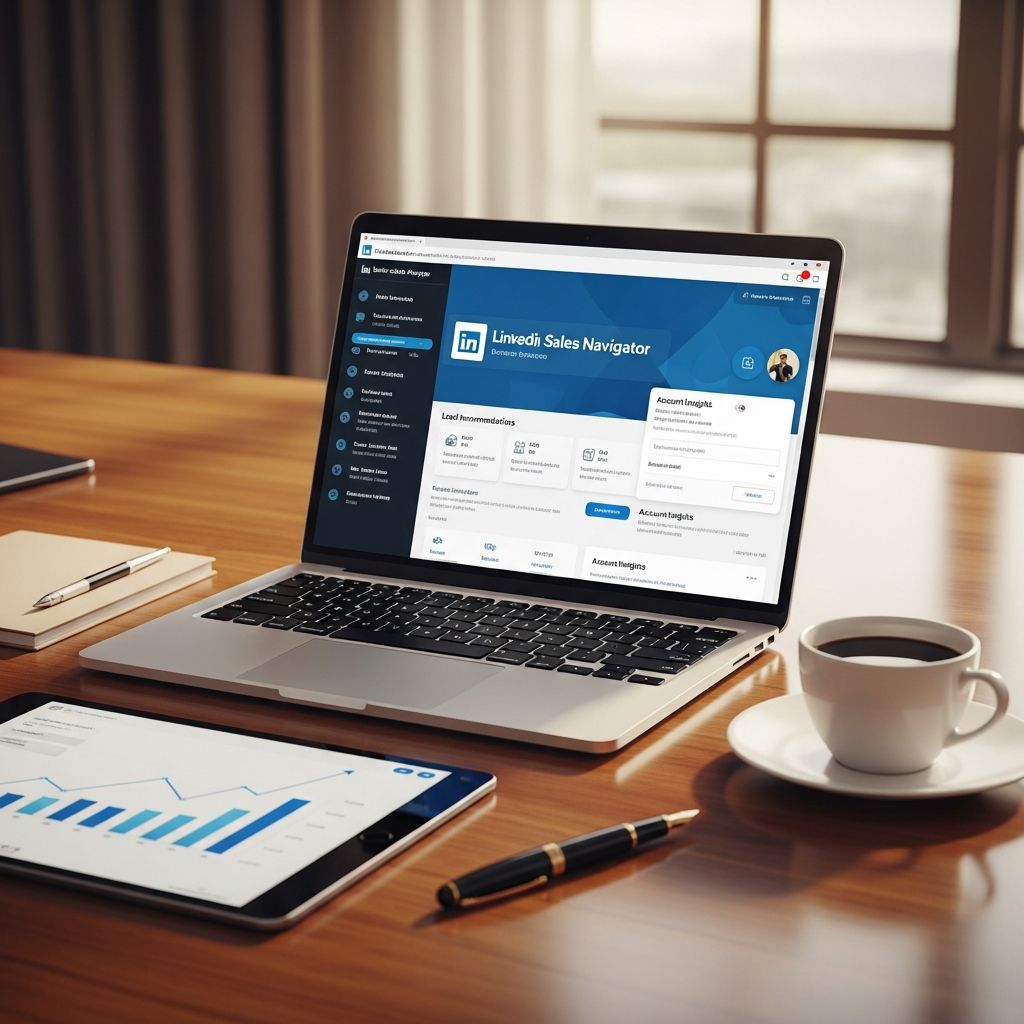
Why LinkedIn Sales Navigator Is a Game-Changer for B2B Sales
For B2B sales professionals, finding the right decision-makers at the right companies is half the battle. Traditional prospecting often involves guesswork, cold calling, and endless scrolling through generic directories. LinkedIn Sales Navigator changes that equation by turning LinkedIn’s professional network into a precision-targeted sales engine.
Instead of relying on outdated lists or broad job titles, Sales Navigator lets you filter prospects by industry, company size, seniority, function, and even engagement signals. This level of granularity means you’re not just reaching more people—you’re reaching the right people, at the right time, with the right context.
Core Capabilities That Drive Real Pipeline Growth
Sales Navigator isn’t just a better search bar; it’s a full-featured sales intelligence and outreach platform built into LinkedIn. At its core, it gives sales teams three powerful advantages:
- Advanced search filters that go far beyond basic job title and location.
- Real-time insights into job changes, promotions, company news, and content engagement.
- Direct outreach tools like InMail and SmartLinks that bypass gatekeepers and land in decision-makers’ inboxes.
These capabilities work together to compress the time between identifying a prospect and starting a meaningful conversation. That’s why teams using Sales Navigator consistently report shorter sales cycles and higher conversion rates.
Going Beyond Basic LinkedIn: What You Actually Get
A standard LinkedIn account is great for networking, but it’s not designed for systematic, high-volume B2B prospecting. Sales Navigator removes the friction that limits free accounts:
- Unlimited searches across LinkedIn’s global network, so you never hit a monthly cap.
- Up to 2,500 results per search, giving you a much broader pool of potential matches.
- 45+ search filters, including company size, industry, function, seniority, and even keywords in profiles.
- Boolean search support for complex queries that combine multiple criteria.
For example, instead of searching for “marketing managers in tech,” you can build a query like:
- Job title: marketing manager OR marketing director
- Industry: software, SaaS, IT services
- Company size: 200–2,000 employees
- Seniority: mid-senior level
- Location: United States, Canada, UK
This kind of precision dramatically increases the relevance of your results and reduces time wasted on unqualified leads.
How Sales Navigator Supercharges Lead Discovery
One of the biggest challenges in B2B sales is filling the top of the funnel with high-intent prospects. Sales Navigator tackles this in several ways:
1. Targeting by Account and Role
Sales Navigator lets you build an account list of target companies and then identify key stakeholders within those organizations. You can see who holds decision-making roles (e.g., CMO, VP of Sales, Head of Procurement) and prioritize outreach based on seniority and function.
This account-based approach ensures that your efforts are focused on companies that match your ideal customer profile, rather than chasing random contacts.
2. Personalized Lead and Account Recommendations
Once you’ve defined your search criteria and saved a few target accounts, Sales Navigator starts surfacing recommended leads and recommended accounts. These suggestions are based on:
- Your saved searches and filters
- Your past interactions (views, messages, saves)
- Behavioral signals from prospects (job changes, content shares, new roles)
Over time, these recommendations become more accurate, acting like a smart assistant that surfaces the most promising opportunities without you having to manually search every day.
3. Saved Searches and Alerts
Saved searches let you store complex queries and revisit them later. More importantly, you can set up real-time alerts for those searches, so you’re notified when:
- A new person matches your criteria (e.g., a new marketing director at a target company).
- An existing lead changes jobs, gets promoted, or joins a new company.
- A target account posts news, raises funding, or announces expansion.
These alerts turn passive prospecting into an active, event-driven process. Instead of checking profiles manually, you’re alerted the moment a high-value trigger occurs.
Building Stronger Relationships with Deep Profile Insights
Modern buyers expect personalized, relevant outreach. Sales Navigator gives you the data you need to move beyond generic “Hi [First Name]” messages and craft outreach that feels human and informed.
What You Can Learn About a Prospect
When you view a lead in Sales Navigator, you see far more than just their job title and company. You get access to:
- Full work history and education background
- Skills, endorsements, and certifications
- Shared connections, groups, and alma maters
- Recent activity: posts, comments, articles shared
- Relationship strength indicators (e.g., 1st, 2nd, or 3rd-degree connections)
This information is gold for personalization. For example:
- If a prospect recently shared an article about AI in marketing, you can reference that in your message.
- If they’re in the same industry group as you, you can mention the group as a common point of interest.
- If you share a connection, you can ask for an introduction or reference them to build trust.
Using Insights to Shorten the Sales Cycle
When your outreach shows that you’ve done your homework, prospects are more likely to respond. They see you as a credible, value-oriented partner rather than just another salesperson.
Studies show that personalized outreach based on behavioral and profile data can increase response rates by 20–30% compared to generic templates. Sales Navigator makes this level of personalization scalable, even for large prospect pools.
Direct Outreach That Actually Gets Replies
Finding the right prospects is only half the battle. The other half is getting them to respond. Sales Navigator provides several tools to improve outreach effectiveness:
1. InMail Messaging
InMail lets you send direct messages to anyone on LinkedIn, even if you’re not connected. Each Sales Navigator seat comes with a monthly allowance of InMail credits, which you can use to:
- Reach decision-makers who don’t accept connection requests from strangers.
- Follow up with prospects who haven’t responded to connection requests.
- Send time-sensitive messages (e.g., around funding announcements or job changes).
Because InMails are delivered to the recipient’s LinkedIn inbox, they’re more likely to be seen than cold emails that land in spam or crowded inboxes.
2. SmartLinks and Trackable Content
SmartLinks (available in higher-tier plans) let you share personalized content (e.g., a demo video, case study, or proposal) and track when prospects view it. You can see:
- Which documents or pages they opened
- How many times they viewed the content
- When they last engaged
This behavioral data is incredibly powerful. If a prospect spends 10 minutes watching your demo video, that’s a strong signal of interest. You can then follow up with a message like:
“I noticed you checked out our demo—great to see you’re exploring solutions in this space. Would you be open to a quick 15-minute chat to see if it could be a fit for your team?”
3. TeamLink and Warm Introductions
TeamLink expands your network by giving you access to your colleagues’ 2nd-degree connections. This dramatically increases the number of warm introductions you can request.
Instead of sending a cold InMail, you can ask a colleague to introduce you to a prospect they’re connected with. Warm intros typically have much higher acceptance and response rates than cold outreach.
Integrating Sales Navigator into Your Sales Stack
Sales Navigator is most powerful when it’s part of a broader sales and marketing ecosystem. Modern plans include integrations that keep your data synchronized and workflows efficient.
CRM Sync and Contact Management
With CRM integration (e.g., Salesforce, HubSpot, Microsoft Dynamics), you can:
- Push leads and accounts from Sales Navigator directly into your CRM.
- Sync contact details, job changes, and company updates automatically.
- Keep your sales team aligned on which accounts are being targeted and by whom.
This eliminates manual data entry and reduces the risk of working with outdated information.
Automated Contact Updates
People change jobs, companies rebrand, and contact details become stale. Sales Navigator’s automatic contact updates ensure that:
- Job titles, companies, and locations are kept current.
- Outdated email addresses and phone numbers are flagged or updated.
- Your outreach remains relevant even if a prospect moves to a new role.
This is especially valuable for account-based sales teams that need to maintain accurate stakeholder maps over time.
Measuring and Optimizing Your Social Selling Performance
Sales Navigator includes built-in analytics and the Social Selling Index (SSI) to help you track performance and identify areas for improvement.
Social Selling Index (SSI)
The SSI is a score (0–100) that measures how effectively you’re using LinkedIn for sales. It’s based on four pillars:
- Establishing your professional brand (profile completeness, content sharing).
- Finding the right people (using search, saving leads/accounts).
- Engaging with insights (commenting, sharing relevant content).
- Building relationships (sending InMails, connecting, following up).
Teams that actively monitor and improve their SSI tend to see higher engagement and conversion rates. It’s a useful benchmark for coaching and onboarding new reps.
Reporting and Team Management
For sales leaders, Sales Navigator offers reporting dashboards that show:
- Team activity (searches, saves, InMails sent).
- Lead and account engagement trends.
- Conversion rates from lead to opportunity.
This data helps you identify top performers, spot bottlenecks, and refine your targeting and messaging strategies at scale.
Practical Tips for Getting the Most Out of Sales Navigator
To maximize ROI from Sales Navigator, treat it as a strategic sales tool, not just a search engine. Here are a few best practices:
- Define your ideal customer profile (ICP) first. Use firmographic and technographic criteria to build precise search filters.
- Build and maintain target account lists. Focus your efforts on accounts that match your ICP, not just any company in your industry.
- Use saved searches and alerts religiously. Set up alerts for new hires, promotions, and company news in your target accounts.
- Personalize every message. Reference the prospect’s recent activity, shared connections, or specific challenges their role faces.
- Track engagement with SmartLinks. Use content engagement as a signal to prioritize follow-up and tailor next steps.
- Integrate with your CRM. Keep lead and account data synchronized to avoid duplication and ensure accurate reporting.
Common Questions About LinkedIn Sales Navigator
What’s the difference between LinkedIn Sales Navigator and a regular LinkedIn account?
A regular LinkedIn account is designed for networking and personal branding. Sales Navigator is a sales-specific tool that adds advanced search, unlimited searches, lead/account recommendations, InMail, real-time alerts, and CRM integration. It’s built for systematic B2B prospecting, not just casual browsing.
How many InMails do I get per month?
The number of InMail credits varies by plan and region. Most individual plans include 15–50 InMails per month, while team and enterprise plans often offer higher volumes or pooled credits. Unused credits typically roll over for a limited time, but exact policies depend on your subscription.
Can Sales Navigator integrate with my CRM?
Yes, Sales Navigator integrates with major CRMs like Salesforce, HubSpot, Microsoft Dynamics, and others. This allows you to sync leads, accounts, and contact details between platforms, reducing manual work and keeping data up to date.
Is Sales Navigator worth it for small teams or solopreneurs?
For B2B sales professionals who rely on LinkedIn for lead generation, Sales Navigator is usually worth the investment. The time saved on prospecting, the quality of leads, and the ability to reach decision-makers directly often justify the cost, even for small teams or individual sellers.
How does Sales Navigator help shorten the sales cycle?
Sales Navigator shortens the sales cycle by:
- Enabling direct access to decision-makers via InMail.
- Providing real-time triggers (job changes, promotions, company news) that create timely outreach opportunities.
- Offering deep profile insights that support highly personalized, relevant messaging.
- Allowing teams to track content engagement and prioritize hot leads.
Final Thoughts: A Strategic Investment in B2B Growth
LinkedIn Sales Navigator isn’t just another sales tool—it’s a strategic asset for any B2B organization serious about predictable pipeline growth. By combining advanced search, real-time intelligence, and direct outreach capabilities, it transforms how sales teams find, engage, and convert high-value prospects.
When used effectively, Sales Navigator can:
- Fill your pipeline with more qualified leads.
- Shorten sales cycles through timely, personalized outreach.
- Improve win rates by focusing on the right accounts and decision-makers.
- Scale social selling across teams with consistent processes and metrics.
If you’re still relying on basic LinkedIn searches and cold email alone, upgrading to Sales Navigator could be one of the highest-impact moves you make for your sales function this year.
References
- LinkedIn Sales Navigator: Features and Benefits — LinkedIn Corporation. Accessed 2025. https://www.linkedin.com/sales/solutions/sales-navigator
- Social Selling Index (SSI) — LinkedIn Corporation. Accessed 2025. https://www.linkedin.com/sales/ssi
- CRM Integration for LinkedIn Sales Navigator — Salesforce Help. 2024. https://help.salesforce.com/s/articleView?id=sf.linkedin_sales_navigator.htm

- Integrated M.A. in Applied Linguistics, University of Hyderabad
- 5+ years in editorial, instructional, SEO, and research-based writing
Sneha is a relationships and lifestyle writer with a strong foundation in applied linguistics and certified training in relationship coaching. She brings over five years of writing experience to theskillvault, crafting thoughtful, research-driven content that empowers readers to build healthier relationships, boost emotional well-being, and embrace holistic living. Her writing and insights reflect the belief that beauty, happiness, and wellness…