
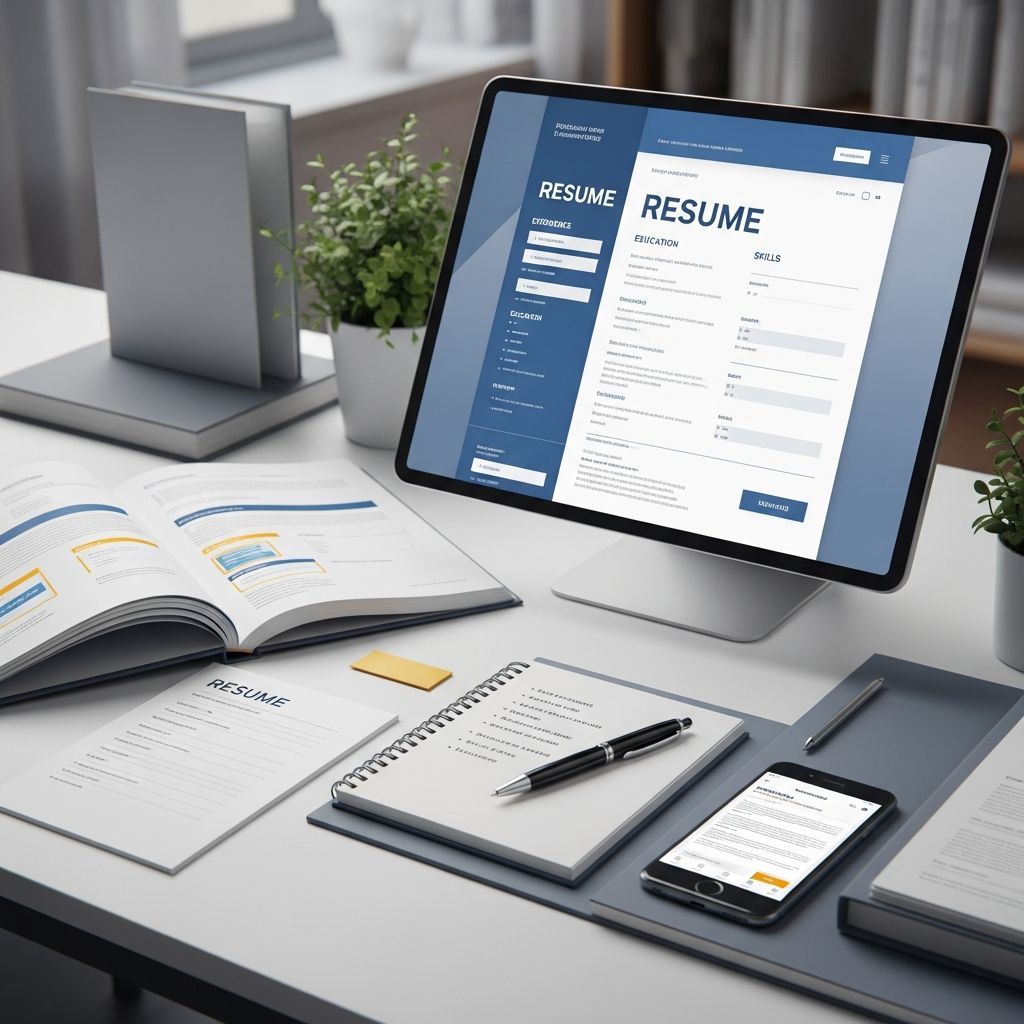
Building Your Professional Resume: A Modern Approach
Your resume serves as your first opportunity to impress potential employers and secure an interview. In today’s competitive job market, understanding how to construct a resume that balances visual appeal with substance has become essential. A well-crafted resume communicates not just your experience, but your attention to detail and professional presentation. The foundation of an effective resume lies in selecting an appropriate template that aligns with your industry, career stage, and personal brand.
The process of resume creation involves multiple considerations: choosing the right structural layout, determining what information to prioritize, selecting visual elements that enhance readability, and ensuring your content resonates with hiring managers. Modern resume development requires awareness of both human readers and automated screening systems that many organizations use to filter applications.
Understanding Different Resume Template Categories
The resume template landscape offers diverse options tailored to different professional contexts and career trajectories. Each template style carries its own advantages and works best for specific situations and industries.
The Reverse-Chronological Framework
This traditional approach remains the most widely recognized and accepted template style across industries. It presents your professional history in reverse order, beginning with your most recent position and moving backward through your career progression. This format proves particularly effective for candidates with consistent employment histories and clear career advancement patterns. Employers favor this template because it allows them to quickly assess your most relevant experience and current skill level. The structure emphasizes career growth and demonstrates progression within your field, making it ideal for professionals with several years of experience who have moved upward through their organizations.
The Functional Design Approach
This template emphasizes your skills, competencies, and accomplishments rather than your chronological work history. It organizes information around capability areas, allowing you to highlight transferable skills and expertise regardless of employment gaps or frequent job changes. This format proves valuable when you’re transitioning between industries, returning to work after an extended absence, or changing career directions entirely. By prioritizing what you can do over where you’ve done it, the functional template helps shift focus away from gaps and toward your relevant capabilities.
The Hybrid Format Strategy
Combining elements of both reverse-chronological and functional approaches, the hybrid template offers flexibility and comprehensiveness. This structure leads with a skills section to immediately showcase relevant capabilities, then supports this with a chronological work history. The hybrid approach works exceptionally well for career changers, professionals with varied experience, or those seeking to emphasize specific competencies that align with a target role.
Creative Industry Templates
For professionals in design, marketing, entertainment, architecture, or other creative fields, specialized templates allow for greater visual expression and design innovation. These templates incorporate color, typography, graphics, and layout creativity to reflect artistic sensibility and creative capabilities. However, even creative resumes must maintain clarity and professional presentation to ensure hiring managers can quickly extract essential information.
Minimalist and Modern Templates
Clean, uncluttered templates have gained popularity among experienced professionals who want their accomplishments to command attention. These designs use ample white space, strategic typography, and subtle visual elements to create sophisticated, contemporary presentations. Minimalist templates work across virtually all industries and appeal particularly to hiring managers who prefer straightforward, efficient document design.
Essential Components and Strategic Placement
Regardless of which template you select, certain elements must appear on every professional resume. The strategic arrangement and presentation of these components significantly impact how effectively your document communicates your qualifications.
Header and Contact Information
Your resume begins with your name displayed prominently, followed by essential contact details. Include your professional email address—typically firstname.lastname@domain format—and a reliable phone number. Rather than including a photo or headshot, direct readers to your professional online presence. This section should also incorporate your location (city and state) and can include relevant links such as your LinkedIn profile, professional website, portfolio, or GitHub repository. Clarity matters here; hiring managers should be able to contact you without confusion or unnecessary effort.
Professional Summary or Career Objective
This introductory section, positioned immediately after your contact information, serves as your value proposition. A professional summary works best for established professionals with substantial experience, providing a concise overview of your career trajectory, key achievements, and primary skills. Typically two to three sentences, an effective summary positions you as a solution to the employer’s needs by highlighting accomplishments that demonstrate measurable impact. Career objectives suit early-career professionals and those changing fields, briefly articulating your professional aspirations and what you seek in your next role.
The Experience Section
Your professional history forms the substance of your resume. Each position should include your job title, the company name, location, and dates of employment. Rather than simply listing responsibilities, focus on describing accomplishments and the impact of your work. Use action verbs and quantifiable results to demonstrate your contributions. For example, instead of “responsible for social media management,” specify “increased social media engagement by 45% through strategic content planning and community management.” Typically include two to six bullet points per position, with emphasis on achievements most relevant to your target role.
Skills Section Development
Organize your competencies into two categories: technical skills (hard skills specific to your field) and interpersonal abilities (soft skills like leadership, communication, and teamwork). Review the job description carefully and identify keywords and required competencies, ensuring your skills section reflects terminology used by potential employers. This practice proves particularly important because many organizations use applicant tracking systems that scan resumes for specific keyword matches. Prioritize required and highly sought skills, placing certifications or licensure requirements at the top of this section.
Education and Professional Development
Include your highest degree first, specifying the degree type, institution name, location, and graduation date. Recent graduates might emphasize relevant coursework, academic honors, scholarships, or leadership roles in student organizations. For experienced professionals, educational credentials typically appear lower on the resume, unless you possess an advanced degree directly relevant to your target position. You can also incorporate professional certifications, specialized training, and continuing education that demonstrates commitment to skill development within your field.
Formatting Guidelines for Maximum Impact
The visual presentation of your resume significantly influences how readers perceive your professionalism and attention to detail.
Typography and Readability Considerations
Select professional fonts that remain readable both in print and digital formats. Sans-serif fonts like Arial, Helvetica, or Calibri work well for clean, contemporary designs, while serif fonts can convey traditional professionalism. Maintain consistent font sizing, using your name at 14-18 points, section headers at 12-13 points, and body text at 10-11 points. Avoid excessive font variations; limiting yourself to one or two complementary fonts maintains visual coherence.
Date Formatting and Consistency
Establish a consistent date format throughout your document. Common conventions include “Month Year – Month Year” (May 2020 – August 2023) or “Month Year – Present” for ongoing positions. Consistency in how you present temporal information demonstrates attention to detail and creates a polished appearance.
Spacing and Layout Structure
Strategic use of white space improves readability and allows hiring managers to quickly navigate your resume. Maintain adequate margins (typically 0.5 to 1 inch on all sides), use line spacing of 1.0 to 1.15 for body text, and separate sections clearly with spacing or subtle dividing lines. Avoid dense paragraphs; instead, use bullet points to break information into scannable chunks.
Length Guidelines
For most professionals with fewer than five years of experience, maintain a one-page resume. This constraint forces you to prioritize information and present only your most compelling qualifications. Mid-career professionals typically use one to two pages, while those with extensive experience in specialized fields might extend to two pages if necessary. Regardless of length, every element should serve a purpose and contribute to your candidacy for the specific role.
Tailoring Your Resume for Specific Opportunities
A strategic approach to resume development involves customizing your document for each application rather than sending identical copies to multiple employers.
Keyword Alignment and ATS Optimization
Many organizations use applicant tracking systems (ATS) to screen resumes before human review. These systems search for specific keywords and phrases from the job description. Carefully review each job posting and incorporate relevant terminology throughout your resume, particularly in your summary, skills section, and experience bullets. This practice increases the likelihood that your resume passes automated screening and reaches hiring managers.
Achievement Highlighting
Different positions value different competencies. When applying for specific roles, emphasize achievements and experiences most relevant to that position. If you’re applying to a role emphasizing project management, prioritize experiences demonstrating leadership of complex initiatives. For technical positions, highlight relevant technical skills and accomplishments early in your document.
Language and Tone Alignment
Mirror the professional language and terminology used in job descriptions and company materials. This alignment demonstrates understanding of the role and industry while improving keyword matching for ATS systems.
Common Resume Development Pitfalls to Avoid
Understanding frequent mistakes helps you sidestep problems that diminish resume effectiveness:
- Using first-person pronouns: Write in implied first person, describing accomplishments without “I” or “me” to save space and maintain professional tone
- Inconsistent verb tense: Use present tense for current roles and past tense for previous positions
- Excessive formatting: While visual design matters, overly complicated layouts, multiple colors, and excessive graphics can confuse ATS systems and distract from content
- Vague accomplishment descriptions: Replace generic statements with specific, quantifiable results that demonstrate impact
- Irrelevant information: Exclude high school achievements if you’re a college graduate, outdated technology skills, or positions unrelated to your target career
- Spelling and grammatical errors: Proofread carefully; mistakes suggest carelessness and lack of attention to detail
Industry-Specific Template Considerations
Different fields benefit from templates that reflect industry norms and expectations. Technology roles often favor ATS-friendly, clean formats with emphasis on technical skills and projects. Legal professionals typically utilize traditional reverse-chronological formats emphasizing education and credentials. Creative industries allow greater design flexibility, while corporate roles maintain more conservative presentations.
Digital vs. Print Formatting
Consider how your resume will be viewed. If submitting through an ATS system, use standard formatting and avoid complex design elements that scanning systems might misinterpret. For email submissions or printed copies, you have slightly more flexibility with design while still maintaining professionalism. Convert your resume to PDF format when submitting digitally to preserve formatting across different devices and operating systems.
The Supporting Application Materials
Your resume often works alongside a cover letter. While your resume documents what you’ve accomplished, your cover letter explains why you’re interested in a specific position and how your background uniquely fits the role. A compelling cover letter references specific elements from your resume while adding context and demonstrating genuine interest in the organization.
Frequently Asked Questions
Q: Should I include a photo on my resume?
A: In most industries, avoid including a headshot on your resume unless specifically requested. Instead, maintain a professional appearance with a strong LinkedIn profile photo and let your accomplishments speak for themselves.
Q: How many years of work history should I include?
A: Generally, include the last ten to fifteen years of relevant experience. Older positions become less relevant as your career progresses, and removing them helps keep your resume focused on current capabilities.
Q: What should I do about employment gaps?
A: Brief gaps (one to two months) typically don’t require explanation. For longer gaps, consider a functional or hybrid template that emphasizes skills over timeline, or briefly address the gap in your cover letter if asked.
Q: How often should I update my resume?
A: Update your resume whenever you achieve significant accomplishments, complete certifications, or take on new responsibilities. Maintain an updated master version and customize copies for specific applications.
Q: Can I use color in my resume?
A: Use color sparingly and professionally. Subtle accent colors in headers can enhance visual appeal, but excessive color can distract from content and cause problems with ATS scanning systems.
Q: Should my resume match my cover letter design?
A: Yes, maintaining visual consistency between your resume and cover letter creates a cohesive professional brand and demonstrates attention to detail in your application materials.
References
- The Best Resume Format for 2025 (Templates & Examples) — Resume Genius. 2025. https://resumegenius.com/blog/resume-help/resume-format
- How to Make a Resume in 2025 | Beginner’s Guide — Novoresume. 2025. https://novoresume.com/career-blog/how-to-write-a-resume-guide
- What’s the best resume format in 2025? — Johnson & Johnson Careers. 2025. https://www.careers.jnj.com/en/employee-stories/career-tips/what-s-the-best-resume-format-in-2025/
- How To Make Your Resume Comprehensive (With Examples) — Indeed. 2025. https://www.indeed.com/career-advice/resumes-cover-letters/how-to-make-a-resume-with-examples
- CREATE A STRONG RESUME — Harvard University, Mignone Center for Career Success. 2025. https://careerservices.fas.harvard.edu/resources/create-a-strong-resume/
- Current Resume Trends for 2025 — ResumeBuilder.com. 2025. https://www.resumebuilder.com/career-center/resume-trends/
- 16 Top Resume Tips to Help You Land a Job in 2026 — Coursera. 2025. https://www.coursera.org/articles/resume-tips

- Integrated M.A. in Applied Linguistics, University of Hyderabad
- 5+ years in editorial, instructional, SEO, and research-based writing
Sneha is a relationships and lifestyle writer with a strong foundation in applied linguistics and certified training in relationship coaching. She brings over five years of writing experience to theskillvault, crafting thoughtful, research-driven content that empowers readers to build healthier relationships, boost emotional well-being, and embrace holistic living. Her writing and insights reflect the belief that beauty, happiness, and wellness…