
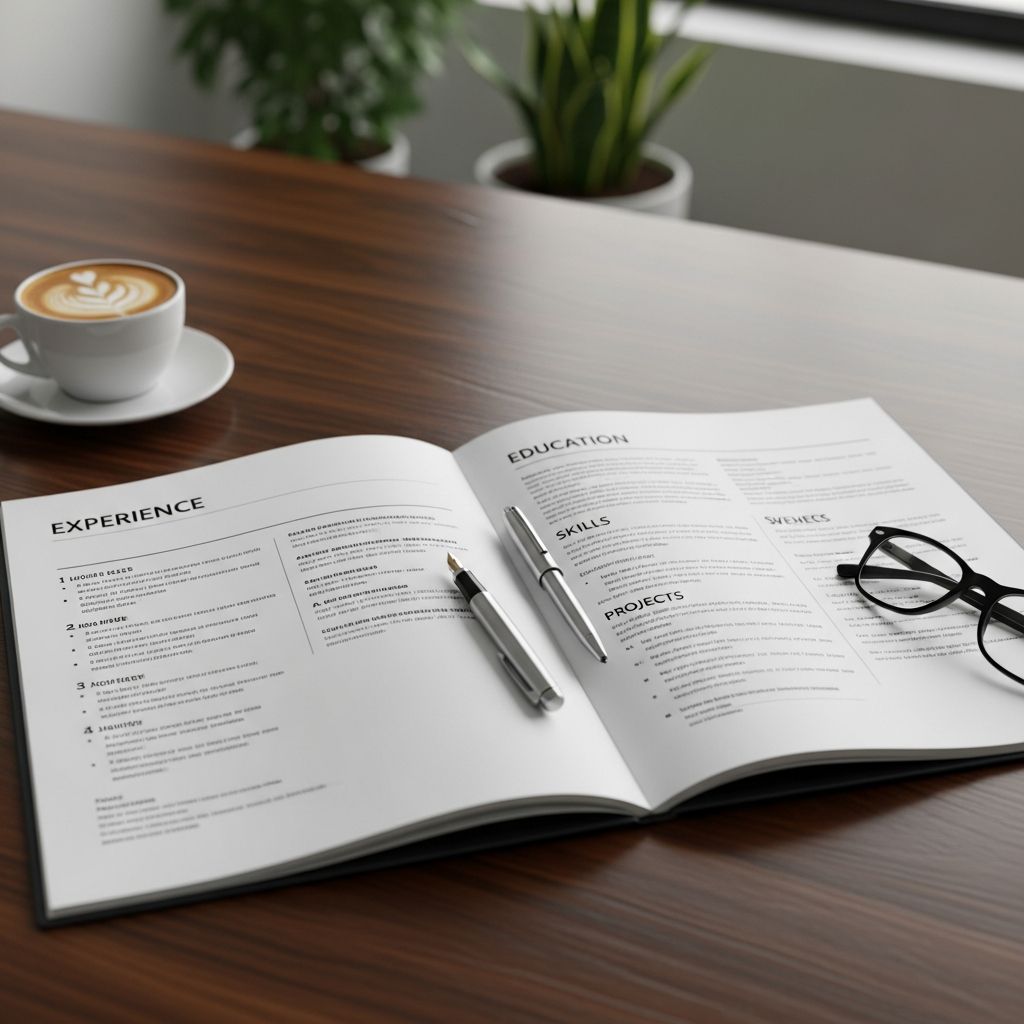
A two-page resume can be a powerful asset or a liability. Used well, it lets you show the full scope of your experience without cramming everything into tiny fonts and crowded sections. Used poorly, it reads like filler and makes it harder for hiring managers to see your value.
This guide explains when a two-page resume is appropriate, how to structure each page, and which formatting rules help your document survive the first 10–20 seconds of recruiter review.
Is a Two-Page Resume Right for You?
Before you expand beyond one page, you need to decide whether a second page adds clarity or just extra scrolling. Career centers and hiring guidelines commonly recommend one page for early-career applicants and allow two pages for more extensive experience.
Situations Where a 2-Page Resume Makes Sense
- 10+ years of relevant professional experience – Many university career centers note that a two-page resume is appropriate once you have a substantial and directly related work history, particularly in mid-career or senior roles.
- Senior, leadership, or specialized roles – Executives, managers, and specialists (e.g., engineers, data scientists, clinicians) often need space to show scope, impact, and complex responsibilities.
- Extensive project, publication, or technical history – If your value is demonstrated through major projects, research, patents, or publications, another page gives you room to highlight them without burying core experience.
- Roles requiring detailed accomplishment evidence – When job postings explicitly ask for quantified results, metrics, and detailed achievements, condensing everything into a single page can obscure the best evidence.
Cases Where You Should Stay With One Page
- New graduates and early-career candidates – For most students and recent grads, a concise one-page resume is standard and easier for employers to scan.
- Career history under ~7–8 years – If you can clearly present your education, experience, and relevant skills on one page without shrinking the font or margins, you typically don’t need a second page.
- Limited relevance to your target role – If much of your background is unrelated to the job you want, expanding to two pages usually means adding noise, not value.
- Content under 1.5 pages – If you barely spill onto a second page, it is often better to tighten language or adjust spacing so everything fits on one well-designed page instead.
How Recruiters Read Two-Page Resumes
Most recruiters skim, not study. They spend only a short time on each resume, focusing heavily on the top of the first page. Guidance from hiring agencies and career centers consistently emphasizes putting the most relevant and recent experience up front.
Two implications follow:
- Page one must stand alone – Assume some readers never reach page two. Your core value, strongest roles, and most relevant skills should all be clear from the first page.
- Page two should deepen, not repeat – The second page exists to continue your story with supporting details—longer work history, select projects, or education—not to duplicate summary sections or skill blocks.
Strategic Layout: What Belongs on Each Page
Think of the two pages as a hierarchy of information, not two equal halves. Page one answers “Why you?”; page two answers “What else supports that?”
| Page | Main Purpose | Typical Content |
|---|---|---|
| Page 1 | Deliver your core pitch and most relevant impact. | – Contact info and name – Target title and professional summary – Key skills or core competencies – Most recent and relevant work experience |
| Page 2 | Provide depth and supporting evidence. | – Earlier roles (especially beyond 10 years) – Additional projects or consulting work – Education, certifications, licenses – Publications, presentations, associations – Optional: relevant volunteer work or leadership |
Elements to Keep on Page One Only
- Professional summary or profile – A 3–5 line snapshot of who you are, where you operate, and what you deliver.
- Core skills section – Group related skills (technical, analytical, leadership, or domain-specific) and align them with the job description.
- Your most recent and most relevant positions – Emphasize impactful bullet points, especially those with quantifiable results.
Common Content for Page Two
- Earlier career history – Roles that provide continuity or show long-term expertise but are less central to your current target.
- Education and credentials – Degrees, certifications, and licenses can reasonably live on the second page, particularly for mid-career professionals.
- Supplementary sections – Publications, projects, professional memberships, or conference presentations, especially in research or technical fields.
- Relevant volunteer or leadership work – Nonprofit board roles, community leadership, or pro bono projects that directly support your candidacy.
Formatting Rules That Keep Two Pages Recruiter-Friendly
Clarity and consistency matter more than design flourishes. Employers and government hiring authorities stress that resumes must be legible and easy to review for qualifications in a short time window.
Recommended Layout Basics
- Font size – Use roughly 10–12 pt for body text and a slightly larger size for your name (e.g., 14–20 pt), as recommended by multiple university career centers.
- Margins – Keep margins within about 0.5–1 inch on all sides to maintain white space and readability.
- Readable fonts – Stick to clean, professional typefaces (e.g., Calibri, Arial, Helvetica, or similar). Avoid overly stylized fonts that might not render well on all devices.
- Consistent spacing – Use the same line spacing, bullet style, and heading treatment on both pages so they feel like a single document.
Make Page Two Easy to Identify
- Repeat your name – Include your name and at least one contact method in the header or top line of the second page to avoid separation issues in print or PDF form.
- Mark “Page 2” clearly – A small note like “Name – Page 2” in the header or footer helps recruiters keep pages together during printing or downloading, especially for multi-resume review sessions.
- Match styling – Page two should look like a seamless continuation of page one, not a different document with new fonts or margins.
Content and Flow Best Practices
- Do not split bullets or sentences across pages – End a bullet or role cleanly before starting the next page, even if this leaves some white space.
- Use clear section headings – Headings like “Professional Experience,” “Education,” or “Selected Projects” help screeners find the right information fast.
- Prioritize relevance, not completeness – Include only roles, skills, and details that actively support your target job. For example, federal and institutional guidance recommends prioritizing the most relevant and recent experience while trimming outdated or unrelated content.
How Much Detail Should a Two-Page Resume Include?
More pages do not automatically justify more words. Your goal is to use the extra space to show impact, not to expand every responsibility into a paragraph.
Depth Guidelines by Career Stage
- Early to mid-career – Limit earlier positions to a few bullets; spend more space on the last 5–10 years, where your responsibilities and impact are highest.
- Senior and executive roles – For leadership positions, emphasize scope (team size, budgets, geography) and measurable outcomes (revenue growth, cost savings, process improvements).
- Academic or research-focused professionals – If applying for non-academic roles, you generally do not need a full academic CV. Instead, highlight only the most relevant publications, projects, and grants on the second page.
Balancing Brevity and Substance
Use the “every line earns its place” rule:
- If a bullet does not show a skill or result that matters to the target job, shorten or remove it.
- If two bullets describe similar work, merge them into one stronger, quantified statement.
- Replace generic phrases (e.g., “Responsible for…”) with action verbs and specifics (e.g., “Led,” “Implemented,” “Reduced,” “Increased”).
Common Mistakes With Two-Page Resumes
Many candidates make the same errors when they expand beyond one page. Avoid these pitfalls to keep your resume focused and professional.
- Using a second page as a dumping ground – Listing every job you have ever had, regardless of relevance, dilutes the message of your most compelling experience.
- Inconsistent formatting between pages – Changing fonts, bullet styles, or spacing midway through makes your resume look patched together.
- Tiny fonts and narrow margins – Shrinking content to “fit” two pages (or to avoid three) can hurt legibility and violate employer guidelines that emphasize clear formatting.
- Repeating summaries or skill sections – Duplicating your skills, summary, or objective on page two wastes valuable space that could be used for achievements.
- Leaving page two half empty – If the second page holds only a few short lines, tighten your content until everything fits on a single page or add genuinely useful information (such as quantified projects) to balance both pages.
Checklist for a Strong Two-Page Resume
Use the following checklist to evaluate your two-page resume before you submit it:
- Page one clearly communicates who you are, what you do, and why you are a strong fit.
- All key contact information is visible and easy to find on both pages.
- Fonts and margins are consistent, readable, and within standard ranges.
- Section headings are clear and easy to scan.
- Each bullet point focuses on actions and measurable outcomes where possible.
- Earlier or less relevant roles are summarized, not described in full detail.
- There is no duplicated content (summary or skills) across the two pages.
- Transitions between pages do not split sentences or bullets.
Frequently Asked Questions About Two-Page Resumes
Can a resume be longer than two pages?
In most corporate, nonprofit, and government settings, two pages are considered the upper limit for standard resumes. Academic CVs and some specialized research roles are exceptions, but when in doubt, stay within two pages and focus on relevance.
Do I need to list every job I have ever had?
No. You only need to include positions that support your current target role or show important progression. Career and hiring guidance commonly recommends shortening or omitting outdated or unrelated roles, especially those older than about 10 years unless they are critical to your story.
Should my education go on page one or page two?
It depends on your level and the importance of your credentials. For recent graduates, education often appears near the top of page one. For experienced professionals, it can comfortably sit on page second with certifications and licenses, as long as it is easy to find.
Is it acceptable to leave some white space at the bottom of page one?
Yes. A clean break that preserves whole sections and bullets is better than squeezing text into the margin or splitting content between pages. White space also improves readability and reduces visual fatigue for the reviewer.
How do applicant tracking systems (ATS) handle two-page resumes?
Most modern ATS tools can parse multi-page resumes as long as the formatting is simple (standard fonts, clear headings, and logical order). To be safe, avoid text boxes for crucial information, keep your layout linear, and use standard section titles that algorithms and recruiters recognize.
References
- Resumes — UC Davis Internship and Career Center. 2024-02-01. https://careercenter.ucdavis.edu/resumes-and-materials/resumes
- Resume Format Guidelines — USC Career Center. 2023-09-15. https://careers.usc.edu/resources/resume-format-guidelines/
- Agency Guidance on the Two-Page Limit on Resume Length — U.S. Office of Personnel Management. 2023-08-01. https://www.opm.gov/policy-data-oversight/hiring-information/merit-hiring-plan-resources/agency-guidance-on-the-two-page-limit-on-resume-length/
- Update Your Resume Now So It Meets New Resume Requirements — USAJOBS Help Center. 2023-11-01. https://help.usajobs.gov/faq/application/documents/resume/page-limit
- How to Format a Two-Page Resume Header (With Example) — Indeed Career Guide. 2023-05-10. https://www.indeed.com/career-advice/resumes-cover-letters/2-page-resume-header
- A Two-Page Resume Is Great. Here’s How to Do It Right in 2025 — Teal. 2024-06-12. https://www.tealhq.com/post/two-page-resumes
- Resume Formatting and Common Errors — Yale Office of Career Strategy. 2023-03-20. https://ocs.yale.edu/resources/resume-formatting/

Medha Deb is an editor with a master's degree in Applied Linguistics from the University of Hyderabad. She believes that her qualification has helped her develop a deep understanding of language and its application in various contexts. Medha specializes in the areas of beauty, health, sports, and wellness and is committed to ensuring that the content on the website is…