
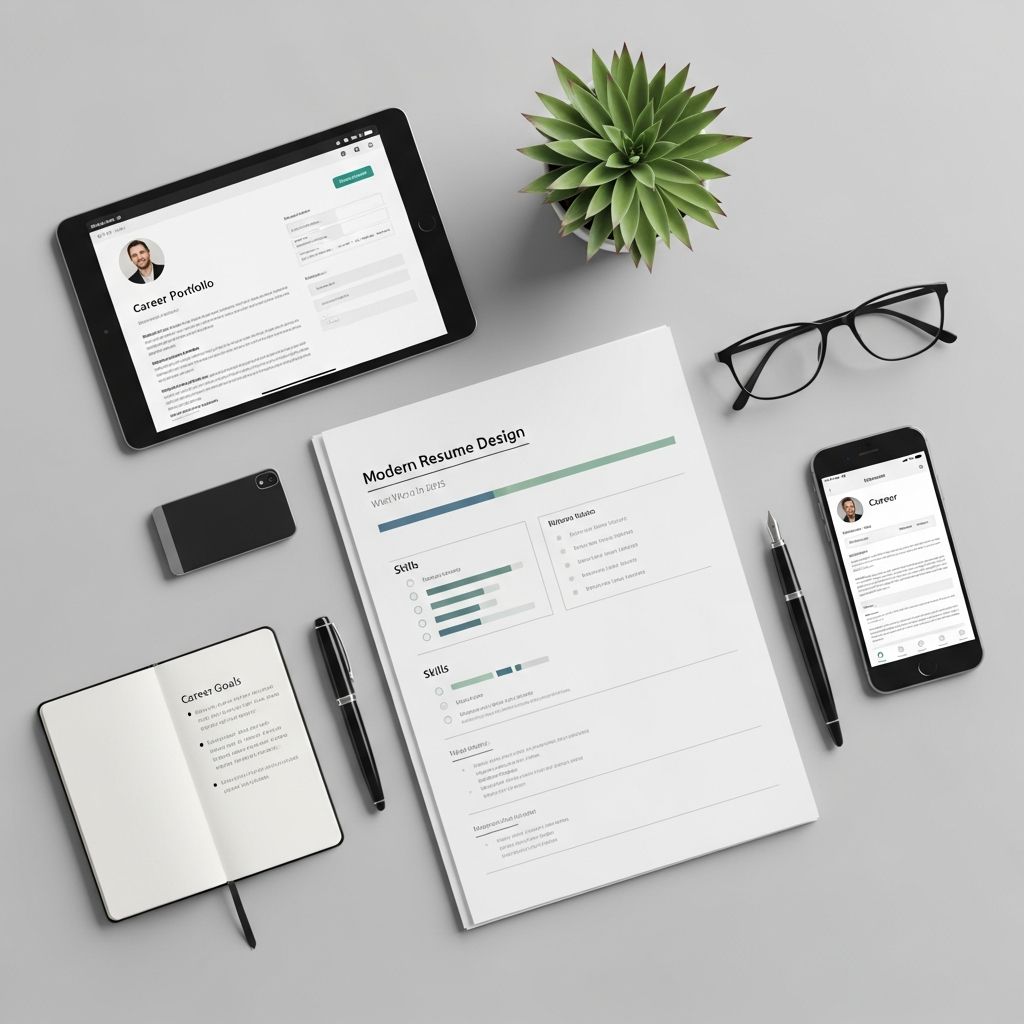
Why Resume Design Matters More Than Ever
In today’s job market, a resume is no longer just a list of jobs and degrees. It’s a strategic document that must simultaneously satisfy two audiences: automated Applicant Tracking Systems (ATS) and human hiring managers. A poorly designed resume can be filtered out before a person ever sees it, while an overly flashy one can appear unprofessional or fail to communicate value clearly.
Effective resume design in 2025 is about balance: clean enough to pass ATS, polished enough to impress recruiters, and tailored enough to speak directly to the role. It’s not about using the most colorful template or the most creative layout; it’s about making your qualifications easy to find, understand, and remember.
The Core Principles of a Strong Resume Layout
Before diving into fonts, margins, or section order, it helps to understand the foundational rules that make a resume work well in 2025.
1. Prioritize Readability
Recruiters often spend less than 10 seconds on an initial scan of a resume. If they can’t quickly locate your job titles, companies, dates, and key achievements, your resume loses impact.
- Use a clear, professional font like Calibri, Arial, or Georgia at 10–12 pt for body text.
- Keep line spacing between 1.0 and 1.15 to avoid a cramped or overly sparse look.
- Use bold for section headers and job titles, and italics sparingly for emphasis.
2. Embrace White Space
White space is not wasted space—it’s a design tool that guides the eye and improves comprehension. A resume that feels dense or cluttered is harder to scan and less likely to hold attention.
- Maintain 0.5–1 inch margins on all sides.
- Leave a clear gap between sections (e.g., Work Experience, Skills, Education).
- Avoid long paragraphs; use concise bullet points instead.
3. Maintain Consistent Formatting
Inconsistency in dates, fonts, or punctuation distracts from your content and can make you appear careless.
- Use the same date format throughout (e.g., Jan 2020 – Mar 2023).
- Keep bullet point style uniform (same symbol, indentation, and spacing).
- Align text consistently (left-aligned is standard; avoid centering large blocks of text).
Choosing the Right Resume Format for 2025
The format you choose should match your experience level, career stage, and the type of role you’re pursuing. In 2025, the most effective resumes are not one-size-fits-all but strategically adapted to the situation.
Reverse-Chronological: The Standard for Most Candidates
This format lists your most recent job first and works backward in time. It’s the default choice for most industries because it’s familiar, easy to scan, and ATS-friendly.
Best for:
- Mid-career professionals with a clear work history
- Those applying within the same industry or field
- Roles where progression and tenure matter (e.g., management, engineering, finance)
Hybrid / Skills-Based: For Career Changers and Gaps
A hybrid format combines a strong skills section near the top with a traditional chronological work history. This is useful when your experience doesn’t perfectly align with the target role.
Best for:
- Career changers highlighting transferable skills
- Candidates with employment gaps or non-linear paths
- Those with diverse experience across multiple fields
ATS-Optimized: For High-Volume Applications
Many companies now use ATS to filter resumes before a human sees them. An ATS-optimized resume uses standard headings, avoids graphics and columns, and includes keywords from the job description.
Best for:
- Corporate, tech, and large-organization roles
- Entry-level and mid-level positions with many applicants
- Remote or global job markets where automation is common
Structuring Your Resume for Maximum Impact
How you organize your resume can dramatically affect how your story is received. The goal is to make your most relevant qualifications visible early and easy to verify.
Personal Information: Keep It Simple
Include only what’s necessary:
- Full name (largest font on the page)
- Phone number
- Professional email address
- LinkedIn profile (optional but recommended)
- Location (city and state/country)
Avoid: photos, age, marital status, and unrelated personal details, which are not standard in most professional markets and can introduce bias.
Professional Summary or Objective
A short, 2–4 line statement at the top of your resume sets the tone. Choose based on your situation:
- Summary: For experienced candidates. Focus on years of experience, key skills, and value delivered.
- Objective: For students, recent grads, or career changers. Explain what role you’re seeking and what you bring to it.
Example (Summary):
Results-driven marketing professional with 6 years of experience in digital campaigns, brand strategy, and lead generation. Proven track record of increasing conversion rates by 25–40% across multiple industries. Seeking to leverage data-driven strategies in a senior marketing role.
Work Experience: Show, Don’t Just Tell
This is the heart of your resume. Each position should clearly show what you did and what you achieved.
- Job title, company name, location, and dates (month and year).
- 3–5 bullet points per role, focusing on responsibilities and measurable outcomes.
- Start each bullet with a strong action verb (e.g., managed, led, developed, increased, reduced).
- Quantify results whenever possible (e.g., “Reduced processing time by 30%” or “Managed a $500K annual budget”).
Skills Section: Strategic, Not Generic
A well-organized skills section helps both ATS and humans quickly see your fit for the role.
- Group skills into categories: Technical, Soft, Tools/Software, Languages, etc.
- Include only skills relevant to the job description.
- Be specific: instead of “Microsoft Office,” list “Excel (pivot tables, VLOOKUP), PowerPoint, Outlook.”
Education: Clarity Over Detail
Include:
- Degree(s), major, institution, location, and graduation year.
- Relevant coursework, honors, or thesis topics only if they add value (especially for recent grads).
- Certifications and professional training can be listed here or in a separate section.
For experienced professionals, education can be shorter and placed after work experience.
Optional Sections: When to Include Them
Additional sections can strengthen your resume if they’re relevant and concise.
- Certifications: Especially important in tech, healthcare, finance, and project management.
- Projects: Useful for technical, creative, or research roles.
- Volunteer Work: Shows initiative and soft skills, especially if it’s leadership-oriented.
- Languages: Include only if they’re relevant to the role or company.
Visual Design: What to Use (and What to Avoid)
Visual design should support, not distract from, your content. In 2025, the trend is toward clean, professional layouts rather than flashy designs.
What Works
- Minimal color: Use one accent color (e.g., dark blue or gray) for section headers or your name, but keep the rest black and white.
- Subtle lines or borders: Thin horizontal lines can separate sections without overwhelming the page.
- Icons sparingly: Small, simple icons for phone/email/LinkedIn can be acceptable if they’re professional and consistent.
What to Avoid
- Photos: Not standard in most countries and can introduce bias.
- Graphics and charts: Pie charts, progress bars, and skill meters are often ignored or misread by ATS.
- Multiple fonts: Stick to one font family; use size and weight (bold/regular) for hierarchy.
- Columns and tables: These can confuse ATS and make the resume hard to read on mobile devices.
Length and File Format: Practical Guidelines
How long should your resume be, and in what format should you save it?
Resume Length
There’s no universal rule, but these guidelines work well in 2025:
- 0–5 years of experience: Aim for one page.
- 5–10 years: One to two pages is acceptable.
- 10+ years or executive roles: Two pages is standard; avoid going beyond unless absolutely necessary.
The key is relevance: every line should support your candidacy for the specific role.
File Format
When in doubt, submit a PDF unless the job posting specifies otherwise.
- PDF: Preserves formatting across devices and is widely accepted.
- Word (.docx): Sometimes preferred by ATS, especially in large organizations.
Always name your file professionally: FirstName_LastName_Resume.pdf or FirstName_LastName_Role.pdf.
Common Resume Design Mistakes to Avoid
Even strong candidates can hurt their chances with avoidable formatting errors.
Overdesigning the Layout
Using too many colors, fonts, or decorative elements can make a resume look unprofessional or distract from the content. A clean, minimalist design is almost always safer and more effective.
Ignoring ATS Compatibility
Resumes with complex layouts, images, or non-standard headings may not parse correctly in ATS. Stick to standard section names like “Work Experience,” “Skills,” and “Education” to ensure your content is read properly.
Being Too Vague
Phrases like “responsible for,” “helped with,” or “involved in” are weak. Replace them with specific actions and outcomes: “Led,” “Managed,” “Increased,” “Reduced,” “Built,” “Implemented.”
Forgetting to Tailor the Resume
A generic resume sent to multiple jobs is less effective than one tailored to each role. Adjust your summary, skills, and key achievements to match the job description and company culture.
How to Test Your Resume’s Effectiveness
Before submitting, put your resume through a few quick checks to ensure it’s working as intended.
ATS Readiness Check
- Run your resume through a free ATS simulator (many resume tools offer this).
- Ensure keywords from the job description appear naturally in your skills and experience sections.
- Verify that section headers are standard and recognizable (e.g., “Work Experience,” not “My Journey”).
Human Readability Test
- Ask a friend or mentor to look at it for 10–15 seconds and tell you what stands out.
- Print it out or view it on a phone to see how it looks in different formats.
- Check for typos, inconsistent dates, and awkward phrasing.
Role-Specific Tailoring
- Compare your resume to the job description and highlight matching skills and experiences.
- Adjust the order of sections if needed (e.g., move skills above experience for a technical role).
- Update your professional summary to reflect the specific role and company.
FAQs: Resume Design in 2025
Should I use color on my resume?
Minimal, professional use of color (e.g., one accent color for headers) is acceptable in many industries. However, for conservative fields (finance, law, government) or when applying through ATS-heavy systems, a black-and-white resume is often safer.
Is it okay to include a photo?
In most English-speaking countries (US, UK, Canada, Australia), photos are not expected and can introduce bias. Only include one if the job posting specifically requests it or if you’re applying in a country where it’s standard practice.
How do I make my resume stand out without being flashy?
Focus on strong, quantified achievements, a clear structure, and a tailored summary. A clean, professional design with consistent formatting and strategic use of white space will stand out more than a flashy layout.
Can I use a creative resume for a design or marketing role?
For creative roles, a slightly more visual or unique layout can be appropriate, but it should still be ATS-friendly and easy to scan. Consider having two versions: a clean, ATS-optimized version for initial applications and a more creative portfolio version for later stages.
Should I include links to my portfolio or GitHub?
Yes, if they’re relevant. Include a link to your LinkedIn profile, personal website, portfolio, or GitHub in the contact section. Make sure the links are professional and up to date.
Final Checklist Before Sending
Before hitting “submit,” run through this quick checklist:
- ✅ Name, contact info, and LinkedIn are correct and professional.
- ✅ Font is readable, size is appropriate, and formatting is consistent.
- ✅ Margins and spacing create a clean, balanced layout.
- ✅ Sections are ordered logically (summary, experience, skills, education, etc.).
- ✅ Bullet points start with strong verbs and include measurable results.
- ✅ Skills match the job description and are grouped clearly.
- ✅ Dates are consistent and employment gaps are explained if necessary.
- ✅ File is saved in the correct format (PDF or .docx) with a professional name.
- ✅ Resume is tailored to the specific role and company.
- ✅ No typos, grammatical errors, or awkward phrasing.
References
- Applicant Tracking Systems: A Guide for Job Seekers — Society for Human Resource Management (SHRM). 2024. https://www.shrm.org/resourcesandtools/hr-topics/talent-acquisition/pages/applicant-tracking-systems.aspx
- Resume Writing Guide — Harvard University Mignone Center for Career Success. 2024. https://careerservices.fas.harvard.edu/resources/create-a-strong-resume/
- Best Practices for Resume and Cover Letter Writing — University of California, San Diego Extension. 2024. https://extendedstudies.ucsd.edu/news-events/extended-studies-blog/12-resume-best-practices-from-a-career-advisor-how-to-make-your-resume-stand-out-in-2025

Medha Deb is an editor with a master's degree in Applied Linguistics from the University of Hyderabad. She believes that her qualification has helped her develop a deep understanding of language and its application in various contexts. Medha specializes in the areas of beauty, health, sports, and wellness and is committed to ensuring that the content on the website is…