
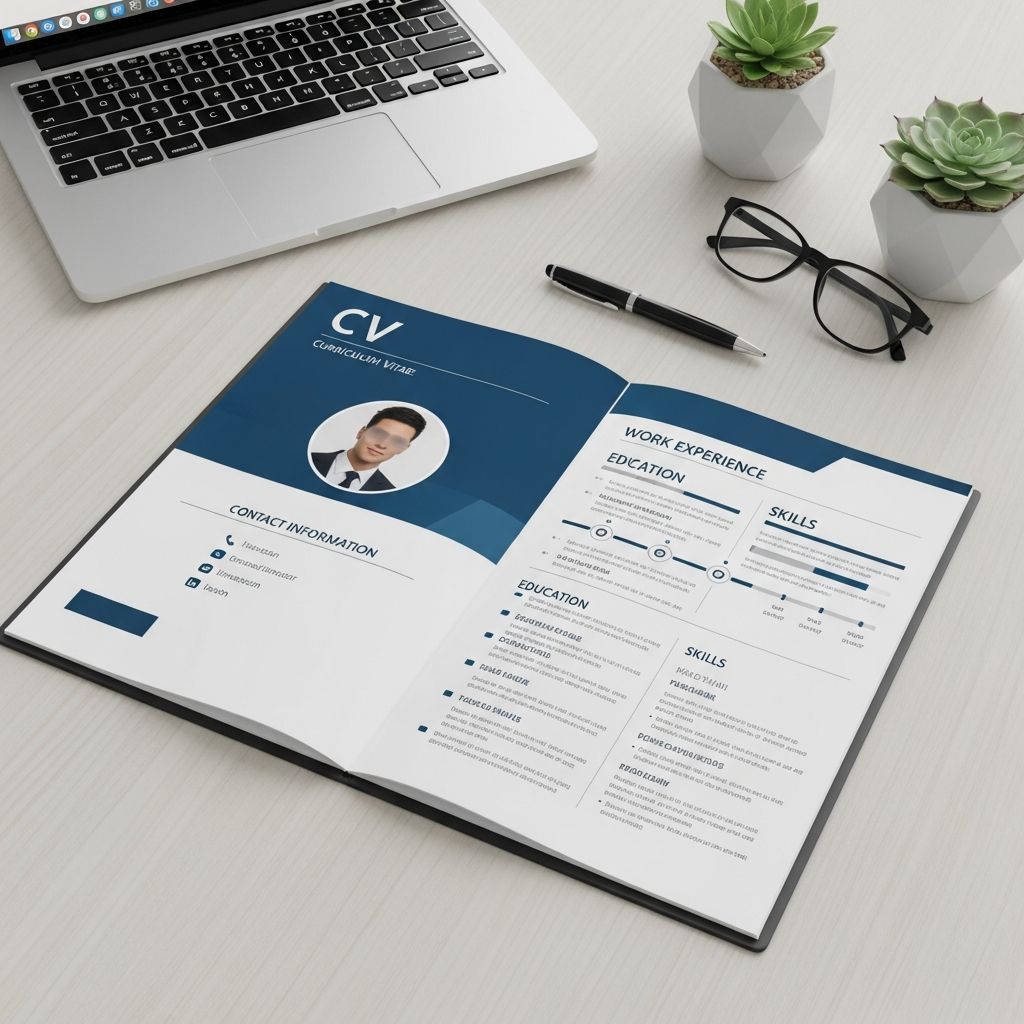
A well-formatted CV is often the difference between a recruiter reading your application or skipping it in seconds. This guide explains how to select the right CV format, structure each section, and design your document so that both hiring managers and applicant tracking systems (ATS) can quickly understand your qualifications.
1. CV vs. Resume: Why Format Matters
Before choosing a layout, it is important to understand how a curriculum vitae (CV) differs from a resume and why formatting conventions exist.
- CV: A detailed record of your academic and professional history, often used for research, medical, and university roles. It can run several pages when justified by experience.
- Resume: A concise, targeted document typically limited to one or two pages, focused on a specific job opening.
Because CVs may be longer and more detailed, a clean and consistent format is essential to keep information readable and logically grouped.
2. Main Types of CV Formats
Most CVs fall into one of three core layout styles. The right choice depends on your experience and goals, not on trends.
2.1 Reverse-Chronological CV
This is the most widely used CV format and is recommended for most professionals.
- Lists experience from the most recent role backward.
- Highlights continuous employment and career progression.
- Works well for traditional corporate, public sector, and academic paths.
2.2 Functional (Skills-Based) CV
A functional layout groups content by skills rather than dates.
- Emphasizes transferable abilities and core competencies.
- De-emphasizes exact timelines or job titles.
- Most useful when you have non-linear experience, substantial gaps, or are changing fields dramatically.
Because some recruiters prefer clear timelines, a purely functional CV should be used cautiously and still include a basic work history.
2.3 Combination (Hybrid) CV
A hybrid CV integrates both skills and chronology.
- Begins with a prominent skills or qualifications section.
- Follows with reverse-chronological experience that supports those skills.
- Ideal when you want to showcase technical or research abilities while still proving consistent employment.
| Format Type | Best For | Main Advantage | Potential Drawback |
|---|---|---|---|
| Reverse-chronological | Stable careers, academia, most applicants | Very familiar to recruiters, easy to scan | Less flexible if you have large gaps |
| Functional | Major career changes, non-linear paths | Shifts focus to skills and achievements | Some employers view it as hiding dates |
| Combination (hybrid) | Experienced candidates, technical roles | Balances skills emphasis with clear history | Takes more effort to craft and customize |
3. Essential Sections Every CV Should Include
While you can adapt the order of your CV, certain sections are expected by employers and selection committees.
3.1 Contact Details
Display this at the top of the first page:
- Full name
- Professional email address
- Phone number with country/area code if relevant
- City and country (full street address is optional)
- Professional website, academic profile, or portfolio link if applicable
3.2 Professional Headline and Profile
Add a short headline and 3–4 line profile that summarizes who you are and what you offer.
- State your main role or target field.
- Highlight years of experience or academic level.
- Mention 2–3 strengths that align with the role.
This introduction helps busy readers orient themselves and quickly see your fit for the position.
3.3 Academic History
For a CV, education is critical, especially for academic and research paths.
- List degrees in reverse-chronological order.
- Include degree title, institution, location, and graduation year.
- Optionally add thesis title, dissertation supervisor, concentration, or honors when relevant.
3.4 Professional Experience
Use a clear, consistent structure for each role.
- Organization name and location.
- Job title or academic position.
- Start and end dates (month and year are standard).
- 2–6 bullet points describing achievements and responsibilities.
Focus bullets on results, such as improvements, efficiencies, publications produced, grants secured, or outcomes for students and stakeholders.
3.5 Skills and Competencies
A dedicated skills area makes it easy to match your profile to role requirements.
- Technical skills: e.g., software, methods, lab techniques, programming languages.
- Soft skills: e.g., communication, supervision, project coordination.
- Language skills: list proficiency level using a consistent scale.
3.6 Research, Publications and Presentations
For academic or research-intensive roles, this section often matters more than job titles.
- Peer-reviewed articles and book chapters.
- Conference papers, posters, and invited talks.
- Monographs, edited volumes, reports, or policy briefs.
Use a recognized citation style in your field and include co-authors, date, and venue or journal.
3.7 Awards, Funding and Professional Recognition
These elements demonstrate impact and external validation.
- Grants and scholarships with awarding body and year.
- Prizes, fellowships, and honorary memberships.
- Notable rankings or competitive selections.
3.8 Optional Sections
Depending on your background, you may add:
- Licenses and certifications.
- Professional affiliations and memberships.
- Teaching experience and curriculum development.
- Volunteer work or committees.
- Outreach, media contributions, or community involvement.
4. Academic vs. Professional CV Formats
While the same general principles of clarity and organization apply, academic and professional CVs emphasize different sections.
| Aspect | Academic CV | Professional CV |
|---|---|---|
| Main focus | Research, teaching, publications, grants | Work experience, skills, measurable impact |
| Typical length | 2–10+ pages, depending on career stage | 1–3 pages, depending on seniority |
| Key sections | Education, positions, publications, talks, grants, teaching | Summary, experience, skills, education, certifications |
| Ordering | Highly flexible; arranged to highlight fit for role. | More standardized; experience often prioritized. |
Universities and research institutions often publish specific CV expectations, so always review the application instructions from the department or funding body.
5. Formatting Rules Recruiters Expect
Regardless of content, formatting choices strongly influence readability and how ATS software parses your CV.
5.1 Typography and Layout
- Use a standard, easy-to-read font such as Arial, Calibri, or Times New Roman.
- Stick to a font size around 10–12 points for body text.
- Use consistent margins (approximately 0.65–1 inch) to maintain white space.
- Left-align text; avoid complex multi-column layouts that can confuse ATS.
5.2 Headings and Hierarchy
- Make section headings clearly distinct using bold and a slightly larger font.
- Maintain a consistent order of elements within each section (e.g., job title, organization, location, dates).
- Use bullet points for lists instead of dense paragraphs to improve scanability.
5.3 Dates and Verb Tense
- Choose a single date format (e.g., “Mar 2022 – Jul 2024”) and use it consistently throughout.
- Use present tense for ongoing roles and past tense for previous positions.
5.4 Length and Focus
- Early-career professional CVs often fit within 1–2 pages; academic CVs may be longer when justified by publications and grants.
- Prioritize recent, relevant experience and eliminate outdated or marginal details.
6. How to Make Your CV ATS-Friendly
Many organizations, including universities and large employers, use applicant tracking systems to filter applications before any human review.
- Use standard headings: Terms like “Education”, “Experience”, and “Publications” are more reliably recognized.
- Avoid unnecessary graphics: Text within images or decorative elements may not be read by ATS.
- Incorporate keywords: Reflect important phrases from the job or grant description, especially technical terms and subject areas.
- Save as a common format: Many systems prefer .docx or simple PDF files without heavy design features.
These adjustments help ensure your qualifications are correctly parsed and searchable within the employer’s system.
7. Tailoring Your CV Format to Different Applications
There is no single CV format that fits every opportunity. Adapting structure and emphasis for each submission can significantly increase your chances of success.
7.1 When Applying to Academic Roles
- Highlight publications, research projects, and external funding first.
- Include detailed information on teaching, supervision, and curriculum design.
- Add sections for service, committees, and professional organizations when requested.
7.2 When Applying to Industry or Nonprofit Roles
- Emphasize measurable outcomes in your bullet points, such as cost savings or process improvements.
- Place skills and recent employment higher on the first page.
- Simplify descriptions of research methods and theory, focusing instead on practical impact and transferable abilities.
7.3 When Changing Careers
- Use a combination format that foregrounds relevant skills while still including a concise work history.
- Re-frame academic or prior industry experience in terms of problem-solving, communication, analysis, and project management.
- Trim or compress older roles that are unrelated or very early in your trajectory.
8. Common CV Formatting Mistakes to Avoid
Even strong experience can be overlooked if presentation gets in the way. These are frequent issues career centers and recruiters report.
- Inconsistent formatting: Changing fonts, misaligned dates, and uneven spacing distract from content.
- Overly decorative design: Excessive color, graphics, or unconventional layouts can reduce readability and ATS accuracy.
- Dense text blocks: Long paragraphs make it difficult to skim. Use short, focused bullet points instead.
- Unclear structure: Missing headings or disorganized sections leave readers unsure where to find key information.
- Including irrelevant personal details: Information like full marital status or unrelated hobbies can distract from your qualifications.
9. Quick Formatting Checklist
Use this checklist to review your CV before submitting it:
- All sections are clearly labeled with consistent headings.
- Content is arranged in reverse-chronological order where appropriate.
- Margins, fonts, and text sizes are uniform across pages.
- Bullet points begin with strong verbs and show outcomes where possible.
- Dates follow a single format and align neatly along the right or left margin.
- Keywords from the job or program description have been incorporated naturally.
- The file name is professional and easy to identify (e.g., firstname-lastname-CV.pdf).
10. Frequently Asked Questions About CV Format
Q1: How many pages should my CV be?
For most early-career professionals, 1–2 pages are sufficient. Academic CVs and senior-level profiles may be longer when justified by substantial publications, teaching, and funding records.
Q2: Should I include a photo on my CV?
Unless it is explicitly requested or standard in your target country or industry, it is generally safer not to include a photo. Many organizations prefer to limit identifying details to reduce potential bias.
Q3: Can I reorder sections based on the role?
Yes. The overall structure of a CV is flexible, and it is acceptable to move sections such as education, publications, or experience higher or lower depending on which best demonstrates your fit for a particular opportunity.
Q4: Is it acceptable to use color on my CV?
Subtle use of one accent color for headings or lines is usually acceptable, but avoid heavy backgrounds, low contrast combinations, or designs that may not print or scan clearly.
Q5: How often should I update my CV?
Update your CV whenever you complete a significant project, publication, course, or role change. Many professionals and academics review and refine their CV at least a few times per year to avoid missing important additions.
References
- Resumes and CVs — Cornell University Graduate School. 2023-05-01. https://gradschool.cornell.edu/career-and-professional-development/pathways-to-success/prepare-for-your-career/take-action/resumes-and-cvs/
- Curriculum Vitae (CV) Format Guide — Indeed Career Guide. 2023-06-15. https://www.indeed.com/career-advice/resumes-cover-letters/cv-format-guide
- The Best Resume Format for 2025 — ResumeGenius. 2024-08-20. https://resumegenius.com/blog/resume-help/resume-format
- Write a Resume/CV — University of Pennsylvania Career Services. 2023-09-10. https://careerservices.upenn.edu/channels/resume/
- Create a Strong Resume — Harvard University, Mignone Center for Career Success. 2023-03-01. https://careerservices.fas.harvard.edu/resources/create-a-strong-resume/
- What’s the Best Resume Format in 2025? — Johnson & Johnson Careers. 2024-02-12. https://www.careers.jnj.com/en/employee-stories/career-tips/what-s-the-best-resume-format-in-2025/
- 5 Resume Formats That Will Dominate 2025 — The Interview Guys. 2024-07-05. https://blog.theinterviewguys.com/5-resume-formats-that-will-dominate/

Medha Deb is an editor with a master's degree in Applied Linguistics from the University of Hyderabad. She believes that her qualification has helped her develop a deep understanding of language and its application in various contexts. Medha specializes in the areas of beauty, health, sports, and wellness and is committed to ensuring that the content on the website is…