
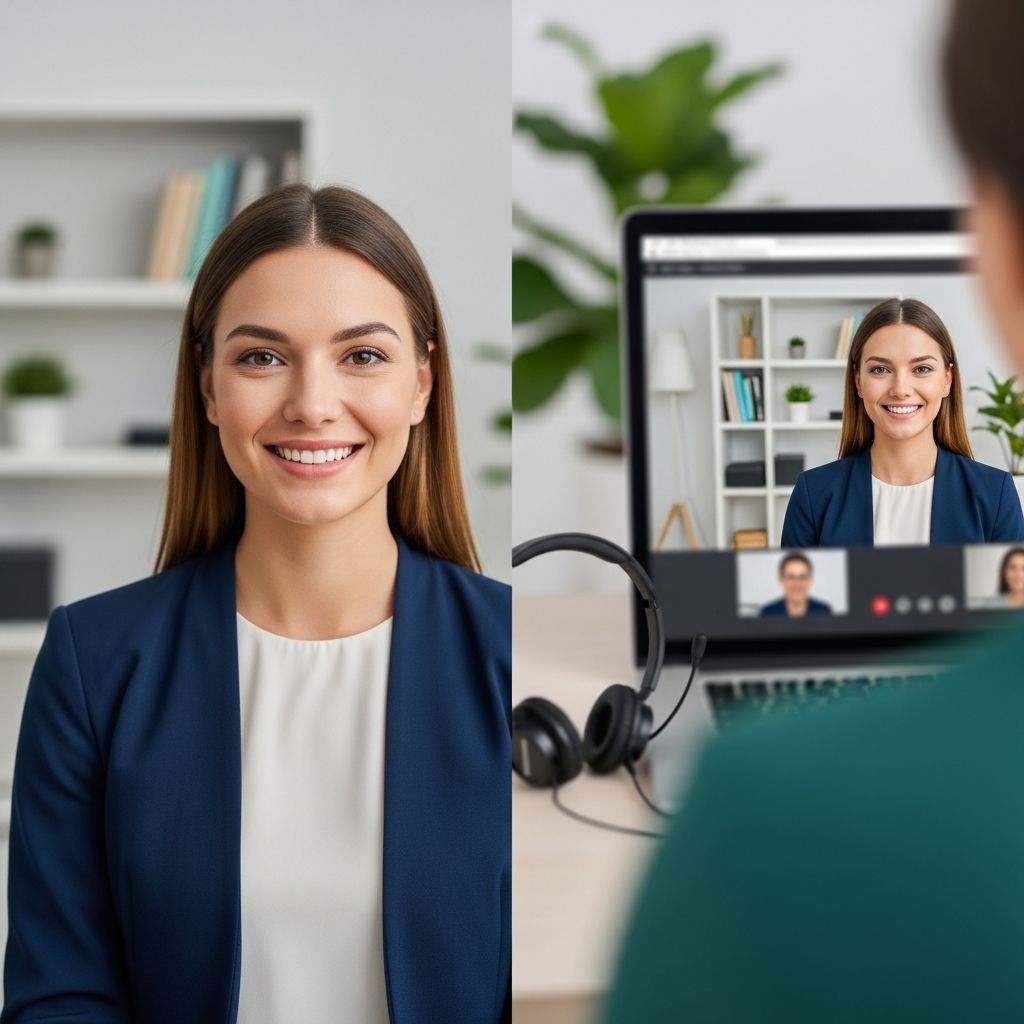
Video interviews have become a standard part of the hiring process, used for first-round screenings, final interviews, and everything in between. While many skills overlap with in-person interviews, virtual conversations add extra layers: technology, environment, and on-camera communication. With the right preparation, you can turn these factors into an advantage instead of a source of stress.
1. Understanding Modern Video Interviews
Before you prepare, it helps to know what kind of video interview you are facing and what employers expect from each format.
1.1 Common Types of Video Interviews
- Live video interviews (synchronous)
Real-time conversation via tools such as Zoom, Microsoft Teams, Google Meet, or a dedicated corporate platform. - Pre-recorded (on-demand) interviews
You receive written or recorded questions and have a set time to record each answer. There is no interviewer present while you respond. - Hybrid formats
A mix of pre-recorded questions plus a live follow-up, often used in high-volume recruiting. - Panel video interviews
Several interviewers join the same video call, sometimes from different locations or departments.
1.2 What Recruiters Look For on Video
Across formats, hiring managers typically assess:
- Job-related skills and knowledge
- Communication and clarity of thought
- Professionalism and reliability (for example, punctuality and preparation)
- Cultural fit and collaboration style
- Comfort with technology, especially for hybrid or remote roles
2. Preparing the Technical Foundation
Technical problems are one of the fastest ways to derail a strong interview. Many of them are preventable with simple checks done a day or two in advance.
2.1 Essential Tech Checklist
| Item | What to Check | Why It Matters |
|---|---|---|
| Internet connection | Test speed and stability, avoid heavy downloads, consider wired connection. | Reduces lag, frozen video, and dropped calls that interrupt your answers. |
| Camera | Confirm it works, adjust framing so your head and shoulders are centered. | Ensures you are clearly visible and appear attentive. |
| Microphone | Record a short clip to check volume and clarity. | Poor audio can make even great answers hard to follow. |
| Device | Charge your laptop, close non-essential apps and browser tabs. | Prevents slowdowns, notifications, and sudden restarts mid-interview. |
| Platform | Install or update Zoom/Teams or test the browser-based tool. | Reduces last-minute log-in problems and confusion with links. |
2.2 Backup Plans for Tech Issues
- Keep a phone nearby (on silent) in case you need to dial in or message the interviewer.
- Have a second device ready if possible (e.g., laptop plus tablet).
- Write down the interviewer’s email or phone so you can quickly explain issues.
- If something goes wrong, calmly acknowledge the problem, apologize briefly, and suggest a practical fix (re-joining, switching devices, or rescheduling).
3. Designing a Professional Video Environment
Your surroundings say as much about your professionalism as your clothing. Recruiters consistently recommend choosing a quiet, tidy, and well-lit space for video interviews.
3.1 Choosing the Right Location
- Noise: Avoid spaces with traffic, loud appliances, or frequent interruptions.
- Privacy: Inform housemates or family about your interview time to minimize walk-ins.
- Background: Aim for a neutral, uncluttered background such as a plain wall or bookcase; avoid personal items that may distract.
3.2 Lighting and Camera Angle
- Place your light source in front of you (for example, a window or lamp) rather than behind you to avoid shadows.
- Raise your laptop or camera so it is at or slightly above eye level; a stack of books works in a pinch.
- Sit at arm’s length from the camera so your head and upper torso are visible.
- Check how you appear on screen and adjust until the image looks natural and clear.
3.3 Managing Distractions
- Silence your phone and smartwatch notifications.
- Turn off pop-up alerts on your computer and close unrelated browser tabs.
- Keep water nearby so you do not need to leave the frame during the interview.
4. Preparing Your Content and Stories
Even the best environment cannot compensate for weak answers. Solid preparation helps you speak confidently and stay concise under pressure.
4.1 Researching the Role and Company
- Review the job description and highlight required skills and key responsibilities.
- Visit the company’s official website to learn about products, services, and recent news.
- Look for information on values, mission, and culture so you can tailor your examples.
- Prepare 2–3 reasons you want to work there that go beyond salary or location.
4.2 Structuring Strong Answers with STAR
Behavioral questions (for example, “Tell me about a time you handled conflict”) are common in video interviews. A widely recommended technique for answering them is the STAR method: Situation, Task, Action, Result.
- Situation: Briefly describe the context.
- Task: Explain your responsibility or goal.
- Action: Detail the specific steps you took.
- Result: Share what happened and, if possible, quantify the outcome.
Practicing with this structure keeps your answers focused and prevents long, unfocused stories.
4.3 Practice Strategies for Video Interviews
- Record yourself answering common questions on your device.
Rewatch to evaluate your clarity, pacing, body language, and use of filler words. - Simulate the real setting by practicing with the same chair, lighting, and device you will use on interview day.
- Ask a friend or mentor to run a mock video interview and provide feedback.
- Create a concise note sheet with bullet points: key achievements, metrics, and questions to ask the interviewer.
5. Presenting Yourself Professionally on Camera
How you look and move on video affects how your message is perceived. Research on workplace communication highlights the importance of non-verbal cues—such as posture, eye contact, and facial expressions—in shaping impressions of confidence and credibility.
5.1 Clothing and Appearance
- Dress as you would for an in-person interview with that employer; when in doubt, choose slightly more formal.
- Prefer solid, neutral colors over busy patterns that can appear distracting on camera.
- Avoid noisy accessories and anything that reflects light excessively.
- Check your appearance on camera for shine, stray hair, or wrinkled clothing before joining.
5.2 Body Language and Eye Contact
- Look at the camera lens when speaking to approximate direct eye contact.
- Sit up straight with your back supported and shoulders relaxed.
- Use natural hand gestures within the frame; avoid constant fidgeting or swiveling.
- Nod and smile occasionally to show that you are engaged and listening.
5.3 Voice, Pace, and Clarity
- Speak slightly slower than you would in person, as online platforms can introduce small delays.
- Pause after each question to ensure the interviewer has finished speaking.
- Enunciate clearly and keep your volume steady; adjust if the interviewer indicates difficulty hearing you.
- Stay concise—most answers should be around one to two minutes unless asked for more detail.
6. Succeeding in Live vs. Pre-Recorded Interviews
While the core principles are similar, each video format requires slightly different tactics.
6.1 Live Video Interviews: Key Behaviors
- Join early: Aim to log in 5–10 minutes before the scheduled time to troubleshoot last-minute glitches.
- Show active listening: Use verbal cues (“That makes sense,” “Great question”) and non-verbal nods.
- Ask thoughtful questions about the team, role expectations, or success metrics.
- When multiple interviewers are present, address them by name and maintain awareness of who asked each question.
6.2 Pre-Recorded Interviews: Distinct Challenges
- Use any practice time the platform provides to test your camera and audio before recording real answers.
- Read each question carefully and jot down 3–4 bullet points before you start speaking.
- Keep your answers structured and within the time limit; do not feel pressured to fill the entire allotment if you have already made your points.
- Maintain energy and eye contact with the camera, even though no human is visible on screen.
7. Handling Common Problems with Confidence
Even with preparation, unexpected issues can arise. Your reaction can demonstrate composure and problem-solving skills—qualities employers value highly.
7.1 Dealing with Interruptions
- If someone accidentally enters the room, briefly apologize, mute yourself if needed, resolve the situation quickly, and return to the question.
- If outside noise starts (construction, sirens), acknowledge it and ask if the interviewer can still hear you clearly.
7.2 When You Lose Your Train of Thought
- Pause, take a breath, and say something like, “Let me quickly regroup my thoughts.”
- Use your note sheet to find your next point without reading word-for-word.
- Focus on delivering a clear summary rather than trying to remember every detail you planned.
7.3 Technical Failures Mid-Interview
- If the screen freezes or audio cuts out, exit and re-join the meeting as quickly as possible.
- Follow up with a short email explaining what happened and thanking them for their patience.
- If the platform completely fails, suggest an alternative such as a phone call or rescheduled video session.
8. Following Up After Your Video Interview
What you do after the call can reinforce a positive impression and clarify any points you forgot to mention.
8.1 Immediate Post-Interview Actions
- Write down key questions asked, your answers, and anything you want to improve next time.
- Note the names and roles of the people you spoke with so you can personalize your follow-up.
8.2 Writing a Strong Thank-You Message
- Send a brief email within 24 hours thanking the interviewer for their time.
- Mention one or two specific topics you discussed that increased your interest in the role.
- Reiterate your fit by linking one of your key strengths to the team’s needs.
- If you forgot an important detail, you can add a single concise sentence to clarify or expand.
Frequently Asked Questions (FAQs)
Q1: Should I use a virtual background in a video interview?
If you have a quiet, tidy real background, that is usually better because it appears more natural. If your environment is distracting and you must use a virtual background, choose a simple, professional image and avoid effects that blur your outline when you move.
Q2: Is it acceptable to look at notes during a video interview?
Yes, you can keep brief bullet points nearby. It is important not to read full sentences; glance at your notes occasionally while mostly maintaining eye contact with the camera so your delivery remains conversational.
Q3: What should I do if my internet connection is unreliable?
Test your connection in advance and, if possible, move closer to your router or use an ethernet cable. Have a phone ready as a backup, and inform the interviewer ahead of time that you may need to switch to audio or reconnect if problems arise.
Q4: How early should I join a video interview?
Joining about five to ten minutes early is usually ideal. This gives you time to adjust your audio, video, and lighting, and shows the interviewer that you respect their schedule without creating an awkwardly long wait.
Q5: Are video interview skills different from in-person interview skills?
Many fundamentals—research, structured answers, and professionalism—are the same. However, video interviews require more attention to technology, framing, and on-camera communication, including how you use your voice, eye contact, and environment to build rapport remotely.
References
- 20+ Video Interview Tips: Acing Your Next Virtual Interview — Big Interview. 2023-05-10. https://resources.biginterview.com/interviews-101/video-interview/
- Video interviews tips — National Careers Service (UK Government). 2023-03-14. https://nationalcareers.service.gov.uk/careers-advice/how-to-do-well-in-video-interviews/
- Expert video interview tips to impress recruiters — TargetJobs. 2022-11-02. https://targetjobs.co.uk/careers-advice/interviews-and-assessment-centres/expert-video-interview-tips-impress-recruiters
- Video Interview Guide: Tips for a Successful Job Interview — Indeed Career Guide. 2023-06-21. https://www.indeed.com/career-advice/interviewing/video-interview-guide
- 8 Tips for Acing Your Next Virtual Interview — Northeastern University Graduate Programs. 2022-04-15. https://graduate.northeastern.edu/knowledge-hub/virtual-interview-tips/

- Integrated M.A. in Applied Linguistics, University of Hyderabad
- 5+ years in editorial, instructional, SEO, and research-based writing
Sneha is a relationships and lifestyle writer with a strong foundation in applied linguistics and certified training in relationship coaching. She brings over five years of writing experience to theskillvault, crafting thoughtful, research-driven content that empowers readers to build healthier relationships, boost emotional well-being, and embrace holistic living. Her writing and insights reflect the belief that beauty, happiness, and wellness…