
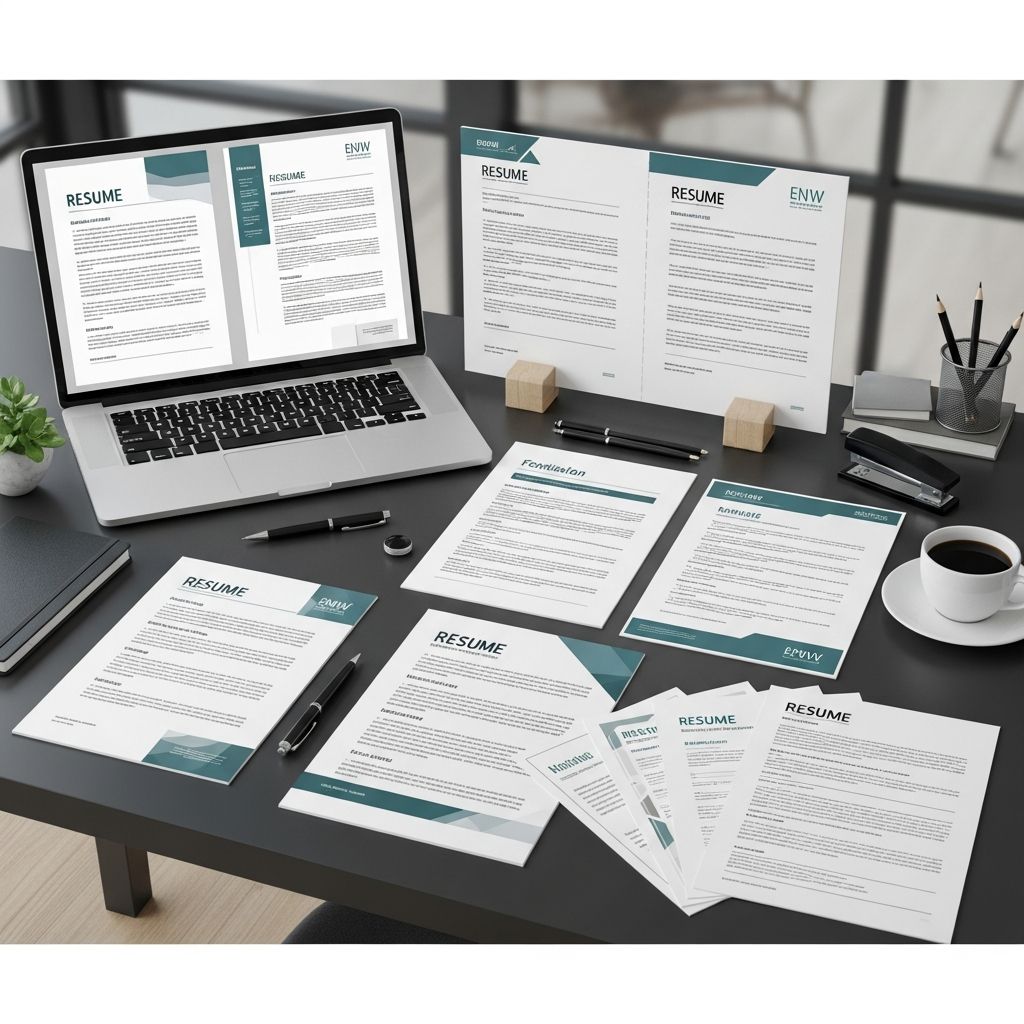
Blank resume templates can save time, improve visual consistency, and help you present your experience clearly. Used correctly, they guide your structure and design so you can focus on what matters most: describing your skills, impact, and potential.
This guide explains how to pick the right template, adapt it to your background, and ensure it passes both human and automated screening systems like applicant tracking systems (ATS).
Why Blank Resume Templates Are Useful
Starting from a completely empty document can feel overwhelming. A blank resume template gives you a pre-built layout and visual hierarchy while leaving all the content up to you.
- Saves time: You do not have to design margins, font sizes, or spacing from scratch.
- Ensures consistency: Headings, bullet points, and sections follow a unified style, which improves readability.
- Reduces formatting errors: Proper alignment and spacing make it easier for recruiters to scan the page quickly.
- Encourages best practices: Good templates nudge you to include key sections such as summary, experience, skills, and education.
The key is to treat a template as a starting framework, not a rigid form you must fill out line by line.
Core Resume Formats Behind Most Templates
Almost every blank resume template is based on one of three main formats. Understanding these helps you choose a design that fits your career story.
| Format | Main Focus | Best For | Potential Drawbacks |
|---|---|---|---|
| Reverse-chronological | Recent experience first | Most candidates, especially with steady work history | Less ideal if you have big employment gaps |
| Functional (skills-based) | Skills and capabilities | Career changers or people with limited experience | Some recruiters distrust it because dates are deemphasized |
| Combination | Skills plus detailed experience | Mid- to senior-level professionals with rich histories | Can become long or dense if not edited carefully |
When a Reverse-Chronological Template Works Best
Guidance from both universities and large employers shows that reverse-chronological layouts are preferred in most cases because they highlight your recent, most relevant roles first and are easy to skim.
- You have a mostly linear career path in similar roles or industries.
- You have at least some hands-on experience you want to emphasize over coursework.
- You are applying to organizations that use ATS filters and traditional screening processes.
When to Consider a Skills-Based or Combination Template
- Functional template: More suitable if you are pivoting into a new field and want to group abilities (e.g., “Data Analysis,” “Project Coordination”) above specific job titles.
- Combination template: Useful if you have extensive experience but still want clear skills clusters at the top, followed by detailed roles in reverse-chronological order.
Even if you use a skills-heavy template, you should still include dates, employers, and job titles somewhere on the page, because most recruiters expect that information.
Key Sections Every Blank Template Should Support
High-quality templates make it easy to include the resume elements hiring managers and ATS tools look for most often.
- Contact information
- Professional summary or objective
- Work experience (or relevant projects)
- Skills
- Education
Optional sections can include certifications, volunteering, publications, languages, or technical tools, depending on your field.
Contact Details
At the top of nearly every template you should have:
- Full name
- Professional email address
- Phone number
- City and country (or region, especially for remote roles)
- Relevant links, such as LinkedIn or portfolio
Avoid personal details that are unrelated to the job, such as full mailing address, age, marital status, or photos, unless they are explicitly expected in your region.
Professional Summary or Objective
Your chosen blank template should reserve a short block near the top for a summary or objective, typically 2–4 concise lines.
- Summary: Best if you already have professional experience. It should highlight your role, years of experience, areas of strength, and a key achievement.
- Objective: More appropriate for students or career changers who want to emphasize goals and relevant skills over a long work history.
Experience Section
The experience area is often the largest part of your template. To keep it readable and effective:
- List roles from most recent to oldest (with clear dates and locations).
- Use bullet points for achievements, not long paragraphs.
- Start bullets with strong verbs (e.g., “led,” “designed,” “improved”).
- Whenever possible, quantify results (e.g., revenue growth, time saved, error reduction).
Many career centers recommend keeping each experience entry to two to six bullets to avoid overwhelming the reader.
Skills and Education
A good blank template will separate skills from experience so that both humans and automated tools can identify keywords quickly.
- Skills: Group related tools, technologies, or competencies together (e.g., “Programming,” “Data Tools,” “Communication”). Include both hard and soft skills but focus on those mentioned in the job ad.
- Education: Show degree, institution, location, and graduation year. New graduates can add relevant coursework, honors, or major projects.
Design Choices That Make Templates Effective
Research-based guidance from universities and major career platforms consistently emphasizes simplicity and clarity over decorative design.
Layout and Visual Hierarchy
- Stick to one or two professional fonts.
- Use bold text only for section titles and job titles.
- Maintain consistent margins and spacing to create visual balance.
- Avoid cluttered sidebars or multiple columns on ATS-heavy applications; they can confuse parsing software.
Color and Graphics
- Use color sparingly for headings or accent lines if allowed by your industry.
- Avoid charts, graphs, and heavy icons in templates meant for online submission; some ATS tools cannot interpret them.
- Do not embed essential text inside images; automated systems will likely ignore it.
Length and File Type
- Most early-career candidates should keep resumes to one page.
- More senior professionals may need a second page, but only if every item adds value.
- Save in the format requested (usually PDF or DOCX). Some ATS systems handle DOCX more predictably than complex PDFs.
Adapting a Template to Different Situations
A good blank resume template is flexible. You should feel free to rename sections, reorder blocks, or remove elements that do not serve your current goal.
Students and Recent Graduates
If you have limited professional experience, prioritize your potential and transferable skills.
- Move education above experience.
- Include projects, internships, campus leadership, or volunteer work.
- Use bullet points to describe results, not just duties (e.g., “coordinated,” “analyzed,” “organized”).
Career Changers
For a career transition, you may want a skills-forward or combination template.
- Create a prominent “Relevant Skills” or “Core Competencies” section.
- Use a strong summary or objective explaining your target field and value.
- Highlight projects, training, and certifications linked to the new area.
Experienced Professionals
If you have a long career behind you, a well-structured reverse-chronological or combination template usually works best.
- Focus on the last 10–15 years unless earlier roles are directly relevant.
- Group older positions under a brief “Previous Experience” section to save space.
- Emphasize leadership, strategy, and measurable impact.
Making Templates ATS-Friendly
Many employers use applicant tracking systems to screen resumes before a human ever reads them. To improve your chances of making it through this step:
- Use standard section headings like “Experience,” “Education,” and “Skills.”
- Include keywords from the job description in your bullet points and skills section.
- Avoid text boxes, unusual columns, and tables that may break when parsed.
- Keep fonts, spacing, and alignment straightforward.
Clean and minimalistic layouts are consistently recommended as more compatible with ATS and easier for recruiters to skim quickly.
Common Mistakes When Using Blank Resume Templates
Even the best template cannot fix weak content or poor editing. Watch out for these frequent issues:
- Leaving generic placeholder text: Replace every prompt (e.g., “Lorem ipsum,” template instructions, example bullets) with your own material.
- Overfilling every line: White space improves readability; you do not need to use every field provided.
- Inconsistent formatting: Mismatched bullet styles, uneven spacing, or random font changes make the resume look unpolished.
- Copying job descriptions verbatim: Focus on what you achieved rather than listing duties from the posting.
- Using the same template for every application: Adjust sections, keywords, and emphasis based on each role.
Simple Workflow for Filling Any Blank Template
To avoid getting stuck, follow this straightforward process whenever you open a new template:
- Gather information: Collect past job titles, dates, responsibilities, metrics, and education records.
- Choose the right format: Reverse-chronological for most people; combination or functional if you are switching fields.
- Fill in core sections first: Contact details, experience, education, and skills.
- Write the summary last: Once the rest of the content is in place, summarize your profile at the top.
- Edit for clarity and length: Remove repetition, compress weaker bullets, and check alignment.
- Scan against the job ad: Ensure your wording reflects the employer’s top requirements.
Frequently Asked Questions About Blank Resume Templates
Q: Are free blank resume templates good enough for professional roles?
Yes, as long as the template is clean, well-structured, and easy to edit. Recruiters consistently emphasize clear content over elaborate design, so a simple free layout is usually sufficient.
Q: Should I use the same template for every job application?
You can keep the same basic layout, but you should adapt headings, keywords, and bullet points for each role. Tailoring your resume to the job description is strongly associated with better response rates.
Q: Is it better to download a template or build my own layout?
If you are comfortable with formatting tools, building your own layout gives maximum control. However, most candidates benefit from starting with a reputable template that follows current formatting standards and then customizing it as needed.
Q: Do graphics and icons help my resume stand out?
They can be useful in portfolios or for in-person printing, but they may cause issues for ATS software and can distract from content. For online applications, experts generally recommend minimal graphics and a focus on strong, keyword-rich text.
Q: How do I know if a template is ATS-friendly?
Look for simple one- or two-column designs, standard section headings, and plain text rather than heavy use of text boxes or images. If you can easily copy and paste the content into a plain-text editor and it still reads in a logical order, it is more likely to work well with ATS tools.
References
- The Best Resume Format for 2025 — ResumeGenius. 2024-10-15. https://resumegenius.com/blog/resume-help/resume-format
- How to Make a Resume in 2025: Beginner’s Guide — Novorésumé. 2024-06-12. https://novoresume.com/career-blog/how-to-write-a-resume-guide
- What’s the Best Resume Format in 2025? — Johnson & Johnson Careers. 2024-03-01. https://www.careers.jnj.com/en/employee-stories/career-tips/what-s-the-best-resume-format-in-2025/
- How To Make Your Resume Comprehensive (With Examples) — Indeed Career Guide. 2023-09-20. https://www.indeed.com/career-advice/resumes-cover-letters/how-to-make-a-resume-with-examples
- Create a Strong Resume — Harvard University, Mignone Center for Career Success. 2023-08-10. https://careerservices.fas.harvard.edu/resources/create-a-strong-resume/
- Current Resume Trends for 2025 — ResumeBuilder. 2024-11-05. https://www.resumebuilder.com/career-center/resume-trends/
- 16 Top Resume Tips to Help You Land a Job in 2026 — Coursera. 2024-07-18. https://www.coursera.org/articles/resume-tips

- Integrated M.A. in Applied Linguistics, University of Hyderabad
- 5+ years in editorial, instructional, SEO, and research-based writing
Sneha is a relationships and lifestyle writer with a strong foundation in applied linguistics and certified training in relationship coaching. She brings over five years of writing experience to theskillvault, crafting thoughtful, research-driven content that empowers readers to build healthier relationships, boost emotional well-being, and embrace holistic living. Her writing and insights reflect the belief that beauty, happiness, and wellness…