
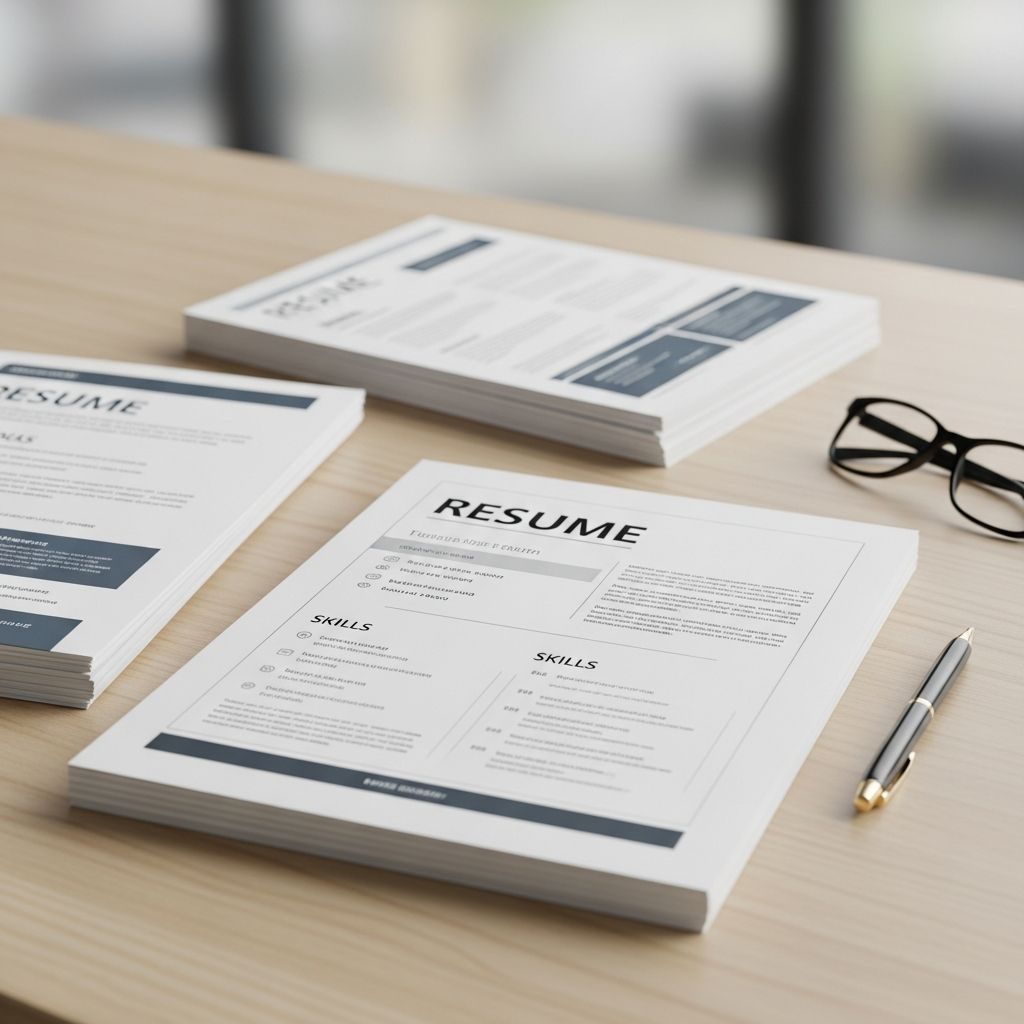
Applicant Tracking Systems (ATS) stand between your resume and a human recruiter in most mid-size and large organizations. To get more interviews in 2025, you need a resume template that both machines and humans can easily understand.
This guide explains what ATS-friendly resume templates are, how ATS software works, and how to choose and customize a layout that helps you pass the first screening and impress hiring managers.
What Does “ATS-Friendly” Really Mean?
An ATS-friendly resume template is a layout that applicant tracking systems can parse accurately without breaking your formatting or losing important information. According to leading HR tech vendors, ATS software extracts text from your file, identifies sections like work experience and education, and then maps that content into database fields for screening and ranking.
When your template is not ATS-friendly, the system may:
- Ignore or misread text placed inside text boxes, charts, and complex graphics
- Fail to recognize your job titles, dates, or employers
- Lose key skills because they are hidden in images or icons
- Produce a jumbled record where information is out of order or missing
The result: you can be fully qualified yet never appear in the recruiter’s search results because the ATS does not see your information clearly.
How Applicant Tracking Systems Evaluate Your Resume
While each ATS product is different, most follow a similar high-level process.
| ATS Step | What Happens | Why Your Template Matters |
|---|---|---|
| 1. File intake | The system reads your uploaded file (usually DOCX or PDF). | Non-standard formats or password-protected files can fail to open. |
| 2. Text extraction | All readable text is pulled out of the file. | Heavy graphics, images, and complex columns may not be read correctly. |
| 3. Field mapping | Sections like name, contact info, jobs, and education are detected. | Unusual headings or content in headers/footers can be missed. |
| 4. Keyword matching | The system compares your text to job-specific keywords and skills. | If the ATS never sees your skills, it cannot match you to the role. |
| 5. Ranking & filtering | Candidates are scored, ranked, and sometimes auto-filtered out. | A clear, keyword-rich template helps you rank higher in searches. |
Core Features of an ATS-Friendly Resume Template
The best ATS-ready templates are simple under the hood but still professional and visually appealing for humans. Research on resume screening and hiring practices emphasizes clarity, readability, and job-relevant information over design gimmicks.
Look for these characteristics:
- Linear layout: Content flows in a simple top-to-bottom order without text wrapped around images or shapes.
- Standard headings: Headings like “Work Experience,” “Education,” “Skills,” and “Certifications” help ATS map data correctly.
- Real text, not images: Job titles, employer names, and skills must be typed text, not embedded in logos or graphics.
- Conservative formatting: Limited use of columns, tables, lines, and icons so parsing does not break.
- Readable fonts: Common fonts such as Arial, Calibri, Helvetica, or Times New Roman at appropriate sizes.
- Consistent date formats: One format across your resume (e.g., “03/2023–11/2024” or “March 2023–November 2024”).
Popular Layout Styles for ATS-Friendly Resumes
Different templates suit different career situations. The layout you choose should make it easy for both ATS and recruiters to see your most relevant qualifications immediately.
1. Classic Single-Column Template
This layout runs down the page in a single, narrow column.
- Best for: Any industry, especially conservative fields like law, finance, government, and academia.
- Pros:
- Extremely reliable for ATS parsing
- Easy for recruiters to skim top to bottom
- Considerations:
- Less visual variety, so you rely more on strong content
2. Light Two-Column Template
A slim sidebar on the left or right holds secondary information (skills, contact details), while the main column holds experience and achievements.
- Best for: Mid-level professionals and creative roles who want subtle design without sacrificing compatibility.
- Pros:
- More space-efficient, so you can fit more on one page
- Visually distinct sections for quick human scanning
- Considerations:
- Columns must be built with standard tools (not floating text boxes) so the ATS reads everything.
3. Professional Modern Template
This template emphasizes clean lines, subtle color accents, and clear hierarchy of headings.
- Best for: Business, tech, and marketing professionals who want a polished yet current look.
- Pros:
- Balances style with strong readability
- Easy to tailor for different roles
- Considerations:
- Color should not be the only way you highlight important text.
4. Skills-Focused or Hybrid Template
A hybrid format combines a prominent skills or summary section at the top with a reverse-chronological work history below.
- Best for: Career changers, IT professionals, or multi-disciplinary roles where skills must stand out.
- Pros:
- Highlights core competencies for keyword matching
- Still includes standard work history for ATS and recruiters
- Considerations:
- Pure functional formats (skills only, minimal dates) can confuse ATS and should generally be avoided.
5. Executive-Oriented Template
This layout prioritizes leadership achievements, scope of responsibility, and results over design flourishes.
- Best for: Senior managers, directors, and executives.
- Pros:
- Longer experience summaries and accomplishment bullets
- Room for board roles, publications, talks, and major projects
- Considerations:
- Focus on impact metrics and strategic outcomes; recruiters for senior roles expect specific results.
How to Choose the Right ATS-Friendly Template for You
Use the questions below to narrow down your options before you start editing a template.
- What does your target industry prefer? Highly regulated industries often favor conservative designs, while startups or agencies may welcome modern templates.
- How much experience do you have? Early-career candidates typically need concise, one-page layouts; experienced professionals may require more structured space.
- Your are changing careers? If yes, consider a hybrid template that lets you foreground transferable skills and related projects.
- How many roles are you applying to? If you tailor frequently, choose a layout that makes updates quick—without redoing the design each time.
Formatting Rules to Keep Your Template ATS-Safe
Once you pick a template, follow these technical guidelines so the ATS can parse it correctly.
- Use standard fonts: Common system fonts (Arial, Calibri, Times New Roman, Georgia, Helvetica) at 10–12 pt for body text and 12–16 pt for headings.
- Keep margins reasonable: Around 0.5–1 inch on all sides improves readability and printability.
- Avoid headers and footers for crucial data: Place your name, phone, email, and LinkedIn in the main body, not in Word headers/footers, which some systems may skip.
- Limit graphics: Do not rely on logos, charts, or icons to convey essential information.
- Stick to simple bullets: Use standard circular or square bullet characters instead of decorative glyphs.
- Use a clean file format: Unless the employer specifies otherwise, DOCX and standard PDFs are typically acceptable for major ATS platforms.
Optimizing an ATS-Friendly Template with Keywords
Even the best template will not help if your content does not match the job description. Modern ATS tools support keyword searches and filters to help recruiters shortlist candidates more efficiently.
To optimize your resume content:
- Mirror the job title: Use the exact job title from the posting near the top of your resume when it aligns with your background.
- Integrate required skills: Add technical tools, certifications, and core competencies into your skills and experience sections using similar wording to the job ad.
- Use both acronyms and full terms: For example, write “Customer Relationship Management (CRM)” so searches for either variant match your resume.
- Show context for keywords: Include keywords in bullet points that describe real accomplishments, not just in a separate keyword list.
- Customize for each role: Adjust 5–10 key phrases to reflect the language of each posting rather than sending the same resume everywhere.
Example Layout: Sections an ATS-Friendly Resume Should Include
The exact order can vary, but most successful templates include the following sections in some form:
- Header: Name, phone, professional email, city/region, and optionally a LinkedIn profile.
- Professional headline or target role: One line with your role, e.g., “Data Analyst” or “Senior Marketing Manager.”
- Profile or summary: 3–4 lines that highlight your most relevant experience, strengths, and outcomes.
- Key skills: A concise list grouped by category (e.g., Technical Skills, Analytical Skills, Soft Skills).
- Work experience: Roles in reverse chronological order with bullets focused on measurable achievements.
- Education: Degrees, institutions, locations, and graduation dates (or expected dates).
- Optional sections: Certifications, publications, volunteer work, languages, or projects when they reinforce your fit for the role.
p;
Frequent Mistakes That Break ATS Compatibility
Recruiting and career experts consistently warn against certain design choices that reduce your chances of passing ATS screening.
- Using image-based resumes: Uploading a screenshot or highly graphical PDF where text is not selectable.
- Relying on infographic layouts: Timelines, charts, and radial skill meters may look appealing but carry little to no machine-readable data.
- Overusing columns and text boxes: Complex structures can cause text to be read in the wrong order.
- Embedding vital info in the margin or footer: Contact details and job titles must be in the main content flow.
- Hiding gaps with vague dates: ATS and recruiters expect clear month/year or year ranges; unclear dates may raise flags.
How to Tailor One Template for Multiple Applications
Using a single ATS-friendly template does not mean sending the same resume to every job. With a smart base layout, you can create tailored versions quickly.
- Create a master resume: Maintain a longer, detailed document with all roles, skills, and projects.
- Copy and trim for each application: Select the most relevant 10–15 bullets and skills for each role.
- Update the professional summary: Reflect the employer’s priorities by emphasizing the most relevant outcomes.
- Reorder skills: Put role-critical skills at the top of your skills list.
- Respect page limits: Aim for one page early in your career, and two pages for more experienced candidates, unless your field expects longer CVs.
Simple Checklist Before You Upload Your Resume
Use this quick checklist to confirm your resume template is ATS-ready:
- I can select and copy all text from my file (no image-only elements).
- Section headings are standard and easy to recognize.
- My contact details are in the main body, not in headers/footers.
- Fonts, bullets, and spacing are consistent across the document.
- I used keywords from the job description naturally in my content.
- The file is saved as DOCX or standard PDF, as requested by the employer.
- Dates are formatted consistently from top to bottom.
Frequently Asked Questions (FAQs)
Q1: Are colorful templates ATS-friendly?
Moderate use of color is usually fine as long as the underlying structure is simple and all text remains clearly readable. The ATS reads the text, not the color, so avoid light text on dark backgrounds and make sure contrast is high for human readers as well.
Q2: Are PDFs safe to use with ATS?
Most modern ATS platforms read standard, text-based PDFs correctly, but some older systems still work best with DOCX files. If the job posting specifies a format, follow those instructions; otherwise, either format is typically acceptable.
Q3: Do graphics like logos or icons help my resume?
Logos and icons rarely help and can sometimes hurt. They may not be read by ATS and can distract from content if overused. Keep essential information in plain text and treat graphics, if used, as purely decorative.
Q4: Is a one-page resume mandatory to pass ATS?
No. ATS systems can handle multi-page documents. Page length is more about human readability than software limitations. Early-career professionals often fit everything on one page, while experienced candidates may reasonably use two pages or more depending on their field.
Q5: How important are keywords compared to design?
Keywords are critical. A clean, ATS-ready design ensures the system can read your resume, but the keywords derived from the job description largely determine whether you appear in recruiter searches and how highly you rank.
References
- Understanding Talent Acquisition Technology: Applicant Tracking Systems — Society for Human Resource Management (SHRM). 2019-05-06. https://www.shrm.org/topics-tools/news/hr-magazine/technology-applicant-tracking-systems
- How to create an ATS-friendly resume in 5 steps — Jobscan. 2024-01-12. https://www.jobscan.co/blog/20-ats-friendly-resume-templates/
- What Makes a Resume Effective? — National Association of Colleges and Employers (NACE). 2022-03-21. https://www.naceweb.org/career-development/resumes/what-makes-a-resume-effective/
- Improving Hiring through Better Use of Data — U.S. Office of Personnel Management (OPM). 2020-08-14. https://www.opm.gov/policy-data-oversight/hiring-information/competitive-hiring/

- Integrated M.A. in Applied Linguistics, University of Hyderabad
- 5+ years in editorial, instructional, SEO, and research-based writing
Sneha is a relationships and lifestyle writer with a strong foundation in applied linguistics and certified training in relationship coaching. She brings over five years of writing experience to theskillvault, crafting thoughtful, research-driven content that empowers readers to build healthier relationships, boost emotional well-being, and embrace holistic living. Her writing and insights reflect the belief that beauty, happiness, and wellness…