
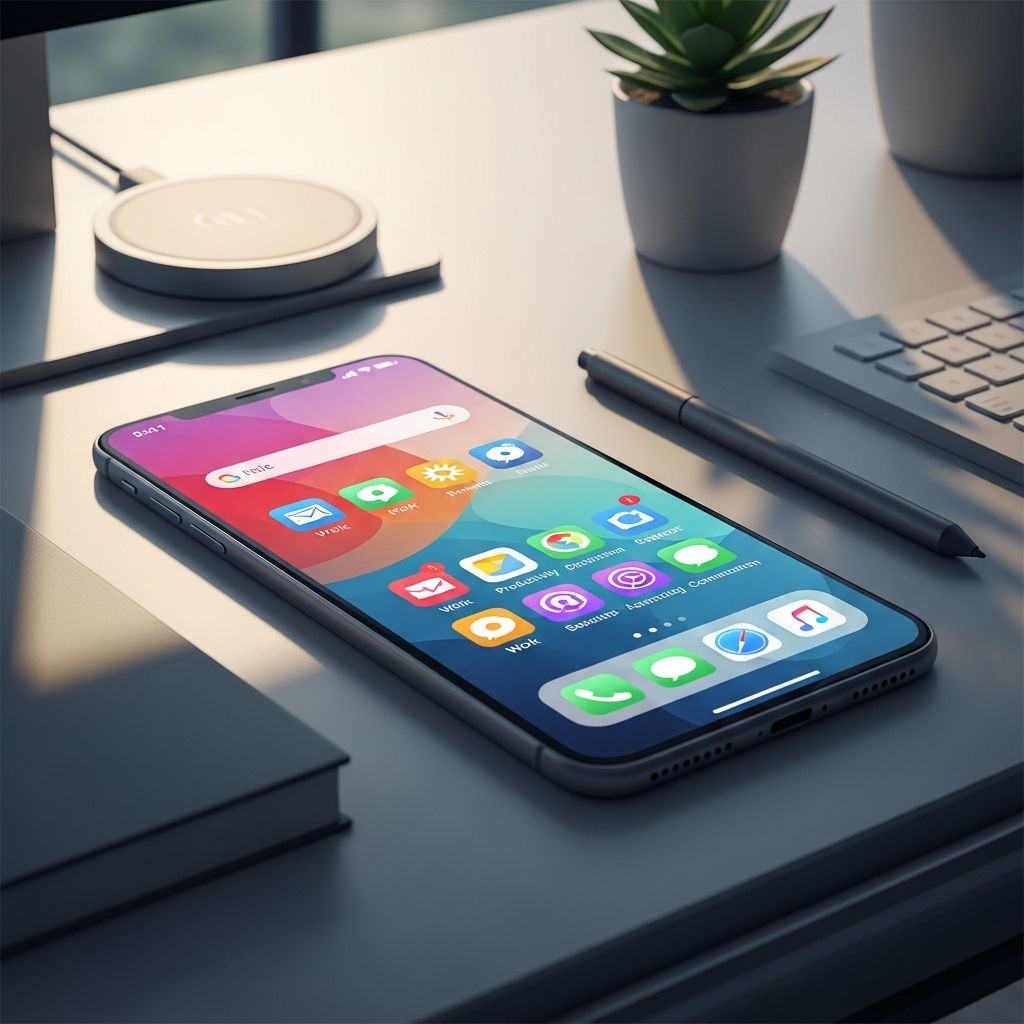
Understanding the Connection Between Device Clutter and Mental Performance
Our smartphones have become extensions of our minds—repositories for countless applications, notifications, files, and digital debris that accumulate without conscious intention. Yet few people recognize the profound psychological impact of this digital chaos. When your device contains hundreds of unused applications, thousands of outdated files, and a constant barrage of notifications, your brain experiences a tangible cognitive burden. This phenomenon, often called “cognitive load,” directly diminishes your capacity to concentrate on meaningful work and creative tasks.
The relationship between environmental organization and mental clarity has been well documented. Just as a cluttered physical workspace creates psychological stress and reduces efficiency, a chaotic digital environment fragments your attention and drains mental resources. Every notification that pings your device, every unused application icon that clutters your home screen, and every disorganized folder structure represents a small demand on your working memory. Cumulatively, these minor distractions can reduce productivity by up to 40 percent. When you streamline your mobile device, you’re not merely organizing files—you’re reclaiming cognitive bandwidth that can be redirected toward genuine work and meaningful endeavors.
The Hidden Costs of Digital Clutter on Your Focus
Digital clutter manifests in multiple dimensions of your smartphone experience. The most visible form is application proliferation—the tendency to download applications with good intentions, only to abandon them within weeks. Over time, your device becomes crowded with applications you haven’t accessed in months or years, creating visual noise and mental friction whenever you search for the tools you actually need.
Beyond applications, notification overload represents one of the most pernicious sources of digital distraction. Constant alerts from social media platforms, email services, messaging applications, and news feeds create a perpetual state of partial attention. This fragmentation of focus is particularly damaging because it doesn’t require you to actively choose distraction—the technology actively interrupts your concentration without your permission. Each notification triggers a neurochemical response that pulls your attention away from deep work, and rebuilding focus after an interruption typically requires several minutes of sustained effort.
File organization chaos compounds these problems. When your device contains thousands of photographs, documents, and files scattered across disorganized folders without clear naming conventions, locating needed information becomes a time-consuming hunt. This inefficiency introduces frustration into your workflow and wastes precious time that could be allocated to productive activities.
Systematic Approaches to Mobile Device Reorganization
Effective mobile decluttering requires a structured methodology rather than sporadic efforts. The most sustainable approach involves dividing the process into manageable phases, each focusing on a specific dimension of your digital environment.
Application Audit and Reduction forms the essential foundation. Begin by examining every application installed on your device. Ask yourself critical questions about each one: Have I used this application within the past thirty days? Does it provide genuine value to my professional or personal life? Would my productivity suffer if this application were removed? Applications that fail these questions should be deleted without hesitation. Consider moving social media and entertainment applications to your computer rather than keeping them on your phone—this structural barrier makes mindless access require deliberate choice rather than habitual reflex.
Notification System Optimization represents your next priority. Most applications are configured by default to send maximum notifications, ensuring they capture your attention repeatedly throughout your day. Systematically disable notifications for applications that don’t require immediate response. Enable notifications only for communication tools like messaging services, email, or calendar applications where timing genuinely matters. For time-sensitive applications, consider grouping notifications into batched delivery during specific hours rather than receiving constant interruptions.
File Organization Framework deserves substantial attention given the volume of digital content most people accumulate. Establish a consistent naming convention for all files and folders using clear, descriptive terminology. Rather than vague labels like “Documents 1” or “Photos Old,” use date-based or project-based naming that allows you to quickly understand a file’s contents and purpose. Within cloud storage services like Google Drive, OneDrive, or Dropbox, create a hierarchical folder structure that mirrors your actual workflow and priorities.
Home Screen Redesign influences your behavior more than you might expect. Arrange your home screen to display only the applications you use daily, organized by function. Move potentially time-consuming applications like social media platforms off the primary screen—this subtle friction point makes casual access require additional intentional effort. Some users find success with setting their device to grayscale, which removes the psychological reward of vibrant color and makes the interface feel less compelling.
Email and Communication Channel Management
Email represents a particularly problematic source of digital clutter for professional users. An overflowing inbox creates mental burden—every unaddressed message represents a potential task or obligation that occupies cognitive space. Implement aggressive unsubscribe practices, removing yourself from newsletters, promotional lists, and communication channels that don’t align with your actual priorities. Services like Unroll.Me can automate this process, identifying and removing unwanted email streams at scale.
Establish filters and automatic categorization rules for remaining email so that messages are organized by sender, subject matter, or importance without requiring manual sorting. Consider implementing a weekly email decluttering session where you delete old messages and archive important ones according to a consistent system. This routine practice prevents email from accumulating into an overwhelming backlog.
Psychological Benefits Beyond Productivity Gains
The improvements from mobile device decluttering extend far beyond measurable productivity metrics. Users frequently report reduced anxiety, lower stress levels, and improved mood after streamlining their digital environment. This psychological benefit emerges because constant notifications and digital clutter activate your nervous system, maintaining a state of low-level alertness that prevents genuine relaxation.
When you reduce notification frequency and application clutter, you create psychological space for uninterrupted attention and contemplative thinking. This mental reprieve allows your nervous system to return to a calmer state, reducing cortisol levels and supporting better sleep quality and emotional regulation. Additionally, the satisfaction of completing the decluttering process itself provides intrinsic motivation and a sense of control over your technological environment.
Sustaining Your Reorganized Device Over Time
Initial decluttering provides temporary relief, but without ongoing maintenance, digital clutter gradually accumulates again. Establish sustainable practices that prevent regression to chaotic patterns. Schedule brief fifteen-minute weekly sessions to delete unused applications, archive outdated files, and manage accumulated notifications. Treat these maintenance periods as non-negotiable appointments with yourself, just as you would schedule professional meetings.
Consider establishing device-free periods during your day—designated times when you physically separate from your phone or disable notifications. These breaks from constant connectivity allow your mind genuine rest and restore your capacity for sustained focus. Many productive individuals adopt phone-free mornings or technology-free family meals, creating structured boundaries that protect attention from fragmentation.
Integration with Your Broader Productivity System
Your mobile device should function as a tool that supports your larger productivity system rather than competing for your attention. Automation tools can handle routine digital tasks, freeing your device from administrative burden. Services like Zapier or IFTTT can automatically organize files, categorize emails, and manage digital workflows without requiring manual intervention.
Establish clear protocols for how you use your device. Designate specific times for checking email and social media rather than responding to notifications throughout your day. Use your device intentionally for purpose-driven activities rather than defaulting to habitual checking of social platforms. This shift from reactive to intentional technology use fundamentally changes how your device impacts your productivity.
Measuring the Impact of Your Reorganization Efforts
Track concrete metrics to understand how mobile device decluttering affects your productivity. Monitor daily time spent on your device before and after reorganization—most users discover significant reductions in screen time after implementing these strategies. Assess changes in your ability to concentrate on demanding tasks or projects requiring deep focus. Notice improvements in your emotional state, sleep quality, and overall stress levels.
Beyond subjective experience, identify quantitative measures relevant to your work. If you manage professional projects, track whether reorganizing your device improves your ability to meet deadlines or maintain consistent progress. If you perform creative work, notice whether reduced digital distractions enhance the quality or originality of your output. These concrete measurements reinforce the behavioral changes you’re implementing and motivate continued commitment to your reorganization system.
Frequently Asked Questions
Q: How much time should I spend initially organizing my mobile device?
A: Initial comprehensive decluttering typically requires two to four hours, depending on how many applications, files, and notifications you’ve accumulated. Breaking this into multiple sessions prevents overwhelm. Subsequent maintenance requires only fifteen minutes weekly to prevent new clutter from accumulating.
Q: Will deleting applications really improve my productivity?
A: Yes. Every application on your device represents potential distraction and cognitive load. Reducing application count directly decreases notification frequency and visual clutter, which measurably improves focus and reduces mental fatigue during work sessions.
Q: Which notifications should I actually keep enabled?
A: Retain notifications only for applications requiring immediate response—direct messages, calendar reminders, or time-sensitive work communications. Disable notifications for social media, news, email (unless time-critical), and entertainment applications. This reduces interruptions while preserving access to genuinely important information.
Q: Can phone decluttering help my relationships?
A: Absolutely. Reduced phone usage and improved focus enable greater presence during interactions with family, friends, and colleagues. By eliminating the constant draw of notifications and digital distractions, you can engage more authentically in conversations and activities.
Q: What file organization system works best?
A: The best system is one you’ll consistently maintain. Use date-based or project-based folder structures with clear, descriptive naming conventions. Avoid vague labels. Test a system for several weeks and refine it based on your workflow before finalizing your approach.
Q: How do I prevent digital clutter from returning?
A: Establish weekly fifteen-minute maintenance sessions as routine practice. Before downloading new applications, ask whether you genuinely need them. Unsubscribe from email lists immediately rather than allowing them to accumulate. Treat device organization as ongoing maintenance rather than a one-time project.
References
- Can Digital Minimalism Make You Happier and More Productive? — Freedom.to. Accessed January 18, 2026. https://freedom.to/blog/reclaim-time-with-digital-minimalism/
- The Power of Digital Decluttering: A Fresh Start for Your Tech & Mind — AllTechBenefits.org. Accessed January 18, 2026. https://alltechbenefits.org/news-insights/the-power-of-digital-decluttering-a-fresh-start-for-your-tech-mind/
- Why Digital Decluttering Is Important — Elegant Simplicity. Accessed January 18, 2026. https://elegantsi.com/blog/digital-decluttering
- Clean Sweep: Decluttering Your Digital Life — Guardian Nurses. Accessed January 18, 2026. https://www.guardiannurses.com/decluttering-your-digital-life/
- Discover the Surprising Benefits of Decluttering Your Phone — Lemon8. Accessed January 18, 2026. https://www.lemon8-app.com/@etherealpeonies/7286715641481036289?region=sg

Medha Deb is an editor with a master's degree in Applied Linguistics from the University of Hyderabad. She believes that her qualification has helped her develop a deep understanding of language and its application in various contexts. Medha specializes in the areas of beauty, health, sports, and wellness and is committed to ensuring that the content on the website is…