
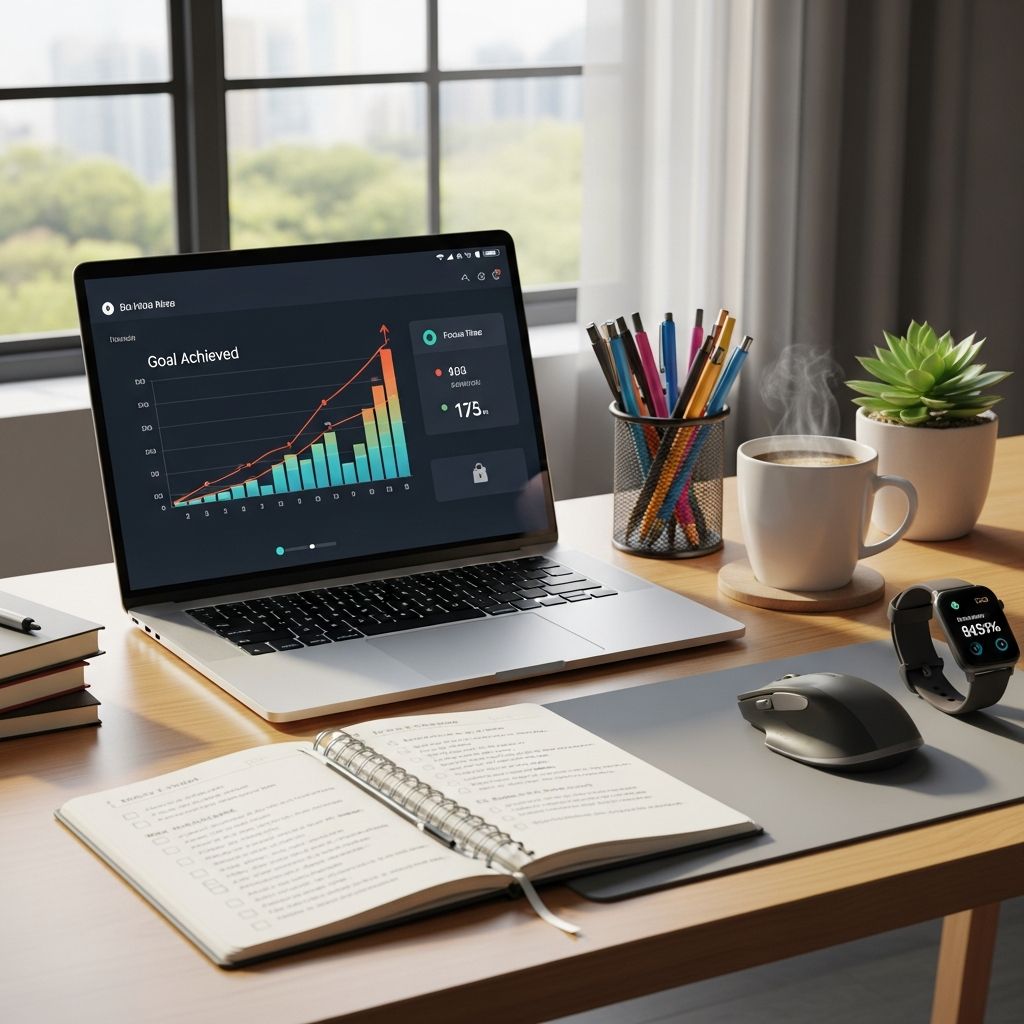
Productivity trackers have emerged as indispensable tools in modern work environments, enabling individuals and organizations to gain deep insights into how time is utilized. These software solutions monitor activities, analyze patterns, and provide actionable data to refine workflows and elevate output. By capturing details on task durations, application usage, and overall engagement, they empower users to eliminate inefficiencies and align efforts with key objectives.
Understanding the Core Functionality of Productivity Trackers
At their essence, productivity trackers are digital platforms designed to log and evaluate work-related activities. They record the time spent on various tasks, track interactions with software and websites, and generate comprehensive reports on performance metrics. This functionality is particularly vital in distributed teams where traditional oversight is limited.
Key components include automated time logging, which runs silently in the background to categorize activities as productive or non-productive based on predefined criteria. Users can set custom rules for applications, such as designating project management tools as high-value while flagging social media as distractions. Advanced systems also incorporate idle time detection and screenshot captures to offer a visual snapshot of work progress.
- Automated Logging: Captures every minute without manual input, ensuring accuracy.
- Activity Categorization: Classifies time into productive, unproductive, or neutral buckets.
- Visual Aids: Periodic screenshots provide context for logged data.
These features collectively create a transparent view of daily operations, helping managers spot trends like prolonged periods on low-priority tasks or unexpected bottlenecks in project timelines.
Essential Features That Drive Real Results
Selecting a productivity tracker involves prioritizing features that deliver measurable value. Top-tier tools offer real-time monitoring, allowing supervisors to observe ongoing activities and intervene promptly if deviations occur. Detailed analytics dashboards visualize data through charts and graphs, making it easy to interpret complex information at a glance.
| Feature | Description | Benefit |
|---|---|---|
| Real-Time Monitoring | Live updates on task progress and app usage | Enables immediate adjustments to keep projects on track |
| Custom Reports | Generate tailored summaries of weekly or monthly activity | Supports strategic planning and performance reviews |
| Goal Setting Integration | Set daily targets and track achievement rates | Motivates consistent performance toward objectives |
| Cross-Device Sync | Tracks activity across desktops, mobiles, and remote sessions | Ideal for hybrid workforces |
Integration with popular task managers like Asana or Trello further enhances utility, allowing seamless synchronization of assignments with time data. Reporting capabilities stand out, as they transform raw logs into insightful metrics such as productivity scores and efficiency ratios.
Boosting Output Through Targeted Insights
One of the primary advantages of implementing productivity trackers is the direct uplift in overall output. By revealing how employees allocate their hours, these tools highlight areas of waste, such as excessive email checking or unplanned browsing. Organizations using such software often report up to 20-30% gains in task completion rates, as teams refocus on high-impact activities.
For remote workers, this visibility bridges the gap created by physical distance. Managers can assess whether distributed teams are maintaining momentum, identifying if certain roles require additional resources or training. The result is a more dynamic workforce capable of scaling efforts without proportional increases in headcount.
Mastering Time Allocation for Sustainable Work Habits
Effective time management is a cornerstone of professional success, and productivity trackers excel at illuminating hidden patterns. They quantify the actual duration of routine tasks, debunking assumptions about project timelines. For instance, a task perceived to take two hours might reveal itself as a four-hour endeavor due to interruptions or inefficient processes.
This granular data facilitates better workload distribution, preventing overload in peak periods. Employees benefit from self-audits, learning to batch similar activities or eliminate redundancies. Over time, this fosters a culture of precision, where schedules are realistic and deadlines attainable, reducing stress and enhancing job satisfaction.
Fostering a Culture of Responsibility and Focus
Accountability naturally rises when activities are transparently recorded. Knowing that efforts are measurable encourages employees to prioritize core responsibilities over distractions. This psychological nudge aligns individual behaviors with organizational goals, minimizing procrastination and off-task indulgences.
Leaders leverage these insights to provide constructive feedback, celebrating high performers and supporting those needing guidance. Rather than micromanagement, trackers promote autonomy backed by evidence, building trust through demonstrated results.
Optimizing Team Dynamics and Collaboration
Beyond individual tracking, these tools streamline group interactions. Shared dashboards reveal interdependencies, such as delays in handoffs between departments. Task management modules assign responsibilities clearly, with progress bars indicating completion status.
- Centralized assignment hubs reduce email overload.
- Progress visualizations keep everyone informed.
- Collaboration metrics highlight communication gaps.
In team settings, this leads to smoother workflows, fewer missed deadlines, and heightened collective efficacy.
Leveraging Data for Strategic Choices
Data-driven decision-making separates thriving businesses from stagnant ones. Productivity trackers supply the empirical foundation for choices on hiring, training, and resource allocation. Historical trends inform budgeting, predicting labor needs for upcoming quarters with higher accuracy.
Metrics like average task velocity or engagement rates during shifts guide policy adjustments, such as flexible hours for peak productivity windows. This analytical edge positions companies to outpace competitors in efficiency and innovation.
Navigating Remote Work Challenges Effectively
The shift to remote and hybrid models amplified the need for robust monitoring. Productivity trackers address visibility deficits by detailing home-office behaviors, ensuring output parity with on-site counterparts. They detect patterns like midday slumps, prompting interventions such as virtual check-ins or ergonomic advice.
Benefits extend to work-life balance, as overwork alerts prevent burnout, promoting wellness alongside performance.
Potential Drawbacks and Best Practices
While powerful, trackers must be deployed thoughtfully to avoid pitfalls like privacy concerns or morale dips. Transparent communication about usage policies is crucial, framing monitoring as a growth tool rather than surveillance. Opt for compliant software adhering to data protection standards like GDPR.
Combine quantitative data with qualitative feedback for holistic evaluations. Train teams on interpreting reports to encourage self-improvement over fear-based compliance.
Frequently Asked Questions (FAQs)
What exactly does a productivity tracker measure?
It measures time spent on tasks, app/website usage, idle periods, and overall efficiency scores, providing a full picture of workday dynamics.
Is productivity tracking suitable for small teams?
Yes, scalable solutions cater to startups, offering core features without complexity, ideal for growing businesses.
How does it impact employee privacy?
Reputable tools anonymize data where possible and focus on aggregate trends; always disclose monitoring upfront.
Can individuals use trackers for personal productivity?
Absolutely, solo users gain self-awareness on habits, setting personal benchmarks for freelancing or side projects.
What ROI can businesses expect?
Typically, 15-25% productivity gains, reduced overtime, and better project forecasting within months of implementation.
References
- The Benefits of Using Work From Home Productivity Tracking Software — ActivTrak. 2023-05-15. https://www.activtrak.com/blog/benefits-work-from-home-tracking-software/
- 6 Benefits of Using a Productivity Tracker for Employees — CurrentWare. 2024-02-10. https://www.currentware.com/blog/improve-employee-productivity-monitor-internet/
- 6 Advantages of an Employee Tracker Software — HR Cloud. 2023-11-20. https://www.hrcloud.com/blog/6-advantages-of-an-employee-tracker-software
- 15 Proven Benefits of Time Tracking — UseMotion. 2024-08-05. https://www.usemotion.com/blog/benefits-of-time-tracking.html
- Productivity Tracking: What it is, Benefits & Pitfalls — Select Software Reviews. 2023-09-12. https://www.selectsoftwarereviews.com/blog/what-is-productivity-tracking

- Integrated M.A. in Applied Linguistics, University of Hyderabad
- 5+ years in editorial, instructional, SEO, and research-based writing
Sneha is a relationships and lifestyle writer with a strong foundation in applied linguistics and certified training in relationship coaching. She brings over five years of writing experience to theskillvault, crafting thoughtful, research-driven content that empowers readers to build healthier relationships, boost emotional well-being, and embrace holistic living. Her writing and insights reflect the belief that beauty, happiness, and wellness…