
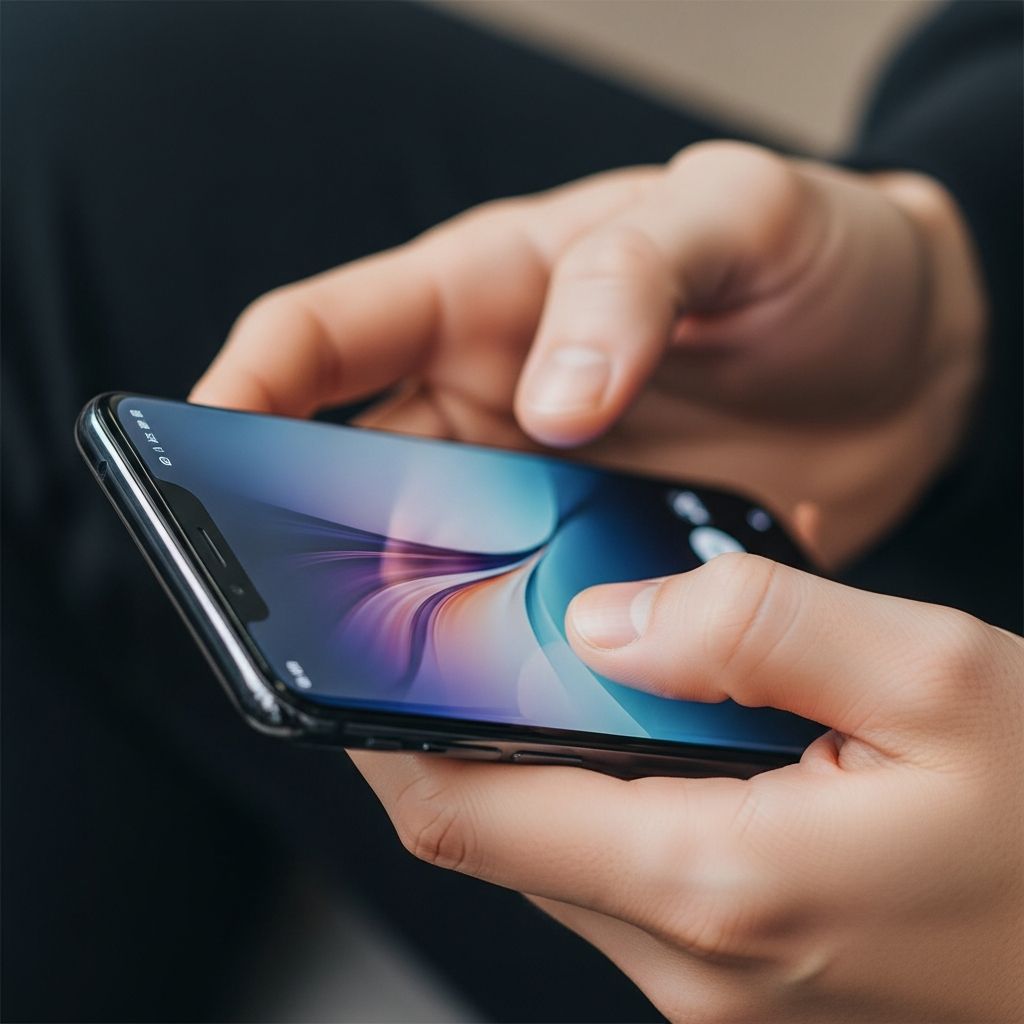
Smartphones have transformed communication and productivity, but poor handling habits lead to widespread issues like text neck, wrist tendonitis, and shoulder tension. Forward head posture from looking down adds up to 60 pounds of stress per inch of tilt on the spine, equivalent to carrying dozens of soup cans on your neck. This guide explores stand-free methods to elevate your phone to eye level across scenarios, alongside grip adjustments, typing alternatives, and preventive exercises for sustained musculoskeletal health.
Why Ergonomic Phone Use Matters Now More Than Ever
Average daily screen time exceeds 7 hours for many adults, amplifying repetitive strain risks. “Text neck”—chronic forward head posture—correlates with headaches, reduced mobility, and disc degeneration. Wrist conditions like De Quervain’s tenosynovitis emerge from thumb overuse, while tight grips strain fingers and nerves. Official ergonomic guidelines from university safety programs emphasize neutral postures: wrists straight, elbows supported, neck aligned. Adopting these reduces injury by minimizing awkward angles and static loads.
Beyond pain, proper habits enhance focus and efficiency. Supported arms prevent fatigue, allowing longer sessions without breaks. Studies link ergonomic setups to lower absenteeism in desk-based roles, as posture affects cognitive performance. Whether working remotely or scrolling socially, these techniques integrate seamlessly without gear.
Core Principle: Elevate to Eye Level Everywhere
The foundation of phone ergonomics is positioning screens at eye level, aligning the cervical spine neutrally to cut strain by over 50%. Avoid craning down; scan with eyes instead. Support arms to prevent shoulder hike, engaging core and back for stability. Key rules:
- Hold 12-18 inches from face for clear vision without squinting.
- Bend elbows at 90-120 degrees, never fully extended or locked.
- Relax shoulders away from ears; roll back and down periodically.
This neutral setup distributes weight evenly, unlike low-phone habits that overload upper spine structures.
Sitting Strategies for Desk, Chair, and Floor
Most phone time happens seated. Adapt your setup for support without props.
Desk or Table Setup
Sit upright, scoot forward, plant elbows firmly on the surface. Press down lightly to anchor arms, activating mid-back muscles while lifting phone to eyes. Keep spine tall; avoid slouching. For typing, use both thumbs or index fingers alternately.
| Position | Benefits | Pro Tips |
|---|---|---|
| Elbows on desk, phone eye-level | Reduces neck tilt by 40°; stabilizes arms | Engage lats under armpits; switch hands every 5 mins |
| Lean forward flat-back | Supports core without hunching | Feet flat, knees at 90° for balance |
Chair or Couch Without Arms
Perch at edge, knees wide, elbows atop thighs or knees. Push elbows down, straighten torso, raise device. Wall or backrest behind prevents slump. Ideal for casual browsing or calls.
Floor or Low Seating
Back against wall, knees bent, elbows on knees. This triangle stabilizes upper body, mimicking a stand’s effect. Great for lounging; add cushion under elbows if needed for comfort.
Standing and Walking Postures That Protect
Mobile use demands dynamic holds. Standing tall, shoulders retracted, one hand supports the other on ribs or hip. For two-handed typing, elbows low on torso. Switch sides to balance load. Walking? Pause or pocket phone—motion multiplies sway-induced strain.
- Primary: Left hand on right ribs, right elbow atop, thumb-swipe.
- Alternate: Both elbows on lower ribs for balanced grip.
These prevent the forward hunch common in lines or transit.
Bed and Recline: Safe Nighttime Habits
Propped reading invites deep flexion. Elevate torso with pillows to 45°, support arms on body or lap edges. Limit to 20 minutes; use night mode. Better: Hands-free audio books or voice notes. Avoid stomach-down scrolling, which twists neck 60°.
Grip and Typing Tweaks for Hand Health
Beyond position, how you hold matters. Avoid pinky-wrapping or death grips—these pinch nerves.
- Relaxed hold: Thumb and fingers lightly oppose; use pop-sockets for passive security.
- Two thumbs rule: Distribute typing load; reach only easy screen zones.
- Index scrolling: Opposite hand points, reducing thumb arcs.
Phone fit: Choose models where thumb reaches corners comfortably—small/medium for one-hand, large for two.
Tech Hacks to Cut Physical Input
Minimize touches for max relief.
- Voice-to-text: Dictate messages; modern accuracy rivals typing, slashing thumb reps.
- Swipe keyboards: Fluid gestures over taps.
- Bluetooth aids: Earpieces free hands; keyboards for heavy texters.
- App shortcuts: Thumb-friendly layouts; voice commands for navigation.
Timers for 20-20-20 breaks: Every 20 mins, look 20 feet away for 20 seconds.
Daily Exercises to Counteract Strain
Build resilience with 5-minute routines.
- Chin tucks: Retract head 10x, strengthening deep neck flexors.
- Shoulder shrugs/rolls: 10 forward, 10 back; release traps.
- Wrist flexor stretch: Palm up, pull fingers back 20s/side.
- Thoracic extension: Hands behind head, arch upper back 10x.
Do 2-3x daily; track improvements in apps.
Common Pitfalls and Fixes
| Mistake | Issue | Fix |
|---|---|---|
| Phone in lap | 60° neck bend | Elevate with elbows |
| Shoulder calls | Disc pinch | Bluetooth/speaker |
| Thumb marathons | Tendonitis | Voice/alternate fingers |
| No breaks | Accumulated fatigue | Timers + stretches |
Frequently Asked Questions (FAQs)
What causes text neck, and how to fix it fast?
Forward head posture from low screens; elevate immediately to eye level and tuck chin.
Can I use my phone in bed ergonomically?
Yes, prop torso high, support arms, limit time; prefer audio.
Best phone size for ergonomics?
One where thumb reaches opposite corner comfortably; test in-store.
How often should I take phone breaks?
Every 20 minutes; stand, stretch, walk.
Do grips or straps help ergonomics?
Yes, they secure hold passively, easing tension.
Long-Term Habits for Lifelong Wellness
Integrate these into routines: Audit posture hourly, customize per environment, track pain via journal. Combine with full ergonomic workspaces—chair height matching elbows, screens level. For heavy users, professional assessments via occupational therapists prevent chronic issues. Your body adapts to habits; choose protection over convenience for pain-free productivity.
References
- Texting Neck Pain: How to Hold Your Phone — Verticalign. 2017-03-20. https://verticalign.com/2017/03/20/texting-neck-4-ways-hold-phone-avoid-painful-condition/
- How to Hold your Phone – Top 8 Ways to Avoid Pain — ErgoGlobal. Accessed 2026. https://ergoglobal.com/how-to-hold-your-phone-ergonomically/
- 10 Tips for Ergonomic Cellphone Use — Southeastern Spine. Accessed 2026. https://southeasternspine.com/10-tips-for-ergonomic-cellphone-use/
- Smartphone ergonomics: how to avoid injury — Vitrue Health. Accessed 2026. https://www.vitruehealth.com/blog/smartphone-ergonomics
- Smart Phone and Tablet Tips — University of California Office of the President Safety. Accessed 2026. https://www.ucop.edu/safety-and-loss-prevention/_files/ergonomics/mobile-phones-tablet-tips.pdf
- Lifestyle Ergonomics Hold the Phone — Health Links Certified. 2021-04-17. https://www.healthlinkscertified.org/uploads/files/2021_04_17_18_24_01_Lifestyle_ergonomics_phone.pdf

Medha Deb is an editor with a master's degree in Applied Linguistics from the University of Hyderabad. She believes that her qualification has helped her develop a deep understanding of language and its application in various contexts. Medha specializes in the areas of beauty, health, sports, and wellness and is committed to ensuring that the content on the website is…