
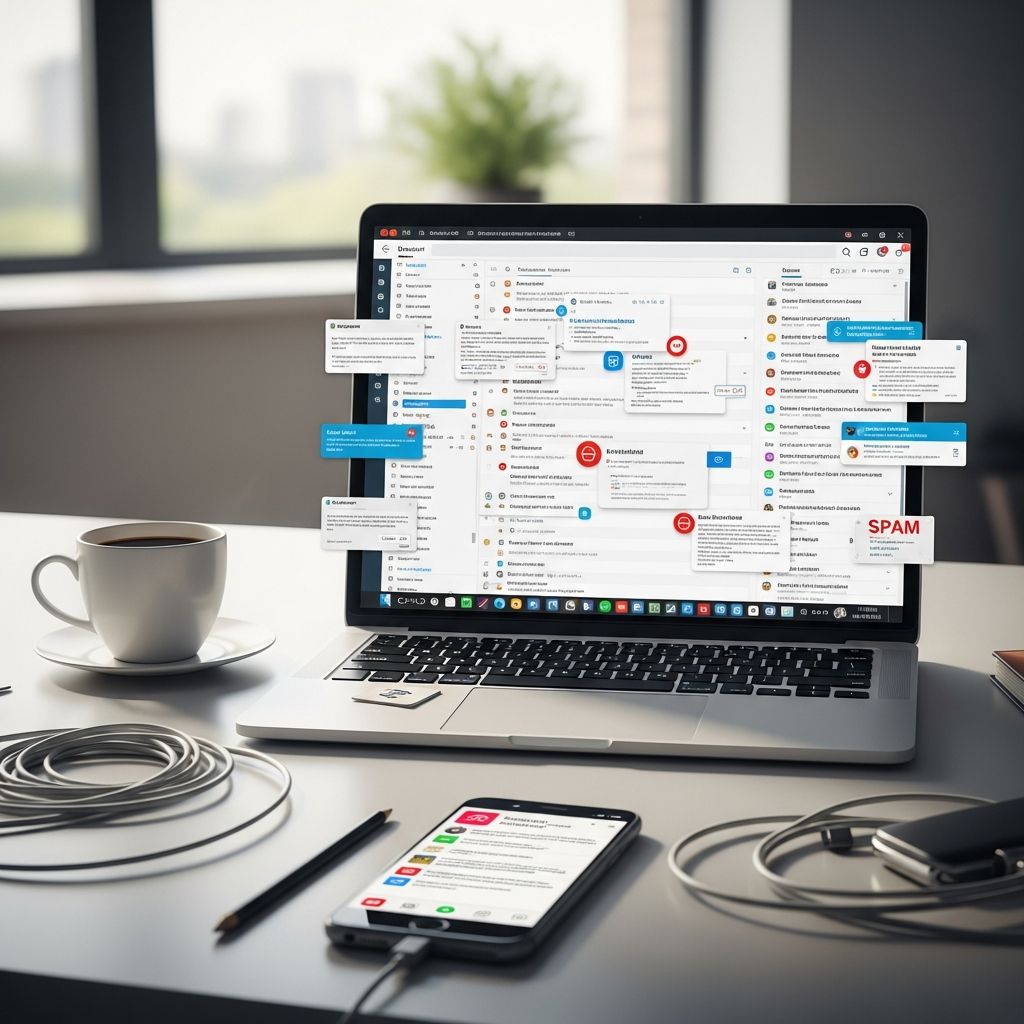
Your inbox can be a powerful tool or a black hole of time. In today’s fast-paced world, poor email habits cost professionals up to 11 hours weekly, according to productivity analyses. This guide uncovers 10 habits to eliminate, drawing from modern strategies to streamline your workflow and reclaim your day.
Why Email Derails Your Day
Email overload affects focus and output. Constant interruptions fragment attention, reducing deep work capacity. Studies show batching checks into specific windows cuts processing time by 45 minutes daily. By ditching bad habits, you prioritize high-value tasks over reactive messaging.
1. Living by Notifications
Alerts ping relentlessly, pulling you from tasks. Turn them off during focus periods; designate 3-4 daily slots for checks, limiting total time to under an hour. This prevents knee-jerk responses, preserving mental energy for priorities.
2. Replying Instantly to Everything
Urgency bias tricks you into immediate responses, even for non-essentials. Implement the two-minute rule: handle quick replies on-site, but snooze others for batching. Set norms like 24-48 hour expectations for non-urgent items to manage inflow.
3. Ignoring Emotional Checks
Sending heated replies escalates issues. Pause to gauge emotions before hitting send; draft, step away, then review. This maintains professionalism and avoids regretful communications.
4. Crafting Vague Subject Lines
Ambiguous subjects force recipients to open and read fully, wasting time. Use action-oriented lines like ‘Action Needed: Q1 Report Review by EOD’ for clarity and priority signaling.
5. Overloading Messages with Length
Long emails overwhelm. Summarize key points upfront, use bullets for details, and assign clear actions. Aim for 3 sentences or less when possible to boost open and response rates.
6. Skipping Proofreads
Typos erode credibility. 90% of errors are preventable with a quick scan; build the habit to ensure completeness before sending.
7. Neglecting Inbox Organization
A chaotic inbox buries important items. Customize folders, labels, filters to auto-sort by priority or sender. Tools like categories streamline scans, turning chaos into efficiency.
8. Hoarding Unwanted Subscriptions
Newsletters clutter space. Unsubscribe aggressively from low-value lists; use apps for one-click cleanups. This slashes volume, focusing on relevant content.
9. Repeating Responses Manually
Typing similar replies wastes effort. Leverage canned responses or templates for frequent phrases, saving clicks and time.
10. Mishandling Group Communications
CCing entire teams on irrelevant threads creates noise. Opt for shared inboxes where possible, or use direct replies/BCC to minimize distribution.
Advanced Strategies for Inbox Mastery
Beyond avoidance, adopt proactive tactics. Batch processing integrates with workflows: Week 1 setups, Week 2 habits, Week 3 automation. Lifecycle automation triggers timely messages without manual effort.
| Strategy | Benefit | Tool Example |
|---|---|---|
| Batch Checking | Saves 45 min/day | Scheduled slots |
| Filters/Labels | Auto-sorts priority | Gmail Filters |
| Canned Responses | Reduces typing time | Built-in templates |
| Snooze Function | Defers non-urgent | Email apps |
| Unsubscribe Tools | Clears clutter fast | Clean Email |
Team-Wide Email Norms
Organizations thrive with shared rules: no-email hours, concise messaging, clear SLAs. Managers modeling these boost engagement and retention. Define response tiers:
- Urgent: <1 hour
- Important: <24 hours
- Routine: <48 hours
Mobile and Design Considerations
Emails must render perfectly on devices. Prioritize minimalist, responsive designs with balanced text-image ratios for 2026 standards. Accessibility ensures inclusivity, enhancing reach.
Frequently Asked Questions (FAQs)
How often should I check email?
3-4 times daily in 15-20 minute batches, outside deep work.
What if I miss something urgent?
Communicate availability via signature or status; use phone/Slack for true emergencies.
Can automation replace manual management?
Partially—filters, rules, and apps handle 80% of routine tasks, freeing you for decisions.
How do I convince my team to adopt these?
Lead by example, share time savings data, and pilot norms.
Are there free tools for this?
Yes: Gmail templates, Outlook rules, browser extensions like Boomerang.
Implementing Change: A 4-Week Plan
Week 1: Disable notifications, set check windows.
Week 2: Organize with folders/filters, unsubscribe 50+ lists.
Week 3: Template common replies, practice summaries.
Week 4: Review metrics, refine with apps.
Track time saved; expect 5-10 hours weekly reclaimed.
References
- Email Management Best Practices at Work For 2026 — Clean Email. 2026. https://clean.email/email-management-best-practices
- Email best practices for 2026 (and how to win at email) — Touchbase Pro. 2026. https://www.touchbasepro.com/email-best-practices-for-2026-and-how-to-win-at-email/
- 40 Email Best Practices Every Professional Needs to Know — EmailAnalytics. 2026. https://emailanalytics.com/email-best-practices/
- Email List Management: Tutorial & Best Practices [2026] — Mailtrap. 2026. https://mailtrap.io/blog/email-list-management/
- The Ultimate 2026 Email Productivity Guide — GetMailbird. 2026. https://www.getmailbird.com/ultimate-email-productivity-guide/

- Integrated M.A. in Applied Linguistics, University of Hyderabad
- 5+ years in editorial, instructional, SEO, and research-based writing
Sneha is a relationships and lifestyle writer with a strong foundation in applied linguistics and certified training in relationship coaching. She brings over five years of writing experience to theskillvault, crafting thoughtful, research-driven content that empowers readers to build healthier relationships, boost emotional well-being, and embrace holistic living. Her writing and insights reflect the belief that beauty, happiness, and wellness…