
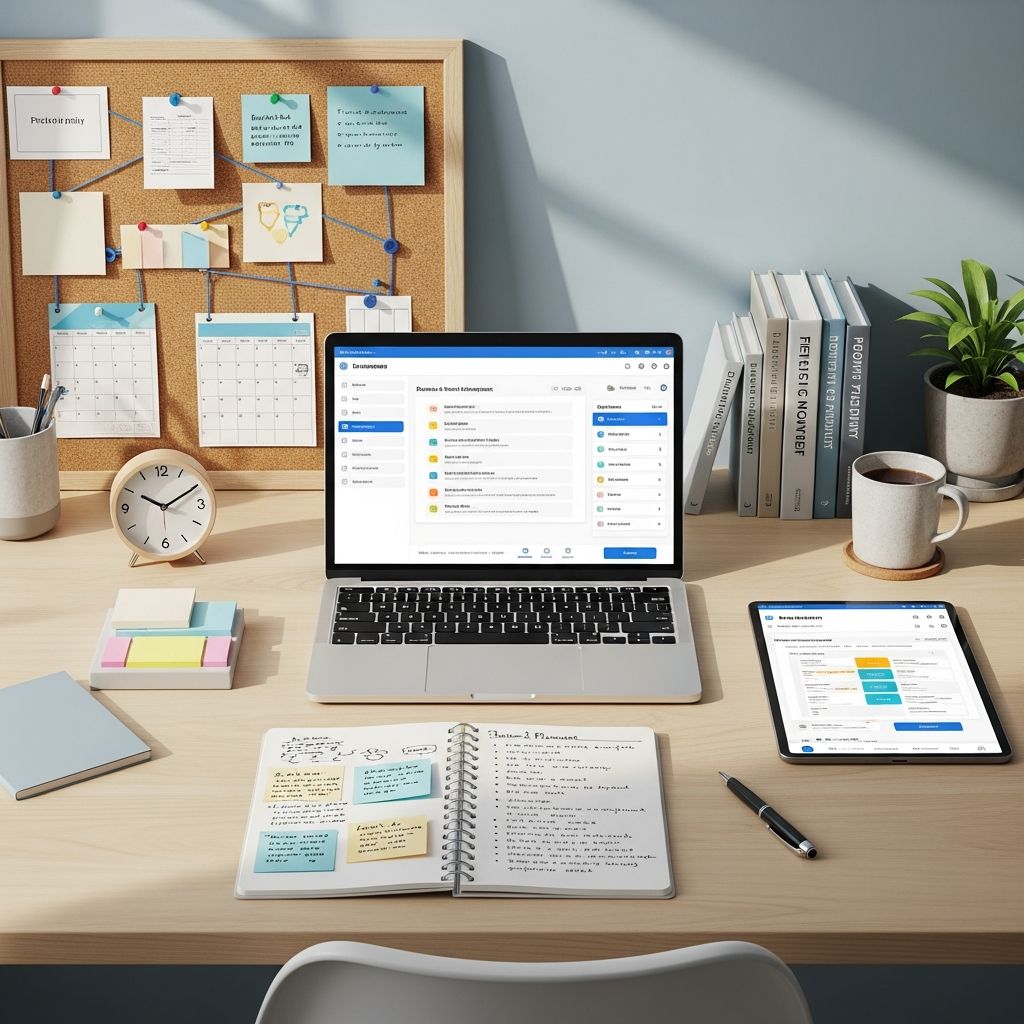
Managing tasks effectively has become essential in today’s fast-paced work environment. Whether you’re an individual contributor juggling multiple responsibilities or leading a distributed team, the right task management tool can transform how you work. The challenge isn’t finding a task management application—it’s identifying which one aligns with your specific workflow, team size, and organizational complexity.
Task management solutions range from minimalist approaches focused on simple daily lists to comprehensive platforms integrating project tracking, time management, and team communication. Understanding the landscape of available options enables you to make an informed decision rather than defaulting to whatever tool your colleagues recommend.
Understanding Different User Categories and Their Needs
Not all task management challenges are identical, and consequently, no single application serves every use case optimally. Different users require different capabilities based on their operational context.
Individual Contributors typically need straightforward task capturing, priority management, and reminder systems. For this segment, the focus remains on speed of task entry, accessibility across devices, and minimal learning curve. These users benefit most from applications emphasizing simplicity without sacrificing essential organizational features.
Small Teams require collaboration features alongside individual task management. Shared task lists, assignment capabilities, and team visibility into project progress become necessary. These teams often lack dedicated project managers, so the tool itself must facilitate communication and accountability.
Enterprise Organizations need scalability, advanced reporting, workflow customization, and integration with existing business systems. These users demand granular permission controls, audit trails, and the ability to manage complex interdependent projects across departments.
Task Management Platforms Optimized for Personal Productivity
Personal task management applications prioritize user experience and speed of adoption. These tools reduce friction in the task-capturing process while providing sufficient organizational structure.
Todoist has established itself as a leader in the personal productivity space through its combination of elegant design and powerful features. The application’s natural language processing capability enables users to type tasks conversationally—for instance, typing “call dentist tomorrow at 2pm” automatically generates a task with the appropriate date and time. Its interface remains clean and uncluttered, appealing to users who find elaborate project management software overwhelming. Pricing starts at a free tier, with premium plans at $5 monthly for individual users.
TickTick distinguishes itself through integrated calendar visualization and focus timer functionality. Users can view their tasks alongside calendar events, enabling better time management. The application’s habit-tracking features support behavioral change initiatives, making it valuable for users seeking comprehensive personal development support. Annual subscription costs $35.99.
Any.do extends task management into the voice-activated domain, integrating with both Alexa and Google Assistant platforms. This capability enables hands-free task creation and management, particularly valuable during commutes or while performing other activities. Users can delegate tasks and set reminders without direct interaction with their devices.
Integrated Solutions for Existing Ecosystem Users
Organizations already invested in specific software ecosystems gain significant advantages by adopting task management tools designed to integrate seamlessly with their existing infrastructure.
Microsoft To Do represents the optimal choice for Microsoft 365 subscribers, offering seamless synchronization with Outlook tasks and Teams integration. Users can create tasks directly from emails, ensuring that action items don’t disappear within inbox clutter. The shared lists functionality enables family and team collaboration. Cost: included at no additional expense for Microsoft 365 subscribers.
Google Tasks provides minimalist task management fully embedded within Google Workspace applications. Users can create subtasks, set due dates, and access their task lists from Gmail, Google Calendar, and other Google services. This integration ensures tasks surface naturally within workflows rather than requiring separate application launches. Cost: included with Google Workspace accounts at no additional charge.
Comprehensive Platforms for Team Coordination
Team-focused task management requires visibility into who performs which work, progress tracking, and accountability mechanisms. These platforms extend beyond individual task capture into project orchestration.
Asana excels in providing multiple visualization methods for the same project data. Teams can view tasks in list format for detailed information, kanban boards for workflow stages, timelines for dependency management, and workload views for resource allocation. This flexibility accommodates diverse team preferences and project types. Pricing begins at $10.99 monthly per user for starter plans, scaling to $24.99 for advanced features.
Connecteam integrates task tracking with scheduling, time tracking, and team communication capabilities. Rather than requiring users to toggle between multiple applications, Connecteam consolidates these functions within a single platform. The interface emphasizes real-world team workflows rather than forcing teams into rigid structures.
Morningmate combines project management features with real-time team communication channels. The platform enables task creation with timelines and board views while allowing instant messaging about specific work items. This integration reduces context-switching and ensures discussion remains tethered to relevant tasks.
Visual and Database-Oriented Approaches to Task Management
Some organizations prefer visual representation or flexible database structures rather than traditional task lists. These alternatives suit teams managing complex information relationships.
Trello employs kanban board visualization as its primary interface. Tasks appear as cards within columns representing workflow stages. This visual approach proves particularly intuitive for teams managing workflow processes with clear status transitions. The simplicity of the interface masks considerable depth—power users can implement custom workflows through automation rules and custom fields. Pricing ranges from free plans to $17.50 monthly per user for enterprise deployments.
Airtable provides a database foundation for task management, enabling users to structure information according to custom schemas. Teams managing complex task metadata benefit from the ability to create custom fields, establish relationships between records, and generate filtered views. While requiring more technical sophistication than traditional task management applications, Airtable offers unprecedented flexibility for data-intensive workflows. Pricing starts at $20 monthly per user for team plans.
Specialized Platforms for Development and Agile Teams
Software development teams require specialized task management addressing agile methodologies, issue tracking, and integration with development tools.
Jira provides advanced issue tracking and sprint management specifically designed for agile teams. The platform supports complex issue hierarchies, customizable workflows, and detailed reporting on team velocity. Integration with source code repositories enables developers to reference issues within code commits and pull requests. Pricing offers free plans for up to ten users, with standard plans at $8.15 monthly per user.
Highly Customizable Platforms for Varied Workflows
Organizations with non-standard processes or rapidly evolving requirements benefit from highly customizable task management platforms.
ClickUp positions itself as exceptionally customizable, supporting multiple visualization methods and automation rules. Teams can configure the platform to match their existing processes rather than adapting workflows to software limitations. The platform combines task management, time tracking, and documentation capabilities. Pricing includes free plans, with unlimited feature access at $7 monthly per user.
Monday.com emphasizes visual work management with strong automation capabilities. Teams can create custom workflows through no-code automation builders. The platform scales from small team projects to enterprise-wide work orchestration. Pricing begins at $9 monthly per user for basic plans, extending to $19 monthly for professional-level features.
AI-Enhanced Task Management and Intelligent Prioritization
Emerging platforms leverage artificial intelligence to automate task scheduling and prioritization, reducing cognitive load on users.
Motion employs machine learning algorithms to analyze task duration estimates, dependencies, and deadlines, automatically scheduling tasks into calendar blocks. The platform continuously optimizes schedules based on task completion patterns and deadline proximity. Rather than users manually creating schedules, the system intelligently adjusts recommendations. Pricing operates at $34 monthly for individual use or $20 monthly per user for teams billed annually.
Comparative Analysis: Matching Platforms to Requirements
| Platform Category | Best Suited For | Key Strength | Starting Price |
|---|---|---|---|
| Personal Simplicity | Individual contributors | Clean interface, quick adoption | Free |
| Ecosystem Integration | Microsoft or Google users | Seamless existing tool integration | Included/Free |
| Team Collaboration | Small to medium teams | Visibility and accountability | $5–$12/user/month |
| Visual Workflows | Process-oriented teams | Intuitive status management | Free |
| Development Teams | Software organizations | Agile and issue tracking | Free |
| Enterprise Scale | Large organizations | Advanced customization and reporting | $7–$25/user/month |
Critical Implementation Considerations
Selecting a task management platform represents only the beginning. Successful implementation requires attention to adoption strategy and organizational readiness.
User Adoption varies significantly based on tool complexity and cultural fit. Simpler platforms experience faster adoption but may lack functionality for sophisticated workflows. More comprehensive solutions require investment in training and change management.
Integration Capabilities determine whether the platform enhances or fragments your existing workflow. Tools offering native integration with applications you already use reduce friction and context-switching. Platforms requiring separate login sessions and manual information transfer create resistance to adoption.
Scalability Pathway matters as organizations grow. A tool serving current needs may become inadequate as team size increases or processes become more complex. Selecting platforms with clear upgrade paths prevents mid-life migrations that disrupt workflows.
Data Portability ensures you maintain control of information generated within the system. Platforms offering standard export formats and API access provide flexibility for future changes.
Frequently Asked Questions About Task Management Tools
Q: Can I use multiple task management tools simultaneously?
A: Yes, many organizations use multiple platforms for different purposes—for instance, Jira for development work and Asana for cross-functional projects. However, this approach increases complexity and creates data silos. Preference should be given to finding a single platform accommodating different use cases.
Q: Do I need a paid plan or can I use free versions?
A: Free versions suffice for individual users and small teams with straightforward needs. Organizations requiring advanced features, priority support, or specific integrations typically benefit from paid plans. Many platforms offer free trials enabling evaluation before commitment.
Q: How long does implementation typically require?
A: Simple platforms like Google Tasks or Trello enable immediate productivity with minimal configuration. Comprehensive platforms like ClickUp or Jira typically require 2–4 weeks of configuration and training before teams operate at full efficiency.
Q: What features should I prioritize when evaluating options?
A: Prioritize alignment with your workflow patterns, existing tool integration, and user interface intuitiveness. Advanced features matter only if your team actually uses them.
Moving Forward with Intentional Selection
The proliferation of task management options represents both opportunity and challenge. Rather than viewing this abundance as overwhelming, recognize it as reflecting genuine diversity in work patterns and organizational needs. The optimal platform for a freelance consultant differs substantially from the ideal choice for a 200-person organization.
Begin by clarifying your specific requirements: Are you managing personal productivity, coordinating team efforts, or orchestrating enterprise-scale initiatives? Do you require integration with existing tools? What visualization methods resonate with your workflow preferences? Answering these questions narrows the field substantially.
Most platforms offer free trials or freemium plans enabling hands-on evaluation before financial commitment. Testing realistic workflows within trial environments reveals how well platforms actually fit your situation, beyond marketing claims and feature lists.
Remember that selecting a task management tool represents an investment in organizational efficiency. Taking time to evaluate options thoroughly yields returns through improved productivity, reduced meeting overhead, and enhanced accountability. The most important step involves making a deliberate choice aligned with your actual requirements rather than accepting defaults.
References
- Best task management software in 2026 (features & price compared) — GoodDay. 2026. https://www.goodday.work/blog/best-task-management-software/
- 5 Best Task Tracker Apps in 2026 (In-Depth Comparison) — Connecteam. 2026. https://connecteam.com/best-task-tracker-apps/
- Stay Organized in 2026: Top 5 To-Do List Apps — Morningmate Blog. 2026. https://morningmate.com/blog/stay-organized-in-2026-top-5-to-do-list-apps/
- 12 Best Time Management Apps for 2026 — My Hours. 2026. https://myhours.com/top-time-management-apps-2026
- 7 best to do list apps of 2026 — Zapier. 2026. https://zapier.com/blog/best-todo-list-apps/

Medha Deb is an editor with a master's degree in Applied Linguistics from the University of Hyderabad. She believes that her qualification has helped her develop a deep understanding of language and its application in various contexts. Medha specializes in the areas of beauty, health, sports, and wellness and is committed to ensuring that the content on the website is…