
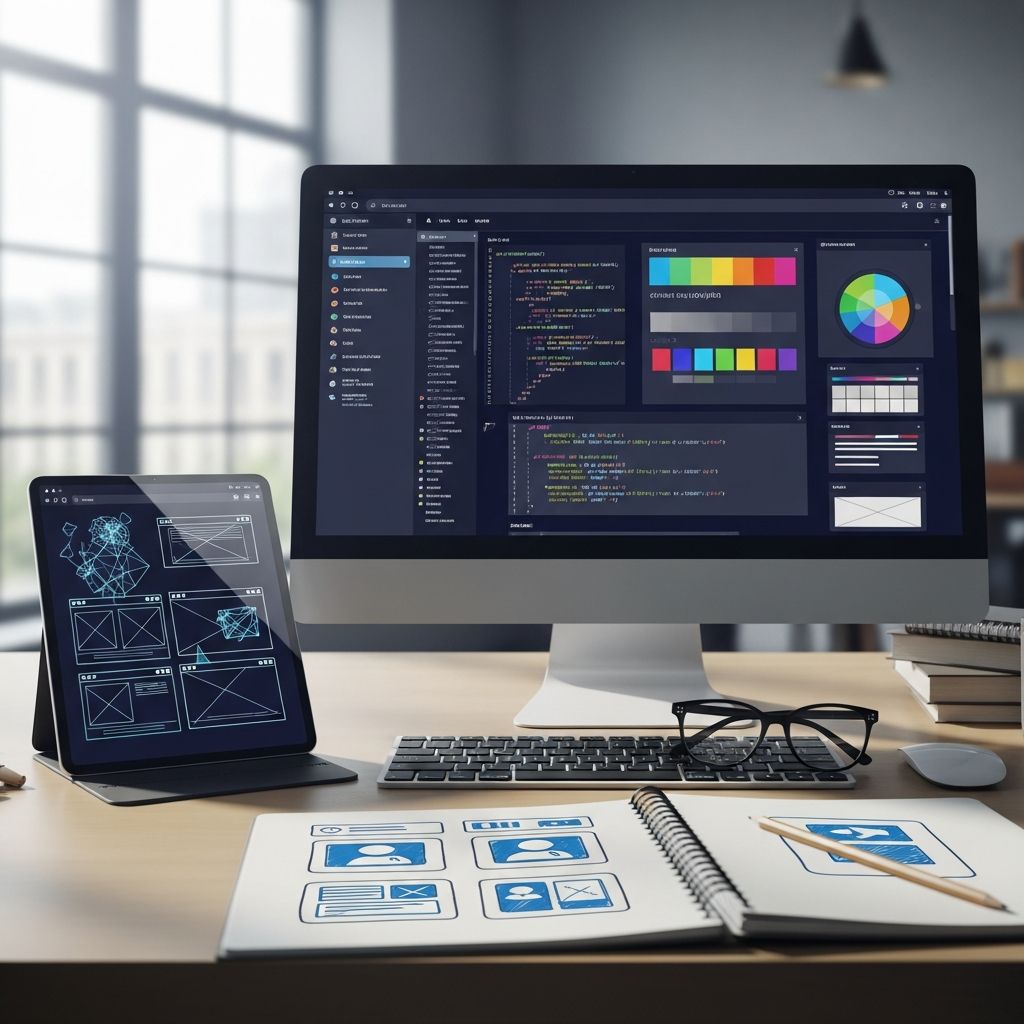
Web designers craft the visual and functional interfaces that users interact with daily across the internet. Success in this field demands a blend of artistic intuition, technical know-how, and interpersonal finesse. This guide outlines the must-have competencies that enable professionals to create engaging, efficient websites while meeting client expectations and industry standards.
Foundational Technical Proficiencies
At the heart of web design lie core technical skills that form the backbone of any project. These abilities allow designers to translate concepts into functional digital products.
- HTML Mastery: HyperText Markup Language provides the structural framework for web content. Designers must understand semantic elements to ensure proper organization and accessibility.
- CSS Expertise: Cascading Style Sheets control layout, colors, and typography. Responsive design techniques using media queries are essential for multi-device compatibility.
- JavaScript Basics: This scripting language adds interactivity, from simple animations to dynamic content loading, enhancing user engagement.
Proficiency in these languages empowers designers to prototype rapidly without relying solely on development teams.
Visual and Aesthetic Expertise
Creating visually appealing sites goes beyond code; it requires a keen eye for design principles that guide user perception.
Typography Fundamentals
Typography sets the tone for readability and brand identity. Selecting appropriate fonts, establishing hierarchy through sizes and weights, and ensuring legibility across devices are critical. Effective type choices can improve user retention by making content scannable.
Layout and Composition
Strategic use of grids, whitespace, and alignment creates balanced layouts. Visual hierarchy directs attention to key elements, such as calls-to-action, improving navigation flow.
Color Psychology and Application
Colors evoke emotions and influence behavior. Designers apply harmonious palettes, contrast for accessibility (e.g., WCAG standards), and brand-aligned schemes to foster trust and usability.
| Design Principle | Purpose | Key Tools/Techniques |
|---|---|---|
| Typography | Enhance readability | Font pairing, line height |
| Layout | Guide user flow | Grid systems, whitespace |
| Color | Evoke response | Analogous schemes, contrast ratios |
Design Software and Tools Proficiency
Industry-standard tools streamline the creation process. Adobe Creative Suite, including Photoshop for image editing and Illustrator for vector graphics, remains indispensable. Figma and Sketch facilitate collaborative prototyping and UI design.
- Content Management Systems (CMS) like WordPress or Drupal for site deployment and customization.
- Prototyping tools such as Adobe XD for interactive mockups.
Familiarity with these reduces iteration time and enables seamless handoff to developers.
User Experience and Accessibility Focus
Modern web design prioritizes UX principles to ensure intuitive interactions. Understanding user journeys, conducting wireframing, and testing for usability are non-negotiable. Accessibility compliance, including ARIA labels and keyboard navigation, broadens audience reach.
Key UX tenets include simplicity, consistency, and feedback mechanisms, which directly impact conversion rates and satisfaction.
SEO and Digital Marketing Integration
Designers must embed search engine optimization from the outset. This involves optimizing images, structuring headings, and ensuring mobile-first indexing. Knowledge of meta tags, schema markup, and page speed influences rankings.
Aligning designs with marketing goals, such as prominent CTAs and social sharing features, amplifies visibility and engagement.
Critical Soft Skills for Collaboration
Technical prowess alone isn’t enough; soft skills bridge the gap between vision and execution.
Communication and Client Relations
Articulating design rationale to non-technical stakeholders prevents misalignment. Active listening and clear feedback loops build trust. Freelancers particularly benefit from contract management and expectation setting.
Time Management and Adaptability
Projects often face shifting deadlines and revisions. Prioritization tools like Trello and agile methodologies help maintain momentum.
Strategic Thinking and Decision-Making
In an AI-augmented era, human judgment shines in contextual decisions—choosing elements that resonate culturally or strategically. Probing client needs through targeted questions uncovers true objectives.
Adapting to AI and Emerging Trends
AI tools accelerate mundane tasks like asset generation, but designers who leverage them strategically—focusing on taste, ethics, and innovation—thrive. Continuous learning via platforms like Coursera keeps skills current amid evolving frameworks like Tailwind CSS or no-code builders.
Career Pathways and Development Tips
Entry often requires a portfolio showcasing diverse projects. Certifications in UX/UI or front-end development bolster resumes. Networking on LinkedIn and contributing to open-source repos enhance opportunities.
- Build personal projects to experiment freely.
- Seek mentorship for real-world insights.
- Stay updated with conferences like An Event Apart.
Frequently Asked Questions (FAQs)
Do web designers need to code?
Yes, basic HTML, CSS, and JavaScript knowledge is essential for effective implementation and collaboration.
What software should beginners learn?
Start with Figma for UI design, Adobe XD for prototypes, and VS Code for coding practice.
How important is SEO for web designers?
Crucial—designs without SEO considerations hinder visibility and traffic.
Can AI replace web designers?
No, AI aids efficiency, but human creativity in strategy and decision-making remains irreplaceable.
How to build a strong portfolio?
Include case studies detailing process, challenges, and outcomes from 5-10 varied projects.
References
References
- What Skills Does a Web Designer Need? (2025 Guide) — BrainStation. 2025. https://brainstation.io/career-guides/what-skills-does-a-web-designer-need
- How to Become a Web Designer in 2026 — New England Institute of Technology. 2026. https://www.neit.edu/blog/how-to-become-a-web-designer
- Web Designers NEED These Skills in 2026 — YouTube (SelfMade Web Designer). 2026. https://www.youtube.com/watch?v=MOS9wtSpY2M
- The Only 5 Web Design Skills That Actually Matter (2026) — YouTube (SelfMade Web Designer). 2026. https://www.youtube.com/watch?v=vbFn0C-pvis

- Integrated M.A. in Applied Linguistics, University of Hyderabad
- 5+ years in editorial, instructional, SEO, and research-based writing
Sneha is a relationships and lifestyle writer with a strong foundation in applied linguistics and certified training in relationship coaching. She brings over five years of writing experience to theskillvault, crafting thoughtful, research-driven content that empowers readers to build healthier relationships, boost emotional well-being, and embrace holistic living. Her writing and insights reflect the belief that beauty, happiness, and wellness…