
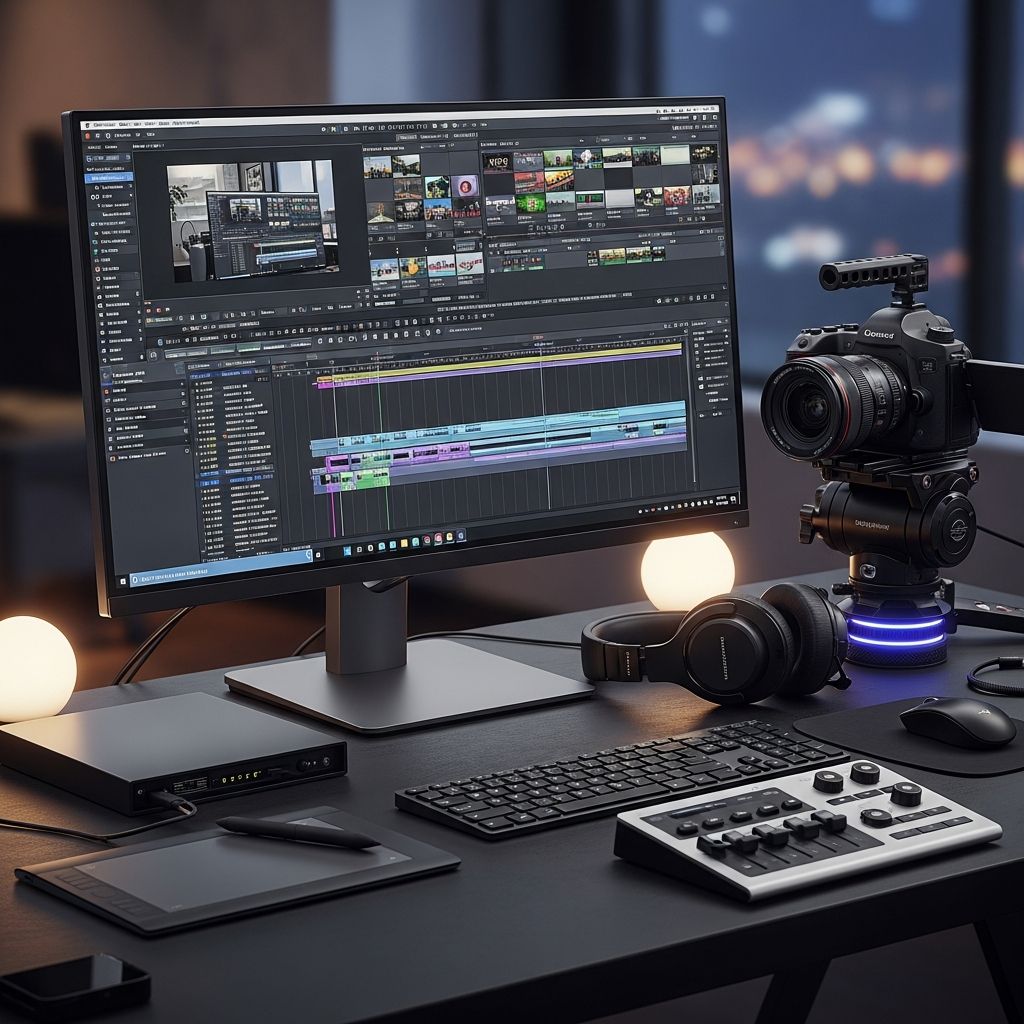
Video editing transforms raw footage into captivating stories that engage audiences across platforms. This comprehensive guide explores foundational techniques, software options, critical personal skills, and practical steps to build expertise, drawing from industry-standard practices.
Understanding the Foundations of Video Editing
At its core, video editing involves assembling clips, audio, and effects to convey narratives effectively. Editors manipulate timing, pacing, and visuals to evoke emotions and maintain viewer interest. Key processes include importing footage, trimming sequences, balancing sound, and applying enhancements for polished results.
Modern editing supports diverse formats, from short social media reels to feature-length films. Proficiency requires blending creativity with technical precision, ensuring seamless flow while aligning with project goals like marketing, education, or entertainment.
Choosing and Mastering Editing Software
Selecting the right tool accelerates learning and productivity. Industry leaders include Adobe Premiere Pro for its robust ecosystem, Apple Final Cut Pro for Mac users seeking speed, and DaVinci Resolve for superior color grading. Beginners might start with free options like Lightworks or iMovie to grasp interfaces without steep costs.
Begin by exploring built-in tutorials: Premiere Pro offers guided sequences on importing clips and basic sequences. Practice transferring skills across platforms, as timelines, keyframes, and export functions share similarities. Invest in hardware too—a powerful processor, ample RAM (at least 32GB), and fast SSD storage prevent lag during 4K edits.
| Software | Best For | Key Features | Cost |
|---|---|---|---|
| Adobe Premiere Pro | Professionals | Integration with After Effects, AI tools | Subscription |
| Final Cut Pro | Mac users | Magnetic timeline, fast rendering | One-time purchase |
| DaVinci Resolve | Color grading | Fairlight audio, Fusion effects (free version available) | Free/Pro |
| Lightworks | Beginners | Pro cuts, cross-platform | Free/Pro |
Core Editing Techniques for Impactful Storytelling
Effective edits rely on strategic cuts and transitions that guide viewer attention. Master these to control rhythm and emphasis.
Essential Cutting Methods
- Match Cut: Links scenes by matching action, shape, or motion, creating fluid continuity without jarring shifts.
- Jump Cut: Removes sections from a continuous shot for dynamic pacing, common in interviews or vlogs to eliminate pauses.
- Cross-Cut (Parallel Editing): Alternates between simultaneous actions in different locations to heighten tension, as in thrillers.
- 180-Degree Rule: Keeps consistent screen direction during conversations, preventing disorientation.
- L-Cut and J-Cut: Audio from the next or previous scene starts before or after the visual change, enhancing natural flow.
Transitions That Enhance Without Distracting
Use sparingly to avoid cheesiness. Fades signal time passage, dissolves blend scenes poetically, and wipes suit fast-paced montages. Modern software includes AI-driven smart transitions that analyze content for optimal placement.
Audio Integration and Color Correction
Sound design is 50% of the experience: balance dialogue, add music beds, and use EQ for clarity. Tools like noise reduction ensure professional polish. Color correction unifies footage—match skin tones, adjust exposure, and apply LUTs (Look-Up Tables) for cinematic grades.
Personal Qualities That Define Great Editors
Beyond tools, success hinges on soft skills honed through practice.
- Attention to Detail: Spot continuity errors, like mismatched lighting, that break immersion.
- Adaptability: Pivot when footage is imperfect or deadlines shift.
- Organization: Label clips, use bins, and maintain project logs for efficiency.
- Communication: Collaborate with directors and sound teams via feedback rounds.
- Problem-Solving: Fix corrupt files or improvise missing shots creatively.
Self-motivation drives continual upskilling amid evolving tech like AI auto-edits.
Step-by-Step Path to Proficiency
- Start Simple: Edit personal footage using phone apps, focusing on basic trims.
- Follow Tutorials: Complete software intros, then tackle project-based courses.
- Practice Deliberately: Recreate film scenes, analyzing why cuts work.
- Build a Portfolio: Volunteer for local projects or freelance on platforms.
- Optimize Workflow: Learn shortcuts (e.g., J/K/L for playback in Premiere), customize workspaces.
- Network and Feedback: Join communities for critiques.
Track progress by timing edits—aim to halve initial durations through repetition.
Career Opportunities in Video Editing
Demand spans film, YouTube, corporate videos, and social media. Freelancers earn via Upwork; studios seek specialists in VFX or motion graphics. Certifications from Adobe or Avid boost resumes. In 2026, AI tools augment but don’t replace human creativity, favoring versatile editors.
Frequently Asked Questions (FAQs)
What is the best software for beginner video editors?
DaVinci Resolve’s free version offers pro features without commitment, ideal for learning cuts and color.
How long does it take to learn video editing?
Basics in weeks with daily practice; mastery in months via projects.
What hardware do I need for smooth editing?
At least Intel i7/AMD Ryzen 7, 32GB RAM, NVIDIA RTX GPU, and 1TB NVMe SSD.
Are there free resources to improve editing skills?
Yes, YouTube channels, Adobe’s free guides, and Lightworks tutorials provide structured paths.
How do cuts affect video pacing?
Quick cuts accelerate energy; longer holds build suspense, tailoring emotional impact.
Advanced Tips for Professional Polish
Experiment with montages to condense time, discontinuity for artistic flair. Proxy editing handles high-res files smoothly. Export in H.265 for smaller, quality files. Always version projects to safeguard iterations.
Integrate graphics: kinetic typography amplifies key messages. Speed ramping adds drama to action. These elevate amateur work to broadcast-ready.
References
- How to Learn Video Editing Skills — Backstage. 2023-05-15. https://www.backstage.com/magazine/article/learn-video-editing-75811/
- What is Video Editing: A Comprehensive Guide — Shutter Sauce. 2024-01-10. https://shutter-sauce.com/what-is-video-editing-a-comprehensive-guide-to-editing-videos/
- Video Editing Skills: Definition and Examples — Indeed.com. 2024-08-20. https://www.indeed.com/career-advice/resumes-cover-letters/editing-video-skills
- Learn Premiere Video Editing Learning Guide — Adobe. 2025-01-12. https://www.adobe.com/learn/premiere-pro/web/create-edit-sequence
- A Precise Cut: A Beginner Guide to Video Editing Cuts — Lightworks. 2024-03-05. https://lwks.com/blog/a-precise-cut-a-beginner-guide-to-video-editing-cuts-and-techniques

- Integrated M.A. in Applied Linguistics, University of Hyderabad
- 5+ years in editorial, instructional, SEO, and research-based writing
Sneha is a relationships and lifestyle writer with a strong foundation in applied linguistics and certified training in relationship coaching. She brings over five years of writing experience to theskillvault, crafting thoughtful, research-driven content that empowers readers to build healthier relationships, boost emotional well-being, and embrace holistic living. Her writing and insights reflect the belief that beauty, happiness, and wellness…