
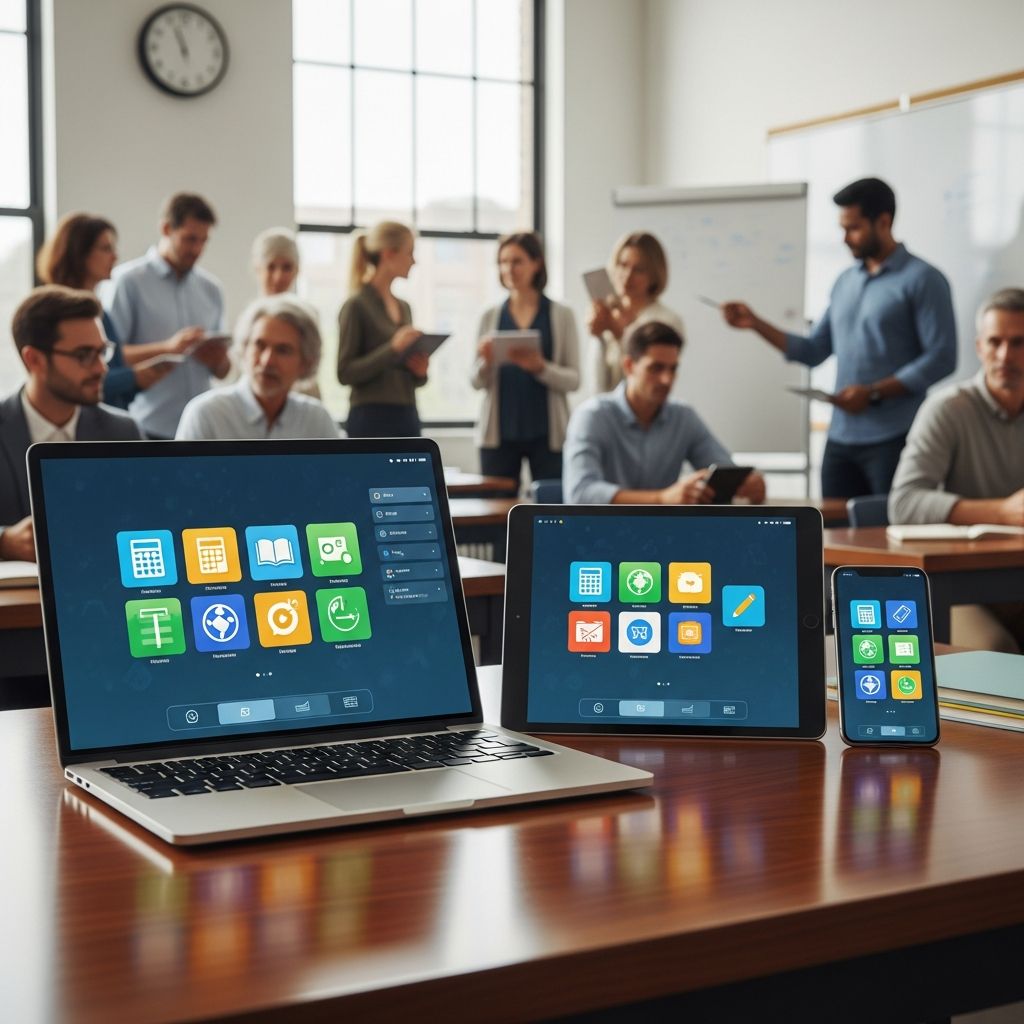
Technology continues to reshape education, offering teachers innovative tools to manage classrooms, assess learning, and spark student engagement. This curated list of 35 apps, updated for 2026, draws from proven edtech solutions that streamline workflows and elevate instruction across K-12 settings. Organized by key functions, these apps help educators create interactive, personalized experiences while saving time on administrative tasks.
Streamlining Classroom Management
Effective classroom management sets the foundation for productive learning. These apps centralize communication, assignment distribution, and behavior tracking, allowing teachers to focus on instruction rather than logistics.
- Google Classroom: A versatile platform integrating seamlessly with Google Workspace. Teachers create classes, post assignments, and provide feedback effortlessly. With over 150 million users worldwide, its intuitive design supports quick adoption.
- Apple Classroom: Tailored for iOS environments, this tool lets educators monitor student devices, lock screens during lessons, and guide app usage. It facilitates assignment collection and one-on-one collaboration on iPads.
- ClassDojo: Builds positive classroom culture through behavior points, parent messaging, and student portfolios. Customizable for skills like perseverance and teamwork, it fosters community involvement.
- iDoceo: Comprehensive for grade tracking, attendance, and reporting. Supports rubrics, seating charts, and calendar integration, ideal for detailed administrative needs.
- Vivi: Wireless screen mirroring enables dynamic presentations without cables. Teachers and students annotate content in real-time, promoting collaborative discussions.
- Flip (formerly Flipgrid): Video-based discussion hub where students respond to prompts. Teachers moderate topics, extending conversations beyond class time.
Enhancing Instruction and Content Delivery
These apps transform static lessons into interactive experiences, incorporating multimedia, gamification, and real-time adjustments to meet diverse learner needs.
- Nearpod: Embeds quizzes, polls, and VR field trips into lessons. Live sessions provide instant insights into student comprehension.
- Explain Everything: Digital whiteboard for recording narrated tutorials. Animate drawings, import media, and share collaborative boards for flipped learning.
- Seesaw: Digital portfolios where students capture work via photos, videos, and notes. Parents view progress, and teachers offer targeted feedback.
- EDpuzzle: Flipped classroom essential; embed questions in videos for accountability. Tracks viewing and quiz performance, integrable with Google Classroom.
- hyperPad: No-code app builder for iPads. Students design games and interactive projects, supporting coding, art, and STEM without programming barriers.
Personalized Learning and Adaptive Assessment
Adaptive tools diagnose skill levels and deliver customized content, ensuring every student progresses at their pace.
| App | Key Features | Best For | Integration |
|---|---|---|---|
| Freckle | Pre-assessments adapt math, ELA, science content by skill level | Differentiated K-12 instruction | Google Classroom |
| Quizizz | Gamified quizzes with AI generation from prompts/videos; live or homework modes | Engaging reviews and formative assessment | Google Classroom |
| Classkick | Real-time work monitoring, peer help, instant feedback on custom lessons | Individualized support during activities |
- Kahoot!: Competitive quizzes turn assessments into games. Real-time leaderboards boost participation.
- Duolingo for Schools: Gamified language learning with progress tracking for classes.
Boosting Creativity and Multimodal Expression
Encourage students to express ideas through diverse media, from AR to interactive visuals, deepening understanding and retention.
- Thinglink: Annotate images/videos with hotspots linking text, audio in 60+ languages. Create interactive posters and tours.
- Quiver: AR coloring pages animate 3D models of cells, planets. Blends art with science for immersive exploration.
- Curiscope Virtuali-tee: T-shirt projects anatomy in AR. Pair with app for virtual dissections, sparking wonder in biology.
- Buncee: Multimedia presentations with templates for infographics and stories. Integrates with Google Classroom.
Productivity Boosters for Educators
Time-saving apps handle planning, grading, and communication, freeing teachers for high-impact teaching.
- Todoist: Task manager with classroom-specific templates for lesson prep and grading deadlines.
- Canva for Education: Free design tools for visuals, posters, and videos tailored to teaching.
- Otter.ai: Transcribes lessons and meetings, generating notes and summaries.
Subject-Specific Powerhouses
Tailored apps excel in core subjects, providing specialized simulations and drills.
- PhET Simulations (University of Colorado Boulder): Free interactive science/math sims for hands-on experimentation.
- Desmos: Graphing calculator with activities for algebra and geometry.
- GeoGebra: Dynamic math tools for geometry, calculus; AR features for 3D.
Frequently Asked Questions
What makes Google Classroom essential for 2026 classrooms?
Its seamless Google integration, assignment streaming, and global scale make it a cornerstone for hybrid learning.
Are these apps free for teachers?
Many offer robust free tiers (e.g., Quizizz, ClassDojo), with premiums unlocking advanced features like unlimited storage.
How do AR apps like Quiver benefit learning?
They merge physical creativity with digital interaction, enhancing retention through multisensory engagement.
Which app is best for parent communication?
Seesaw and ClassDojo excel, providing real-time updates and portfolios visible to families.
Can these tools support diverse learners?
Yes, adaptive platforms like Freckle differentiate by skill, while multilingual options like Thinglink aid ELL students.
Choosing the Right Apps for Your Classroom
Selecting apps depends on device ecosystem (iOS/Android/Google), budget, and goals. Start with 3-5 core tools like Google Classroom for management, Nearpod for engagement, and Quizizz for assessment. Pilot with one class, gather feedback, and scale. Prioritize integrations to avoid app silos. In 2026, edtech emphasizes AI personalization—Quizizz’s AI quiz generator exemplifies this trend. Security matters; opt for FERPA-compliant apps. Professional development via app communities ensures mastery.
These 35 apps represent the pinnacle of edtech evolution, blending accessibility with innovation. From managing chaos to igniting curiosity, they empower teachers to craft future-ready classrooms. Experiment boldly—your students’ engagement will soar.
References
- 35 of the BEST Educational Apps for Teachers (Updated 2026) — Education Corner. 2026. https://www.educationcorner.com/35-incredible-classroom-apps/
- 35 of the BEST Educational Apps for Teachers (Updated 2026) — hyperPad Blog. 2026. https://www.hyperpad.com/blog/35-of-the-best-educational-apps-for-teachers-updated-2026
- 64 Incredible Teacher Apps for a More Organized Classroom — EssayGrader.ai. 2026. https://www.essaygrader.ai/blog/teacher-apps
- Apps That Integrate with Classroom — Stancoe.org. 2026. https://sites.google.com/stancoe.org/istepaperless17/share-to-classroom/apps-that-integrate-with-classroom
- PhET Interactive Simulations — University of Colorado Boulder (.edu). 2026-04-04. https://phet.colorado.edu/

- Integrated M.A. in Applied Linguistics, University of Hyderabad
- 5+ years in editorial, instructional, SEO, and research-based writing
Sneha is a relationships and lifestyle writer with a strong foundation in applied linguistics and certified training in relationship coaching. She brings over five years of writing experience to theskillvault, crafting thoughtful, research-driven content that empowers readers to build healthier relationships, boost emotional well-being, and embrace holistic living. Her writing and insights reflect the belief that beauty, happiness, and wellness…