
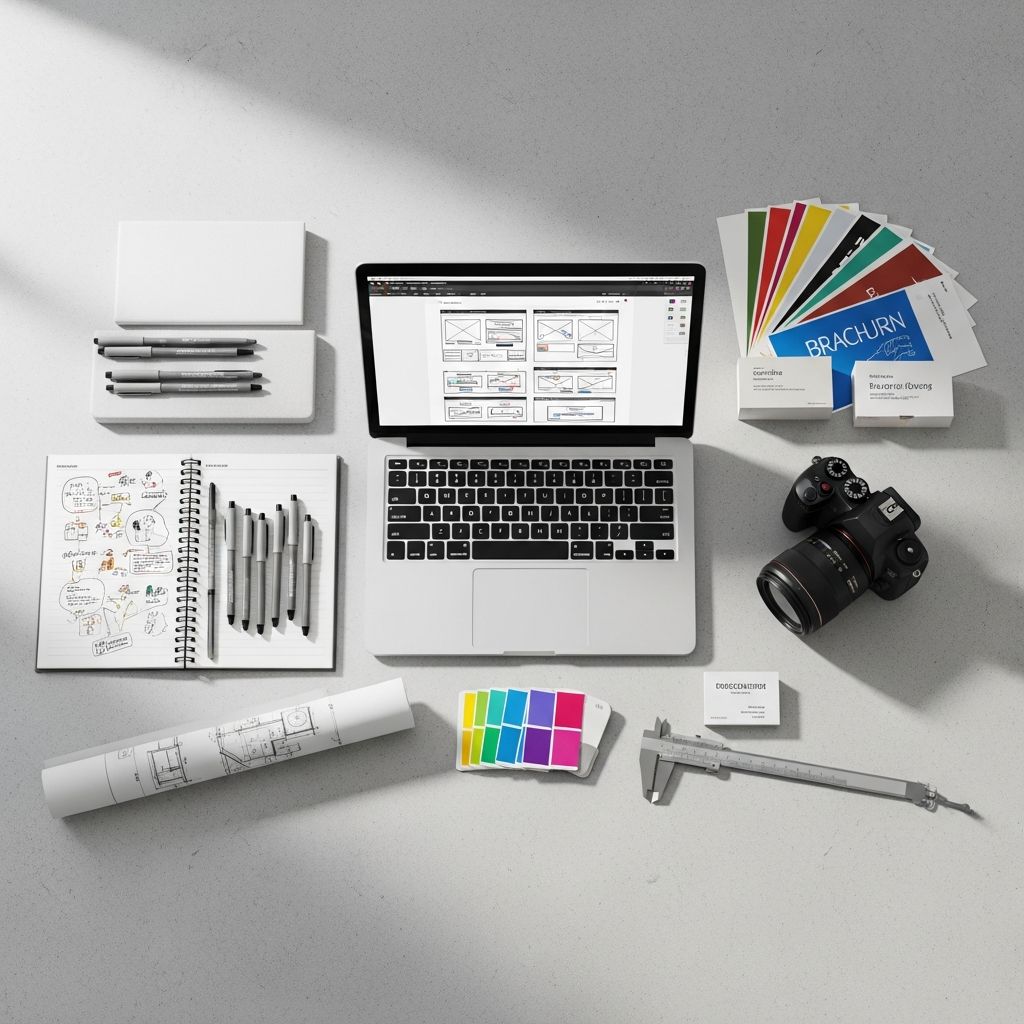
Creating your initial design portfolio marks a pivotal moment in your academic journey, serving as a visual resume that captures your unique creative voice and technical abilities. For students entering fields like graphic design, architecture, or visual arts, this collection of work becomes the primary tool for gaining admission to advanced programs or securing entry-level opportunities. Prioritizing quality selections that reveal your growth and versatility ensures your portfolio stands out in competitive environments.
Understanding the Core Purpose of a Student Portfolio
A design portfolio transcends mere image compilation; it narrates your evolution as a creative thinker. Admissions committees and hiring managers seek evidence of problem-solving, conceptual depth, and adaptability. According to insights from design educators, effective portfolios emphasize not just polished outcomes but the iterative steps leading to them, providing context for your decision-making.
Begin by reflecting on your objectives: Are you targeting university applications, internships, or freelance gigs? Tailor content accordingly, focusing on pieces that align with specific program emphases, such as UI/UX for digital design tracks or spatial modeling for architecture. This targeted approach demonstrates foresight and relevance.
Selecting and Curating Your Strongest Pieces
Resist the temptation to overwhelm viewers with volume; curation is key. Experts recommend 8-15 high-caliber projects over dozens of average ones, allowing each to breathe and shine. Evaluate works based on criteria like technical execution, originality, and relevance to your goals.
- Diversity in Scope: Incorporate a mix of project types—logos, layouts, digital interfaces, and experimental pieces—to illustrate range without diluting focus.
- Skill Demonstration: Highlight proficiency across mediums, from hand-drawn concepts to software-rendered finals, showing versatility in tools like Adobe Suite or Figma.
- Personal Touch: Include self-initiated projects that reveal passion, such as rebranding a local business or designing speculative packaging, to convey authenticity.
School assignments form the backbone for beginners, as they naturally reflect learned skills. Employers anticipate and value these, especially when accompanied by context explaining challenges overcome.
Highlighting Your Creative Process Effectively
Viewers crave insight into your methodology. Dedicate space to process documentation, transforming raw sketches into refined products. This transparency underscores critical thinking and resilience.
| Process Stage | Purpose in Portfolio | Example Elements |
|---|---|---|
| Ideation | Reveals brainstorming | Thumbnail sketches, mind maps |
| Development | Shows iteration | Refined drawings, mood boards |
| Refinement | Demonstrates polish | Digital mockups, prototypes |
| Final Output | Highlights execution | High-res renders, functional demos |
Integrate these stages narratively. For instance, a branding project might start with pencil thumbnails exploring typography variations, progress to vector refinements in Illustrator, and culminate in animated mockups. Such sequencing builds a compelling story of progression.
Mastering Visual Presentation and Layout Principles
Design principles apply directly to your portfolio’s structure. Employ consistent typography, a restrained color scheme (often neutral with accent pops), and ample whitespace for elegance and readability. Grid systems ensure alignment, guiding the eye fluidly across pages.
For digital formats, prioritize responsiveness—ensure elements adapt seamlessly to desktops, tablets, and mobiles. High-resolution images (watermarked for protection) prevent pixelation and theft. Tools like Canva, Behance, or custom sites via Squarespace simplify professional setups without coding expertise.
- Use bold headings for project titles.
- Limit text to concise captions: brief, challenge, solution, outcome.
- Incorporate subtle animations for interactivity, like hover effects on thumbnails.
Choosing the Ideal Format: Digital vs. Physical
Digital portfolios dominate due to accessibility and dynamism. Platforms like Behance or personal domains allow embedding videos, interactive PDFs, and analytics to track views. PDF versions serve as universal backups for email submissions.
Physical portfolios retain charm for interviews, using sturdy binders with sleeves for originals or high-quality prints. Hybrid approaches—digital link plus printed leave-behinds—cater to varied preferences. Consider audience: universities often request uploads, while studios may prefer tangible pieces.
Writing Compelling Descriptions and Case Studies
Captions elevate images from static to storytelling. Structure each as: Project Overview | Brief & Constraints | Approach & Tools | Results & Learnings. This framework, advocated by industry guides, contextualizes your contributions.
Example: “Redesigned campus event poster series. Challenge: Boost attendance amid digital fatigue. Solution: Minimalist vector illustrations paired with bold sans-serif fonts in Figma. Outcome: 40% engagement rise per event metrics, honing my grid-based layout skills.” Such entries reveal professionalism and self-awareness.
Common Mistakes to Avoid in Portfolio Creation
Steer clear of pitfalls that undermine credibility:
- Overloading with Mediocre Work: Quantity dilutes impact; ruthless editing preserves potency.
- Ignoring Feedback: Share drafts with mentors for objective input.
- Poor File Management: Name files logically (e.g., ProjectName_Year_ProcessStage.jpg).
- Neglecting Updates: Refresh quarterly to reflect growth.
- Generic Presentation: Infuse personality to differentiate from peers.
Tailoring for Specific Audiences and Goals
Customize iterations: For graphic design applications, emphasize UI/UX and typography; architecture favors plans and models. Research targets—mirror their aesthetic subtly while staying true to yourself. Personal projects tailored to trends, like sustainable branding, signal market awareness.
Leveraging Technology for Enhanced Interactivity
Modern portfolios thrive on engagement. Embed AR previews for 3D models, video walkthroughs of animations, or clickable prototypes. Free tools like Adobe Portfolio or Webflow enable these without advanced skills, making your work memorable.
Frequently Asked Questions (FAQs)
What if I have limited projects as a beginner?
Focus on 5-8 polished pieces, supplementing with personal experiments. Quality trumps quantity; develop speculative work aligned with interests.
Should I include every school assignment?
No—select those exemplifying key skills. Accompany with process to elevate academic work.
Physical or digital: Which is better?
Digital for broad reach; physical for intimate settings. Maintain both for flexibility.
How often should I update my portfolio?
Every 3-6 months or post-major project, ensuring it mirrors current abilities.
Do I need my own website?
Ideal for branding, but platforms like Behance suffice initially. Watermark all uploads.
Next Steps: Launching and Iterating Your Portfolio
Finalize by proofreading, exporting in multiple formats, and sharing for feedback. Track interactions via analytics, refining based on responses. Your portfolio is a living document—evolve it alongside your skills to propel your design career forward.
References
- How A Design Student Can Build A First Year Portfolio — AIBD. 2023. https://aibd.org/how-a-design-student-can-build-a-first-year-portfolio/
- How to make a perfect graphic design portfolio for university — University for the Creative Arts. 2023. https://www.uca.ac.uk/blogs/creating-a-graphic-design-portfolio-for-university/
- 7 Practical Graphic Design Portfolio Tips for Students — Rasmussen University. 2023. https://www.rasmussen.edu/degrees/design/blog/graphic-design-portfolio-tips-now/
- How to Create Your College Art & Design Portfolio – 10 Tips — Columbus College of Art & Design. 2023. https://www.ccad.edu/news/how-to-create-college-art-design-portfolio
- How to Make a Graphic Design Portfolio — Sessions College. 2023. https://www.sessions.edu/notes-on-design/how-to-make-a-graphic-design-portfolio/

- Integrated M.A. in Applied Linguistics, University of Hyderabad
- 5+ years in editorial, instructional, SEO, and research-based writing
Sneha is a relationships and lifestyle writer with a strong foundation in applied linguistics and certified training in relationship coaching. She brings over five years of writing experience to theskillvault, crafting thoughtful, research-driven content that empowers readers to build healthier relationships, boost emotional well-being, and embrace holistic living. Her writing and insights reflect the belief that beauty, happiness, and wellness…