
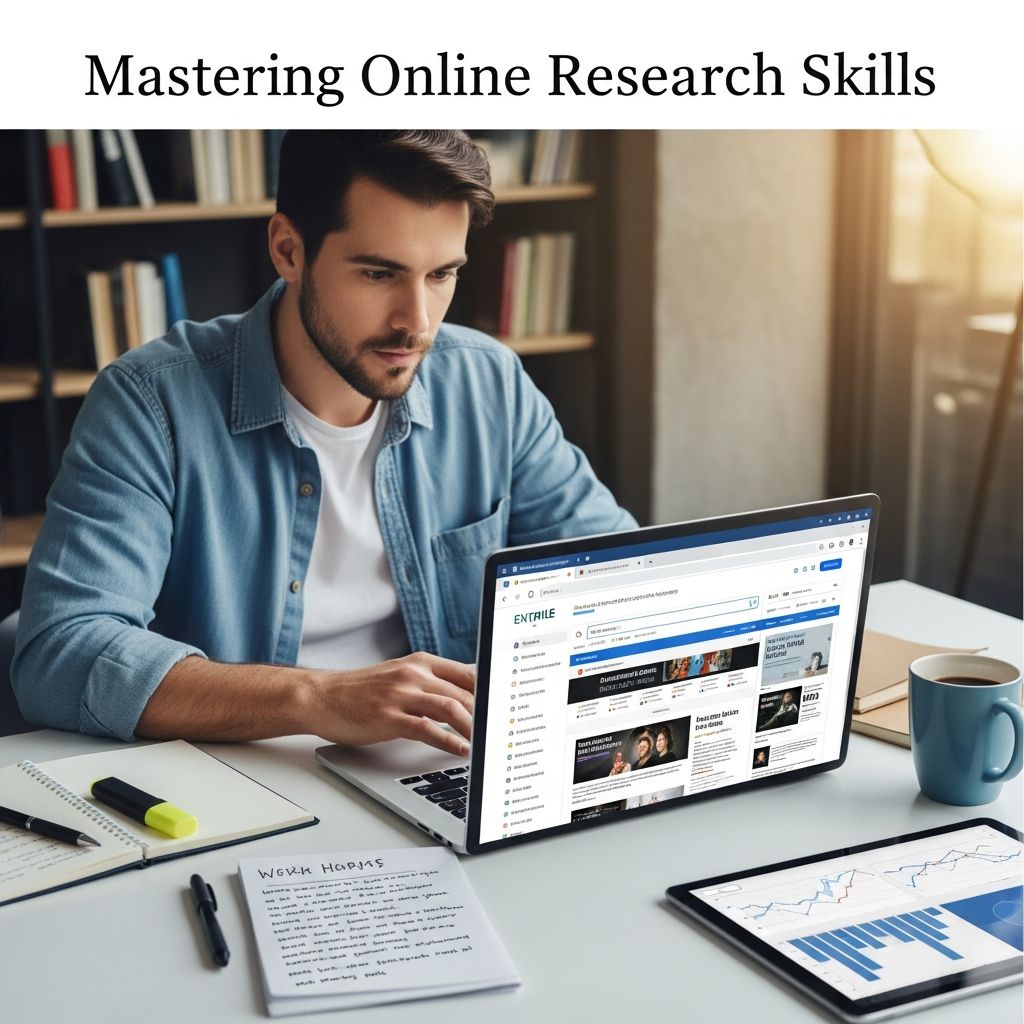
The internet has transformed how we access knowledge, offering vast resources at our fingertips. However, with billions of pages available, finding reliable information requires strategy and discernment. This guide provides a step-by-step approach to conducting thorough, efficient online research, empowering students, professionals, and lifelong learners to navigate the digital world confidently.
Defining Your Research Objectives
Successful research begins with clarity. Before typing a single query, articulate your goals precisely. Ask: What specific question do I need to answer? What outcomes do I seek? Vague topics lead to overwhelming results, while focused ones yield targeted insights.
Start by brainstorming key elements: main concepts, subtopics, and potential angles. For instance, instead of searching “climate change,” narrow it to “impact of climate change on coastal cities in 2025.” Create a list of 5-10 research questions to guide your process. This prevents rabbit holes and ensures relevance.
- Identify the core problem or knowledge gap.
- Determine the scope: historical, current, or predictive?
- Consider your audience: academic paper, business report, or personal project?
This foundational step saves time and sharpens focus, turning a broad exploration into a productive quest.
Selecting the Right Research Tools and Platforms
Not all search engines are equal. General tools like Google are versatile starters, but specialized platforms unlock deeper, more credible content.
Google and Advanced Filters: Use Google’s tools to refine results. Apply date ranges for recency, file types (e.g., PDF for reports), or usage rights for reusable content. Filters eliminate outdated or irrelevant noise.
Academic Databases: Google Scholar excels for scholarly articles, ranking by citations and publisher reputation. Link it to university libraries for full-text access. Preferences allow customization for languages and citation styles.
| Tool | Best For | Key Features |
|---|---|---|
| Google Scholar | Peer-reviewed papers | Citation tracking, library links, metrics |
| PubMed | Medical research | Abstracts, DOIs, clinical trials |
| Microsoft Academic | Interdisciplinary studies | Author profiles, knowledge graphs |
| Digital Libraries | Archival materials | Free e-books, theses |
Combine tools: Start broad with Google, then pivot to Scholar for validation. For niche fields, explore .gov or .edu sites directly.
Crafting Powerful Search Queries
Precision in queries is an art. Generic terms drown in mediocrity; operators elevate results.
Essential Operators:
- Quotes (“exact phrase”): Matches verbatim text, ideal for idioms or titles.
- AND/OR/NOT: AND narrows (solar AND flares), OR broadens (effects OR impacts), NOT excludes (climate NOT politics).
- Site:domain.com: Restricts to trusted domains (site:.edu climate change).
- Intitle:/inurl: Finds pages with keywords in titles or URLs.
- Filetype:pdf: Targets documents over web pages.
Example: “solar flares” AND (communication OR satellites) site:.gov yields authoritative reports.
Iterate queries based on initial results. Synonyms and related terms expand coverage without losing focus.
Evaluating Source Credibility
Information abundance breeds misinformation. Scrutinize every source using the CRAAP test: Currency, Relevance, Authority, Accuracy, Purpose.
- Currency: Check publication dates; prioritize recent data for dynamic topics.
- Relevance: Does it directly address your query?
- Authority: Verify authors’ credentials, affiliations (.edu/.gov preferred).
- Accuracy: Cross-reference claims; look for citations and peer review.
- Purpose: Detect bias—advertising, opinion, or objective analysis?
Domains matter: .edu, .gov, .org signal reliability over .com. Examine funding and editorial standards. Tools like browser extensions flag fake news.
Avoid personal blogs unless expert-backed. Peer-reviewed journals via Scholar offer gold-standard validation.
Organizing and Managing Findings
Raw data is useless without structure. Capture, categorize, and cite from the start to avoid chaos.
Tools for Efficiency:
- Bookmark folders or tools like Pocket/Raindrop.io.
- Reference managers: Zotero, Mendeley for PDFs, notes, and auto-citations.
- Google Drive/Dropbox for shared organization.
- Spreadsheets for tracking sources, pros/cons, key quotes.
Note-taking tip: Summarize in your words, highlight direct quotes, and log URLs immediately. Use templates: Source | Key Insight | Relevance | Citation.
For teams, cloud tools enable collaboration without version conflicts.
Avoiding Common Pitfalls in Digital Research
Even experts falter. Steer clear of these traps:
- Confirmation Bias: Seek opposing views to balance perspectives.
- Information Overload: Set time limits per query.
- Plagiarism Risks: Paraphrase and cite rigorously; tools like BibMe automate.
- Paywalls: Use library access or open-access alternatives like arXiv.org.
- Mobile Limitations: Switch to desktop for complex analysis.
Adopt the Big6 model: task definition, info seeking, location/use, synthesis, evaluation, ethics.
Integrating Research into Projects
Research fuels action. Synthesize findings into coherent narratives:
- Outline First: Map sources to sections.
- Evidence-Based: Support claims with 2-3 sources per point.
- Visual Aids: Tables/charts for data comparison.
- Ethical Use: Attribute ideas; avoid patchwork plagiarism.
For presentations, embed hyperlinks in slides for transparency.
Frequently Asked Questions (FAQs)
What is the best search engine for academic research?
Google Scholar is ideal for scholarly articles due to citation metrics and library integration, supplemented by field-specific databases like PubMed.
How do I know if a source is biased?
Check author affiliations, funding, and language tone. Cross-verify with multiple outlets and use fact-checkers.
Are .org sites always reliable?
No—evaluate individually. Reputable .orgs like nonprofits are strong, but verify authority and purpose.
What’s a quick way to organize research notes?
Use Zotero or Mendeley for automatic PDF management and citation generation.
Can I use Wikipedia for research?
Use for overviews and references, but never cite directly—trace to primary sources.
Advanced Techniques for Power Users
Elevate your skills:
- Boolean Mastery: Chain operators: (“machine learning” OR AI) AND ethics NOT fiction.
- Alerts: Set Google Alerts for ongoing topics.
- API Access: For bulk data via tools like Twitter API or Scholar APIs.
- Machine Learning Aids: Semantic search engines like Perplexity or Elicit summarize papers.
Practice yields proficiency; track your sessions to refine methods over time.
In conclusion, mastering online research demands discipline, tools, and critical thinking. By following these strategies, you’ll transform the internet from a chaotic desert into a navigable oasis of knowledge, driving informed decisions and impactful work.
References
- Methods Of Effective Internet Research — Brooklyn College Economics. Accessed 2026. https://depthome.brooklyn.cuny.edu/economics/internetresearch.htm
- Conduct High Quality Online Research: Process, Types, Tools, Tips — Delegated.com. Accessed 2026. https://www.delegated.com/resources/online-research-process-types-tools-tips
- Online Research Guide — PublicHealth.org. Accessed 2026. https://www.publichealth.org/resources/online-research/
- Online Research Strategies: Seven Best Tips for Success — Classical Conversations. Accessed 2026. https://classicalconversations.com/blog/online-research-strategies-seven-tips/
- Conducting Effective Internet Research — Two Writing Teachers. 2014-02-24. https://twowritingteachers.org/2014/02/24/conducting-effective-internet-research/
- How to research on the Internet – for school and study — YouTube (Learning and Technology with Frank). Accessed 2026. https://www.youtube.com/watch?v=9sKZ8BmB6Sc

- Integrated M.A. in Applied Linguistics, University of Hyderabad
- 5+ years in editorial, instructional, SEO, and research-based writing
Sneha is a relationships and lifestyle writer with a strong foundation in applied linguistics and certified training in relationship coaching. She brings over five years of writing experience to theskillvault, crafting thoughtful, research-driven content that empowers readers to build healthier relationships, boost emotional well-being, and embrace holistic living. Her writing and insights reflect the belief that beauty, happiness, and wellness…