
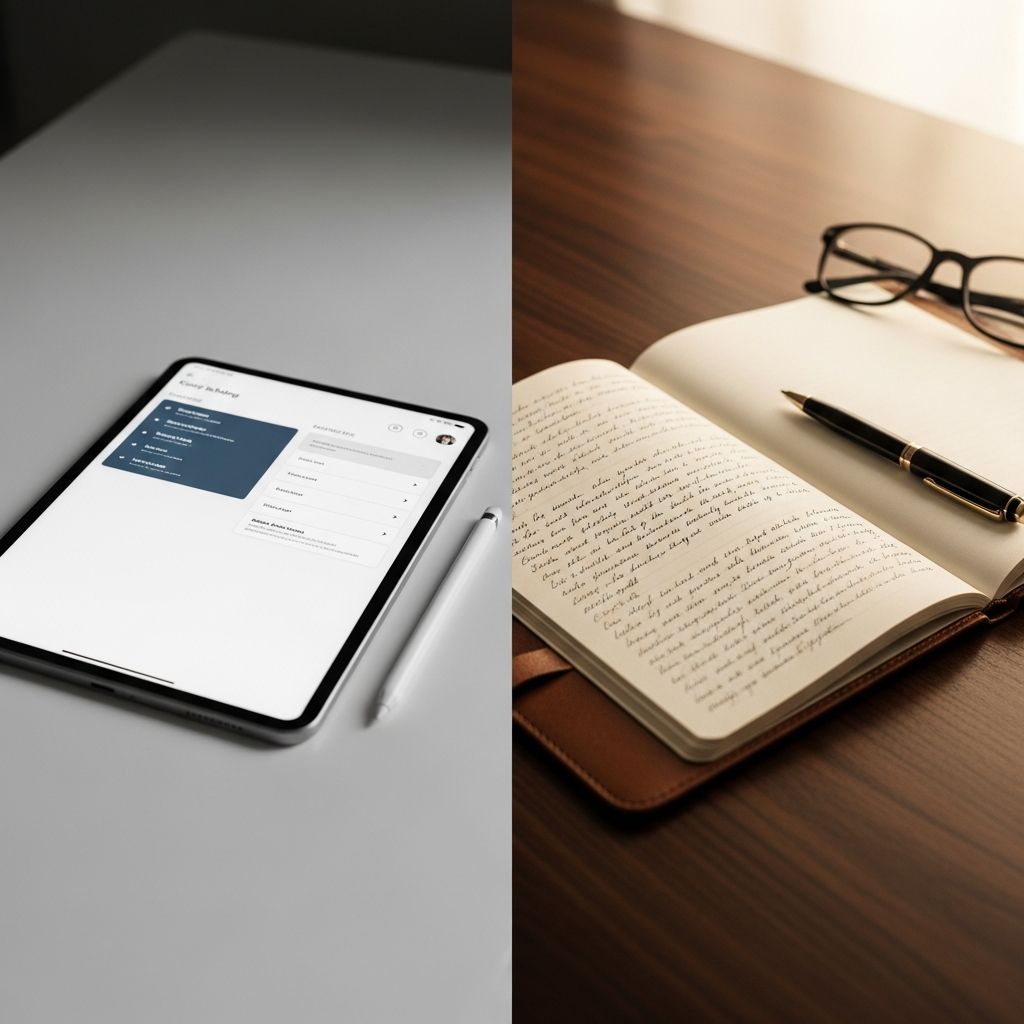
Choosing between typing on a device or writing by hand shapes how effectively you capture, process, and recall information during lectures, meetings, or self-study. Research shows both approaches offer unique benefits, with handwriting often boosting memory through cognitive engagement and digital methods excelling in speed and searchability. This article breaks down their advantages, drawbacks, scientific backing, and practical strategies to help you decide or blend them for optimal results.
Core Advantages of Each Note-Taking Style
Understanding the fundamental strengths helps match the method to your needs, whether prioritizing retention, organization, or convenience.
Why Handwritten Notes Shine for Deep Learning
Putting pen to paper engages the brain differently than keystrokes. The physical act of forming letters activates multiple neural pathways, enhancing comprehension and long-term recall. Studies indicate that students who handwrite notes process information more actively, selecting key ideas rather than transcribing verbatim, which leads to better test performance.
- Superior Memory Retention: Handwriting slows you down, forcing summarization and connection-making, which embeds facts deeper into memory.
- Reduced Distractions: No notifications or multitasking temptations, promoting sustained focus during capture.
- Tactile Feedback: Ideal for kinesthetic learners; the feel of paper and ink reinforces learning through sensory input.
For subjects heavy on concepts or diagrams, like biology or history, sketching by hand clarifies relationships visually.
Power of Digital Notes for Efficiency and Scale
Digital tools transform note-taking into a dynamic, searchable archive. Apps like OneNote or GoodNotes allow instant edits, embeds, and cloud sync, making them perfect for fast-paced environments.
- Lightning-Fast Search and Organization: Keywords pull up exact matches across thousands of pages in seconds.
- Multimedia Integration: Embed audio recordings, images, or videos directly into notes for richer context.
- Portability and Backup: One device holds everything, auto-syncing to prevent loss.
Visual learners thrive here, as color-coding, infinite canvases, and stylus drawing mimic paper while adding layers of functionality.
Breaking Down Pros and Cons in Detail
To visualize trade-offs, consider this comparison table based on user experiences and studies:
| Aspect | Handwritten Notes | Digital Notes |
|---|---|---|
| Retention | High (active processing) | Moderate (speed reduces selection) |
| Speed | Slower but thoughtful | Faster typing/editing |
| Organization | Manual indexing needed | Auto-tags, search, folders |
| Cost | Low (paper/pen) | High initial (device/apps) |
| Distractions | Minimal | High (notifications) |
| Portability | Bulky for volume | One slim device |
Handwritten wins for retention-focused tasks, while digital dominates in volume-heavy scenarios like coding classes or research.
Scientific Evidence: What Research Reveals
Empirical data tilts toward handwriting for learning outcomes. A key study found laptop users transcribed more but recalled less, as typing encourages shallow processing. Digitally handwritten notes on tablets bridge this gap, combining retention with digital perks.
- Princeton and UCLA research: Handwriters outperformed typists on conceptual questions by 10-20% due to deeper encoding.
- Tablet studies: Stylus input yields retention near paper levels, with added search benefits.
- Pharmacy curriculum analysis: Tablets reduce paper use while enabling diagrams vital for complex topics.
However, for verbatim needs like legal notes, digital speed prevails. Recent trends show hybrid tools evolving to maximize both worlds.
Adapting to Your Learning Profile
Your style dictates the winner. Reading/writing learners benefit from handwriting’s flow, capturing full thoughts under headings. Visuals favor digital’s colors and embeds; auditory types record lectures digitally.
Test via VARK questionnaire: Kinesthetic/reading types lean paper; visual/auditory prefer screens. Experiment in low-stakes settings to gauge comfort and recall.
Practical Strategies for Maximum Impact
Optimize either method with proven techniques.
Elevating Handwritten Notes
Use Cornell method: Divide pages into cues, notes, summary sections for active review. Color-code post-session; scan to digital for backup.
Mastering Digital Workflows
Leverage apps: Notion for databases, Notability for audio-sync. Disable notifications; use split-screen for slides. Structure with Cornell templates.
Hybrid Approaches: The Smart Compromise
Combine for best results: Handwrite in-class for retention, digitize via scanning apps like Adobe Scan for searchability. Or use tablets for ‘paper-like’ digital handwriting.
- Class-to-Review Flow: Pen on paper live; OCR scan evening for editable text.
- Subject Split: Paper for lectures, digital for projects.
- Tech Stack: ReMarkable or iPad + stylus for authentic feel with cloud sync.
This yields 90% of both benefits without full commitment.
Overcoming Common Hurdles
Digital Distractions: Airplane mode + focus apps.
Battery/Device Fail: Carry paper backup.
Paper Clutter: Binders + digitization routine.
Cost Barrier: Start free (Google Docs) before investing.
Frequently Asked Questions (FAQs)
What note-taking method improves memory most?
Handwriting generally boosts retention via active processing, per studies; digital handwriting on tablets is close second.
Are digital notes better for organization?
Yes, search, tags, and cloud sync make retrieval effortless compared to flipping pages.
Can I mix both methods effectively?
Absolutely—handwrite for capture, digitize for review to leverage strengths of each.
Which is cheaper long-term?
Paper starts low-cost but accumulates; digital has upfront device cost but saves on supplies.
Do professors allow devices?
Policies vary; check syllabi and have paper ready for bans.
Choose What Fits Your Goals
Assess priorities: retention? Go paper. Efficiency? Digital. Both? Hybrid. Track a week’s notes by method, quiz yourself, and iterate. The best system evolves with you, turning information overload into mastery.
References
- The Fresh Perspective: digital vs. traditional note-taking, which is better for you? — Liberty Wingspan. 2023-10-01. https://libertywingspan.com/77763/opinion/the-fresh-perspective-digital-vs-traditional-note-taking-which-is-better-for-you/
- Digital vs. Traditional Note-Taking: Which Is Better for You? — Hillsdale College Blog. 2023-08-15. https://www.hillsdale.edu/hillsdale-blog/writers/digital-vs-traditional-note-taking/
- Pros and Cons of Typed, Digitally Handwritten, and Paper Notes — University of Wisconsin GUTS. 2020-11-19. https://guts.wisc.edu/2020/11/19/pros-and-cons-of-typed-digitally-handwritten-and-paper-notes/
- Traditional or Modern: Paper Notetaking vs. Digital Notetaking — Ambiq Blog. 2023-05-10. https://ambiq.com/blog/traditional-or-modern-paper-notetaking-vs-digital-notetaking/
- Note-taking and Handouts in The Digital Age — PMC / NIH (American Journal of Pharmaceutical Education). 2016-04-25. https://pmc.ncbi.nlm.nih.gov/articles/PMC4812780/

Medha Deb is an editor with a master's degree in Applied Linguistics from the University of Hyderabad. She believes that her qualification has helped her develop a deep understanding of language and its application in various contexts. Medha specializes in the areas of beauty, health, sports, and wellness and is committed to ensuring that the content on the website is…