
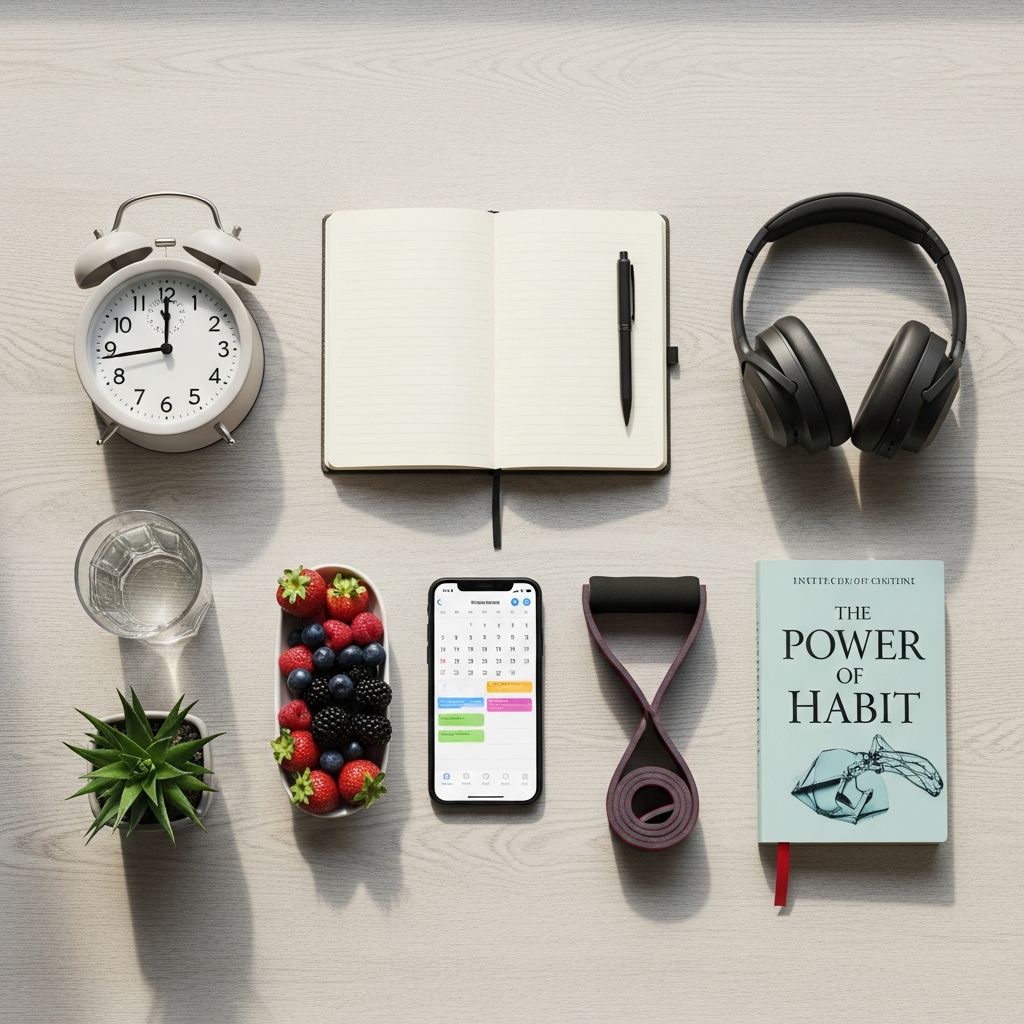
Creating a structured daily routine is key to maximizing productivity and reducing stress in today’s fast-paced world. With the right digital tools, you can prioritize tasks, track progress, and adapt to changing demands seamlessly. This article dives into eight standout tools, each designed to help individuals and teams craft schedules that deliver real results. From simple to-do lists to advanced collaboration platforms, these options cater to diverse needs like personal goal-setting, team coordination, and habit formation.
Why Digital Tools Transform Your Daily Planning
Traditional paper planners have their charm, but digital alternatives offer synchronization across devices, real-time updates, and intelligent features like AI-driven reminders. Studies from productivity experts highlight that consistent use of such tools can increase task completion rates by up to 25%. They eliminate guesswork by providing visualizations of your time, helping you identify bottlenecks and focus on high-impact activities. Whether you’re a freelancer juggling deadlines or a professional balancing work and family, these tools ensure nothing falls through the cracks.
Key benefits include cross-platform accessibility, customizable interfaces, and integrations with calendars or email. Most offer free tiers, making them accessible for beginners while scaling for power users. Let’s explore the top eight, grouped by core functions for easier selection.
Task Management Powerhouses
At the heart of any routine are task managers that turn vague ideas into actionable steps. These tools excel in breaking down projects and assigning deadlines.
Todoist: The Versatile Task Organizer
Todoist stands out for its intuitive design and robust features, making it ideal for both solo users and small teams. Create unlimited projects, label tasks for quick filtering, and set recurring reminders to build habits effortlessly. Its natural language input lets you type “Meeting tomorrow at 3pm” and it auto-schedules. Available on all major platforms, it syncs instantly, ensuring your routine is always at your fingertips.
- Standout Features: Karma points for motivation, productivity trends, and board views for visual planning.
- Best For: Beginners seeking simplicity with room to grow.
- Pricing: Free basic; Premium from $4/month.
Any.do: Smart Scheduling with Team Sync
Any.do combines to-do lists with a calendar view, using color-coding and tags for effortless organization. Its ‘Moment’ feature prompts daily reviews to align tasks with priorities. Voice entry and WhatsApp integration make adding items on-the-go a breeze, perfect for busy professionals.
- Standout Features: Location-based reminders and grocery list automation.
- Best For: Mobile-first users who multitask.
- Pricing: Free; Premium $5/month.
Advanced Planners for Comprehensive Scheduling
ClickUp: All-in-One Workspace
ClickUp redefines flexibility with custom dashboards, time tracking, and 15+ view options like Gantt charts and mind maps. Automate workflows and assign subtasks to collaborate without email chains. Its hierarchy system (Spaces, Folders, Lists) scales from personal routines to enterprise projects.
| Feature | Benefit |
|---|---|
| Custom Fields | Track custom metrics like energy levels or mood. |
| Real-Time Chat | Discuss tasks without leaving the app. |
| AI Assistant | Generate task summaries automatically. |
Best For: Teams needing robust project oversight. Pricing: Free forever; Unlimited $5/user/month.
Notion: Customizable Everything Hub
Notion’s block-based system lets you build databases, wikis, and calendars in one place. Embed habit trackers, link pages for routines, and use templates for weekly planning. Its relational databases connect daily tasks to long-term goals, fostering holistic productivity.
- Standout Features: Synced blocks and AI-powered writing aids.
- Best For: Creatives who love personalization.
- Pricing: Free; Plus $8/user/month.
Productivity Trackers and Calendars
Google Calendar: Simple Yet Powerful
Google Calendar’s clean interface supports time-blocking, event sharing, and goal integration. Color-code routines, set ‘Out of Office’ for focus time, and use appointment slots like a personal booking page. It integrates natively with Gmail and Meet for seamless workflows.
- Standout Features: Automatic event detection from emails.
- Best For: Google ecosystem users.
- Pricing: Free.
Toggl Track: Time Usage Insights
Toggl Track logs hours with one-click timers, generating reports on time spent per category. Categorize routines into work, exercise, or leisure to spot inefficiencies. Pomodoro integration and idle detection ensure accurate data for refining schedules.
| Category | Avg. Time Saved |
|---|---|
| Task Switching | 20% |
| Idle Time | 15% |
| Reporting | Automated |
Best For: Freelancers billing by the hour. Pricing: Free; Starter $9/user/month.
Collaboration and Project Tools
ProofHub: Centralized Project Control
ProofHub unifies tasks, files, and discussions in a single dashboard. Built-in time tracking starts automatically on task opens, with Gantt views for dependency mapping. Custom roles ensure team members see only relevant schedules.
- Standout Features: Announcement center for updates.
- Best For: Remote teams.
- Pricing: $45 flat/month for unlimited users.
Plaky: Team-Focused Task Boards
Plaky offers unlimited boards with templates for sprints or daily standups. Drag-and-drop tasks, attach files, and track time collaboratively. Its visual pipeline clarifies who’s doing what, reducing meeting needs.
- Standout Features: Custom fields and automation rules.
- Best For: Agile teams.
- Pricing: Free; Pro $3.99/month.
Implementing Tools into Your Routine
Start small: Pick one tool, import your current tasks, and commit to a 7-day trial. Block time daily for reviews—10 minutes morning, 5 evening. Combine tools like Todoist for tasks + Toggl for tracking. Track metrics weekly: tasks completed, time saved. Adjust based on data to evolve your routine.
For teams, prioritize shared calendars and role-based access to avoid overload. Integrate with email or Slack for notifications without app-switching. Over time, these tools build momentum, turning chaotic days into orchestrated success.
Frequently Asked Questions (FAQs)
What’s the best free tool for daily planning?
Todoist or Google Calendar offer powerful free tiers with core features for most users, syncing across devices effortlessly.
How do I choose between Notion and ClickUp?
Notion suits solo customizers; ClickUp excels in team scalability with pre-built automations.
Can these tools help with habit building?
Yes, features like recurring tasks in Todoist/Any.do and trackers in Toggl support habit formation through reminders and analytics.
Are mobile apps reliable for scheduling?
All listed tools have highly-rated mobile apps with offline support and instant sync for on-the-go adjustments.
How much time does setup take?
Most take 15-30 minutes initially; templates in ClickUp/Notion speed this up significantly.
Final Thoughts on Routine Mastery
Selecting the right tool depends on your workflow—solo simplicity or team complexity. Experiment to find your fit, and remember consistency trumps perfection. These eight tools provide a strong foundation for routines that propel you forward.
References
- 8 Best Tools to Optimize your Daily Schedule — Super Monitoring. 2023-05-15. https://www.supermonitoring.com/blog/tools-to-optimize-daily-schedule/
- 10 Best Digital Tools for Daily Planning 2025 — malife.app. 2024-12-01. https://malife.app/blog/digital-tools-daily-planning
- 8 Top Productivity Tools You Should Know About — Focos. 2023-08-20. https://focos.io/top-productivity-tools/
- I’ve Tried 50+ Productivity Tools — Here are My Top 9 — Buffer. 2024-03-10. https://buffer.com/resources/productivity-tools/
- Productivity and Time Management Guidelines — U.S. Office of Personnel Management (.gov). 2023-01-12. https://www.opm.gov/policy-data-oversight/worklife/reference-materials/time-management/

- Integrated M.A. in Applied Linguistics, University of Hyderabad
- 5+ years in editorial, instructional, SEO, and research-based writing
Sneha is a relationships and lifestyle writer with a strong foundation in applied linguistics and certified training in relationship coaching. She brings over five years of writing experience to theskillvault, crafting thoughtful, research-driven content that empowers readers to build healthier relationships, boost emotional well-being, and embrace holistic living. Her writing and insights reflect the belief that beauty, happiness, and wellness…