
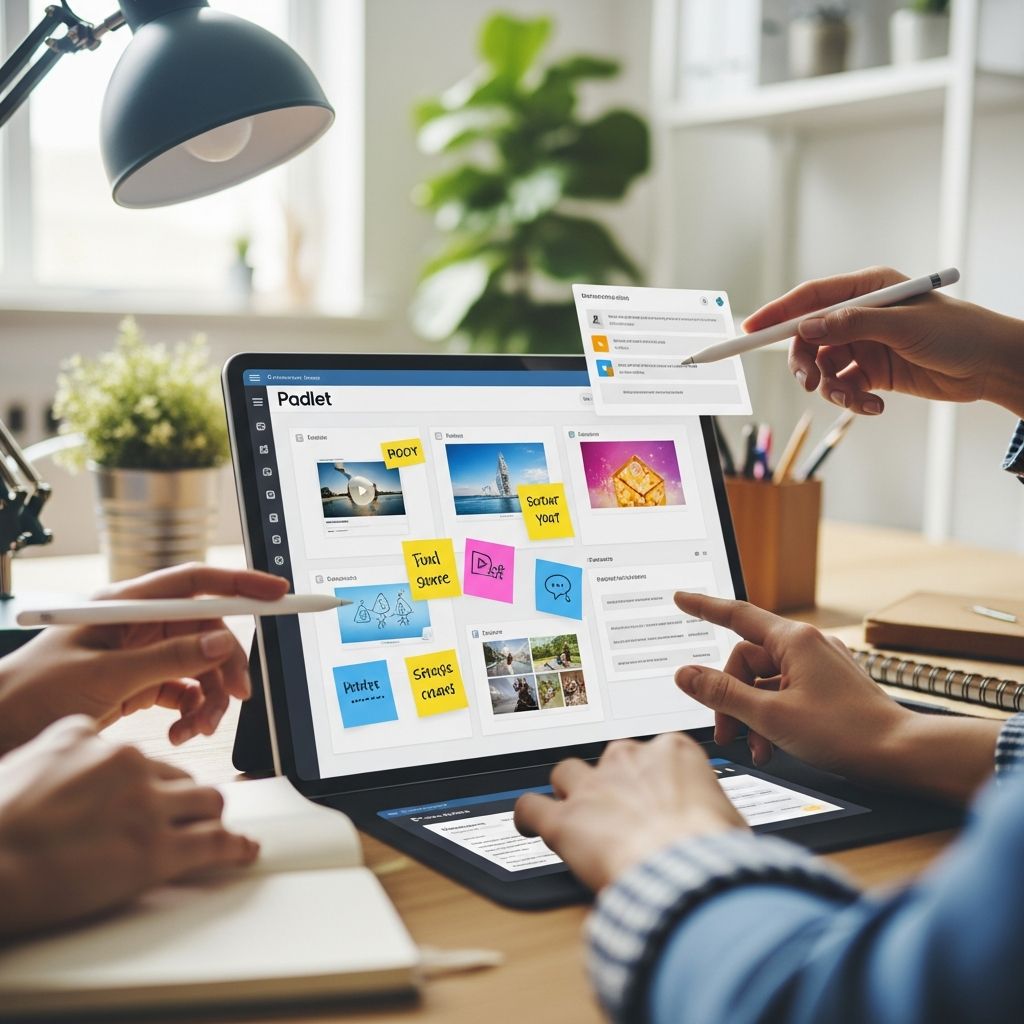
Padlet has emerged as a versatile digital tool that revolutionizes how educators deliver content and facilitate interaction in remote settings. This platform functions like an infinite online bulletin board, allowing teachers and students to post text, images, videos, links, and more in real-time collaborative spaces. Its flexibility supports diverse learning styles, making it ideal for virtual classrooms where traditional methods fall short. By leveraging Padlet’s features, educators can create dynamic environments that promote active participation, critical thinking, and peer collaboration, even across vast distances.
In today’s digital education landscape, tools like Padlet bridge the gap between physical and online learning. Students can access boards from any device, contribute asynchronously or synchronously, and view updates instantly. This adaptability is particularly valuable for remote learning, where maintaining student motivation can be challenging. Teachers can customize boards with backgrounds, layouts such as grid, stream, or canvas, and privacy settings to suit specific needs. Whether for brainstorming, assessments, or virtual explorations, Padlet empowers educators to craft immersive experiences that keep learners hooked.
Mastering Padlet’s Core Features for Educators
Before diving into activities, understanding Padlet’s toolkit is essential. The platform offers multiple board types: stream for announcements, canvas for mind maps, grid for organized posts, and more. Users add content via a simple ‘+’ button, supporting multimedia uploads, voice recordings, drawings, and embeds. Teachers control permissions—view-only, commenting, or full editing—and can moderate posts for safety. Real-time visibility allows instant feedback, while export options like PDF or images preserve work for grading.
Customization enhances engagement: choose vibrant themes, embed quizzes via integrations, or use AI features like Magic Padlet for quick lesson generation. Accessibility ensures inclusivity, with mobile responsiveness and language support. For remote setups, share links via LMS like Google Classroom or email, eliminating complex logins for students. These elements make Padlet a powerhouse for seamless online instruction.
Interactive Icebreakers to Build Classroom Community
Starting sessions with energizers sets a positive tone, especially in remote environments where connections feel distant. Padlet excels here by enabling quick, fun interactions that reveal personalities and build rapport.
- Two Truths and a Fib: Instruct students to post a selfie with three statements—two true, one false. Peers comment guesses, fostering laughter and discussion. This reveals fun facts, easing newcomers into the group.
- Emoji Mood Boards: Ask students to create posts using emojis representing their day or feelings about the topic. Discuss patterns to gauge class energy and segue into lessons.
- Virtual Show-and-Tell: Students upload photos of favorite items with brief descriptions. Others react with emojis or questions, sparking personal stories.
These activities take 5-10 minutes but yield lasting bonds. In one setup, a teacher noted increased participation rates post-icebreakers, as students felt seen.
Dynamic Brainstorming for Creative Idea Generation
Brainstorming thrives on Padlet, where ideas flow freely without hierarchy. Canvas layouts mimic whiteboards, perfect for mind mapping concepts.
For literature classes, pose a theme like ‘heroism’ and have students add quotes, images, or videos from texts. Branches grow as peers connect ideas. In science, explore ecosystems: post species photos, link food chains, and annotate impacts. Set anonymity for shy contributors or require names for accountability.
| Subject | Brainstorm Prompt | Expected Outcomes |
|---|---|---|
| History | Pivotal inventions | Timeline of innovations with pros/cons |
| Math | Real-world applications | Examples with diagrams |
| Art | Influences on style | Image collages and artist links |
Teachers facilitate by highlighting strong posts or posing follow-ups, turning passive scrolling into active dialogue.
Multimedia Virtual Field Trips and Explorations
Transport students globally without leaving home using Padlet’s media-rich boards. Curate virtual tours: for geography, embed Google Earth links, student-captured images from home ‘travels,’ and fact posts.
In history, recreate eras—post artifact photos, video clips from documentaries, and student hypotheses on daily life. Biology teachers build ecosystem boards: upload wildlife videos, species drawings, and pollution impact discussions. Encourage contributions like personal eco-pledges or virtual ‘souvenirs.’
- Space exploration: NASA embeds, planet facts, astronaut Q&A.
- Cultural festivals: Recipes, music clips, tradition explanations.
This method boosts retention; visual storytelling makes abstract topics tangible and memorable.
Collaborative Projects and Group Work Online
Remote group work often falters due to coordination issues, but Padlet centralizes efforts. Assign roles—researcher, designer, summarizer—and use columns for sections like intro, data, conclusion.
For projects, stream updates: post drafts, peer reviews, final embeds. Science labs go virtual: students upload experiment videos, data graphs, and analyses. Literature circles feature chapter summaries, character arcs, and theme debates. Track progress with color-coded posts (green=done, yellow=in-progress).
Benefits include equitable participation—everyone contributes visibly—and easy teacher oversight. One educator reported 30% higher completion rates with such boards.
Formative Assessments and Quick Checks
Padlet transforms quizzes into interactive experiences. Use for exit tickets: ‘One insight, one question’ posts. Polls via emoji reactions gauge understanding.
Concept maps on canvas visualize knowledge: connect terms like photosynthesis stages. Vocabulary boards: post images, peers label anonymously. Speaking practice for languages—voice notes reading texts, classmates transcribe/feedback.
- Pre-lesson predictions: Guess outcomes, revisit post-lesson.
- Reflection journals: Weekly goal-setting and progress logs.
Analyze responses for reteaching needs; export for records.
Streamlined Communication and Assignment Hubs
Replace cluttered emails with stream boards as class feeds. Post agendas, links to readings/videos, reminders. Students reply with questions or confirmations.
Integrate widgets for quizzes, puzzles between lessons to re-energize. Homework drops: upload assignments, due-date tags. Parent updates via view-only shares.
This organization reduces confusion, with real-time reads ensuring alignment.
Advanced Tips for Maximizing Padlet Impact
Integrate with tools like BookWidgets for gamified elements—memory matches, word searches themed to content. Use AI for instant timelines or resource lists. Moderate proactively: pin exemplars, delete off-topic posts.
For larger classes, folders organize multiple boards. Analytics track engagement. Hybrid teaching? Mirror physical walls digitally.
Challenges like overload? Limit posts per student or use time-bound activities. Training via demo boards builds confidence.
Frequently Asked Questions (FAQs)
What devices work with Padlet?
Padlet is fully responsive on desktops, tablets, and mobiles via browsers or apps—no downloads needed for basics.
Is Padlet free for teachers?
Yes, a free tier supports unlimited boards with core features; premium unlocks extras like custom domains.
How do I ensure student privacy?
Set boards to private links, require approvals, or school accounts. Comply with COPPA/FERPA via settings.
Can Padlet replace LMS platforms?
It complements them excellently for interactive elements but pairs best with Google Classroom for grading/storage.
What’s the best board type for beginners?
Start with grid for structured posts or stream for announcements—both intuitive.
Conclusion: Elevate Your Remote Teaching Today
Padlet isn’t just a tool; it’s a catalyst for vibrant, inclusive remote learning. By implementing these activities, educators foster deeper engagement, creativity, and community. Experiment, adapt to your context, and watch student enthusiasm soar. Start a board now and transform your virtual classroom.
References
- 5 Super Fun Padlet Ideas to Teach Remotely or In Person — The ESL Educator. 2023. https://theesleducator.com/padlet-ideas/
- 5 Innovative Ways Teachers Can Utilize Padlet in the Classroom — Ed Technology Specialists. 2023. https://edtechnologyspecialists.com/5-innovative-ways-teachers-can-utilize-padlet-in-the-classroom/
- 30+ Creative Ways to Use Padlet for Teachers and Students — BookWidgets Blog. 2017-08-30. https://www.bookwidgets.com/blog/2017/08/30-creative-ways-to-use-padlet-for-teachers-and-students
- 20 Useful Ways to Use Padlet in Class Now — Ditch That Textbook. 2023. https://ditchthattextbook.com/20-useful-ways-to-use-padlet-in-class-now/
- 10 Ways to Use Padlet in Your Classes — Engaging Biology. 2023. https://engagingbiology.com/10-ways-to-use-padlet-in-your-classes/

- Integrated M.A. in Applied Linguistics, University of Hyderabad
- 5+ years in editorial, instructional, SEO, and research-based writing
Sneha is a relationships and lifestyle writer with a strong foundation in applied linguistics and certified training in relationship coaching. She brings over five years of writing experience to theskillvault, crafting thoughtful, research-driven content that empowers readers to build healthier relationships, boost emotional well-being, and embrace holistic living. Her writing and insights reflect the belief that beauty, happiness, and wellness…