
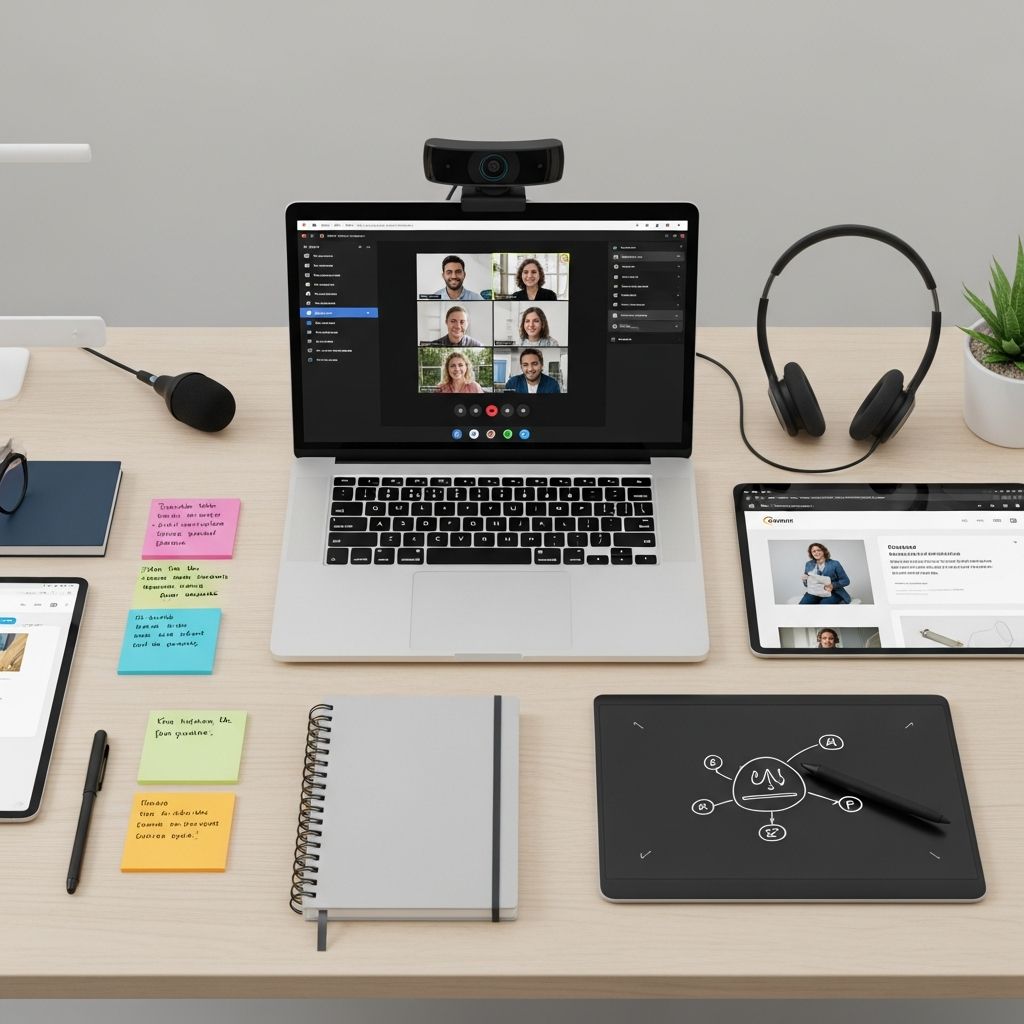
Online teaching has transformed education, requiring educators to leverage digital platforms that foster interaction, clarity, and efficiency. This article highlights essential tools that simplify lesson delivery, enhance student participation, and maintain the personal connection vital for learning. Whether you’re new to virtual classrooms or refining your approach, these solutions offer practical ways to elevate your teaching.
Why Digital Tools Matter in Virtual Education
The shift to online learning demands more than traditional methods. Tools must support real-time collaboration, asynchronous content creation, and data-driven insights. High-quality edtech reduces technical barriers, allowing focus on pedagogy. For instance, interactive platforms enable active learning, while recording tools preserve lessons for review. According to the U.S. Department of Education, effective remote tools improve student outcomes by 20-30% through increased engagement.
Educators benefit from free or affordable options with intuitive interfaces. These tools integrate seamlessly with platforms like Google Classroom or Zoom, creating cohesive experiences. Key benefits include:
- Boosted student interaction via polls and shared boards.
- Flexible content creation for diverse learning styles.
- Time-saving automation for feedback and grading.
- Accessibility features for inclusive education.
Screen Recording: Bringing Lessons to Life
Screen recording tools are foundational for online teaching, allowing educators to capture tutorials, explain concepts, and provide personalized feedback. They add a human element by combining voiceovers with visuals, making complex topics digestible.
Popular options like ScreenRec and Loom stand out for their simplicity. ScreenRec offers secure, instant sharing without uploads, ideal for quick tutorials or feedback videos. Loom excels in short messages, with view tracking and reactions to gauge understanding. Teachers use these for flipped classrooms, where students watch recordings before live discussions.
| Tool | Key Features | Pricing | Best For |
|---|---|---|---|
| ScreenRec | Auto-save, secure links, no uploads | Free | Tutorials & feedback |
| Loom | Quick videos, reactions, filters | Free tier; paid from $8/mo | Updates & comments |
| Screencast-O-Matic | Editing, captions, offline work | Free; pro $1.50/mo | Polished lectures |
Incorporate these by recording a math problem walkthrough: narrate steps, highlight errors, and share instantly. Students rewind at their pace, reinforcing comprehension.
Interactive Whiteboards: Collaborative Creativity
Digital whiteboards replace physical boards, enabling real-time collaboration. Students draw, type, and manipulate elements together, mimicking in-person brainstorming.
Canva Whiteboard provides stylish templates for math, art, or group projects, with easy sharing. Google Jamboard offers sticky notes and infinite canvas for idea mapping. These tools shine in live sessions, where students solve problems simultaneously, fostering peer learning.
- Real-time editing prevents downtime.
- Export options for portfolios.
- Integration with video calls.
For a science lesson, create a shared board for labeling diagrams. Students add annotations live, discussing via chat—transforming passive viewing into active participation.
Engagement Platforms: Quizzes and Polls
To combat screen fatigue, gamified tools like Kahoot!, Wooclap, and Mentimeter inject fun into assessments. They support multiple question types, leaderboards, and instant feedback.
Wooclap boasts 21 question formats and LMS integrations, perfect for hybrid classes. Kahoot! energizes reviews with music and competition. Use these for formative checks: poll understanding mid-lesson, adjust on the fly.
Benefits include higher retention—studies show gamification boosts recall by 14%. Free tiers suffice for most, with premiums unlocking analytics.
Content Creation and Sharing Hubs
Platforms like Pear Deck, Seesaw, and Padlet centralize resources. Pear Deck turns slides interactive with draggable objects. Seesaw builds digital portfolios via photos, videos, and drawings. Padlet curates multimedia walls for discussions.
Teachers assign tasks from libraries, track progress, and provide voice comments. These tools personalize learning, accommodating visual, auditory, and kinesthetic styles.
Hardware Enhancers for Professional Delivery
Software pairs with hardware like document cameras and iPad pencils for crisp visuals. A USB document camera projects materials clearly during Zoom reads. Stylus-enabled tablets allow precise annotations, elevating lesson quality without high costs.
Budget tip: Start with free apps mirroring phone cameras, upgrade as needed.
Integrating Tools into Your Workflow
Success lies in seamless integration. Use Zapier for automations, like Loom videos to Google Classroom. Weekly routines: Record intros (Loom), plan boards (Canva), quiz (Wooclap), assign portfolios (Seesaw).
Train students on tools early via short demos. Monitor equity—provide alternatives for low-bandwidth users, like audio-only options.
Challenges and Solutions
Common hurdles: Tech glitches, overload, privacy. Solutions:
- Test tools pre-class.
- Limit to 3-4 per lesson.
- Follow FERPA guidelines; use secure platforms.
Professional development via edtech communities keeps skills sharp.
Frequently Asked Questions (FAQs)
What are the best free tools for beginner online teachers?
Start with Loom for videos, Google Jamboard for collaboration, and Kahoot! for quizzes—all offer robust free versions.
How do I keep students engaged in virtual classes?
Incorporate interactive elements like polls, shared whiteboards, and gamified quizzes to maintain attention and encourage participation.
Are paid upgrades necessary for these tools?
Free tiers handle most needs; upgrade for advanced analytics or larger classes, typically $5-20/month.
Can these tools work in hybrid environments?
Yes, most integrate with Zoom, Google Classroom, and LMS for seamless blended learning.
How to ensure accessibility for all students?
Choose tools with captions, text alternatives, and mobile support; always offer backups like PDFs.
Future Trends in Online Teaching Tools
AI-driven personalization and VR integration loom large. Expect adaptive quizzes adjusting difficulty real-time and immersive simulations. Stay ahead by experimenting now—tools evolve rapidly.
(Word count: 1678)
References
- 8 Best Tools To Teach Online For Educators — ScreenRec. 2023-01-15. https://screenrec.com/elearning-software/best-tools-to-teach-online/
- Our Top 5 Tools for Remote Learning — The Literacy Architects. 2022-09-10. https://www.theliteracyarchitects.com/top-5-tools-for-remote-learning/
- The 5 most important tools for virtual learning — Ditch That Textbook. 2021-11-20. https://ditchthattextbook.com/virtual-learning-tools/
- 5 FREE Tools EVERY Online Teacher Should Be Using — YouTube (Nomad Internet). 2023-02-05. https://www.youtube.com/watch?v=9pp0ptJkdBc
- Top 5 online learning tools — Wooclap. 2024-03-12. https://www.wooclap.com/en/blog/top-online-learning-tools/
- The Ultimate Online Teaching Tool-Kit: 5 Game Changing Tools — Molly Wheatley. 2022-07-18. https://www.mollywheatley.com/blog/top-5-tools-for-teaching-online-wyx7j

- Integrated M.A. in Applied Linguistics, University of Hyderabad
- 5+ years in editorial, instructional, SEO, and research-based writing
Sneha is a relationships and lifestyle writer with a strong foundation in applied linguistics and certified training in relationship coaching. She brings over five years of writing experience to theskillvault, crafting thoughtful, research-driven content that empowers readers to build healthier relationships, boost emotional well-being, and embrace holistic living. Her writing and insights reflect the belief that beauty, happiness, and wellness…