
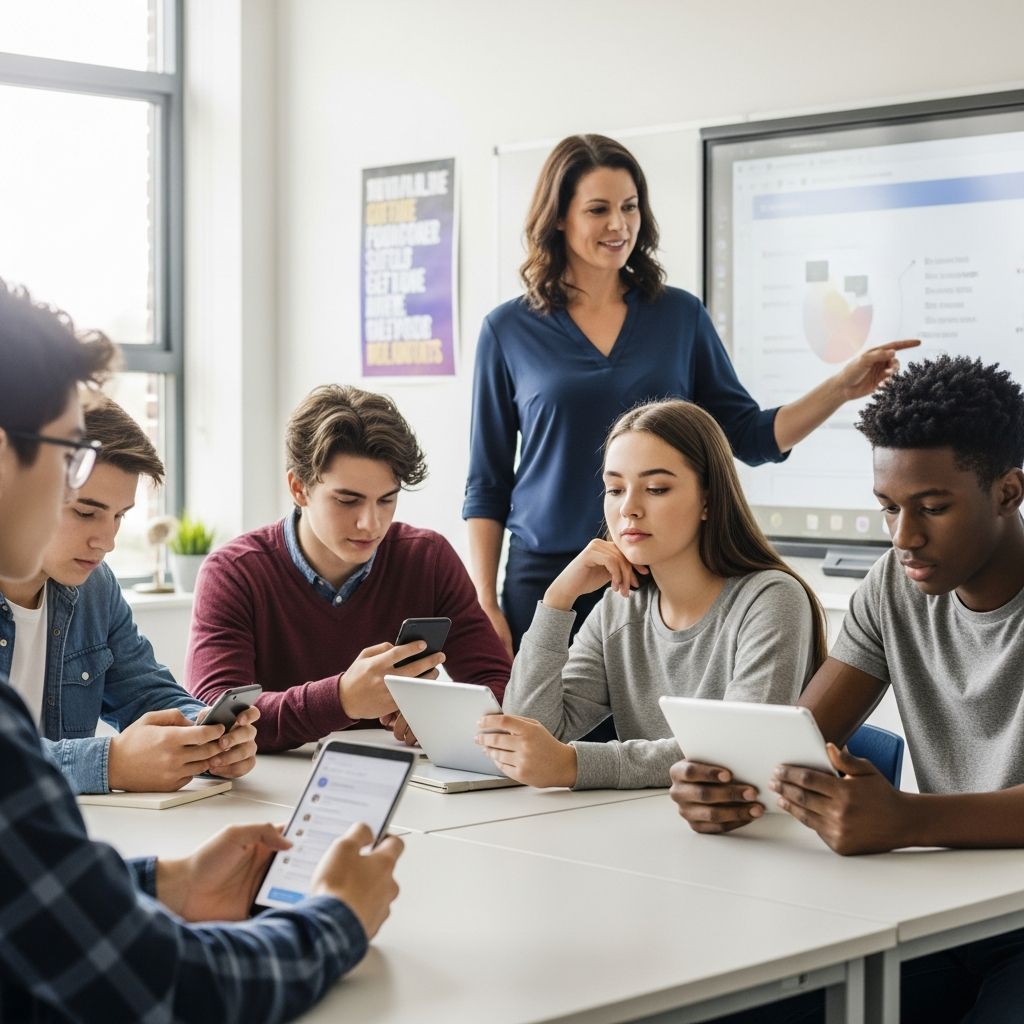
Social media platforms have become integral to modern communication, offering students opportunities for connection, learning, and expression. However, they also present risks such as privacy breaches, cyberbullying, and exposure to harmful content. This article provides comprehensive guidance drawn from authoritative educational and governmental sources to help students engage safely and responsibly.
Understanding the Digital Landscape for Young Users
Today’s students encounter a vast array of platforms like Instagram, Snapchat, TikTok, and others, each with unique features and potential pitfalls. Many sites enforce a minimum age of 13, yet younger children often create accounts using false information to bypass restrictions. This underscores the need for maturity assessment before allowing access. Schools and families must collaborate to educate on these platforms’ mechanics, emphasizing that online actions have real-world consequences.
Key risks include identity theft, where fake profiles harvest personal data, and oversharing that reveals home details or routines, potentially inviting theft or harassment. Students should recognize that once content is posted, it may persist indefinitely, even if deleted, affecting future opportunities like college admissions or jobs.
Establishing Firm Foundations: Rules and Conversations
Begin safety efforts with open dialogues. Parents and educators should initiate discussions early about social media’s benefits—such as staying connected—and dangers like scams or predators. Encourage questions like, “What makes you uncomfortable online?” to build trust.
- Age and Maturity Check: Ensure students meet platform age requirements and demonstrate readiness to handle interactions.
- Clear Rules: Define acceptable content, connections, and usage times, aligning with family or school values.
- Ongoing Check-Ins: Regularly review activity without invading privacy to reinforce accountability.
Modeling positive behavior is crucial; adults who demonstrate balanced use inspire students to follow suit. Designate device-free zones like meals or bedtime to prioritize real-life bonds.
Mastering Privacy and Security Essentials
Privacy settings are a student’s first line of defense. Configure profiles to private, restricting visibility to approved friends only, and disable location sharing to avoid broadcasting real-time positions.
| Privacy Feature | Why It Matters | How to Implement |
|---|---|---|
| Private Profile | Limits access to known contacts, reducing stranger interactions | Go to settings > privacy > set to private |
| Location Off | Prevents revealing current whereabouts | Disable geolocation in app permissions |
| Custom Audiences | Blocks specific users from viewing posts | Use block/report tools for offenders |
Passwords must be unique and robust, incorporating numbers, symbols, and avoiding personal details like pet names that hackers exploit via social posts. Never share passwords, and use platform tools to report suspicious activity.
Content Choices: Posting Wisely
Adopt the “front page rule”: Would this appear appropriately on a newspaper’s front page? Avoid posts revealing vacations, home status, or sensitive images like those involving minors, weapons, or nudity. Think before posting—consider family, employers, or admissions officers viewing it.
- Refrain from sharing full names, addresses, schools, or phone numbers.
- Skip specifics on events or locations that could enable crimes.
- Be cautious with photos/videos; once sent, control is lost.
Encourage positive content that reflects true identity and kindness, steering clear of anything embarrassing or harmful.
Navigating Interactions and Threats
Be selective with friends/followers—only accept known individuals to thwart fake profiles. Ignore or block unknown solicitors, and never agree to offline meetings with online-only contacts; report to adults immediately.
Cyberbullying demands swift action: Do not engage, forward, or ignore it. Block bullies, report via platform tools, and inform trusted adults or authorities. Schools often use monitoring like Gaggle to flag harmful language. For crimes, contact law enforcement or the FBI’s IC3.
Time Management for Balanced Living
Excessive use disrupts sleep, studies, and relationships. Set daily limits, especially pre-bedtime, aiming for at least one hour device-free before sleep. Prioritize in-person connections through unplugged activities.
Parental controls and built-in timers help enforce boundaries without constant oversight. Track usage to maintain healthy habits, balancing online fun with offline growth.
Leveraging Tools and School Resources
Explore monitoring apps, filters, and family sharing for guidance. Schools should develop policies on acceptable use, cyberbullying responses, and staff training. Administrators can host workshops integrating digital citizenship into curricula.
Resources like attorney general tip sheets and Surgeon General advisories offer evidence-based advice. Stay informed on emerging apps to adapt strategies.
Building Digital Citizenship for Life
Beyond rules, cultivate critical thinking: Differentiate facts from opinions, recognize manipulation, and use media literacy to navigate feeds. Promote kindness online, treating others respectfully as in person.
Long-term, these habits safeguard mental health, reputation, and opportunities. By fostering responsibility, students thrive in digital spaces.
Frequently Asked Questions (FAQs)
What age should students start using social media?
Platforms require 13+, but readiness depends on maturity. Discuss risks first and delay if needed.
How do I report cyberbullying?
Block the user, use platform report features, notify adults or school, and escalate to law enforcement if threatening.
Are privacy settings foolproof?
No, but they significantly reduce risks. Combine with careful posting and strong passwords.
What if my child meets someone unsafe online?
Never meet offline without adult verification. Report immediately and block contact.
How can schools promote safe use?
Implement policies, monitoring tools, and education programs on digital citizenship.
References
- How to encourage safe and responsible social media usage for your … — Robeson County Schools. Accessed 2026. https://www.robeson.k12.nc.us/o/sphs/article/1092335
- Tips For Students – Arkansas Attorney General — Arkansas Attorney General. Accessed 2026. https://arkansasag.gov/divisions/community-relations/education-programs/presentations-and-publications/internet-safety/tips-for-students/
- Smart Social Networking: Fifteen Tips for Teens – Cyberbullying.org — Cyberbullying Research Center. Accessed 2026. https://cyberbullying.org/smart-social-networking
- Keeping Your Student Safe on Social Media: A Guide for Parents — SFCA Kings. Accessed 2026. https://www.sfcakings.org/keeping-your-student-safe-on-social-media-a-guide-for-parents/
- Use These Tips to Navigate Social Media in a Safe and Healthy Way — Children’s Health Council. 2023. https://www.chconline.org/resourcelibrary/teens-and-tweens-use-these-tips-navigate-social-media-in-a-safe-and-healthy-way/

Medha Deb is an editor with a master's degree in Applied Linguistics from the University of Hyderabad. She believes that her qualification has helped her develop a deep understanding of language and its application in various contexts. Medha specializes in the areas of beauty, health, sports, and wellness and is committed to ensuring that the content on the website is…