
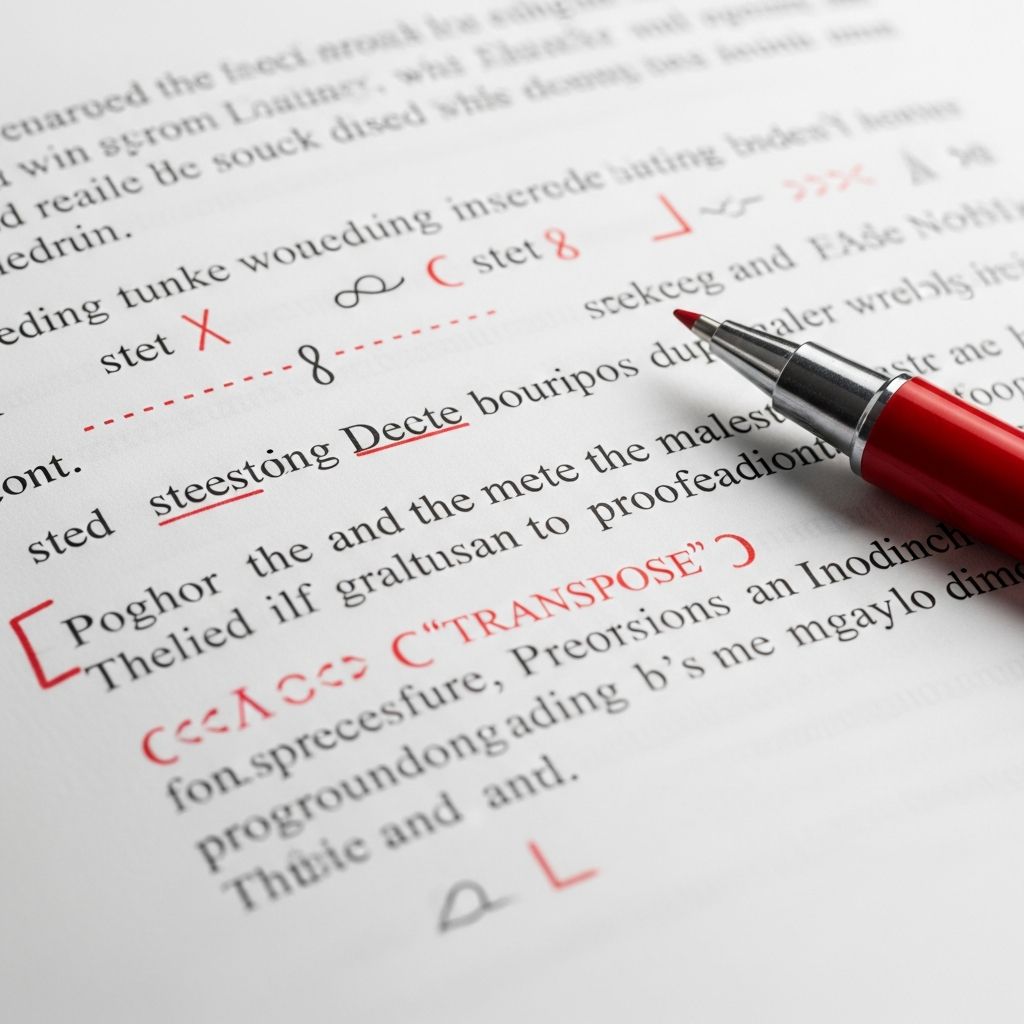
Receiving a manuscript covered in cryptic symbols can feel like encountering an ancient script. These proofreading marks are standardized notations editors employ to signal corrections efficiently on printed pages. Though digital tools like track changes have gained popularity, understanding traditional marks remains crucial for professional writers, students, and self-editors working with hard copies or collaborating with traditional publishers.
Proofreading symbols serve as a universal language, bridging the gap between author and editor. They pinpoint issues in spelling, grammar, punctuation, formatting, and style without cluttering the text. Typically inscribed in red ink in margins, these marks link to specific text via loops or lines, ensuring clarity. This guide explores their history, categories, practical applications, and modern adaptations, equipping you to interpret and apply them confidently.
The Evolution and Purpose of Proofreading Notation
Proofreading marks trace back to the printing press era, when typesetters needed precise instructions for galleys. Organizations like the Chicago Manual of Style and the British Standards Institution formalized these symbols in the 20th century, creating consistency across industries. Today, they persist in publishing, academia, and legal document review, where paper proofs demand tactile editing.
The core purpose is efficiency: a single symbol conveys what might take paragraphs to explain. For instance, a simple loop through a word signals deletion, freeing editors to focus on substantive feedback. In academic settings, such as university style guides, these marks train students in precision writing. Their structured nature minimizes miscommunication, vital when deadlines loom.
Core Categories of Proofreading Symbols
Proofreading marks divide into operational symbols (for text manipulation), punctuation insertions, formatting directives, and abbreviations. Each category addresses distinct error types, from structural to stylistic.
Operational Symbols for Text Changes
These handle additions, removals, and rearrangements—the backbone of content refinement.
- Caret (^): Signals insertion. Place it below the line where new text goes; the addition often appears in the margin.
- Delete (ↄ or loop): A curved line or diagonal slash through text or letters indicates removal. Marginally, it may appear as ‘deletia’ or a squiggle.
- Transpose (~ or curved arrow): Switches order of letters, words, or phrases. Ideal for fixing ‘teh’ to ‘the’ or swapped clauses.
- Stet (dotted underline): Latin for ‘let it stand.’ Dots under previously marked text instruct to revert to original, overriding prior changes.
- New Paragraph (¶ or open square): Starts a fresh paragraph, often with a marginal pilcrow symbol.
These symbols streamline revisions. For example, in a dense report, multiple deletes prevent wordiness without erasing context.
Punctuation and Spacing Directives
Punctuation marks ensure rhythmic flow and clarity. Editors insert them precisely where needed.
| Symbol | Meaning | Example Use |
|---|---|---|
| , | Insert comma | Separate list items: apples, oranges, bananas |
| ; | Insert semicolon | Join related clauses: She studied hard; she passed. |
| : | Insert colon | Introduce lists: Ingredients: flour, sugar. |
| “ | Insert quotes | Enclose dialogue: “Hello,” she said. |
| # | Insert space | Fix run-together words: well known → well#known |
| ∥ | Close up space | Remove gap: a lot → alot (then correct to ‘a lot’) |
Spacing symbols like # prevent cramped text, enhancing readability. Misplaced punctuation can alter meaning—e.g., ‘Let’s eat, Grandma’ vs. ‘Let’s eat Grandma’—making these marks indispensable.
Formatting and Typeface Adjustments
Visual style matters. Symbols dictate emphasis and alignment.
- Underlined three lines: Boldface.
- Single underline: Italics.
- Wavy underline: Small capitals.
- Circle around letter: Lowercase.
- Triple circle: Capitals.
- En dash (–) or em dash (—): Inserted for ranges or interruptions.
Parentheses ( ) or brackets [ ] get looped insertions. Centering uses broad arrows. These ensure documents align with style guides like APA or MLA.
Common Abbreviations in Margins
Abbreviations complement symbols, providing quick notes. They’re written boldly in margins opposite affected text.
| Abbreviation | Full Meaning | Application |
|---|---|---|
| sp | Spelling | Check ‘recieve’ → ‘receive’ |
| gram | Grammar | Fix subject-verb agreement |
| cap | Capitalization | ‘monday’ → ‘Monday’ |
| punct | Punctuation | Missing period or comma |
| awk | Awkward | Rephrase clumsy sentence |
| wd | Wordy | Trim verbose phrases |
| ww | Wrong word | ‘Effect’ vs. ‘affect’ |
| frag | Fragment | Complete incomplete sentence |
| ro | Run-on | Split fused sentences |
These save time. ‘Awk’ prompts smoother phrasing, while ‘frag’ flags incomplete thoughts. In academic papers, ‘ts’ might mean ‘topic sentence’ needs strengthening.
Practical Strategies for Using and Interpreting Marks
Approach marked pages systematically: Scan margins first, then trace to text. Red ink highlights urgency. Group similar issues—fix all ‘sp’ before punctuation.
Step-by-Step Workflow:
- Read entire document with marks to grasp overall feedback.
- Address deletions and insertions first.
- Correct spelling/grammar via abbreviations.
- Apply formatting last.
- Proofread revised version aloud for flow.
For self-editing, print drafts and mimic these marks. This trains your eye for errors digital screens miss. Collaborate by sharing annotated PDFs preserving symbols.
Proofreading Marks in the Digital Era
While Microsoft Word’s ‘Track Changes’ and Google Docs suggestions dominate, traditional marks endure. Publishers like university presses request them for final proofs. Tools like Adobe Acrobat embed similar notations.
Hybrid approaches thrive: Use digital for drafts, paper for polish. Apps like Grammarly flag issues but lack nuanced symbols like ‘stet’ for reversals. Understanding marks enhances software proficiency—e.g., recognizing ‘transpose’ aids rearranging via cut-paste.
Advanced Tips for Aspiring Editors and Writers
Customize marks sparingly; stick to standards for team work. In creative writing, prioritize ‘awk’ and ‘wd’ for voice preservation. Legal docs emphasize ‘punct’ for precision.
Practice with sample texts. Resources from style guides reinforce learning. Track recurring personal errors—e.g., chronic ‘run-ons’—to preempt them.
Frequently Asked Questions (FAQs)
What does a caret symbol mean in proofreading?
A caret (^) indicates where to insert text, often with the new content written in the margin.
How do you indicate ‘delete’ on a printed page?
Draw a loop or diagonal line through the text, paired with a marginal delete symbol like ↄ.
What is ‘stet’ and when is it used?
‘Stet’ means ‘let it stand’; underline with dots to ignore prior corrections.
Are proofreading marks still relevant with digital tools?
Yes, especially in publishing and academia for final hard-copy reviews.
What does ‘awk’ stand for?
‘Awk’ means awkward phrasing; rewrite for clarity and smoothness.
Mastering Marks for Polished Writing
Fluency in proofreading symbols transforms feedback from daunting to actionable. Whether student, novelist, or professional, these tools elevate your craft. Practice consistently, and your revisions will yield tighter, error-free prose ready for any audience.
References
- Proofreading Marks at a Glance — Northwestern University AMSTP. Accessed 2026. https://amstp.northwestern.edu/documents/proofreading-marks-at-a-glance.pdf
- Copy Editing Marks – University Style Guide — California State University, Chico. Accessed 2026. https://www.csuchico.edu/style-guide/guidelines/copy-editing-marks.shtml
- Proofreading abbreviations and what they mean — Microsoft. Accessed 2026. https://www.microsoft.com/en-us/microsoft-365-life-hacks/writing/25-proofreading-abbreviations-and-what-they-mean
- Proofreading Marks: What Do They Mean? — Scribendi Academy. Accessed 2026. https://www.scribendi.com/academy/articles/decoding_traditional_proofreading_marks.en.html
- Proofreading Marks Every Author Should Know — eContent Pro. 2023-05-01. https://www.econtentpro.com/blog/what-are-proofreading-marks/259

Medha Deb is an editor with a master's degree in Applied Linguistics from the University of Hyderabad. She believes that her qualification has helped her develop a deep understanding of language and its application in various contexts. Medha specializes in the areas of beauty, health, sports, and wellness and is committed to ensuring that the content on the website is…