
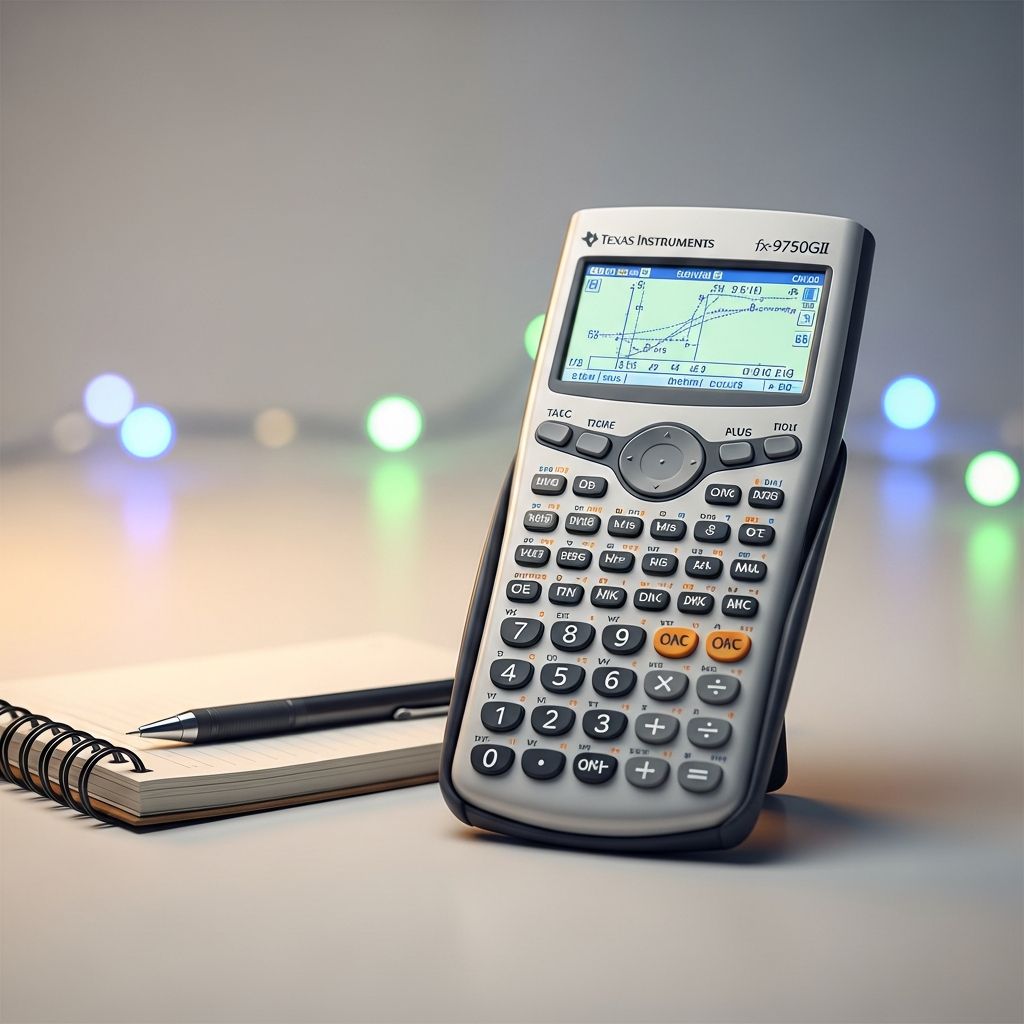
Navigating the ACT math section requires strategic tool use, and understanding calculator permissions is crucial for success. The official ACT policy permits specific calculators solely on the mathematics test, emphasizing that every problem can be solved manually to promote fairness. This guide explores permitted models, restrictions, format differences, and preparation tactics to maximize your performance.
Understanding the Core ACT Calculator Policy
The ACT rigorously enforces calculator rules to maintain test integrity. Devices are allowed exclusively during the math portion, including WorkKeys Applied Math, but sharing is strictly prohibited. Test centers do not supply calculators, so bringing your own approved model is essential. All questions are designed calculator-free, yet using one efficiently saves precious time on complex computations.
Policy highlights include:
- Permitted: 4-function, scientific, and graphing calculators not on the prohibited list.
- Required modifications for certain models, like removing programs or tapes.
- No cell phones, laptops, or communication devices allowed.
- Accessible devices (e.g., Braille or audio) need prior approval.
This framework applies consistently to both traditional paper-based and the evolving digital formats introduced in recent years.
Types of Approved Calculators for the ACT
ACT test-takers have flexibility with basic to advanced models, provided they adhere to guidelines. Here’s a breakdown of permitted categories:
Basic 4-Function Calculators
These handle fundamental operations: addition, subtraction, multiplication, and division. Some include extras like square roots or percentages, making them sufficient for straightforward problems. Ideal for students preferring simplicity, they minimize distraction risks.
Scientific Calculators
Equipped for exponents, logarithms, trigonometry, and statistics, these excel in intermediate math tasks. They support scientific notation and probability without graphing capabilities.
Graphing Calculators
The most powerful option, allowing function plotting, data analysis, and regression. Models without computer algebra systems (CAS) are favored for advanced questions involving graphs or matrices. Popular choices include TI-83 Plus and TI-84 series after modifications.
Note: Always verify your model against the official list, as updates occur.
Prohibited Calculators and Common Pitfalls
To avoid disqualification, steer clear of banned features. The ACT explicitly forbids:
| Prohibited Category | Examples | Reason |
|---|---|---|
| Computer Algebra Systems (CAS) | TI-89, TI-Nspire CAS | Performs symbolic manipulation, giving unfair advantage |
| Communication Devices | Cell phones, smartwatches, tablets | Potential for cheating or distraction |
| QWERTY Keyboards | Devices mimicking computers | Resembles word processors, not pure calculators |
| Electronic Writing Pads | Pen-input styluses | Advanced input methods not allowed |
Additionally, calculators needing tweaks—such as those with programs, paper tapes, sounds, infrared ports, or power cords—must be altered beforehand. For instance, cover infrared ports with opaque tape and silence noisy models.
Paper vs. Digital ACT: Calculator Differences
With the digital ACT rollout for state and district testing, options have expanded. Key distinctions:
- Paper-Based: Bring your own approved handheld; no on-site provision.
- Digital: Use the integrated Desmos Graphing Calculator in the platform or bring a personal approved device. Desmos handles graphing, statistics, and more seamlessly.
This dual approach accommodates preferences while standardizing access. The policy remains unchanged for 2025-2026 transitions. Practice with Desmos via official tools to familiarize yourself.
Modifying Your Calculator for Compliance
Certain popular graphing calculators require prep:
- Delete all programs and CAS apps.
- Remove paper tapes or covers.
- Disable sounds and vibrations.
- Obscure data ports.
- Detach power cords; use batteries only.
Test modifications post-adjustment to ensure functionality. Backup batteries and a spare calculator are wise.
Strategic Tips for ACT Math Calculator Mastery
Beyond approval, effective use separates top scorers. Implement these:
- Practice Extensively: Use your device on full practice tests to build speed.
- Strategic Deployment: Tackle simple arithmetic mentally; reserve for graphs or iterations.
- Pre-Program if Allowed: Store key formulas (check rules).
- Battery Check: Fully charge and test days prior.
- Desmos Proficiency: For digital, master matrix entry and regressions.
YouTube tutorials demonstrate TI-84 hacks for ACT efficiency[10]. Time yourself to shave seconds per problem.
Special Considerations and Accommodations
Students with disabilities can request Braille, talking, or large-display calculators via ACT approval processes. Apply early through your testing coordinator. International testers follow identical rules.
Frequently Asked Questions (FAQs)
Can I use my TI-84 on the ACT?
Yes, the TI-84 Plus is approved after removing any CAS programs or documents.
What’s the built-in calculator like for digital ACT?
Desmos offers robust graphing and scientific functions; practice at desmos.com/calculator.
Do I need a graphing calculator to score high?
No—all problems are solvable without, but it aids time management on complex ones.
Are smartwatches allowed as calculators?
No, any communication device is banned.
Has the policy changed for 2026?
No, it remains consistent across formats.
Preparing for Test Day Success
Review the official ACT site pre-test. Simulate conditions: timed sections with your calculator. This builds confidence, reduces errors, and optimizes pacing. High-stakes math demands readiness—your calculator is a tool, not a crutch.
By selecting an approved device, modifying as needed, and honing skills, you’ll approach the ACT math section empowered. Stay updated via ACT.org, as minor tweaks occur.
References
- Changes to the ACT (2025-2026) — 36 University. 2025. https://36university.com/changes-to-the-act-2025-2026/
- What Calculators are Allowed on the ACT? — College Raptor. Accessed 2026. https://www.collegeraptor.com/getting-in/articles/act-sat/what-calculators-are-allowed-on-the-act/
- ACT Calculator Rules 2026 — NicevilleTutoring (YouTube). 2026. https://www.youtube.com/watch?v=W8iRNvQqnqE
- What Calculator Can I Use on the ACT? — Test Innovators. Accessed 2026. https://testinnovators.com/blog/act-calculator/
- ACT® Calculator Policy: Guidance for Your Students — Progress Learning. Accessed 2026. https://progresslearning.com/news-blog/act-calculator-policy-guidance/
- ACT Calculator Policy — ACT.org. Accessed 2026. https://www.act.org/content/act/en/products-and-services/the-act/test-day/calculator-policy.html
- ACT-Calculator Policy (PDF) — ACT.org. 2025-06-01. https://www.act.org/content/dam/act/unsecured/documents/ACT-calculator-policy.pdf

- Integrated M.A. in Applied Linguistics, University of Hyderabad
- 5+ years in editorial, instructional, SEO, and research-based writing
Sneha is a relationships and lifestyle writer with a strong foundation in applied linguistics and certified training in relationship coaching. She brings over five years of writing experience to theskillvault, crafting thoughtful, research-driven content that empowers readers to build healthier relationships, boost emotional well-being, and embrace holistic living. Her writing and insights reflect the belief that beauty, happiness, and wellness…