
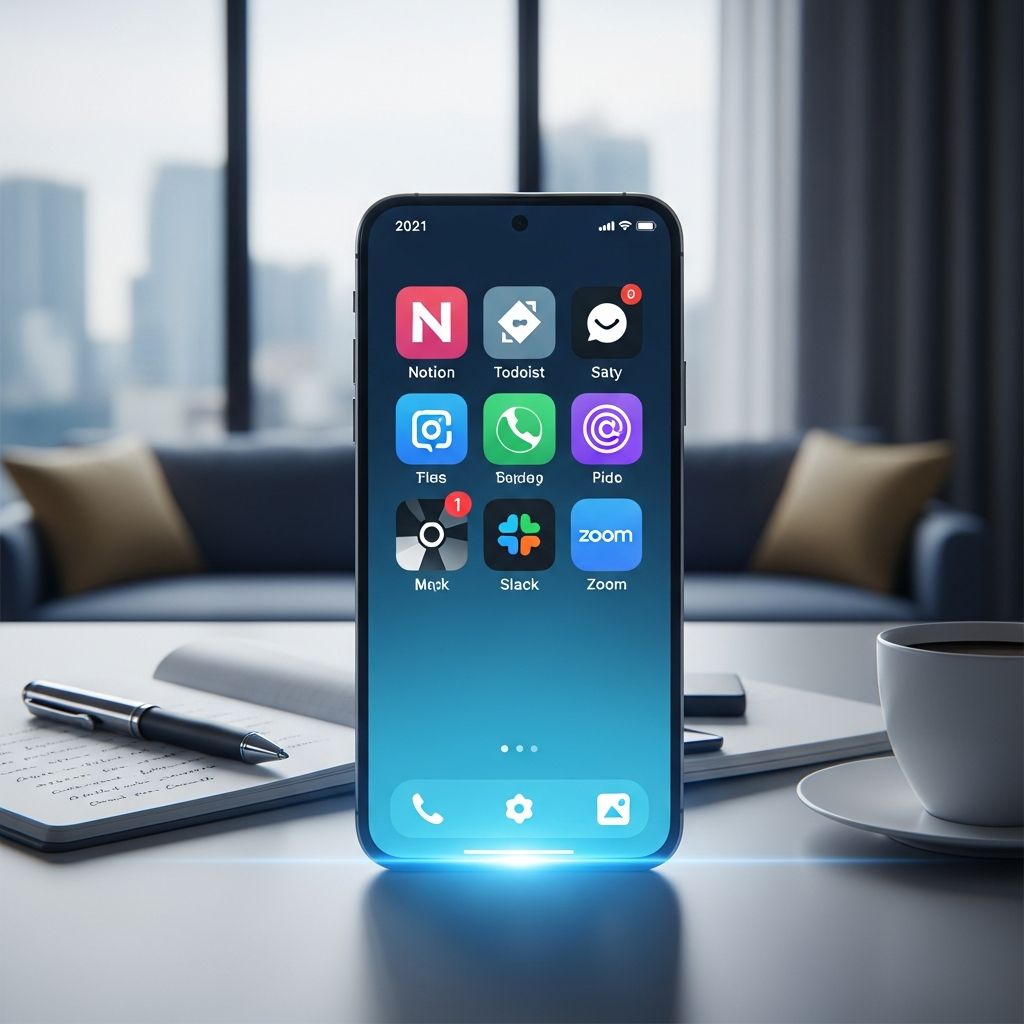
High achievers in 2026 don’t rely on willpower alone; they leverage cutting-edge mobile apps to optimize every minute. These tools, often AI-powered, handle scheduling, focus, collaboration, and creativity, freeing users for strategic work. This article dives into 12 standout apps commonly found on the phones of successful professionals, entrepreneurs, and remote workers, drawing from recent reviews and usage trends.
Why Mobile Productivity Apps Define Success Today
In a world of constant notifications and remote work demands, productivity apps act as digital co-pilots. They automate repetitive tasks, enforce focus, and provide data-driven insights. According to 2026 analyses, top performers use apps that integrate seamlessly across devices, prioritizing AI for personalization and efficiency. Unlike generic tools, these apps adapt to user habits, blocking distractions and suggesting optimal workflows. For instance, calendar apps now auto-reschedule around priorities, while note-takers evolve into ‘second brains’ for knowledge management.
Success stems from stacking complementary apps: a core scheduler, task manager, communicator, and focus aid. This stack minimizes context-switching, a key productivity killer. Remote workers, in particular, favor apps with offline capabilities and cross-platform sync to maintain momentum anywhere.
AI-Powered Scheduling: Reclaim.ai Leads the Pack
Reclaim.ai stands out as the premier productivity app for time optimization. This AI calendar scans your existing schedule, then intelligently slots tasks, habits, meetings, and breaks into available gaps. It dynamically adjusts for priority shifts, ensuring flexibility without chaos.
- Key Features: Auto-scheduling around Google Calendar, habit tracking, flexible rescheduling.
- Best For: Busy executives juggling meetings and deep work.
- Pricing: Free tier available; premium from $8/month.
Users report reclaiming 5-10 hours weekly by eliminating manual planning. Its strength lies in treating time as a finite resource, much like top CEOs manage budgets.
Task Mastery with Todoist and Sunsama
Todoist excels as the ultimate to-do list app, offering intuitive task creation, prioritization, and team sharing. It syncs with calendars and supports labels, recurring tasks, and real-time collaboration.
For mindful planning, Sunsama guides daily rituals: review tasks, estimate time, and avoid overload. Its calming interface and analytics reveal time sinks, promoting realistic goals.
| App | Core Strength | Integration | Cost |
|---|---|---|---|
| Todoist | Task prioritization | Google Calendar, Reclaim.ai | Free; Premium $4/month |
| Sunsama | Daily planning rituals | Multiple calendars | $20/month |
These apps transform vague intentions into actionable plans, with Todoist handling volume and Sunsama ensuring balance.
All-in-One Workspaces: Notion’s Versatility
Notion serves as a Swiss Army knife for notes, databases, projects, and wikis. Its drag-and-drop blocks let users build custom dashboards for everything from personal trackers to team hubs. Free across platforms, it integrates with countless tools, making it indispensable for knowledge workers.
- Custom databases for workouts, projects, or content calendars.
- Real-time collaboration without complexity.
- Offline editing for on-the-go use.
High achievers use Notion as their ‘second brain,’ centralizing information to boost recall and creativity.
Email and Communication Efficiency
Superhuman revolutionizes email with AI prioritization, shortcuts, and reminders, slashing inbox time for professionals. Slack remains king for team chats, with channels, threads, and integrations keeping remote teams aligned.
Loom complements by replacing lengthy meetings with quick async videos, ideal for feedback and updates.
Focus and Mindfulness Boosters
Brain.fm delivers science-backed audio to induce flow states, with modes for deep work, breaks, or relaxation. Offline functionality ensures productivity anywhere.
StayFocusd enforces digital boundaries by limiting distracting sites, building habits for sustained focus.
Creative and Specialized Tools
Design and Content Creation
Canva empowers novices with templates for graphics and social posts, while Figma suits UX pros with collaborative prototyping. Ocoya combines AI content generation and scheduling for social media mastery.
Development and Automation
Github Copilot accelerates coding with AI suggestions, a staple for developers. IFTTT connects apps for custom automations, streamlining workflows.
Tracking and Security
Toggl Track logs time effortlessly, revealing productivity patterns for freelancers. 1Password secures logins across devices. Copilot Money simplifies expense tracking.
Building Your Ultimate Productivity Stack
Start with a core trio: Reclaim.ai (scheduling), Notion (notes/projects), Todoist (tasks). Add Slack/Loom for teams, Brain.fm for focus. Test integrations to avoid silos—most offer free trials.
Customization is key: solopreneurs prioritize personal tools like Sunsama; teams lean on collaborative ones like Workday for HR or Gong for sales.
Frequently Asked Questions (FAQs)
What is the single best productivity app for 2026?
Reclaim.ai tops lists for its AI scheduling that optimizes time around priorities, but the best depends on needs—Todoist for tasks, Notion for organization.
Are free productivity apps sufficient?
Yes, robust free tiers in Todoist, Notion, and Google Calendar handle most users; premium unlocks advanced AI and teams features.
How do I avoid app overload?
Limit to 5-7 apps in a stack: one per category (schedule, tasks, notes, comms, focus). Prioritize integrations for seamless flow.
Which apps work best for remote work?
Pocket for content, Brain.fm for focus, Loom for async comms, and Claude for AI assistance excel in remote setups.
Can these apps improve work-life balance?
Absolutely—tools like Sunsama and Reclaim.ai enforce breaks and realistic planning, preventing burnout.
Trends Shaping Productivity Apps in 2026
AI dominance continues, with generative tools like Claude handling grunt work from emails to analysis. Privacy-focused apps rise amid data concerns, and multimodal AI (text, voice, video) blurs app boundaries. Expect deeper calendar integrations and predictive analytics for proactive planning.
High achievers measure success by output, not hours. These apps shift focus from busyness to impact, enabling 20-30% efficiency gains per studies on AI tools.
References
- 26 Best Productivity Apps: 2026 Review Guide — Reclaim.ai. 2026. https://reclaim.ai/blog/productivity-apps
- The 6 Best Productivity Apps for Remote Work in 2026 — Crossover. 2026. https://www.crossover.com/resources/the-6-best-productivity-apps-for-remote-work-in-2026
- The 9 Best Productivity Apps I Actually Use in 2026 — Fhynix. 2026. https://fhynix.com/best-productivity-apps/
- Top Productivity Apps People Use in 2026 (Personal Use Stack) — Self-Manager.net. 2026. https://self-manager.net/articles/top-productivity-apps-people-use-in-2026-personal-use-stack
- 16 Productivity Planners You’ve Got to Try in 2026 — Sybill. 2026. https://www.sybill.ai/blogs/productivity-stack-ai-note-takers-planners

- Integrated M.A. in Applied Linguistics, University of Hyderabad
- 5+ years in editorial, instructional, SEO, and research-based writing
Sneha is a relationships and lifestyle writer with a strong foundation in applied linguistics and certified training in relationship coaching. She brings over five years of writing experience to theskillvault, crafting thoughtful, research-driven content that empowers readers to build healthier relationships, boost emotional well-being, and embrace holistic living. Her writing and insights reflect the belief that beauty, happiness, and wellness…