
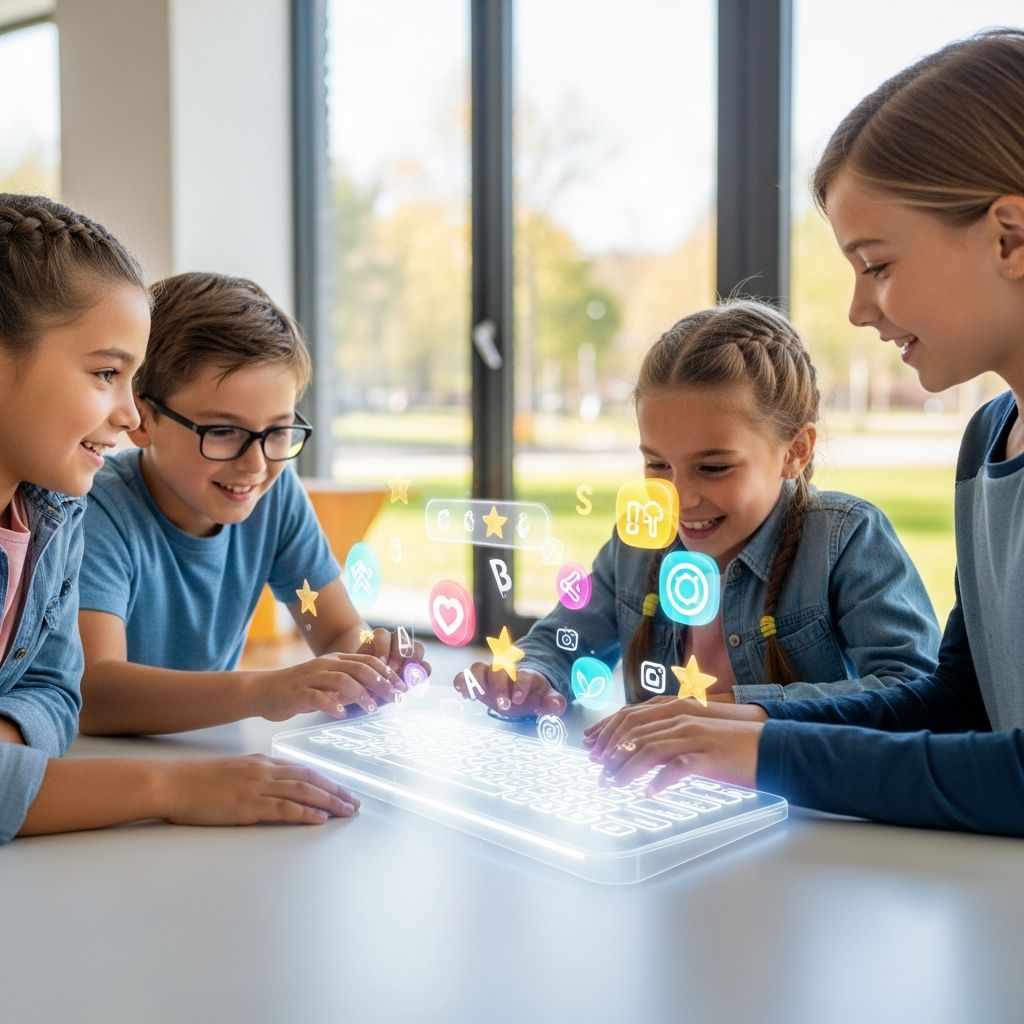
In today’s digital world, keyboard proficiency is a foundational skill for children. Free typing games transform this necessity into an exciting adventure, helping kids develop touch typing abilities while improving focus, spelling, and confidence. These games leverage gamification to keep young learners motivated, turning practice into play.
Why Typing Skills Matter for Young Learners
Mastering touch typing early offers lifelong advantages. It enhances computer literacy, allowing children to communicate and complete tasks efficiently in a tech-driven environment. Typing faster than handwriting frees cognitive resources for idea generation, improving academic performance. For children with dyslexia or dysgraphia, typing provides phonics reinforcement and eliminates handwriting struggles, boosting spelling and reading comprehension.
Games make this learning engaging by rewarding progress and minimizing failure fears. They promote perseverance, cognitive development, and self-esteem through milestones and challenges. Studies show gaming fosters persistence despite setbacks, a key trait for long-term success. Early typing also builds multitasking, hand-eye coordination, and working memory.
Essential Features of Great Typing Games for Children
The best free typing games prioritize fun, progression, and accessibility. Look for:
- Age-appropriate designs for 7+ with colorful interfaces and short sessions.
- Progressive lessons introducing keys alphabetically or phonetically.
- Multi-sensory elements like sounds and visuals for muscle memory.
- Games fostering competition, such as races or zombie defenses, to sustain interest.
- Dyslexia-friendly options emphasizing sound-letter links without handwriting.
These features ensure sustained engagement, as fun activities outperform repetitive drills.
Discover 7 Outstanding Free Typing Games
Here are carefully selected free games that stand out for their educational value and entertainment. Each builds core skills through unique mechanics.
1. TypingClub’s Adventure Worlds
This platform immerses kids in virtual worlds where typing advances the story. Lessons start with home row keys, progressing to full keyboard mastery. Mini-games like comet blasts and shark dodges reward accuracy and speed. Suitable for beginners, it tracks progress with badges, motivating repeated play.
2. Keybr’s Adaptive Challenges
Keybr uses algorithms to focus on weak keys, generating custom exercises. Kids type falling letters or words in a dynamic interface, with real-time feedback. Its minimalist design suits various ages, emphasizing muscle memory over speed initially. Free access includes unlimited practice.
3. Dance Mat Typing by BBC
A whimsical journey with animated characters teaching UK curriculum-aligned lessons. Four levels cover all keys through songs, dances, and rhythms. No login required; it’s perfect for quick sessions. The multi-sensory approach aids dyslexic learners by linking sounds to keys.
4. Nitro Type Racing
Turn typing into multiplayer races against global opponents. Select cars and compete in real-time by typing words accurately. Leaderboards and tournaments build competitive spirit. Free with optional upgrades; it excels in sustaining long-term practice through social elements.
5. Typing.com’s Zombie Defender
Defend against zombie hordes by typing commands swiftly. Progressive difficulty introduces new keys and speeds. Power-ups reward combos, blending action with skill-building. Fully free, it’s ideal for boys and action fans, promoting perseverance.
6. Sense-Lang’s The Typing Cat
Cat-themed lessons with tutorials, tests, and games like fruit catching. It teaches proper finger placement from scratch. Multilingual support and printable certificates add value. Ad-free experience keeps focus on learning.
7. Ratatype’s Playground
Featuring races, accuracy tests, and word games, Ratatype offers diplomas upon completion. Daily challenges prevent boredom. Its clean interface supports home or school use, enhancing working memory through varied tasks.
Comparing Top Typing Games at a Glance
| Game | Best For | Key Features | Age Range | Multiplayer |
|---|---|---|---|---|
| TypingClub | Story-driven learning | Worlds, badges, mini-games | 7-12 | No |
| Nitro Type | Competition | Races, leaderboards | 8+ | Yes |
| Dance Mat Typing | Beginners | Songs, animations | 7-10 | No |
| Zombie Defender | Action fans | Defense, power-ups | 8-13 | No |
| Keybr | Custom practice | Adaptive, minimalistic | 9+ | No |
How to Maximize Learning with Typing Games
Integrate games into daily routines for 15-20 minutes to build habits without fatigue. Pair with proper posture guidance: feet flat, screen at eye level, wrists neutral. Track improvements using built-in analytics to celebrate gains.
For dyslexic children, choose phonics-based games to reinforce sound-letter ties. Combine with school programs like TTRS for structured curricula. Parents should monitor to balance fun and skill focus, avoiding over-reliance on games alone.
Encourage goal-setting, like ‘beat last week’s speed,’ to foster growth mindset. Schools benefit from bulk implementations, enhancing ICT readiness.
Real-World Impact: Typing Games in Action
Children using these games report higher confidence; one study notes self-esteem boosts from milestones. Typing fluency aids essay writing, allowing focus on content over mechanics. In digital assessments, skilled typists outperform peers. Long-term, it prepares for tech careers, with early starters gaining edges in higher education.
Educators praise gamified typing for engagement; kids persist longer than in drills. A second-grader’s TEDx talk highlights memory and smarts gains.
Frequently Asked Questions (FAQs)
How old should kids start typing games?
Ages 7+ is ideal, aligning with motor skill development for home row mastery.
Are free typing games effective?
Yes, they build accuracy and speed through repetition and rewards, outperforming rote practice.
Can typing games help dyslexic kids?
Absolutely, by emphasizing phonics and bypassing handwriting.
How much daily practice is needed?
15-30 minutes, 4-5 days weekly yields noticeable improvements in weeks.
Do multiplayer games distract from learning?
No, competition motivates sustained practice without risk.
Getting Started Today
Download or access these browser-based gems now. With no cost barriers, every child can embark on a typing adventure. Consistent play unlocks not just skills, but a confident digital future.
References
- Benefits of Learning to Touch Type — Nessy. 2023. https://www.nessy.com/en-gb/about-us/blog/benefits-of-learning-to-touch-type
- What are some benefits of kids learning typing at a young age? — UMU. 2024. https://www.umu.com/ask/a11122301573854343604
- Why invest in typing programs for schools — Read and Spell. 2023. https://www.readandspell.com/us/typing-programs-for-schools
- 5 Reasons Games Are a Great Way to Learn Typing — Typing.com. 2023. https://www.typing.com/blog/5-reasons-games-great-way-learn-typing/
- Typing Games For Students: Educational or A Waste of Time? — WordPress Blog. 2016-03-06. https://eng15102spring16.wordpress.com/2016/03/06/typing-games-for-students-educational-or-a-waste-of-time/
- Benefits of Typing | Jason Onifade | TEDxKids@ElCajon — YouTube. 2023. https://www.youtube.com/watch?v=_eHB47MeIrU
- Will games help improve typing? — Typesy Community. 2023. https://community.typesy.com/t/will-games-help-improve-typing/1598

Medha Deb is an editor with a master's degree in Applied Linguistics from the University of Hyderabad. She believes that her qualification has helped her develop a deep understanding of language and its application in various contexts. Medha specializes in the areas of beauty, health, sports, and wellness and is committed to ensuring that the content on the website is…