
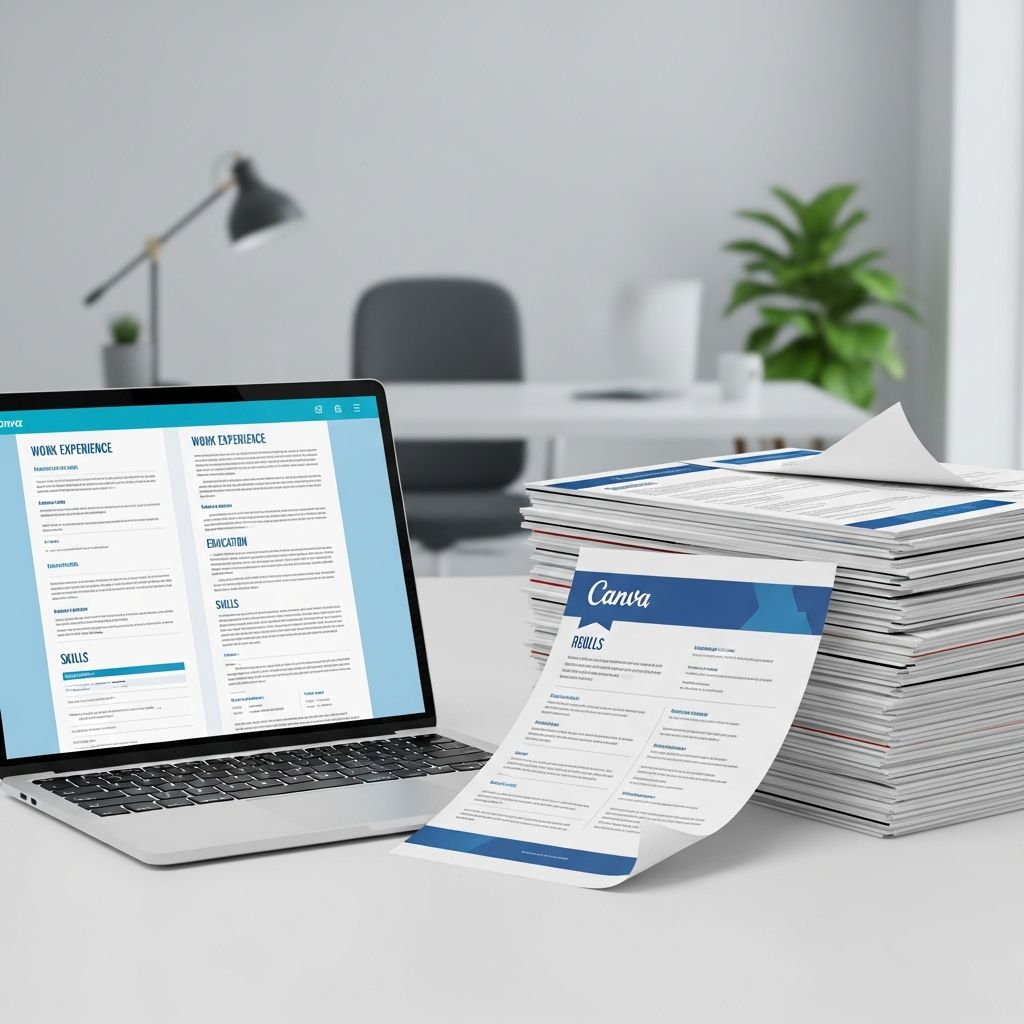
Canva has made resume design accessible to anyone with an email address and a web browser. Beautiful templates, drag-and-drop editing, and easy PDF downloads are incredibly appealing when you are trying to update your resume fast. But do Canva resumes actually help you get more interviews—or can they hurt your chances, especially with Applicant Tracking Systems (ATS)?
This guide takes an in-depth, critical look at Canva resumes from a hiring perspective. You will learn when Canva is a smart choice, when it is risky, and how to adapt Canva templates so they work for humans and software alike.
What Makes Canva Resumes So Popular?
Before analyzing the downsides, it is important to understand why Canva resumes have exploded in popularity.
- Low barrier to entry: You can start from a pre-made layout instead of a blank page, even with zero design skills.
- Visual polish: Colors, icons, and typography make your resume feel more modern and unique compared with a basic word processor document.
- Browser-based and cloud-stored: You can edit from any device and keep multiple versions saved.
- Large library of templates: Canva offers thousands of CV/resume designs across industries, from minimalist to highly creative.
- Integrated ecosystem: Matching cover letters, portfolios, and social media graphics can all be created in the same interface.
For many job seekers, this combination feels like a shortcut to a “professional” resume. But hiring teams and ATS tools do not judge resumes on style alone.
How Recruiters and ATS Actually Read Your Resume
To evaluate Canva resumes realistically, you need to know how your document is processed after you click Submit.
Human reviewers
- Most recruiters skim a resume for 6–7 seconds before deciding whether to keep reading, according to eye-tracking studies by TheLadders.
- They scan for job titles, employers, dates, and results that match the job description, not for design flourishes.
- Complex visuals, heavy color, and unusual layouts can slow that scan—or hide important information.
Applicant Tracking Systems (ATS)
ATS software parses your resume to extract text into a structured profile: job titles, companies, dates, education, skills, and sometimes keywords. Research shows that most large organizations use some form of ATS to manage applications.
- ATS tools may struggle with graphics, icons, tables, and text in decorative elements such as shapes and text boxes.
- Non-standard fonts and multi-column layouts can lead to jumbled or missing data in the parsed result.
- When critical sections (like work experience) are unreadable to the ATS, your resume can be screened out before a human sees it.
Canva resumes sit at the intersection of these two realities: they look great to humans but are often built with design features that ATS does not interpret reliably.
Strengths of Using Canva for Your Resume
Used intentionally, Canva can support a competitive job search. Here are some genuine advantages.
1. Rapid visual branding
If you work in a field where visual impression matters—such as marketing, design, media, or client-facing roles—your resume design can reinforce your personal brand. Canva makes it easy to align colors, typography, and layout across documents and online profiles.
2. Accessible for non-designers
Unlike advanced design tools, Canva is built for non-experts. Drag-and-drop controls, pre-set color palettes, and pre-built layouts reduce the risk of obviously unprofessional design choices.
3. Templates tailored to many roles
You can filter Canva templates by style (simple, minimalist, creative) or profession (corporate, creative, tech) and quickly find something close to what you need.
- Minimalist templates with fewer graphics can be closer to ATS-friendly designs.
- Graphic-rich templates may be better suited for portfolios or networking emails rather than formal applications.
4. Easy version control
Because everything is stored online in your account, you can maintain multiple tailored versions of your resume (for different job types) without juggling local files.
Where Canva Resumes Fall Short
Despite these strengths, there are critical limitations job seekers often overlook.
1. Potential ATS compatibility problems
Many Canva templates are built as visual compositions first and text documents second. Elements that look like normal content to you may be impossible for ATS to interpret.
- Decorative icons used instead of bullet points or section labels may be ignored entirely.
- Text layered on top of shapes or images can be misread or skipped.
- Complex two- or three-column layouts may cause reading order issues, producing jumbled content when parsed.
Career and HR organizations consistently recommend simple layouts and minimal graphics to avoid ATS parsing errors, especially for online applications to large employers.
2. Overemphasis on looks vs. substance
A polished template cannot compensate for weak content. Recruiters care about quantifiable achievements, clarity, and relevance to the role—not the exact shade of blue in your headings. Research by hiring platforms shows that targeted keywords and clear accomplishments correlate far more strongly with interview callbacks than visual design choices.
3. Risk of looking generic
Popular Canva templates may be used by thousands of applicants. If you do not customize sections, headings, and content meaningfully, your resume can blend in rather than stand out, especially in competitive fields.
4. Limited fine control over file output
While Canva allows PDF downloads, the underlying structure of the exported file is not optimized for ATS in the same way as a resume built in a traditional word processor with semantic formatting. You have limited control over how text is encoded and ordered in the PDF.
Canva vs. Traditional Word Processor Resumes
The comparison is not simply “Canva good, Word bad” or vice versa. Each approach has its place.
| Aspect | Canva Resume | Word/Google Docs Resume |
|---|---|---|
| Design flexibility | High visual flexibility with graphics, shapes, and images. | Moderate; more limited graphics but precise text control. |
| ATS compatibility | Varies widely; some templates cause parsing issues. | Generally more predictable if simple formatting is used. |
| Ease for non-designers | Very easy to create visually appealing layouts. | Easy for basic text resumes; layout can look plain. |
| Branding & visual impact | Strong; great for creative or client-facing roles. | Limited; relies mostly on content, not design. |
| Best use cases | Portfolios, networking, roles where design matters. | Online applications, large employers, ATS-heavy hiring. |
When a Canva Resume Makes Strategic Sense
Instead of asking “Is Canva good or bad?” ask: “For this job and this company, is Canva the right tool?”
Good scenarios for Canva resumes
- Creative industries: Graphic design, marketing, advertising, UX/UI, content creation, photography, and similar roles where visual taste is evaluated.
- Networking and referrals: When you are emailing your resume directly to a person (not uploading to a portal), design has less risk and more impact.
- Portfolio companion: A Canva resume that visually matches your portfolio website or PDF case studies can create a cohesive impression.
- Freelancers and consultants: For pitching projects to clients, a visually branded resume or one-page capability statement can be an asset.
Risky scenarios for Canva resumes
- High-volume corporate roles: Large companies in finance, government, healthcare, and technology that rely heavily on ATS.
- Online portals with strict file rules: Systems that do keyword matching and structured parsing before any human review.
- Highly regulated professions: Law, medicine, or civil service roles that usually expect conservative formats.
How to Make a Canva Resume More ATS-Friendly
If you decide to use Canva, you can minimize risks by following technical best practices.
1. Start with a simple, text-focused template
- Choose designs labeled as simple or professional with minimal graphics and no heavy sidebars.
- Avoid templates that rely on icons for headings, timelines for work history, or infographics for skills.
2. Use standard section headings
ATS tools are trained to look for conventional labels. Use headings like:
- Work Experience
- Education
- Skills
- Certifications (if relevant)
- Projects (for students or career changers)
Keep these headings as plain text, not images or icons.
3. Stick to web-safe, common fonts
Use fonts that most systems recognize (e.g., Arial, Calibri, Helvetica, Times New Roman, or similarly standard sans-serif/serif fonts). This reduces the chance of substitution or rendering issues in the exported PDF.
4. Avoid text inside graphics or shapes
- Do not place important information (job titles, company names, dates, section labels) in text boxes layered over images or complex shapes.
- Keep core content in straightforward text blocks aligned to a plain background.
5. Minimize columns
Two-column layouts can be parsed in unpredictable order by ATS. If you use a column, keep the left side for short items like contact info or skills, and the right side for your chronological work history in a single, continuous column.
6. Test your exported PDF
- Export your Canva resume as a PDF.
- Open the PDF and try selecting and copying all text into a plain text editor.
- Check whether the reading order makes sense and all content appears correctly.
If copied text appears out of order or with missing sections, ATS may struggle with it as well.
Content First: What to Put Into Any Resume, Canva or Not
No template can substitute for strong, targeted content. Evidence-based guidance from career services and HR professionals emphasizes the same fundamentals across formats.
Prioritize measurable achievements
- Replace task lists with results: “Increased inbound leads by 30%” is stronger than “Responsible for lead generation.”
- Include concrete metrics where possible: revenue, time saved, quality improvements, error reductions.
Mirror the job description (without copying)
- Identify 5–10 core skills or keywords in the job posting.
- Incorporate those terms naturally into your bullet points and skills section.
Keep length and detail appropriate
- Early-career candidates: aim for one page focusing on education, projects, and internships.
- Mid-career professionals: one to two pages, emphasizing the last 10–15 years of experience.
- Senior roles: two pages are usually sufficient for most industries; add more only when clearly necessary.
Practical Workflow: Using Canva Without Relying on It Completely
One of the safest strategies is to separate the “ATS version” and the “showcase version” of your resume.
Step-by-step approach
- Create a plain, ATS-optimized resume in Word or Google Docs using simple formatting and clear headings.
- Use this version for all online applications, especially with large or formal employers.
- Build a Canva version that mirrors the same content but adds visual branding for networking, portfolio sites, and direct emails.
- Keep both updated so you can switch depending on how you are submitting your application.
Frequently Asked Questions About Canva Resumes
Q: Are Canva resumes ATS-friendly?
A: Some are, but many are not. Templates with minimal graphics, simple layouts, and standard headings are more likely to parse correctly. Highly designed templates with icons, graphics, and complex columns pose a higher risk for ATS systems.
Q: Is it unprofessional to use a Canva template?
A: Using Canva is not unprofessional by itself. Recruiters evaluate the clarity and relevance of your information more than the tool you used. Problems arise only if design choices make your resume hard to read or look gimmicky for your industry.
Q: Should I include a photo on my Canva resume?
A: In many countries, especially the U.S., UK, and Canada, photos on resumes are discouraged due to bias and legal concerns. Many employers and career centers recommend omitting photos unless you are in a field where appearance is part of the role (e.g., acting, modeling).
Q: Can I rely on Canva’s AI tools to write my resume?
A: AI tools can help you brainstorm bullet points or phrasing, but you must still edit for accuracy, truthfulness, and relevance. Misleading or generic AI-generated content can backfire in interviews if you cannot speak confidently about what is written.
Q: Do employers care more about design or content?
A: Content wins almost every time. Design can enhance readability and first impressions, but clear evidence of skills and results, aligned to the job description, is what leads to interviews.
References
- Free Online Resume Builder — Canva. 2024-05-10. https://www.canva.com/create/resumes/
- Free Printable Resume Templates — Canva. 2024-03-18. https://www.canva.com/resumes/templates/
- Free Online Resume Builder | Easily create standout resumes — Canva. 2023-11-02. https://www.canva.com/resumes/
- Résumé Screening and Recruiter Behavior — TheLadders Eye-Tracking Study (summary referenced in multiple HR publications). 2012-03-01. https://www.theladders.com/
- How Applicant Tracking Systems Work — Society for Human Resource Management (SHRM). 2022-08-15. https://www.shrm.org/topics-tools/tools/hr-qa/applicant-tracking-systems-work

- Integrated M.A. in Applied Linguistics, University of Hyderabad
- 5+ years in editorial, instructional, SEO, and research-based writing
Sneha is a relationships and lifestyle writer with a strong foundation in applied linguistics and certified training in relationship coaching. She brings over five years of writing experience to theskillvault, crafting thoughtful, research-driven content that empowers readers to build healthier relationships, boost emotional well-being, and embrace holistic living. Her writing and insights reflect the belief that beauty, happiness, and wellness…