
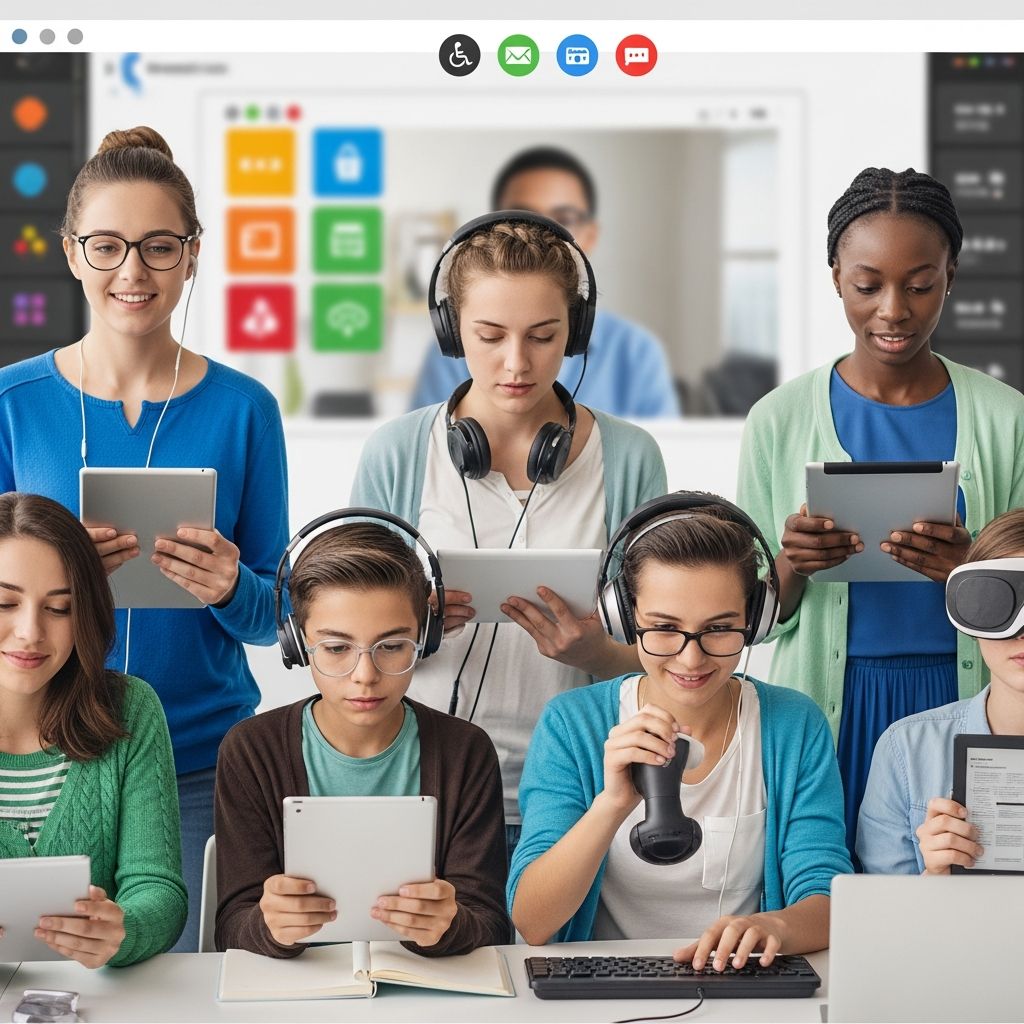
Online education has opened doors for students with disabilities by integrating assistive technologies that adapt to diverse learning needs. These digital solutions provide personalized support, enabling equal participation in virtual classrooms regardless of physical, sensory, or cognitive challenges.
Understanding Assistive Tech in Virtual Environments
Assistive technology refers to any software, hardware, or equipment that enhances learning for individuals with disabilities. In online settings, these tools bridge gaps created by traditional barriers, such as mobility limitations or communication difficulties. For instance, adaptive platforms adjust content in real-time based on student performance, aligning with principles like Universal Design for Learning (UDL).
Key advantages include increased independence, reduced frustration, and improved engagement. Students who struggle with reading can access materials through audio conversions, while those with motor issues use voice commands. This shift not only boosts academic outcomes but also supports social and emotional growth in remote learning.
Core Tools for Communication Challenges
Communication remains a primary hurdle for many special needs students. Augmentative and Alternative Communication (AAC) devices fill this void by offering non-verbal expression options, from simple picture boards to sophisticated speech-generating apps on tablets.
- Picture-Based Systems: Visual icons represent words or phrases, allowing quick selection during lessons or discussions.
- Speech-Generating Software: Converts typed or selected text into spoken words, empowering nonverbal learners to join group activities.
- Customizable Apps: Integrate with online platforms for seamless use in virtual classes.
Benefits extend beyond academics: these tools reduce behavioral issues stemming from unmet communication needs and foster peer interactions. In online programs, AAC ensures students contribute to chats, quizzes, and collaborative projects effectively.
Visual and Auditory Supports for Sensory Needs
Students with visual or hearing impairments thrive with tools that convert and amplify content. Screen readers vocalize on-screen text and describe images, while magnification software enlarges interfaces for better visibility.
| Tool Type | Description | Best For |
|---|---|---|
| Screen Readers | Converts text to speech or Braille | Visual impairments, dyslexia |
| Magnification Apps | Zooms text/images dynamically | Low vision |
| FM Systems | Wireless audio amplification | Hearing loss |
| Captioning Tools | Real-time subtitles for videos | Deaf or hard-of-hearing |
Text-to-speech (TTS) software, endorsed by organizations like the International Dyslexia Association, reads highlighted text aloud, aiding comprehension for dyslexic learners. Speech-to-text reverses this, letting students dictate assignments via voice, ideal for those with writing difficulties.
Adapting for Motor and Mobility Impairments
Motor challenges often limit interaction with standard devices. Alternative inputs like eye-gaze trackers, trackballs, or adaptive keyboards enable precise control without fine motor skills.
- Eye-gaze technology directs cursors via eye movement, perfect for wheelchair users.
- Voice-activated systems perform tasks like navigating menus or submitting work.
- Gesture-based interfaces respond to simple motions on touchscreens.
Virtual reality (VR) further immerses students in simulations, allowing hands-free exploration of concepts like science labs. These innovations ensure full participation in online activities, from drag-and-drop exercises to virtual field trips.
Personalized Learning Platforms for Cognitive Diversity
Adaptive software tailors content to individual profiles, adjusting difficulty based on real-time data. Platforms using AI anticipate needs, offering scaffolds like hints or simplified explanations.
For neurodivergent learners, including those with autism or ADHD, visual schedules on apps outline daily routines, easing transitions and minimizing anxiety. Video modeling tools demonstrate social skills through repeatable scenarios, building confidence for real-world application.
Graphic organizers help structure thoughts, while gamified apps maintain focus with rewards. These elements create structured yet flexible online experiences.
Strategies for Seamless Integration
Successful implementation requires collaboration among educators, families, and specialists. Individualized Education Programs (IEPs) should specify tools, with training provided for all stakeholders.
- Assess Needs: Evaluate student profiles to match tools effectively.
- Train Users: Offer sessions on setup and troubleshooting.
- Monitor Progress: Track usage and outcomes to refine approaches.
- Ensure Accessibility: Verify platforms comply with standards like WCAG.
Home-school consistency amplifies benefits, as families reinforce skills outside class.
Real-World Applications and Case Insights
In practice, schools like Ignite Achievement Academy embed these tools into curricula, reporting higher engagement and grades. Remote consulting firms note TTS and AAC leveling virtual playing fields.
Emerging trends include AI-driven personalization and VR for immersive learning, expanding options in low-resource areas. Challenges like device access persist, but open-source alternatives mitigate costs.
Future Directions in Inclusive EdTech
Advancements promise broader reach, with AI transcribing notes and generating Braille on-demand. Policy efforts in regions like Ghana emphasize scalable EdTech for special needs.
Educators must stay updated via professional development, ensuring tech evolves with student needs.
Frequently Asked Questions
What is the best TTS software for online learning?
Popular options include those integrated into browsers or apps like those recommended by dyslexia experts, offering highlighting and speed controls.
How do AAC devices work in video calls?
They sync with platforms via shared screens or companion apps, voicing inputs in real-time.
Are these tools free?
Many have free tiers or school licenses; check IEP funding options.
Can VR help students with mobility issues?
Yes, it enables virtual participation without physical movement.
How to start with assistive tech?
Consult specialists for assessments and trials tailored to the child’s IEP.
References
- The Role of Technology in Special Education: How IAA Integrates Tech Tools — Ignite Achievement Academy. 2023. https://igniteachievementacademy.com/blog/the-role-of-technology-in-special-education-how-iaa-integrates-tech-tools
- 5 Assistive Technology Tools for Remote Learning with Disabilities — e3 Consulting. 2023. https://www.ethreeconsulting.com/assistive-technology-for-remote-learning-with-disabilities-tech-tools-for-success/
- The Best Technology Tools for the Special Education Classroom — Florida Gulf Coast University. 2024-01-15. https://onlinedegree.fgcu.edu/programs/med-special-education/best-technology-tools/
- Assistive Technology for Special Education Students — Disability Rights Washington. 2022. https://homepagedisabilityrightswashington.wpcomstaging.com/publications/assistive-technology-special-education-students/
- EdTech for Special Educational Needs and Disabilities — EdTech Hub. 2025. https://edtechhub.org/our-topic-areas/edtech-for-special-educational-needs-and-disabilities/

- Integrated M.A. in Applied Linguistics, University of Hyderabad
- 5+ years in editorial, instructional, SEO, and research-based writing
Sneha is a relationships and lifestyle writer with a strong foundation in applied linguistics and certified training in relationship coaching. She brings over five years of writing experience to theskillvault, crafting thoughtful, research-driven content that empowers readers to build healthier relationships, boost emotional well-being, and embrace holistic living. Her writing and insights reflect the belief that beauty, happiness, and wellness…