
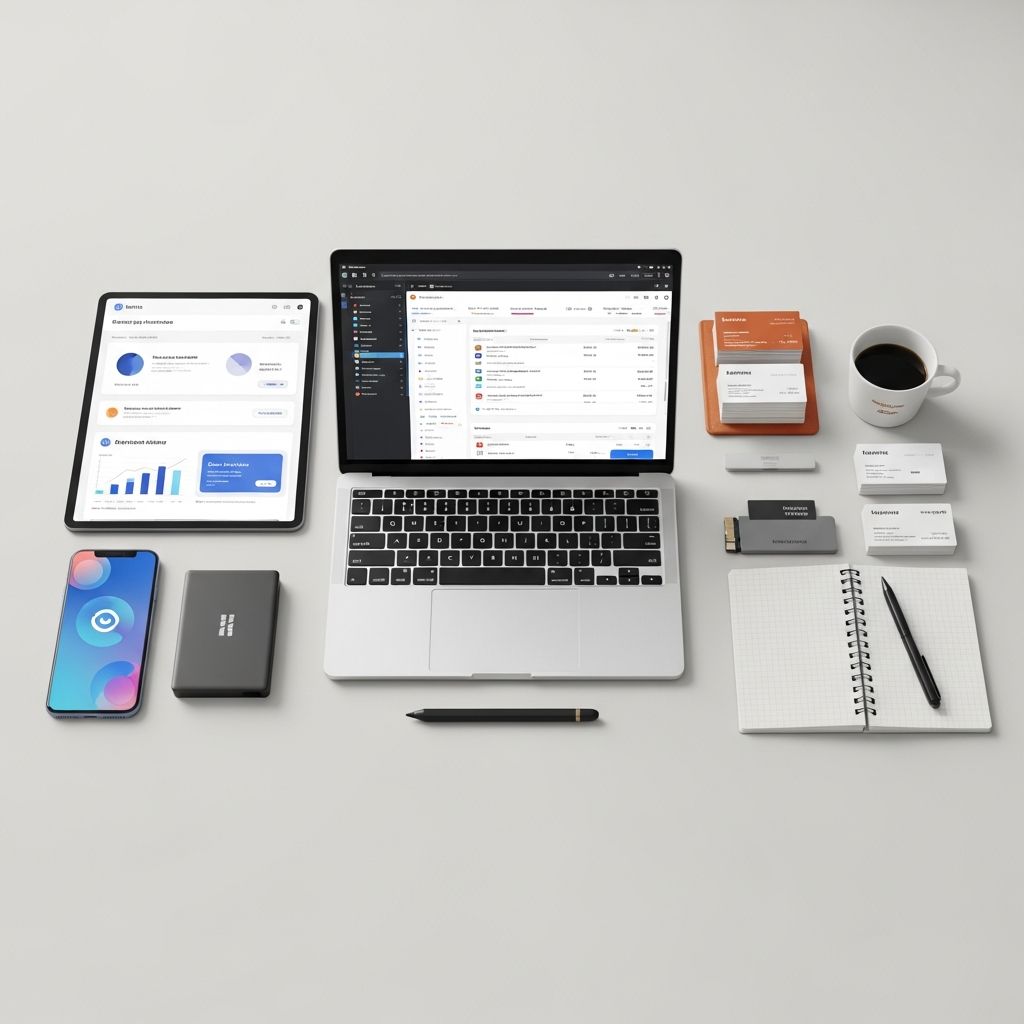
Working as an independent contractor gives you freedom, but it also means you are your own project manager, bookkeeper, HR department, and IT team. The right mix of apps can replace hours of manual work, reduce mistakes, and help you look more professional to clients.
This guide walks through the key types of apps every contractor should consider, examples of what they do, and practical tips for choosing tools that fit your style of work.
Why Independent Contractors Need a Solid App Stack
Compared with traditional employees, independent contractors must manage their own workflows, finances, and regulatory responsibilities. Research from the U.S. Bureau of Labor Statistics shows that self-employed workers face more income variability and administrative burden than employees, which makes efficient systems especially important.
Good apps help you:
- Save time on repetitive admin like invoicing and scheduling
- Track income and expenses for easier tax filing
- Keep projects organized and meet deadlines more reliably
- Communicate clearly with clients and collaborators
- Demonstrate professionalism that justifies your rates
Instead of hunting for dozens of tools, focus on a small, reliable toolkit that covers your core business processes.
Core App Categories for Independent Contractors
Most contractors can run a streamlined business with tools in these categories:
- Project and task management
- Notes and knowledge capture
- Accounting, invoicing, and tax support
- Time and mileage tracking
- Client communication and collaboration
- File storage and document signing
The rest of this article explains each category, what to look for, and how they work together.
Staying on Top of Work: Project and Task Management Apps
As soon as you have more than one client, a central system for tasks becomes essential. Project management apps allow you to break big contracts into smaller steps, assign due dates, and visualize your workload.
Common features include:
- Boards or lists for each client or project
- Tasks with deadlines, checklists, and attachments
- Labels or tags to group similar work
- Reminders and recurring tasks
- Basic collaboration features for clients or subcontractors
These tools can reduce forgetfulness and context switching, which are known causes of productivity loss according to cognitive psychology research on task switching.
How to Choose a Project Management App
- Interface style: Visual boards (Kanban), simple to-do lists, or calendar views. Pick what you will actually use daily.
- Complexity: If you work solo, avoid tools that require heavy setup or configuration.
- Integrations: Check whether it connects with your calendar, email, or file storage.
- Mobile app quality: Many contractors work in the field; a responsive mobile app matters.
| Feature | Lightweight Tools | Full Project Suites |
|---|---|---|
| Best for | Solo contractors, simple projects | Larger teams, complex workflows |
| Learning curve | Low | Moderate to high |
| Typical views | Lists, basic boards | Timelines, workloads, dashboards |
| Cost | Often free or low-cost | Subscription, per-seat pricing |
Capturing Ideas and Information: Note-Taking and Knowledge Apps
Independent contractors accumulate a large amount of unstructured information: client preferences, meeting notes, sketches, and research. A good note-taking app becomes your external brain.
Key capabilities to look for:
- Multi-device sync so notes are available on your phone, tablet, and laptop
- Searchable text, including inside PDFs or images where possible
- Folders, tags, or notebooks for each client or project
- Web clipping to save articles or references
- Offline access when you work on-site without stable internet
Research on information management shows that workers with systematic digital note-taking practices spend less time re-locating information and experience lower cognitive load when switching between tasks.
Practical Use Cases for Contractors
- Store client onboarding questions and answers
- Log decisions made during calls and meetings
- Capture photos or sketches from job sites
- Maintain checklists for repeatable processes (e.g., project handoff steps)
Getting Paid Correctly: Accounting, Invoicing, and Tax Apps
Solid financial tools are non-negotiable. They help you separate business and personal finances, generate professional invoices, and prepare for tax season. In many countries, tax authorities require accurate records of income and deductible expenses.
Essential Accounting Features
- Income and expense tracking: Categorize transactions to see profit clearly.
- Bank feeds: Secure connections to business accounts to reduce manual entry.
- Tax reports: Summaries of deductible expenses, sales tax collected, and net income.
- Basic cash flow view: See what is owed, what is overdue, and what is paid.
Cloud-based accounting software has been widely adopted by small businesses because it reduces data loss risk and enables collaboration with accountants, according to the U.S. Small Business Administration.
Invoicing and Payment Features
- Customizable templates with your logo and payment terms
- Automatic invoice numbering and status tracking
- Online payment options (card, bank transfer, etc.)
- Recurring invoices for retainer or subscription clients
- Automatic reminders for overdue invoices
Many contractors find that enabling online payments shortens the time between invoice and payment, smoothing cash flow.
Knowing Where Your Time Goes: Time and Mileage Tracking Apps
If you bill hourly or by project, accurate time logs protect both you and your clients. Even if you charge flat fees, tracking time helps you understand whether your pricing is sustainable.
High-quality time tracking apps commonly offer:
- One-click start/stop timers for each task or client
- Manual time entries for work done offline
- Weekly or monthly reports grouped by client, project, or task type
- Export options for invoicing or payroll
Studies on professional services firms show that precise time logging can significantly improve revenue capture by reducing unbilled hours.
Mileage and Travel Tracking
Many tax systems allow self-employed workers to deduct business-related vehicle use, but only with detailed records of mileage and trip purpose. Dedicated mileage tracking apps use GPS to log trips, categorize them as business or personal, and generate reports to support deduction claims.
- Automatic tracking: The app detects trips in the background.
- Trip classification: Swipe or tap to mark trips as business or personal.
- Exportable logs: Generate spreadsheets or PDFs for your accountant.
Working Smoothly With Clients: Communication and Collaboration Apps
Clear communication is one of the strongest predictors of client satisfaction. Apps that centralize messages, calls, and file sharing reduce confusion and keep everyone aligned.
Communication Channels to Consider
- Email management: Use labels and filters to keep client messages organized.
- Messaging platforms: Helpful for quick questions and decisions, especially with ongoing work.
- Video conferencing: Essential for remote discovery calls, workshops, or check-ins.
Project-specific communication tools help keep conversations tied to tasks or deliverables, which makes it easier to find context later.
Collaboration and File Sharing
Even solo contractors often share drafts, documents, design files, or photos. Cloud storage apps provide:
- Shared folders for each client or project
- Version history to recover earlier edits
- Permission controls to limit who can view or edit files
- Cross-device access to large files without emailing attachments
These tools also act as off-site backups, reducing the risk of losing critical data if a device fails.
Paperwork Without the Paper: Document and E-Signature Apps
Contracts, proposals, and change orders are central to independent contracting. E-signature apps allow you to send legally binding agreements electronically, track when clients open them, and receive signatures without printing.
When evaluating document and signing tools, look for:
- Legally compliant signatures that meet relevant electronic signature standards in your jurisdiction
- Templates for commonly used agreements to reduce drafting time
- Audit trails showing when documents were sent, viewed, and signed
- Integration with your storage and invoicing tools
Many independent contractors work with repeat clients; reusable templates for proposals and contracts can save substantial time across a year.
Building a Simple, Cohesive App Ecosystem
Instead of collecting unrelated tools, aim for a small ecosystem that works together. Here is a simple blueprint many contractors find effective:
- One project management tool for all work in progress
- One note-taking app as your central knowledge base
- One accounting and invoicing platform
- One time tracker (or an accounting app with built-in tracking)
- One cloud storage provider
Questions to Ask Before Adding a New App
- Can another app I already use handle this need with a feature I have not explored?
- Does this tool integrate with my accounting and file storage apps?
- Will this reduce or increase the number of places I must check daily?
- Is the company established enough that my data will remain accessible long term?
Whenever possible, test new apps during a quieter period in your schedule, so experimentation does not disrupt client work.
Security and Privacy Considerations for Contractor Apps
As a contractor, you often handle confidential client information. Basic security practices protect both your clients and your business reputation.
- Use strong, unique passwords for each app and enable multi-factor authentication where offered.
- Confirm data location and compliance: Some industries require data to be stored in specific regions or under particular standards.
- Back up critical data: Keep copies of contracts, invoices, and key project files in at least one additional location.
- Review app permissions: Check what data mobile apps can access on your devices.
Government and industry guidance on cybersecurity for small businesses emphasizes that even basic controls (like strong authentication and regular updates) can drastically reduce risk.
Sample Daily Workflow Using Your App Stack
To understand how these tools fit together, imagine a typical day for a busy independent contractor:
- Morning: Review tasks in your project management app, check calendar events, and prioritize 3–5 key tasks.
- During work: Start timers in your time tracking app as you switch tasks; capture notes, decisions, and ideas in your note-taking tool.
- Client collaboration: Share drafts or progress via your file storage app, and use messaging or video apps for quick clarifications.
- End of day: Create or update invoices based on time tracking reports, log expenses, and glance at your accounting dashboard.
Over time, this routine turns app usage into a habit that supports your business instead of distracting from your work.
Frequently Asked Questions (FAQs)
Q: How many apps does an independent contractor really need?
Most contractors can operate efficiently with 5–8 well-chosen tools: one each for projects, notes, accounting/invoicing, time tracking, communication, and file storage. The key is integration and consistency, not quantity.
Q: Should I pay for premium versions or stick to free plans?
Free plans are good for testing, but if a paid tier saves you even one or two hours per month—or prevents a billing mistake—it usually pays for itself. Start free, then upgrade only when you clearly see the time or money savings.
Q: How do I avoid wasting time switching between too many tools?
Choose a primary workspace (often your project manager or calendar) and make it your starting point each day. Limit yourself to tools that integrate with that hub and review your app list quarterly to remove anything you have stopped using.
Q: Are cloud-based apps safe for financial data?
Leading cloud accounting providers use encryption, access controls, and regular security audits. Always confirm that your provider uses strong encryption and offers multi-factor authentication, and follow your local regulator’s guidance for handling financial data securely.
Q: What is the first app category I should set up if I am just starting?
Begin with accounting and invoicing so you can get paid reliably and keep clean records from day one. Next, add a project/task manager to organize your workload, then expand into time tracking and note-taking as your client base grows.
References
- Self-employment in the United States — U.S. Bureau of Labor Statistics. 2016-03-03. https://www.bls.gov/spotlight/2016/self-employment-in-the-united-states/home.htm
- Multitasking: Switching costs — American Psychological Association. 2006-03-01. https://www.apa.org/research/action/multitask
- Knowledge worker productivity and the practice of personal information management — University of Washington iSchool. 2008-01-01. https://faculty.washington.edu/ajko/papers/Ofer-2008-PIM.pdf
- Publication 463: Travel, Gift, and Car Expenses — Internal Revenue Service. 2024-02-08. https://www.irs.gov/publications/p463
- Cybersecurity for Small Business — U.S. Small Business Administration. 2023-09-21. https://www.sba.gov/business-guide/manage-your-business/stay-safe-cybersecurity
- Measuring the impact of time tracking practices on revenue — Harvard Business Review Analytic Services (sponsored report). 2017-06-01. https://hbr.org/sponsored/2017/06/how-better-time-tracking-improves-the-bottom-line

- Integrated M.A. in Applied Linguistics, University of Hyderabad
- 5+ years in editorial, instructional, SEO, and research-based writing
Sneha is a relationships and lifestyle writer with a strong foundation in applied linguistics and certified training in relationship coaching. She brings over five years of writing experience to theskillvault, crafting thoughtful, research-driven content that empowers readers to build healthier relationships, boost emotional well-being, and embrace holistic living. Her writing and insights reflect the belief that beauty, happiness, and wellness…