
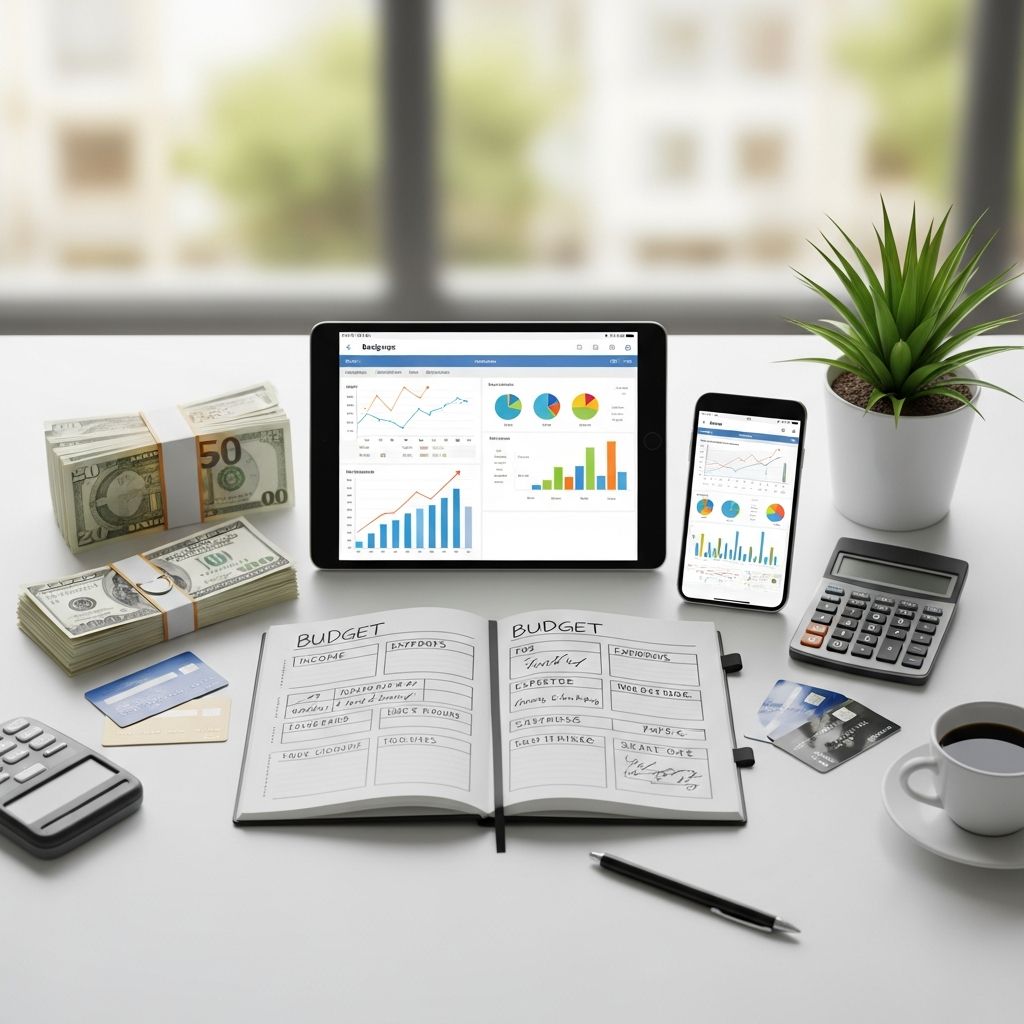
Budgeting does not have to mean complicated spreadsheets or rigid rules. The right budget template acts like a map for your money, giving you a clear picture of where cash comes from, where it goes, and how to adjust it to meet your goals. Research shows that people who actively track their finances are more likely to save and avoid costly debt problems.
This guide walks you through different types of budget templates, how to pick one that fits your life, and how to make it a habit you can actually maintain.
Why Budget Templates Help You Get Control Faster
A budget template is a pre-structured worksheet or tool where you plug in income, expenses, savings, and debt payments. Many governments and consumer agencies even provide free templates because they are proven to help households plan and track spending.
Using a template helps you:
- Save time by avoiding building a budget from scratch each month.
- See patterns in spending that are hard to notice from your bank app alone.
- Catch problems early, like bills creeping up or subscriptions you no longer need.
- Set realistic goals for paying off debt and building savings.
- Stay consistent because the structure is already built for you.
Core Elements Every Useful Budget Template Should Include
Not every template will look the same, but effective ones usually capture the same building blocks.
| Element | What It Tracks | Why It Matters |
|---|---|---|
| Income | Paychecks, side gigs, benefits, refunds, and other inflows. | Sets the total amount you have available to spend, save, and invest. |
| Fixed expenses | Rent, mortgage, insurance, loan payments, subscriptions. | These rarely change and form your baseline cost of living. |
| Variable expenses | Groceries, dining out, gas, fun money, gifting, etc. | Where most overspending happens—but also where you have the most flexibility. |
| Savings & investments | Emergency fund, retirement, sinking funds, investing. | Moves you toward long-term stability and specific goals. |
| Debt payments | Credit cards, student loans, car loans, personal loans. | Tracks progress on reducing what you owe over time. |
| Net balance | Income minus all spending and savings for the period. | Shows whether you are living within your means or overspending. |
Types of Budget Templates and When to Use Them
There is no single “best” budget layout. Different templates work better at different stages of life or for different personalities.
1. Simple Monthly Budget Template
A basic monthly budget template organizes your income and expenses for one month. Many free versions exist in Excel, Google Sheets, and PDF form.
Best if you:
- Are new to budgeting and want something straightforward.
- Have fairly predictable income and bills.
- Prefer a clear overview instead of a lot of detail.
Key features to look for:
- Columns for planned vs. actual spending.
- Categories for housing, food, transportation, insurance, debt, and savings.
- An automatic or easy-to-calc total that shows whether you are over or under budget.
2. Zero-Based Budget Template
In a zero-based budget, every dollar of income is assigned a job until the difference between income and outflow equals zero.
Best if you:
- Want intense clarity and control over your money.
- Are trying to pay off debt or aggressively save.
- Have the time to track and adjust your categories regularly.
In this style of template, you will usually see:
- A detailed list of categories (e.g., separate lines for “coffee shops” and “restaurants”).
- Space to assign every dollar to spending, saving, or debt.
- Automatic calculation that checks your remaining unassigned income.
3. Percentage-Based Budgets (Like 50/30/20)
Many free tools and spreadsheets follow percentage rules, such as 50% for needs, 30% for wants, and 20% for savings and debt repayments.
Best if you:
- Prefer guidelines instead of strict category-by-category rules.
- Have variable income but stable average spending patterns.
- Want a quick way to check if your lifestyle is sustainable.
A good percentage-based template often includes:
- Automatic calculation of what 50%, 30%, and 20% of your income are.
- Sections for grouping expenses into needs vs. wants.
- Visuals (bars or charts) that show how close you are to each target.
4. Annual Budget and Goal-Tracking Templates
Annual templates zoom out to show 12 months at once. These often complement monthly templates and are useful for big-picture planning.
Best if you:
- Want to see how one-time expenses (like trips or insurance premiums) fit into the year.
- Have multiple savings goals you want to spread across months.
- Track income that fluctuates seasonally.
These templates typically include:
- Tabs or sections for each month and a year-to-date summary.
- Goal columns for savings or debt balances at year end.
- Graphs that show trends in spending and saving.
5. Specialized Budget Templates (Weddings, College, Travel)
Some templates are built for major life events or specific purposes. For example, many platforms offer dedicated spreadsheets for weddings, college costs, or vacations.
These are useful when you:
- Have a large, time-bound expense with lots of moving pieces.
- Need detailed categories unique to that event (like venue, catering, or textbooks).
- Want to track estimates vs. actual amounts to avoid going over budget.
Choosing the Right Format: Spreadsheet, App, or Printable?
The “best” format is the one you will actually use consistently. Each has trade-offs.
Digital Spreadsheets (Excel, Google Sheets, etc.)
Spreadsheets are flexible and powerful, and many free budget templates are available from reputable providers.
Pros:
- Highly customizable categories and formulas.
- Easy to duplicate for each new month or year.
- Can be shared with a partner or roommate.
Cons:
- Requires basic spreadsheet skills.
- Manual entry unless connected to automated services.
Budgeting Apps
Many apps connect directly to your bank and credit accounts and import transactions for you. Some follow zero-based budgeting; others focus on insights and trends.
Pros:
- Automation reduces manual work and missed transactions.
- Mobile access makes it easy to review spending on the go.
- Notifications and alerts can help keep you on track.
Cons:
- Subscription fees for many advanced tools.
- Less freedom to redesign the structure than with spreadsheets.
Printable Budget Worksheets
Printable PDFs and planners are helpful if you like writing by hand and staying off screens.
Pros:
- Great for visual learners and people who enjoy paper planners.
- No tech skills needed.
- Can be posted somewhere visible to keep goals top of mind.
Cons:
- More work to update and recalculate totals.
- Harder to see long-term trends without re-entering data digitally.
Step-by-Step: Setting Up Your First Budget Template
Once you pick a template, getting started takes less time than you think. Consumer education resources often recommend building a one-month snapshot first and then using it to plan forward.
- Gather your information.
Look at your last 1–3 months of bank and credit card statements. Note your pay, major bills, and everyday spending categories. - Enter your income.
Include salary, freelance work, government benefits, child support, and any other regular inflows. - List fixed expenses.
Add items like rent, mortgage, insurance, minimum debt payments, internet, and subscriptions. - Estimate variable expenses.
Use your past history to estimate groceries, dining out, transportation, shopping, and hobbies. Aim for realistic numbers, not wishful thinking. - Assign savings and debt goals.
Decide how much you want to send to your emergency fund, sinking funds (like car repairs or holidays), and extra debt payments. - Check your totals.
In a healthy budget, income minus expenses (including savings and debt) is at least zero. If the result is negative, you will need to cut or shift categories. - Adjust and finalize.
Tweak non-essential categories until the numbers work. It is normal to adjust several times as you find a realistic balance.
Customizing a Budget Template to Match Your Lifestyle
Templates are a starting point, not a rulebook. Here are practical ways to shape one around your life.
Align Categories with Your Real Spending
- Combine categories you never use instead of tracking tiny amounts separately.
- Split big categories—like “food”—into groceries and eating out if that helps you spot patterns.
- Add categories for recurring but irregular costs, like car maintenance, pet care, or professional licenses.
Use Sinking Funds Inside Your Template
A sinking fund is money you set aside a little at a time for future expenses, like holidays, yearly insurance, or home repairs. Label separate lines in your template for these items and treat contributions like bills.
Adapt for Irregular Income
If your income varies (for example, from freelancing or hourly work), build your template around a conservative baseline, such as the lowest reliable amount you earn in a typical month.
- Base essentials—rent, basic food, minimum debt payments—on that lower number.
- Route extra income toward savings, debt payoff, or one-time purchases.
- Consider keeping a separate buffer account to smooth out lean months.
Using Your Budget Template to Pay Off Debt and Save
Many template collections now include tools specifically designed to help with debt payoff planning.
Debt Payoff Strategies Inside a Template
Two common approaches are:
- Snowball method: Focus extra payments on the smallest balance first while making minimum payments on others. As each debt is paid off, you roll its payment into the next one. This can boost motivation because you see quick wins early.
- Avalanche method: Direct extra money to the highest-interest debt first. Over time, this usually saves more in interest, though visible progress may be slower.
Many spreadsheets and calculators allow you to plug in balances, interest rates, and payment amounts to see payoff timelines and interest savings.
Building Savings with Your Template
A template can also help you prioritize savings goals, such as:
- Emergency fund (often 3–6 months of essential expenses, depending on your situation).
- Retirement contributions, especially if your employer offers a match.
- Short-term goals like travel, moving, or education costs.
Include separate lines for each goal. Even small, regular contributions add up and are easier to track when they are visible in your budget layout.
Sticking With Your Budget Template: Make It a Habit, Not a Project
A budget only works if you keep coming back to it. You do not need to check it every day, but regular check-ins prevent surprises.
Weekly and Monthly Check-In Ideas
- Once a week, record new transactions or confirm what your app imported.
- Review which categories are close to their limits and adjust behavior accordingly.
- At month-end, compare planned vs. actual totals and adjust next month’s numbers.
- Update progress on savings and debt goals, celebrating small wins.
Signs Your Template Needs an Upgrade
- You regularly skip updating it because it feels too complex.
- You cannot quickly tell if you are ahead or behind on your goals.
- Your life has changed (new job, move, kids, business), but your categories have not.
If any of these apply, either simplify your current template or try a new type—such as moving from a detailed zero-based plan to a simpler percentage-based one, or vice versa.
Frequently Asked Questions About Budget Templates
Q: How do I know which budget template is right for me?
A: Start with your goals and personality. If you like detail and want tight control, try a zero-based or debt-focused spreadsheet. If you prefer simplicity, choose a basic monthly or 50/30/20 template. You can always switch later if your needs change.
Q: Do I have to track every single purchase?
A: Not necessarily. Many people track only card and bank transactions and round small cash purchases into broad categories. The key is consistency: use the same approach every month so your trends are comparable.
Q: How often should I update my budget template?
A: Updating once a week works well for most people. Short sessions help you catch overspending early, while a monthly review lets you adjust categories and goals without feeling like budgeting is a full-time job.
Q: Can I budget if my income is irregular?
A: Yes. Build your template around a conservative baseline income (what you can reasonably count on), and treat everything above that as extra to be directed toward savings, taxes, and debt. Maintaining a cash buffer is especially important when income fluctuates.
Q: What if I try a template and it doesn’t work for me?
A: That is normal. Consider that template a test run. Note what did not work—too many categories, not enough automation, or too little detail—and pick another option that addresses those issues. Budgeting is a skill you build over time, not a one-time decision.
References
- Make a Budget Worksheet — Consumer.gov (Federal Trade Commission). 2021-06-01. https://consumer.gov/sites/default/files/pdf-1020-make-budget-worksheet_form.pdf
- Free Excel Budget Templates — Smartsheet. 2023-04-10. https://www.smartsheet.com/top-excel-budget-templates
- Free Google Sheets Budget Templates — Tiller Money. 2024-01-15. https://tiller.com/free-google-sheets-budget-templates/
- Free budget templates — Microsoft Excel. 2023-09-05. https://excel.cloud.microsoft/create/en/budget-templates/
- Free Budget Spreadsheets and Tools — NerdWallet. 2024-02-20. https://www.nerdwallet.com/finance/learn/free-budget-spreadsheets-templates

- Integrated M.A. in Applied Linguistics, University of Hyderabad
- 5+ years in editorial, instructional, SEO, and research-based writing
Sneha is a relationships and lifestyle writer with a strong foundation in applied linguistics and certified training in relationship coaching. She brings over five years of writing experience to theskillvault, crafting thoughtful, research-driven content that empowers readers to build healthier relationships, boost emotional well-being, and embrace holistic living. Her writing and insights reflect the belief that beauty, happiness, and wellness…