
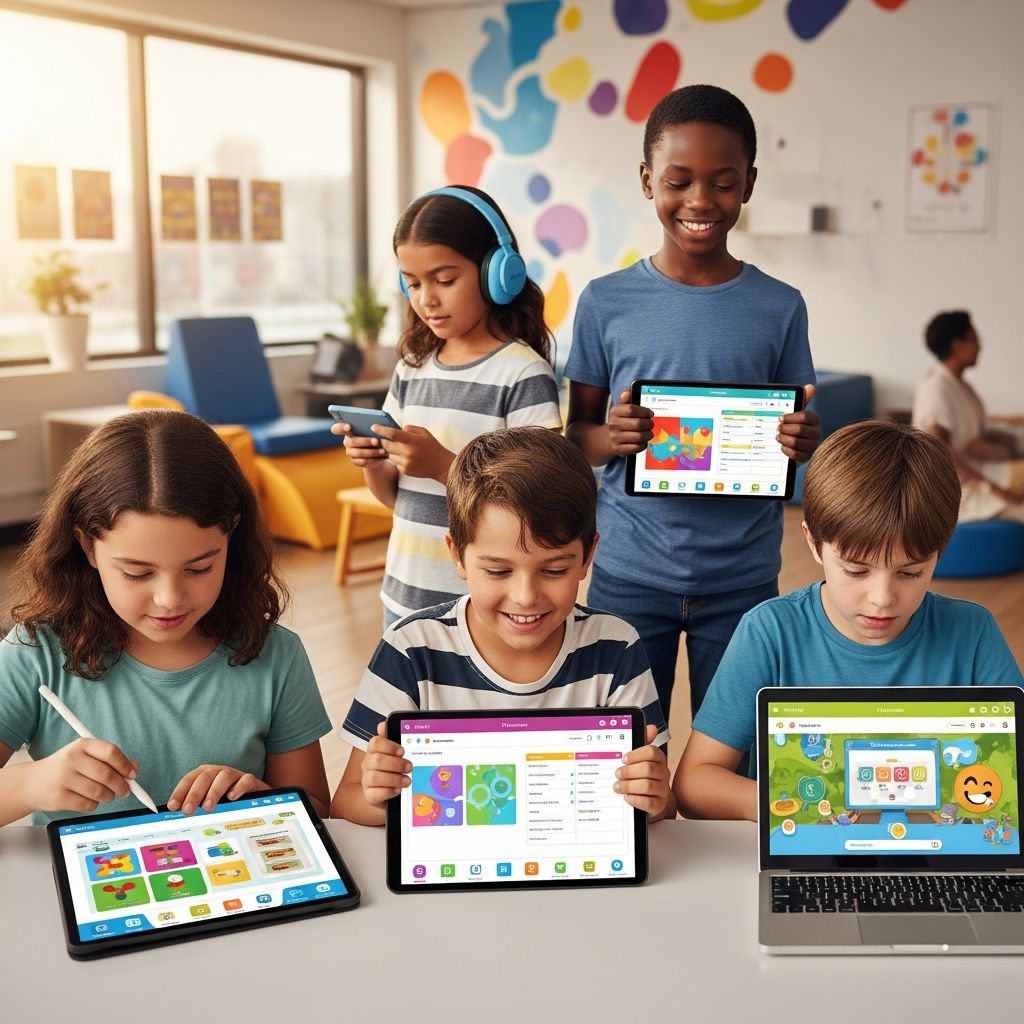
Educational applications have revolutionized support for students facing unique learning challenges, such as those with ADHD, autism spectrum disorder, or other disabilities. These tools provide tailored experiences that promote skill development, reduce frustration, and foster independence. By leveraging interactive features like customizable lessons, visual aids, and real-time feedback, apps bridge gaps in traditional classrooms, allowing learners to progress at their own pace.
Why Technology Matters in Special Education
Integrating digital tools into education addresses key barriers for approximately 15% of students with special needs. Technology enables individualized instruction, which is crucial for diverse learning styles. For instance, apps facilitate flexible pacing, helping students avoid the overwhelm of rigid group settings. This autonomy builds confidence and minimizes anxiety associated with keeping up in standard environments.
Research highlights how such innovations enhance engagement and outcomes. Schools adopting universal design for learning principles, including specialized software, have seen significant improvements, like a 22% rise in graduation rates for special education students in one district. EdTech supports inclusion by customizing content, tracking progress in real-time, and offering practice without constant supervision.
Key Benefits of Assistive Apps
- Personalized Learning: Apps adapt to individual strengths, targeting areas like literacy or sensory processing with interactive modules.
- Engagement Boost: Gamified elements keep users motivated, preventing disengagement common in fast-paced classes.
- Skill Building: Features for socio-emotional growth, self-care, and academics help develop essential life skills.
- Anxiety Reduction: Self-paced revision allows practice in low-pressure settings, revisiting material privately.
- Progress Monitoring: Teacher dashboards provide insights, enabling timely interventions to prevent gaps.
These advantages extend beyond academics, empowering students with tools for communication and daily independence.
Essential Apps for Communication and Social Skills
Communication challenges often hinder students with autism or speech delays. Apps with symbol-based systems and voice output transform expression.
| App Name | Key Features | Best For | Platforms |
|---|---|---|---|
| Proloquo2Go | Research-based vocabulary, motor-planning templates, bilingual support | Non-verbal students, motor skill challenges | iPad, iPhone |
| ConversationBuilder | Speech practice, taped responses for corrections, interactive dialogues | Social conversation skills | iPad |
| Emotion Cards | Visual emotion recognition, expression practice | Understanding feelings | iOS |
Proloquo2Go stands out for its comprehensive vocabulary core, aiding expressive language through intuitive grids. Users with fine motor difficulties benefit from touch-screen navigation, promoting portability and self-reliance.
Apps Targeting Academic Foundations
Building core skills like phonics, math, and reading is foundational. These apps use multisensory approaches to reinforce concepts.
- HearBuilder Phonological Awareness: Teaches sounds in words, syllables, and sentences through simple, effective games. Ideal for early language development.
- Dollars and Cents: Reinforces money concepts and basic math via interactive scenarios, making financial literacy accessible.
- Rainbow Sentences: Color-coded visuals guide sentence construction, improving grammar and structure.
- HearBuilder Following Directions: Covers basic, sequential, quantitative, spatial, temporal, and conditional instructions to enhance listening and compliance.
Such tools integrate seamlessly into routines, offering repetition without boredom.
Comprehensive Skill Development Platforms
Holistic apps address multiple domains simultaneously, from cognitive to emotional growth.
- iCan: Covers socio-emotional, self-care, cognitive, and academic skills for ages 3-14. Its structured modules suit ADHD and learning disabilities.
- Choiceworks: Combines visual schedules, waiting strategies, and emotion management to teach decision-making.
These platforms encourage broad progress, aligning with individualized education plans.
Reading and Listening Support Tools
Struggling readers gain from audio and e-library apps that build comprehension without decoding pressure.
- Tales2Go: Audiobook library with diverse narrators across genres, enhancing listening skills. Offers free trials for accessibility.
- Epic!: Vast collection of 20,000+ books and videos, including fiction/nonfiction. Free school access supports remote learning.
Visual learners thrive with video tutorials and positive reinforcement in apps like Khan Academy Kids or ABCmouse, customizing literacy paths.
Integrating Apps into Daily Learning
Successful implementation involves strategic use. Start with needs assessments to match apps to goals. Teachers can monitor via dashboards, adjusting as needed. Parents benefit from home versions for consistent practice.
In classrooms, pair apps with group activities for balanced inclusion. Devices like iPads aid motor-impaired students with touch interfaces over keyboards. Track engagement metrics to refine approaches, ensuring no learner falls behind.
Challenges and Best Practices
While powerful, apps require oversight to avoid over-reliance. Balance screen time with hands-on activities. Select evidence-based options and train users on navigation.
- Ensure device compatibility and updates.
- Involve multidisciplinary teams for recommendations.
- Combine with therapies for holistic support.
Frequently Asked Questions (FAQs)
What are the best free apps for special needs?
Options like Epic! offer free school access, while Tales2Go provides trials. Many have basic versions at no cost.
Can these apps help with ADHD focus?
Yes, gamified, self-paced designs like iCan reduce distractions and build executive function.
Are apps suitable for very young children?
Apps like iCan start at age 3, with age-appropriate content for early intervention.
How do teachers track app progress?
Most include parent/teacher portals for real-time data on completions and struggles.
Do apps replace traditional therapy?
No, they complement therapies by providing supplemental, engaging practice.
Future of EdTech for Special Needs
Advancements in AI promise even more adaptive tools, predicting needs and personalizing further. As inclusion grows, apps will evolve to support diverse classrooms, ensuring every student accesses quality education.
References
- 8 Apps for Students with Special Needs — Connections Academy. 2023. https://www.connectionsacademy.com/support/resources/article/apps-for-students-with-special-needs/
- The Use of Technology in Special Education — University of Texas Permian Basin. 2023-10-01. https://online.utpb.edu/about-us/articles/education/the-use-of-technology-in-special-education
- Assistive Apps for Special Needs Students — Port View Preparatory. 2024. https://www.portviewpreparatory.com/assistive-apps-for-special-needs-students/
- Why Educational Apps For Kids With Special Needs Help — Mussila. 2023. https://mussila.com/why-educational-apps-for-kids-with-special-needs-help/
- Apps for Students With Special Needs—As School Buildings Shutter — Edutopia. 2020-03-15. https://www.edutopia.org/article/apps-students-special-needs-school-buildings-shutter

Medha Deb is an editor with a master's degree in Applied Linguistics from the University of Hyderabad. She believes that her qualification has helped her develop a deep understanding of language and its application in various contexts. Medha specializes in the areas of beauty, health, sports, and wellness and is committed to ensuring that the content on the website is…