
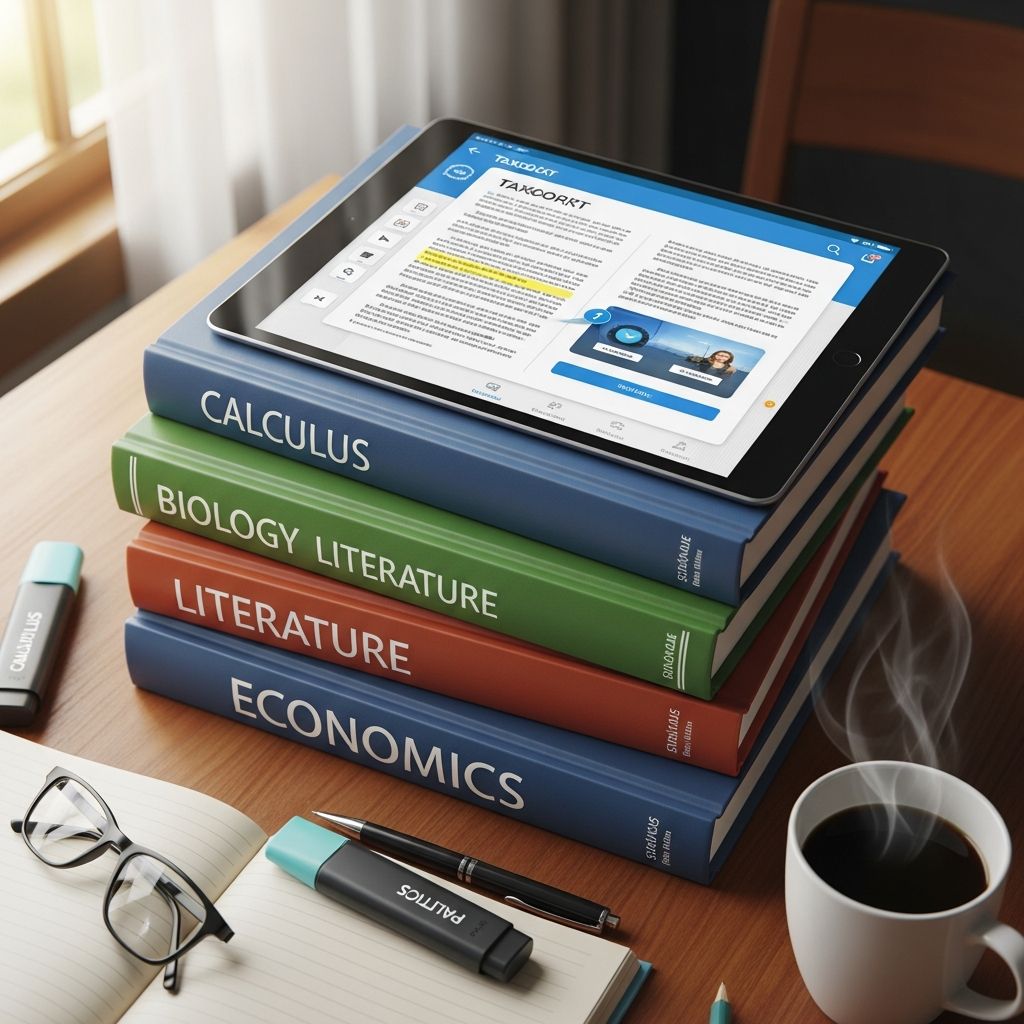
College students face skyrocketing textbook costs, often exceeding $1,000 per year, but mobile apps are revolutionizing access to educational materials. These digital platforms offer renting, purchasing, or free options for eTextbooks, complete with interactive features like highlighting, note-taking, and offline reading. This guide highlights leading apps that streamline studying, reduce expenses, and enhance comprehension through innovative tools tailored for higher education.
Why Switch to Digital Textbooks?
Traditional printed books are heavy, expensive, and inflexible, whereas apps deliver lightweight, searchable content accessible on smartphones or tablets. Benefits include cost savings up to 80% via rentals, environmental advantages from reduced paper use, and integrated study aids like flashcards and audio narration. According to educational resources, apps like these support anytime learning, syncing progress across devices for seamless transitions between home and campus.
Leading Platforms for eTextbook Access
Several apps stand out for their robust libraries and user-friendly interfaces, catering to diverse academic needs from STEM to humanities.
VitalSource Bookshelf: Comprehensive Offline Study
VitalSource Bookshelf transforms iOS devices into powerful study hubs with full offline access to textbooks. Users can download entire books, customize highlighters in multiple colors, and add detailed notes that sync across platforms. Flashcard creation from text or images accelerates memorization, while adjustable fonts, sizes, and backgrounds accommodate various reading preferences. The Read Aloud feature converts text to speech for auditory learners, and accessibility options ensure inclusivity. Requiring iOS 13+ and a VitalSource account, it’s ideal for students with multiple digital textbooks.
Pearson eText: Seamless Note-Taking Anywhere
The Pearson eText app supports offline studying with easy annotation tools. Students add highlights, notes, and bookmarks that persist even without internet, making it perfect for commutes or remote sessions. Integrated with Pearson’s extensive catalog, it covers subjects from math to business, promoting active engagement through personalized study sessions.
OpenStax + SE: Free Resources with Premium Aids
OpenStax provides peer-reviewed, free textbooks for introductory college courses, downloadable via their app. The platform pairs core content with study guides and tutorial videos from Study Edge partners. A $14.95 monthly subscription unlocks unlimited access to professional tutor-created videos, simplifying complex topics for better retention. This model democratizes education, especially for cash-strapped students.
Universal Reading Apps for Diverse Formats
Beyond publisher-specific tools, versatile readers handle various file types, making them essential for compiling personal libraries.
Google Play Books: Vast Selection at Low Costs
With over five million titles, Google Play Books offers textbooks cheaper than campus stores—sometimes free. Features include day/night modes, font adjustments, highlighting, and built-in dictionaries. Scanned page views mimic physical books, while audiobooks support multitasking. Available on Android and iOS, it’s a go-to for budget-conscious learners seeking broad choices.
Kindle App: Deep Dive into Content
Amazon’s Kindle app grants access to millions of eBooks without needing a dedicated device. Customizable displays, dictionaries, and X-Ray technology reveal character insights and contexts. Prime members enjoy perks like borrowing, making it suitable for literature-heavy majors.
Kobo Books: Customization King
Rakuten-powered Kobo undercuts competitors on price with extensive genre coverage. Unrivaled personalization includes font tweaks and layout options, downloadable for offline use. It operates independently of eReaders, appealing to users prioritizing flexibility.
ReadEra: Effortless Organization
ReadEra supports PDF, EPUB, MOBI, and more, auto-categorizing uploads for quick access. Bookmarks, simplified kid modes, and hidden item recovery keep libraries tidy. Free and customizable, it’s great for students juggling multiple formats.
Apps for Renting, Selling, and Supplemental Study
Cost management extends to marketplaces and all-in-one study suites.
Chegg: Rentals and Beyond
Chegg facilitates textbook rentals alongside study tools like Math Solver, flashcards, and explanations. At $14.99/month for Chegg Study, it covers homework across subjects, though users should verify academic policies on assistance features.
BookScouter: Smart Buying and Selling
Scan ISBNs to compare prices across 30+ vendors for buys or sales. Ratings help select reliable sellers, turning used books into cash and new ones into deals. Free and intuitive, it’s vital for semester transitions.
ReadAnywhere by McGraw Hill: Assignment Integration
This app enables offline chapter reading, note-taking, and SmartBook completion. Tied to McGraw Hill texts, it fosters adaptive learning through interactive assignments.
Enhancing Study Efficiency with Specialized Tools
Modern apps go further with AI and tracking for optimized workflows.
Basmo: Track and Improve Reading Habits
Upload books to Basmo for analytics on speed, volume, and timing. Personalized goals, journaling, and collection management foster better habits, ideal for data-driven students.
Documind: AI-Powered PDF Mastery
Upload course PDFs for GPT-4 queries with citations, creating searchable hubs. Bulk uploads, shareable chatbots, and multi-language support aid research and group study.
| App | Key Strength | Best For | Platforms |
|---|---|---|---|
| VitalSource Bookshelf | Offline sync & flashcards | Comprehensive study | iOS |
| Google Play Books | Vast affordable library | Budget textbooks | Android/iOS |
| Chegg | Rentals + solvers | Math/homework | iOS/Android |
| OpenStax + SE | Free books + videos | Intro courses | Web/App |
| BookScouter | Price comparison | Buying/selling | iOS/Android |
Cost Comparison and Savings Strategies
Renting via Chegg or BookScouter slashes expenses versus buying new. Free options like OpenStax cover 20+ subjects, while Google Play often undercuts print by 80%. Combine apps: use BookScouter for deals, ReadEra for reading, and Documind for analysis to maximize value.
Potential Drawbacks and Tips
- Battery Drain: Offline downloads help, but enable low-power modes.
- Compatibility: Verify ISBN support before purchase.
- Data Usage: Prefer Wi-Fi for initial syncs.
- Academic Integrity: Use solvers judiciously to avoid policy violations.
FAQs
Are these apps free?
Apps like ReadEra and OpenStax core content are free; others charge for books or subscriptions starting at $14.95/month.
Do they work offline?
Yes, VitalSource, Pearson, ReadAnywhere, and Google Play support downloads for no-internet access.
Can I highlight and take notes?
Most apps, including Kindle and Kobo, offer robust annotation synced across devices.
How do I sell old textbooks?
BookScouter compares vendor offers via ISBN scans for top payouts.
Are there free textbooks available?
OpenStax provides no-cost, high-quality options for many intro classes.
Getting Started: Build Your Toolkit
Assess your courses’ ISBNs, prioritize free/rental apps, and test interfaces. Integrate with calendars for reading goals. These tools not only cut costs but elevate study quality, preparing students for success in demanding programs.
References
- LibGuides: Textbooks and eTextbooks: Popular Textbook Apps — Northampton Community College Library. 2023. https://library.ncc.edu/c.php?g=308948&p=8926184
- The 12 Best Apps for College Students to Ace Your Studies in 2026 — Documind Blog. 2026. https://www.documind.chat/blog/best-apps-for-college-students
- 12 Best Book Reading Apps in 2026 — CampusBooks Blog. 2026. https://www.campusbooks.com/blog/best-book-reading-apps/
- Best Apps for College Students — BookScouter Blog. 2023. https://bookscouter.com/blog/best-apps-for-college-students/
- Apps That No College Student Should Be Without — Post University Blog. 2023. https://post.edu/blog/10-apps-that-every-college-student-should-download/
- ReadAnywhere App — McGraw Hill Higher Education. 2026. https://www.mheducation.com/highered/explore/readanywhere.html

Medha Deb is an editor with a master's degree in Applied Linguistics from the University of Hyderabad. She believes that her qualification has helped her develop a deep understanding of language and its application in various contexts. Medha specializes in the areas of beauty, health, sports, and wellness and is committed to ensuring that the content on the website is…