
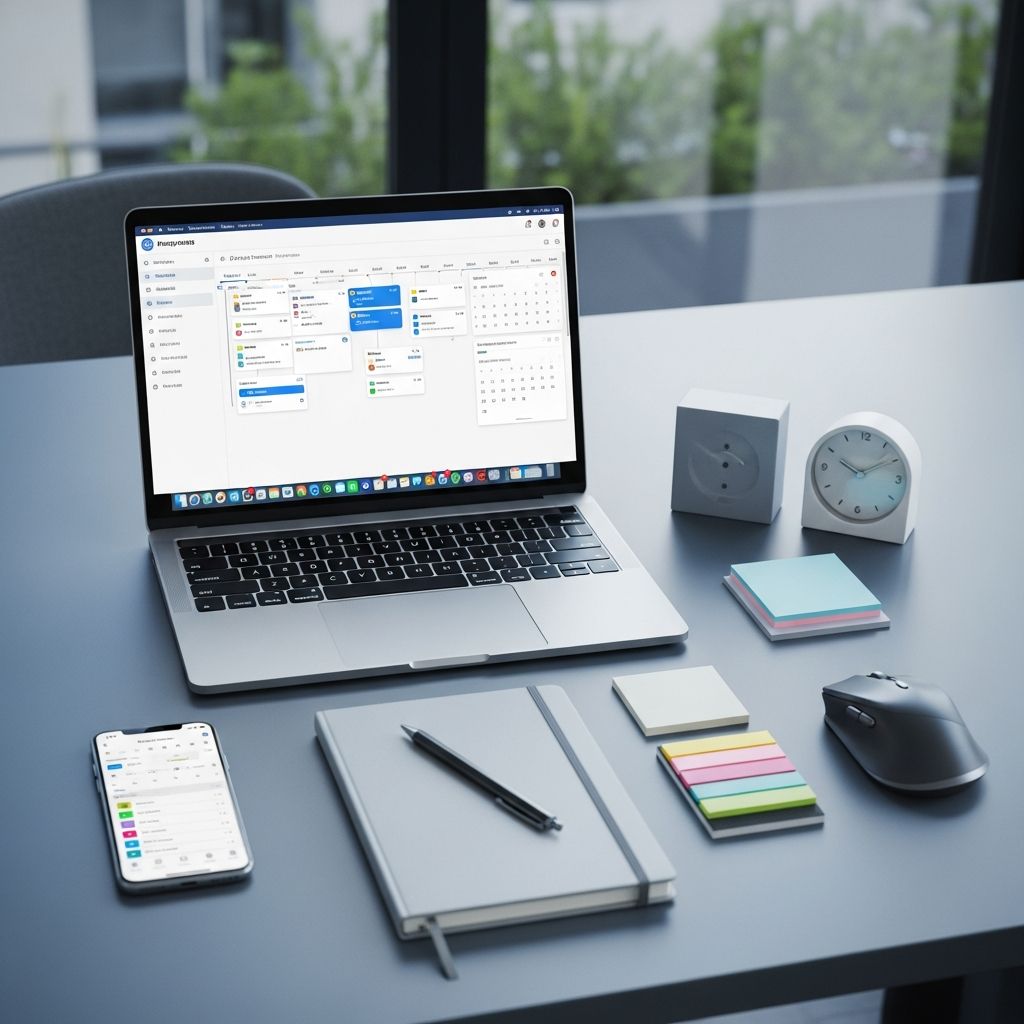
Managing personal projects and daily tasks has become increasingly complex as our responsibilities multiply across work, health, education, and personal development. The right project management tool can transform how you organize, prioritize, and execute your goals. Whether you’re juggling multiple freelance assignments, tracking personal goals, or coordinating household projects, finding a tool that matches your working style is crucial for sustained productivity.
Understanding Your Project Management Style Before Selecting a Tool
Before diving into specific platforms, it’s important to recognize that different individuals thrive with different organizational approaches. Some people naturally gravitate toward visual representations of their work, while others prefer structured lists and chronological planning. Understanding your preferred workflow style—whether you’re date-centric (planning around deadlines and schedules), visually-oriented (using boards and cards), or spreadsheet-comfortable (managing data in grid formats)—will significantly influence which tool delivers the most value for your specific situation.
The most effective personal project management systems typically combine three essential phases: planning your work, executing daily tasks, and reviewing progress periodically. A tool that excels at one phase but falls short in another may require supplementation with additional platforms, fragmenting your workflow and reducing efficiency.
Visual Board Systems for Intuitive Task Management
Visual kanban-style boards have revolutionized how individuals approach task management by transforming abstract to-do lists into concrete, movable card systems. These platforms use columns representing different workflow stages—such as “To Do,” “In Progress,” and “Done”—allowing users to literally see their work progressing across the board.
Trello stands as the pioneer in this space, offering a remarkably straightforward interface built around boards, lists, and cards. Its intuitive design makes adoption nearly effortless, even for individuals with minimal technical experience. The platform’s simplicity is both its greatest strength and primary limitation; while small projects and personal task tracking flourish on Trello, teams managing complex portfolios or requiring sophisticated financial tracking typically need supplementary tools. The drag-and-drop functionality remains responsive and satisfying, and the free tier provides substantial functionality for individual users.
For individuals seeking more visual flexibility, ClickUp offers an expansive workspace with numerous project views including kanban boards, Gantt charts, mind maps, and document capabilities. This versatility appeals to users who want to switch between different visualization methods depending on their current project phase. However, the abundance of customization options can initially overwhelm new users who simply want straightforward task tracking without extensive configuration.
Spreadsheet-Based Solutions for Data-Driven Organization
Some individuals find comfort in the familiar spreadsheet format, preferring grid-based interfaces where data organization mirrors traditional spreadsheet logic. These tools combine the accessibility of spreadsheets with advanced automation and reporting capabilities.
Smartsheet merges spreadsheet familiarity with sophisticated project management features, offering grid-based task organization where users can assign owners, set deadlines, and track progress while leveraging automation, dashboards, and reporting. This hybrid approach serves particularly well for professionals who spend significant time in Excel and want similar workflows but with enhanced collaboration features. The spreadsheet-style interface reduces the learning curve for existing spreadsheet users while introducing workflow automation that traditional spreadsheets cannot match.
Another spreadsheet alternative, Airtable, provides database-style project organization with customizable fields, templates, and workflow automations. While the free tier limits records to 1,000 per base and users to five, Airtable’s flexibility allows highly personalized project structures suited to unique individual needs rather than forcing users into predetermined workflows.
Comprehensive All-in-One Platforms
When individual projects require planning, execution, review, and documentation all within a single ecosystem, all-in-one platforms can eliminate the friction of switching between multiple tools.
Asana has built a strong reputation for straightforward project management through structured task lists and intuitive dashboards. The platform excels at helping individuals monitor progress through every project stage with features including task assignments, due dates, timelines, and multiple board views. While Asana works well for task coordination and workflow visibility, organizations managing complex portfolios or requiring detailed financial tracking often find it beneficial to combine Asana with specialized financial tools.
Notion serves as a powerful planning and documentation hub, allowing users to create interconnected databases, pages, and workflows within a single workspace. However, Notion’s strength in planning and information storage comes with a tradeoff: execution requires maintaining a simple daily workflow alongside Notion, otherwise the platform becomes passive storage rather than an active project management tool. Users typically succeed with Notion when they establish clear daily execution habits outside the platform and use Notion primarily for reference and planning.
For individuals seeking the most comprehensive personal project management experience, Self-Manager.net specifically targets individuals requiring the complete project loop: planning, executing, and reviewing work through weekly cycles. This date-centric system integrates planning phases with daily execution frameworks and structured weekly reviews, creating a complete system rather than just a task repository.
Timeline-Focused Tools for Schedule Management
Projects heavily dependent on timelines and scheduling benefit from tools offering advanced Gantt chart capabilities, critical path analysis, and resource planning features.
Celoxis scales effectively from individual project management to comprehensive portfolio oversight without sacrificing usability. Trusted by major organizations including NASA, Rolex, Deloitte, and HBO, Celoxis integrates project execution, resource planning, time tracking, and financial management into a unified system. The platform’s real-time progress tracking, customizable dashboards, and the new Lex AI capabilities for automated reporting and insight generation make it particularly valuable for individuals managing multiple concurrent projects with financial accountability considerations.
Microsoft Project represents the long-established standard for scheduling and planning, known for powerful capabilities in building detailed project plans, defining dependencies, allocating resources, and tracking costs. While typically required for complex engineering, construction, or enterprise environments, individuals managing intricate projects benefit from Microsoft Project’s precision. The tool’s steep learning curve and integration with the Microsoft ecosystem make it best suited for users already embedded in Microsoft tools.
GanttProject offers a free, open-source alternative for individuals not requiring paid solutions. This tool focuses specifically on Gantt chart functionality, allowing users to define tasks, dependencies, and resources to build clear project timelines with critical path analysis. Its simplicity makes it accessible without heavy setup requirements, making it ideal for small to medium-sized projects where sophisticated features aren’t necessary.
Specialized Tools for Creative and Time-Tracked Work
Wrike provides flexibility for users switching between personal and team spaces, allowing individuals to manage both personal and collaborative projects within a single platform. The platform includes interactive Gantt charts, workload management, custom workflows, and real-time reporting. Wrike’s proofing and approval tools prove particularly valuable for creative professionals needing built-in feedback cycles. AI-powered capabilities help draft project briefs quickly, generate structured to-do lists, and employ risk prediction to identify potential bottlenecks before they materialize.
For individuals whose productivity intersects with financial tracking and billable time, ProWorkflow supports task management, time tracking, resource allocation, and reporting. The structured approach guides projects from initiation through completion while enabling customizable workflows and separate tracking of billable and non-billable time.
Simplicity-First Tools for Minimal Setup
Not every individual needs extensive features. Todoist delivers pure simplicity for quick task entry and basic organization. Recommended as an excellent starting point for new users, Todoist’s effectiveness increases dramatically when users commit to weekly reviews and cleanup sessions to prevent task lists from becoming outdated.
Microsoft To Do offers similarly straightforward functionality, integrating with Microsoft services for users already operating within the Microsoft ecosystem. The platform works best when kept intentionally simple for 30 days before considering any upgrades or supplementary tools.
Making Your Final Selection
The ideal personal project management tool ultimately depends on your specific working style and project requirements. The following considerations can guide your decision:
- If your workflow revolves around deadlines and chronological planning, date-centric systems like Self-Manager.net typically prove most effective when paired with weekly planning rituals.
- If you prefer visual progress and rapid task movement, kanban boards like Trello or ClickUp excel, provided you maintain weekly board cleanup to prevent task accumulation.
- If you need the absolute simplest solution, begin with Todoist or Microsoft To Do for 30 days, keeping the system intentionally minimal before expanding.
- If your projects require comprehensive planning plus documentation, Notion works well when supplemented with a separate simple execution tool for daily task management.
- If you manage multiple concurrent projects with resource constraints and financial considerations, Celoxis provides unified oversight without requiring multiple disconnected platforms.
Creating Your Implementation Plan
Selecting a tool represents only the first step. Success requires establishing sustainable usage patterns. Most productivity experts recommend starting with your simplest potential solution, then only upgrading features if genuine limitations emerge after consistent use over several weeks. This prevents over-engineering your system and ensures you’re not paying for capabilities you’ll never utilize.
The most effective personal project management approach combines the right tool with consistent review habits. Even the most sophisticated platform provides minimal benefit if you never review progress, identify bottlenecks, or adjust upcoming plans based on recent learning. Weekly review sessions—spending 30 to 60 minutes each week examining completed work, identifying obstacles, and planning the next week—transform project management tools from task repositories into genuine productivity systems.
Frequently Asked Questions
Q: Can I use multiple project management tools together?
A: Yes, many individuals successfully combine tools—for example, using Notion for documentation and planning alongside Todoist for daily execution. However, this requires clear delineation of each tool’s purpose to avoid duplication and confusion.
Q: How often should I review my project management system?
A: Weekly reviews prove most effective for personal projects, typically requiring 30 to 60 minutes to assess progress, identify obstacles, and plan the upcoming week. Daily reviews for task execution combined with weekly strategic reviews creates the optimal balance.
Q: Which free tools offer the most functionality?
A: Jira, ClickUp, Asana, and Trello all offer generous free tiers with substantial functionality. Your choice depends on whether you prefer visual boards, customizable views, or straightforward task lists.
Q: Do I need advanced features for personal projects?
A: Most individuals achieve optimal results with simpler tools offering core functionality—task creation, assignment, deadline tracking, and progress visibility. Advanced features like resource leveling, portfolio management, and financial tracking typically benefit larger teams or complex enterprises more than individuals.
Q: How long does it take to become proficient with a new tool?
A: Most individuals achieve proficiency with straightforward tools like Todoist or Trello within days. More complex platforms like Notion or Celoxis may require several weeks of regular use before optimizing configurations and workflows.
References
- 55+ Best Project Management Tools of 2026 — Celoxis. 2026. https://www.celoxis.com/article/best-project-management-tools-list
- Top 20 Project Management Apps for Personal Use (2026) — Self-Manager.net. 2026. https://self-manager.net/articles/top-20-project-management-apps-for-personal-use-2026-grouped-by-category
- 7 Best Free Project Management Software [2026] — Atlassian. 2026. https://www.atlassian.com/agile/project-management/free-project-management-software
- Honest Review of 6 Personal Project Management Tools with Kanban View — ICAgile. https://www.icagile.com/resources/honest-review-of-6-personal-project-management-tools-with-kanban-view
- Best 21 Project Management Software to Compare in 2026 — Wrike. 2026. https://www.wrike.com/project-management-guide/faq/what-are-project-management-tools/

Medha Deb is an editor with a master's degree in Applied Linguistics from the University of Hyderabad. She believes that her qualification has helped her develop a deep understanding of language and its application in various contexts. Medha specializes in the areas of beauty, health, sports, and wellness and is committed to ensuring that the content on the website is…