
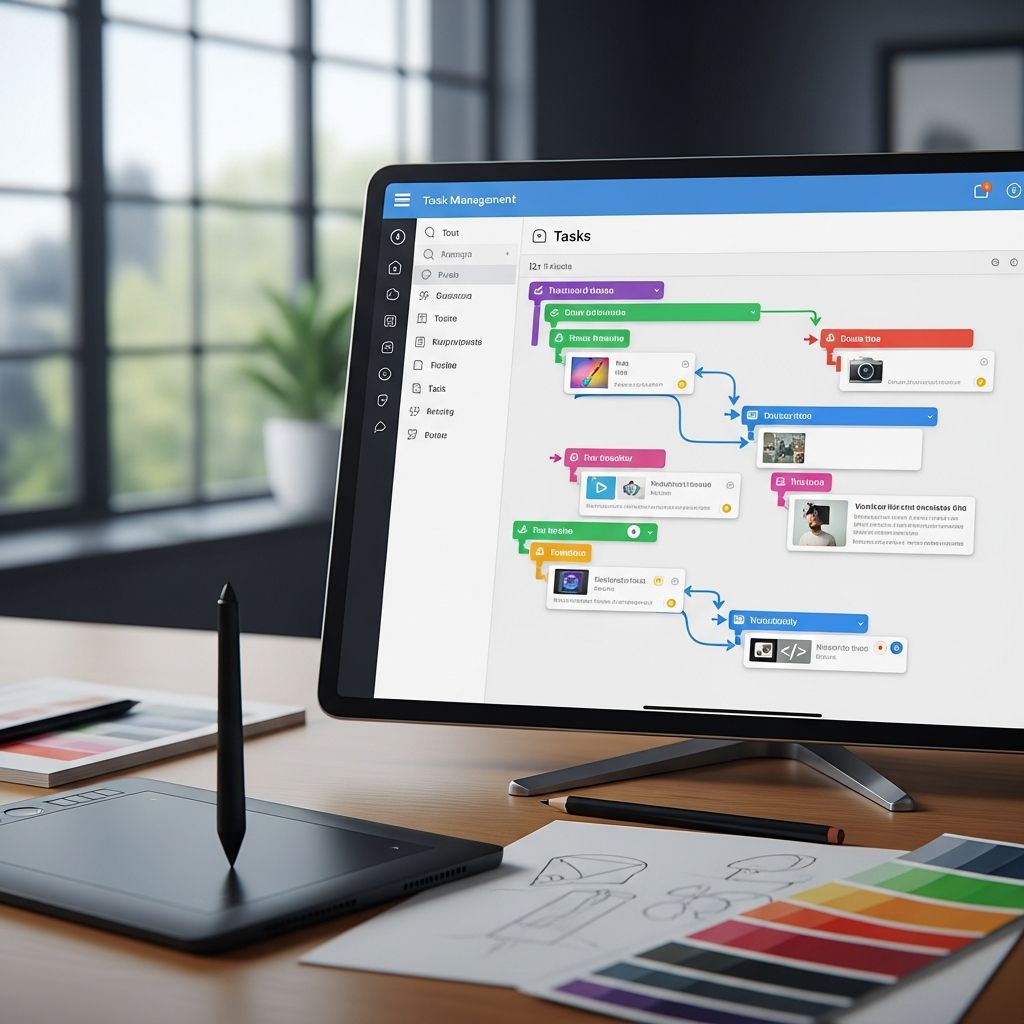
Transforming Productivity Through Visual Task Management
The traditional to-do list has become obsolete for many professionals, particularly those who think and process information primarily through visual means. Modern task management applications have evolved to recognize that not everyone thrives with linear text-based organization systems. Instead, a growing category of productivity tools emphasizes visual representation, interactive interfaces, and intuitive design principles that align with how creative professionals actually work.
For visual thinkers—including designers, entrepreneurs, marketers, and project managers—the right task management tool can be transformative. These applications move beyond basic checkbox functionality to offer dynamic visualization of workload, color-coded priority systems, and spatial organization methods that feel natural rather than forced. The result is increased engagement with planning processes and improved follow-through on objectives.
Why Visual Design Matters in Task Management
The human brain processes visual information significantly faster than text. For individuals with strong visual cognition, traditional list-based task managers create cognitive friction. When faced with an unadorned list of items, the brain must convert text into mental images, then evaluate priority and context. Visual task managers eliminate this conversion step by presenting information in formats that require minimal translation.
Color coding stands out as a particularly powerful feature in visual task management systems. A quick glance at a color-coded interface reveals workload distribution, priority levels, and project categories without requiring detailed reading. Someone can instantly assess whether they’ve overloaded Tuesday with commitments, identify which projects are dominating their week, or spot high-priority items that need immediate attention. This immediate visual feedback loop encourages more intentional planning and helps prevent the overwhelm that often accompanies traditional task lists.
Beyond color coding, effective visual task managers incorporate thoughtful interface design that reduces clutter and emphasizes usability. Drag-and-drop functionality, card-based layouts, and timeline visualizations transform task management from a chore into an interactive experience that feels less like obligation and more like genuine productivity.
Kanban-Style Solutions: Board-Based Organization
Kanban methodology, originating from manufacturing principles, has become foundational to many modern visual task managers. The kanban approach organizes work into columns representing different stages—such as “To Do,” “In Progress,” and “Complete.” This structure provides several advantages for visual thinkers.
Board-based systems allow users to see the entire workflow at once, understanding not just what needs to be done, but where each task sits in the completion process. This macro perspective helps identify bottlenecks and prevent work from stalling in particular stages. Unlike lists that require scrolling and searching, kanban boards display everything within a single view, reducing cognitive load.
Two prominent applications exemplify the kanban approach. The first offers adorable visual branding combined with robust functionality. Its colorful interface appeals to creative professionals while maintaining powerful features including task delegation, multiple user collaboration, and comprehensive sub-task checklists. This tool particularly suits creative entrepreneurs and visual workers who find traditional task management aesthetically uninspiring.
A second kanban-style platform functions similarly with slightly different design philosophies. Like sticky notes arranged on a physical board, this application provides familiar metaphors that feel intuitive to most users. It includes deadline tracking with intelligent reminders, file attachment capabilities, and team collaboration features. Progress indicators built directly into checklists give users a satisfying sense of advancement as they complete sub-components of larger tasks. This platform works exceptionally well for creative teams balancing collaborative needs with visual task management preferences.
Minimalist Approaches for Solo Operators
Not every visual thinker works within large teams. Solo entrepreneurs, freelancers, and individual contributors often need task management systems that function effectively at a smaller scale. Minimalist visual tools strip away collaborative features and complex integrations, focusing instead on elegant simplicity and personal organization.
One streamlined option organizes tasks through draggable boxes representing different states or subject areas. Users might create boxes for “Planning,” “Development,” and “Launch,” or organize by project themes. This flexible structure accommodates diverse working styles without imposing rigid workflows. The application offers color coding and maintains an intuitive visual interface without unnecessary complexity. For solo workers seeking minimal distraction while maintaining visual organization, this represents an ideal middle ground between simplicity and capability.
Minimalist approaches recognize that visual thinkers can become overwhelmed by too many features and customization options. By constraining functionality to essential elements and emphasizing clean design, these tools prevent the analysis paralysis that sometimes accompanies overly complex productivity software.
Weekly Planning Frameworks and Structured Productivity
Some visual task managers build upon established productivity methodologies rather than inventing entirely new organizational systems. Frameworks based on widely-recognized productivity approaches provide both structure and psychological benefits of following proven systems.
One notable platform incorporates principles from popular business literature on personal effectiveness. Rather than presenting a blank canvas for users to create their own organizational system, this tool guides users through structured planning processes. It combines visual task management with weekly overviews, role-based task sorting, and integrated journaling capabilities. The weekly view helps users see their entire week at a glance, making it easier to identify overcommitted days and distribute workload more evenly.
This approach particularly benefits solo professionals and solopreneurs who want comprehensive life and business management within a single platform. The combination of visual task management with guided planning processes addresses both tactical (what to do today) and strategic (how the week should flow) concerns. Role-based organization allows users to see tasks grouped by different areas of responsibility, providing clarity about how various commitments interconnect.
Timeline-Based Visualization for Complex Projects
For individuals managing multiple interconnected tasks with varying durations, traditional list or board views become inadequate. Timeline-based visualization offers an alternative perspective that reveals temporal relationships and potential scheduling conflicts that other formats might obscure.
Gantt chart-style visualization displays tasks as horizontal bars on a timeline, showing both duration and overlap. This format immediately reveals which tasks can occur simultaneously and which must occur sequentially. It highlights critical paths—sequences of dependent tasks that determine overall project completion dates. For visual thinkers managing quarterly objectives, monthly campaigns, or complex product launches, this perspective provides clarity impossible to achieve through lists or kanban boards.
Timeline-based tools typically include color coding, subtask management, and the ability to assign tasks to specific team members or clients. Project and client labels keep tasks properly categorized even when viewing across multiple projects. This approach particularly suits creative team leaders and solopreneurs focused on tracking progress toward major goals, planning visual weekly schedules, or managing coordinated launches involving multiple components.
Comprehensive Platforms: All-in-One Visual Ecosystems
Beyond specialized task managers, comprehensive platforms have emerged that incorporate task management as one component within broader organizational ecosystems. These platforms appeal to visual thinkers who want to centralize all information management—from task tracking to note-taking to project databases—within unified visual systems.
Modern all-in-one platforms support multiple visualization modes. Users might employ database views for structured information, kanban boards for workflow management, timeline views for project planning, and calendar integrations for schedule coordination. The flexibility to switch between these perspectives without leaving the platform appeals to professionals whose work requires different organizational lenses at different times.
These comprehensive systems do require more initial setup and ongoing learning compared to specialized task managers. However, visual thinkers often appreciate the opportunity to create highly personalized systems reflecting their unique workflows. The ability to color-code information, embed images, organize hierarchically, and customize visual properties appeals to creative professionals who find standard tools restrictive.
Key Features That Define Visual Task Management Excellence
Regardless of approach, successful visual task managers share certain characteristics:
- Color Coding: The ability to assign multiple colors to tasks, categories, or priority levels enables instant visual categorization and reduces cognitive load when scanning workloads.
- Drag-and-Drop Interaction: Moving tasks between stages or reorganizing priorities should feel intuitive and fluid, not requiring complex menu navigation.
- Single-Glance Overview: The primary interface should communicate significant information without requiring detailed reading or navigation through multiple screens.
- Customizable Organization: Whether through columns, tags, roles, or other systems, users should be able to organize information in ways matching their mental models.
- Visual Hierarchy: Distinguishing between urgent and routine tasks, completed and pending work, or high-level projects and detailed subtasks through visual means rather than purely textual indicators.
- Responsive Design: Visual task managers should function effectively on mobile devices, where visual clarity becomes even more important due to screen constraints.
Choosing the Right Visual Task Manager for Your Needs
Selection depends on several factors. Team-based workflows benefit from applications emphasizing collaboration, delegation, and clear task assignment. Solo professionals might prioritize simplicity and distraction-free interfaces. Those managing complex projects with dependencies gain value from timeline-based visualization, while individuals preferring workflow-based organization gravitate toward kanban approaches.
Consider whether you need integration with other tools like calendar systems, email, or note-taking applications. Some visual task managers function best as standalone tools, while others prioritize ecosystem integration. Also evaluate whether you prefer guided frameworks or blank-canvas flexibility. Some professionals thrive with structure and predefined methodologies, while others want complete customization freedom.
Implementation Strategies for Maximum Effectiveness
Adopting a visual task manager requires intentional implementation rather than simply importing all existing tasks. Start by identifying your current task categories and workflow stages. Map these onto your chosen tool’s native organizational system. Rather than creating one massive project, organize information into logically-grouped collections that align with your mental categories.
Establish consistent color coding from the beginning, using the same colors across all projects when possible. This consistency reinforces visual recognition and prevents confusion. Set default priority levels and create templates for recurring task types, reducing setup time for routine work.
Most importantly, actually use the visual features. The time you invest in adding colors, organizing items visually, and maintaining up-to-date information pays dividends through reduced cognitive load and increased engagement with your systems.
Visual Task Management Beyond Productivity
The appeal of visual task managers extends beyond simple productivity optimization. For individuals with attention challenges or executive functioning differences, visual systems provide external structure supporting internal organization. The tactile experience of dragging tasks between states and watching visual transformations creates psychological reinforcement that purely digital list-checking cannot replicate.
Creative professionals often find that engaging with beautifully designed interfaces increases their willingness to actually use their task management systems. When your productivity tool looks good and feels good to use, regular engagement becomes natural rather than forced.
Frequently Asked Questions
Q: What distinguishes visual task managers from traditional to-do list applications?
A: Visual task managers prioritize graphical representation, color coding, and spatial organization. Rather than presenting information as text lists, they use cards, boards, timelines, and other visual formats that leverage how visual thinkers naturally process information. This reduces cognitive friction and makes task management feel more intuitive.
Q: Can visual task managers work for team environments?
A: Absolutely. Many visual task managers include collaboration features like task assignment, multiple user workspaces, and shared visibility. Board-based and timeline-based approaches particularly suit team coordination by making everyone’s workload and progress visible to all team members.
Q: Are visual task managers suitable for complex projects with many dependencies?
A: Timeline-based visual task managers excel at representing task dependencies and showing how projects break into interconnected components. While kanban boards work for sequential workflows, Gantt-style visualization better represents complex projects with multiple overlapping tasks.
Q: How much time should I spend customizing my visual task manager?
A: Spend enough time creating initial color schemes and organizational structure that the system reflects your actual workflow, but avoid endless tinkering. Most productivity gains come from consistent use rather than perfect customization. Start simple and add complexity only if needed.
Q: Can I use multiple visual task managers for different purposes?
A: Some professionals use specialized tools for specific functions—kanban boards for current work, timeline views for project planning, and comprehensive platforms for integrated information management. However, most benefit from consolidating onto a single platform to reduce context-switching and information fragmentation.
References
- 5 Task Apps for Visual Thinkers — Lifehack.org. Retrieved from https://www.lifehack.org/articles/productivity/5-task-apps-for-visual-thinkers.html
- Tiimo: Visual Planner for ADHD and Executive Functioning — Tiimo App. Retrieved from https://www.tiimoapp.com
- 40 Best Visual Project Management Software For 2026 — The Digital Project Manager. Retrieved from https://thedigitalprojectmanager.com/tools/visual-project-management-software/
- Milanote – the tool for organizing creative projects — Milanote. Retrieved from https://milanote.com

Medha Deb is an editor with a master's degree in Applied Linguistics from the University of Hyderabad. She believes that her qualification has helped her develop a deep understanding of language and its application in various contexts. Medha specializes in the areas of beauty, health, sports, and wellness and is committed to ensuring that the content on the website is…