
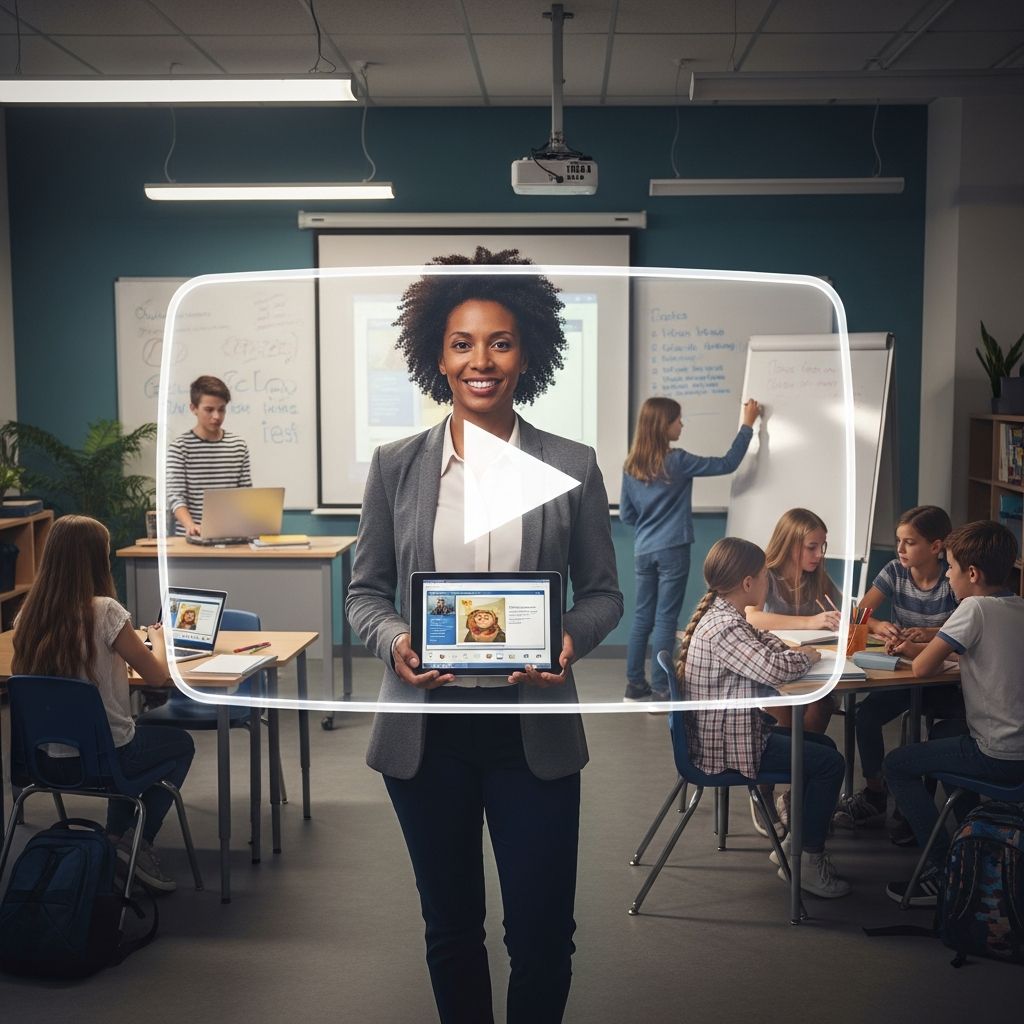
Educators worldwide are embracing digital platforms to enhance teaching, and YouTube stands out as a versatile tool for sharing knowledge. This article examines the permissibility of teachers maintaining YouTube channels, key regulatory frameworks, advantages for instruction, potential hurdles, and actionable steps to get started effectively.
Understanding Platform Permissions for Educators
YouTube explicitly allows teachers to create and operate channels dedicated to educational purposes. The platform hosts numerous successful examples, from individual instructors sharing lesson ideas to institutions offering professional development resources. These channels serve diverse functions, such as delivering subject-specific tutorials or providing tips on classroom dynamics.
However, permission hinges on compliance with YouTube’s community guidelines and specialized policies for content aimed at younger audiences. For channels targeting students under 13, educators must utilize YouTube Kids, a safer environment with built-in protections like restricted comments and no live interactions. General channels for older students require disabling features such as live chats, video recommendations, and comments to minimize risks.
Navigating School and Legal Frameworks
Beyond platform rules, teachers must align with their employing institution’s policies. Many schools have acceptable use policies (AUPs) and social media guidelines that dictate online activities. These often mandate prior approval for public channels and prohibit sharing student images or personal details without consent.
Regional laws add another layer. In the United States, the Children’s Online Privacy Protection Act (COPPA) governs data collection from children under 13, influencing content practices. Similar regulations exist globally, such as the EU’s General Data Protection Regulation (GDPR), which emphasizes child protection online. Educators should consult district handbooks and legal advisors to ensure adherence.
| Policy Type | Key Requirements | Examples |
|---|---|---|
| YouTube Rules | Disable comments for minors; use YouTube Kids | No live streaming for young audiences |
| School AUP | Get admin approval; avoid student data | Pre-approve all public posts |
| Federal Laws | Protect child privacy; age-appropriate content | COPPA compliance in US |
Educational Advantages of Teacher-Led Channels
Integrating YouTube into teaching yields measurable benefits, supported by research and practitioner experiences. Videos facilitate flexible learning, allowing students to revisit complex topics at their pace, which promotes autonomy.
- Boosted Engagement: Dynamic visuals and real-world examples captivate learners, outperforming static texts for subjects like science and languages.
- Skill Development: Exposure builds digital literacy, critical thinking, and presentation abilities essential for the 21st century.
- Resource Expansion: Channels extend curriculum beyond class time, offering global perspectives and expert insights.
- Efficiency Gains: Pre-recorded lessons free teachers for personalized interaction during live sessions.
Studies highlight YouTube’s role in improving speaking skills and overall classroom dynamics when paired with teacher guidance. Channels also enable interactive elements like quizzes, fostering active participation.
Professional Growth Opportunities for Teachers
Creating content catalyzes personal and career advancement. Educators report enhanced confidence from on-camera practice, alongside technical skills in video production. This visibility attracts collaborations, speaking opportunities, and even supplemental income through resource sales or sponsorships.
One educator noted that a decade-long channel led to creative projects, location-independent work, and peak earnings, all without abandoning classroom duties. The low entry barrier—primarily time investment—makes it accessible, turning passion into professional elevation.
Overcoming Common Obstacles
Despite upsides, challenges persist. Internet dependency can exclude offline learners, while data costs burden some students. Content moderation demands time, and initial discomfort with filming is common but surmountable.
To mitigate:
- Batch-produce videos for consistency.
- Download content for classroom use.
- Start with short clips to build comfort.
Teacher perceptions matter; those viewing YouTube positively integrate it effectively, enhancing outcomes.
Step-by-Step Guide to Launching Your Channel
- Plan Content: Identify student needs and curriculum gaps. Focus on high-value topics like demonstrations or reviews.
- Set Up Safely: Create a dedicated channel; apply age restrictions immediately.
- Produce Quality Videos: Use simple equipment—smartphone, natural light. Edit for clarity with free tools.
- Promote Thoughtfully: Share links in class; encourage feedback sans comments.
- Monitor and Iterate: Track views and student input to refine.
Customization ensures relevance, while policy checks prevent issues.
Real-World Examples of Successful Channels
Inspirational cases abound. Channels offering pedagogy tips have built communities of fellow teachers. Student-facing ones deliver flipped classroom models, with videos on current events or skill tutorials. Organizations curate expert talks, virtually transporting classes worldwide.
These models demonstrate scalability, from solo ventures to institutional efforts, proving YouTube’s versatility.
Frequently Asked Questions
Are teacher YouTube channels permitted?
Yes, provided they comply with YouTube policies, school rules, and local laws protecting minors.
What content suits teacher channels?
Lesson explanations, professional tips, skill tutorials, and curriculum extensions work best.
How does YouTube improve learning?
It offers flexibility, visuals, interactivity, and free access, enhancing engagement and skills.
Can teachers monetize channels?
Possible via ads or resources after building audience, without risking day jobs.
What safety steps for young viewers?
Disable interactions, use YouTube Kids, and follow privacy laws.
Future Outlook for Educational YouTube
As technology evolves, teacher channels will integrate AI tools for personalization and VR for immersion. Policymakers increasingly recognize digital media’s role, potentially streamlining approvals. Educators poised to adapt will lead this shift, blending tradition with innovation for superior learning.
References
- Can Teachers Have YouTube Channels? — Education Corner. 2023. https://www.educationcorner.com/can-teachers-have-youtube-channels/
- Why All Teachers Should Start a YouTube Channel — ELT Training. 2022-10-15. https://www.elt-training.com/blog/why-all-teachers-should-start-a-youtube-channel
- The Benefits and Challenges of Using Video as a Teaching Tool — UNM OJS (Academic Journal). 2023. https://ojs.unm.ac.id/performance/article/viewFile/59570/26320
- YouTube in Education: Impact and Benefits — Lords University. 2024-01-20. https://www.lordsuni.edu.in/blog/youtube-and-education
- Harnessing the Power of YouTube in the Classroom — Edutopia. 2019-08-12. https://www.edutopia.org/blog/harnessing-power-youtube-in-classroom-monica-burns

Medha Deb is an editor with a master's degree in Applied Linguistics from the University of Hyderabad. She believes that her qualification has helped her develop a deep understanding of language and its application in various contexts. Medha specializes in the areas of beauty, health, sports, and wellness and is committed to ensuring that the content on the website is…