
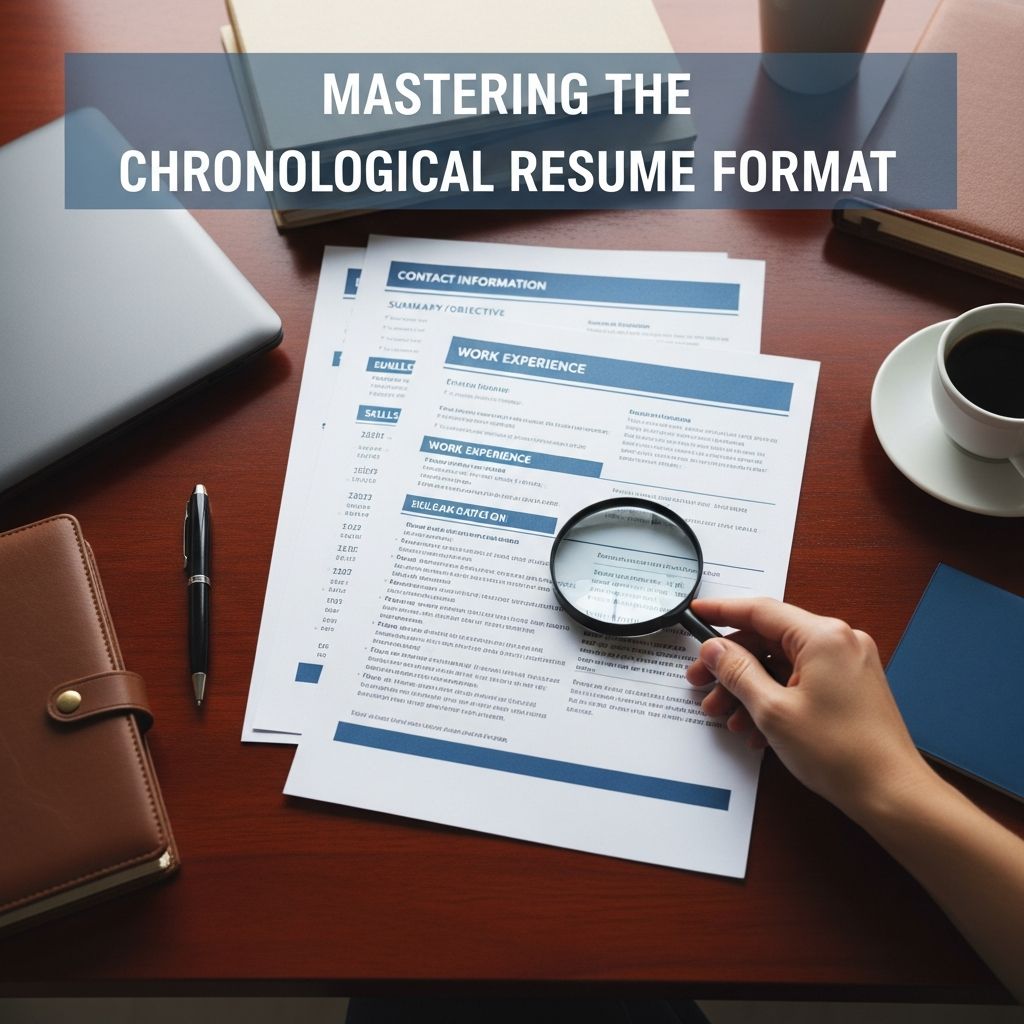
The chronological resume is the most widely used resume format and the one recruiters expect to see for traditional, experience-based roles. It highlights your work history in reverse date order, putting your most recent and relevant roles at the top so employers can quickly evaluate your career trajectory.
This guide explains what a chronological resume is, who should use it, how to structure it, and how to tailor it for modern hiring practices and applicant tracking systems (ATS).
What Is a Chronological Resume?
A chronological resume organizes your professional experience from the most recent position backward, usually covering the last 10–15 years of your career. The work experience section is the core of the document, and other sections such as summary, skills, and education support that story.
| Feature | Chronological Resume |
|---|---|
| Main focus | Work history and career progression |
| Order of jobs | Reverse chronological (newest to oldest) |
| Best for | Stable careers with relevant experience |
| Recruiter familiarity | Very high; considered the standard format |
Who Benefits Most From a Chronological Resume?
This format is highly effective when your work history is your strongest asset. Career experts note it is especially useful for people with a structured work history and clear career path.
- Mid-level and senior professionals with several years of experience in the same field.
- Applicants with steady employment and few or no major gaps.
- Job seekers staying in the same industry or a closely related role.
- Professionals who have been promoted or taken on increasing responsibility over time.
- Blue-collar and operational roles where duties are consistent and experience is critical.
If your experience tells a clear story of growth, a chronological layout lets you showcase that story in a simple, familiar structure.
When a Different Format May Work Better
Because it emphasizes dates and job titles, the chronological format can unintentionally highlight some weaknesses in a candidate’s background.
- Significant employment gaps: Periods without work become very visible.
- Frequent job changes: Short stays at many employers may raise questions.
- Career changers: Past roles may not match the new target field.
- Minimal experience: Recent graduates or those with only internships may not fill a strong work history section.
In these cases, a functional or combination resume that emphasizes skills can sometimes be more strategic, because it shifts attention away from dates and toward capabilities and achievements.
Core Sections of a Strong Chronological Resume
Although layouts vary, most chronological resumes include a similar set of building blocks. The order below is one commonly used sequence that aligns well with recruiter expectations and ATS scanning patterns.
1. Contact Details
At the top of the page, include:
- Full name
- Phone number
- Professional email address
- City and state (or region)
- Optional: LinkedIn profile or portfolio link
Keep this section compact and free of extra graphics or icons so that parsing software can read it correctly.
2. Professional Summary or Profile
Next, add a short 3–4 line summary that frames your experience for the role you want. This section should:
- State your role or professional identity (e.g., Senior Marketing Manager).
- Highlight years of experience and key strengths.
- Mention your domain or industry focus.
- Include one or two measurable achievements when possible.
A clear summary helps busy hiring managers quickly see why you are relevant before they dig into the details.
3. Work Experience (Reverse Chronological)
This is the centerpiece of the chronological resume. For each role, include:
- Job title
- Employer name and location
- Dates of employment (month and year or year only)
- Bullet points describing achievements and responsibilities
List roles starting with your most recent and move backward. Career resources commonly recommend focusing on roughly the last 10–15 years of experience unless older roles are highly relevant.
Use bullets that emphasize outcomes instead of duties, for example:
- “Increased monthly sales by 18% by redesigning the lead follow-up process” rather than “Responsible for sales follow-up.”
- “Reduced processing time by 30% through workflow automation” instead of “Handled data processing tasks.”
4. Education
The education section typically appears after work experience for experienced candidates. Include:
- Degree(s) earned
- Institution name and location
- Graduation year (optional if very senior)
- Relevant honors, theses, or concentrations if they support your target job
For students and new graduates, placing education before work experience can be beneficial because it highlights your strongest qualification.
5. Skills and Additional Sections
Even though the chronological format centers on experience, a concise skills section helps employers quickly identify your technical tools and core competencies.
- Technical skills: Software, tools, programming languages, or machinery.
- Core skills: Project management, customer service, budgeting, quality control.
- Soft skills: Leadership, communication, collaboration—ideally supported by evidence in your bullet points.
Depending on your background, you can also add areas such as certifications, publications, languages, or professional affiliations to reinforce your expertise.
Advantages of the Chronological Resume
Career centers and hiring resources emphasize several reasons this format remains the default choice for many employers.
- Clear career story: Recruiters immediately see how you have progressed over time, including promotions and expanding responsibilities.
- Easy to scan quickly: The predictable layout lets hiring managers find job titles, companies, and dates at a glance.
- Aligns with employer expectations: Many organizations and ATS tools are designed around chronological structures, reducing the risk of misinterpretation.
- Highlights stability: Continuous employment within one field signals reliability and commitment, which can be reassuring to hiring managers.
- Supports compliance needs: For regulated industries, clear date tracking helps verify experience for licensing or seniority requirements.
Drawbacks and How to Mitigate Them
The same features that make chronological resumes powerful can pose problems when your history is less traditional.
- Exposes gaps: If you have breaks in employment, they will be obvious. You can soften this by grouping short-term work together or briefly explaining planned breaks (such as education or caregiving) in a bullet point.
- Emphasizes job changes: Many short roles might look like job-hopping. Focus bullets on impact and choose a resume length that avoids overwhelming the reader with minor roles.
- Less ideal for career changers: When your target job is very different from your past roles, your experience may look misaligned. In that case, use your summary and skills sections to connect the dots and prioritize transferable achievements.
- Can underplay skills: If the resume is only a list of jobs, important capabilities may be buried. Incorporate skills into bullet points and maintain a dedicated skills section to highlight them clearly.
Step-by-Step: Building a Chronological Resume
Use this brief process to craft or update your resume in chronological format.
Step 1: Clarify Your Target Role
- Review a few job postings for your ideal position.
- Identify the most frequently requested skills, tools, and responsibilities.
- Note exact keywords employers use so you can mirror them where accurate, supporting both recruiters and ATS.
Step 2: Gather Your Career Information
- List all roles, employers, and employment dates for the past 10–15 years.
- For each job, jot down key accomplishments, metrics, and major projects.
- Decide which early roles are still relevant; omit very old or unrelated positions if space is limited.
Step 3: Draft the Work Experience Section
- Arrange positions from newest to oldest.
- Use 3–6 bullet points for recent roles and fewer for older ones.
- Start bullets with strong action verbs and, when possible, include numbers (percentages, revenue, cost savings, time reductions).
Step 4: Add Your Summary, Skills, and Education
- Write a summary tailored to your target role, referencing the most relevant experience.
- Group skills into categories (e.g., Technical, Analytical, Leadership) to improve readability.
- Place education above experience if you are a student or recent graduate; otherwise, keep it beneath work history.
Step 5: Optimize for ATS and Readability
- Use standard headings like “Work Experience,” “Education,” and “Skills” so software can interpret them.
- Avoid text boxes, heavy graphics, or unusual fonts that can confuse scanners.
- Save your resume in a widely accepted format such as PDF or DOCX, following any instructions given in the job posting.
Chronological vs. Functional and Combination Resumes
Understanding how the chronological format compares to other options helps you decide if it is the best fit for your situation.
| Format | Main Emphasis | Best For |
|---|---|---|
| Chronological | Work history and career progression | Stable experience in the same or similar field |
| Functional | Skills and capabilities, not dates | Career changers, large gaps, highly varied work |
| Combination | Hybrid of skills first, then chronological jobs | Experienced candidates needing to spotlight skills and history equally |
Common Mistakes to Avoid
Even well-qualified candidates can weaken a chronological resume with avoidable errors. Watch out for:
- Job descriptions without results: Only listing duties makes it hard to see your impact.
- Inconsistent dates or formatting: Misaligned timelines can create doubt about accuracy.
- Too much detail on old roles: Early positions should be summarized, not described at length.
- Irrelevant or outdated skills: Focus on tools and expertise that matter for your current goals.
- Dense paragraphs instead of bullets: Bulleted achievements are easier and faster to scan than long blocks of text.
Frequently Asked Questions (FAQs)
Q: How far back should a chronological resume go?
Most career advisors recommend focusing on the last 10–15 years of experience, unless older roles are directly relevant to the job or show critical qualifications.
Q: Can I still use a chronological resume if I have an employment gap?
Yes. You can address gaps by briefly noting major non-work activities (such as study, caregiving, or volunteering) and emphasizing strong achievements before and after the gap. However, if gaps are extensive, a combination format may present your profile more effectively.
Q: Is a chronological resume better for ATS?
Chronological resumes generally work very well with applicant tracking systems because they use clear section labels and structured work history, which helps software extract titles, employers, and dates accurately.
Q: Should students or recent graduates use a chronological resume?
Students can use a chronological format, but they often place the education section first and include internships, part-time work, and projects as experience. This approach highlights academic credentials while still providing a clear timeline of practical experience.
Q: What length is ideal for a chronological resume?
For most candidates, one page is preferred, especially with under 10 years of experience. Highly experienced professionals may reasonably use two pages if the content is focused and relevant to the target role.
References
- What is a Chronological Resume? — ResumeBlaze. 2024-03-01. https://www.resumeblaze.com/what-is-a-chronological-resume.php
- What Is a Chronological Resume Format? — ResumeBuilder. 2023-11-10. https://www.resumebuilder.com/career-center/what-is-a-chronological-resume/
- Chronological Resume: 6 Tips & Examples — BetterUp. 2023-06-15. https://www.betterup.com/blog/chronological-resume
- Chronological vs Functional Resumes: What’s the Difference? — Indeed Career Guide. 2022-08-05. https://www.indeed.com/career-advice/resumes-cover-letters/chronological-vs-functional-resume
- The Chronological Resume — East Baton Rouge Parish Library Career Center. 2017-09-18. https://www.ebrpl.com/blog/career-center/the-chronological-resume/
- How to Format a Chronological Resume — Scribendi. 2020-02-11. https://www.scribendi.com/academy/articles/how_to_format_a_chronological_resume.en.html

- Integrated M.A. in Applied Linguistics, University of Hyderabad
- 5+ years in editorial, instructional, SEO, and research-based writing
Sneha is a relationships and lifestyle writer with a strong foundation in applied linguistics and certified training in relationship coaching. She brings over five years of writing experience to theskillvault, crafting thoughtful, research-driven content that empowers readers to build healthier relationships, boost emotional well-being, and embrace holistic living. Her writing and insights reflect the belief that beauty, happiness, and wellness…