
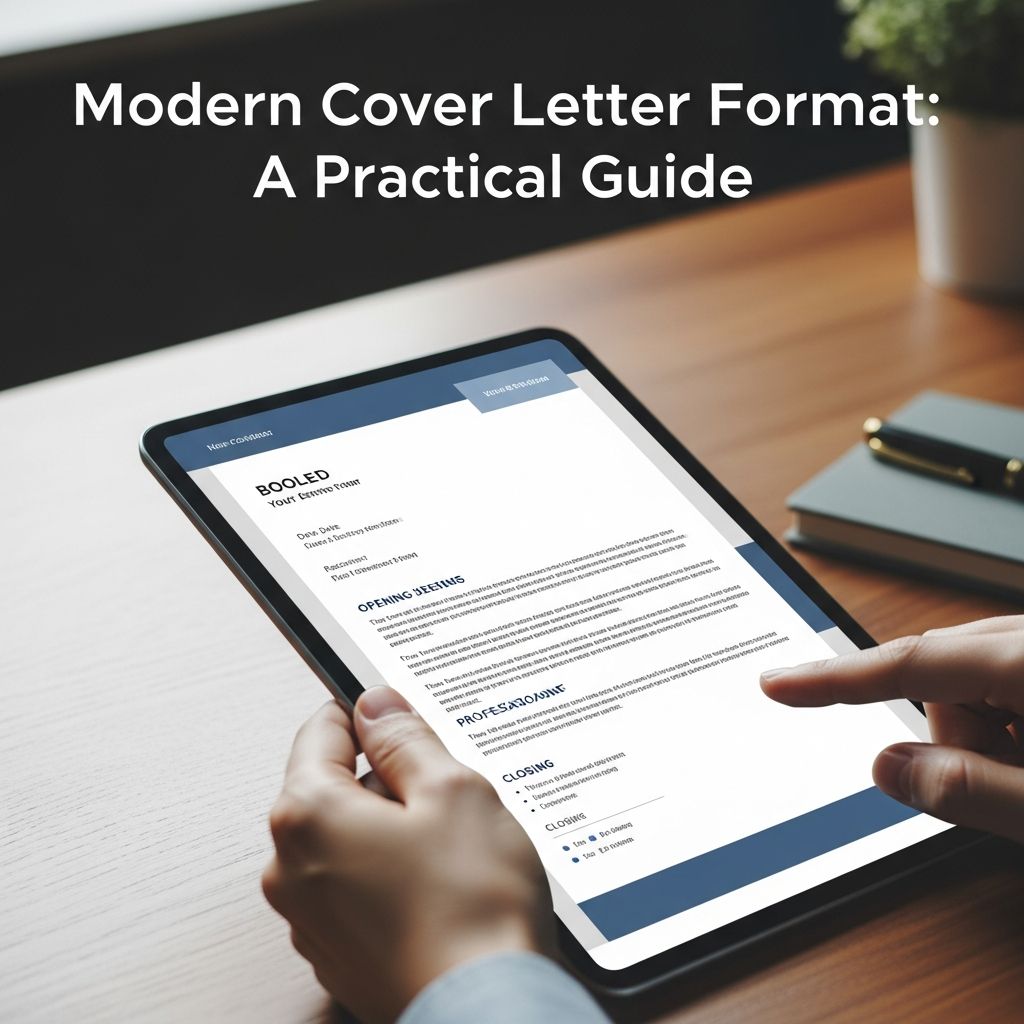
A strong cover letter is more than polite formality. It is a short, persuasive document that connects your experience to a specific role and organization, complementing your resume rather than repeating it.
This guide walks you through a modern, recruiter-friendly cover letter format, from layout and structure to examples and FAQs, so you can present your qualifications clearly and confidently.
Why Cover Letter Format Matters
Hiring managers scan applications quickly. A clear, conventional format helps them find key information without effort. Many employers and career centers still expect a one-page, business-style letter using professional fonts and consistent formatting with your resume.
Good formatting helps you:
- Look professional and organized at first glance.
- Highlight the right details in a predictable structure.
- Guide the reader from your motivation to your most relevant examples and then to a clear call to action.
Overall Layout and Design Essentials
Before writing, set up your page so your cover letter looks clean and consistent.
Page Setup and Length
- Length: Aim for about 3–4 short paragraphs on a single page (roughly 250–400 words).
- Margins: Use around 1 inch on all sides to keep text readable.
- Alignment: Left-align all text; avoid justified text that can create uneven spacing.
Font and Style Choices
- Font type: Use a simple, professional font (e.g., Arial, Calibri, Helvetica, Times New Roman).
- Font size: Typically 10–12 points, matching your resume for a cohesive look.
- Emphasis: Use bold sparingly for section headings or key results; avoid underlining or unusual colors.
Consistency with Your Resume
- Use the same header style (name, contact info, font) as your resume for a unified application.
- Maintain consistent date format and location style throughout (e.g., “May 2024” and “Boston, MA”).
The Ideal Structure of a Modern Cover Letter
A common and effective structure includes:
- Header
- Date and employer details
- Greeting
- Opening paragraph
- Body paragraph(s)
- Closing paragraph
- Sign-off
The table below summarizes each part at a glance.
| Section | Main Purpose | Key Tips |
|---|---|---|
| Header | Identify you and provide contact information. | Match your resume header; include name, email, phone, location. |
| Date & Employer Info | Specify the context of the application. | Use full date, recruiter name, title, company, and address if known. |
| Greeting | Address a person or role professionally. | Use a name when possible; otherwise use a neutral job title. |
| Opening | State the role and give a concise reason to keep reading. | Show enthusiasm and a clear connection to the organization. |
| Body | Demonstrate fit with 1–3 targeted examples. | Use results, numbers, and language from the job description. |
| Closing | Reinforce your value and invite next steps. | Summarize fit, thank the reader, and mention availability. |
| Sign-off | End politely and professionally. | Use a standard closing and your full name. |
1. Header: Your Professional Signature
The header should mirror the look of your resume and appear at the top of the page.
Include:
- Full name
- Phone number (with country code if applying internationally)
- Professional email (avoid nicknames)
- City and state/region (full address is optional in many modern applications)
- LinkedIn profile or portfolio link if relevant and up to date
2. Date and Employer Details
Under your header, add the date and the employer’s information in standard business-letter style, especially for roles that still expect formal documents (e.g., government, academia, some corporate environments).
Include, when available:
- The date (e.g., “May 30, 2025”)
- The recruiter or hiring manager’s name
- Their title (e.g., Hiring Manager, Director of Engineering)
- The company name
- The office location
If you are submitting your cover letter as an email or through an online portal with limited formatting, you can place these details above the greeting in a simple text format.
3. Greeting: Getting the Salutation Right
Use a direct, respectful greeting that shows you did some research.
- Best option: “Dear Ms. Chen,” / “Dear Dr. Patel,”
- If you cannot find a name: “Dear Hiring Manager,” or “Dear Recruitment Team,”
- Avoid: overly generic or outdated openings such as “To Whom It May Concern.”
4. Opening Paragraph: Set the Context Quickly
Your first paragraph should explain why you are writing and why this organization and role interest you.
Use the opening to:
- Identify the role you are applying for.
- Mention how you found it (posting, referral, event) when relevant.
- Signal your fit by highlighting 2–3 strengths you will expand on later.
- Express genuine interest in the organization’s mission, product, or impact.
Instead of starting with your name again, use the first line to connect your background to something the employer cares about.
5. Body Paragraphs: Prove You Match the Role
The body of your letter (usually one or two short paragraphs) should move beyond your resume to show how your experiences prepare you for the specific job.
Choose Focused Examples
- Identify two or three core requirements from the job description, such as technical skills, leadership, or communication.
- Pick concrete examples from your work, internships, projects, or volunteering that show you meet those needs.
- Use a brief context–action–result structure:
- Context: Where and when did the situation occur?
- Action: What did you do specifically?
- Result: What changed, improved, or was delivered?
Use Numbers and Keywords Strategically
- Include outcomes and metrics when possible (e.g., “reduced processing time by 20%”).
- Echo key phrases from the job posting so it is clear you are addressing their stated needs, but do not copy the description word-for-word.
- Highlight both technical and transferable skills (analysis, teamwork, communication) relevant to the role.
Connect Back to the Employer
After each example, briefly explain how it prepares you to contribute in this specific position. This keeps the focus on the employer’s needs, not just your past achievements.
6. Closing Paragraph: Reinforce and Invite Next Steps
The final paragraph should summarize your fit and clearly signal your interest in moving forward.
Use the closing to:
- Reiterate your main strengths in one concise sentence.
- Express enthusiasm about contributing to the team.
- Thank the reader for their time and consideration.
- Indicate availability for an interview or to provide further information.
Keep this paragraph brief—two to four lines are usually enough.
7. Sign-Off and Signature
End with a standard professional closing followed by your name.
- Common options:
- Sincerely,
- Best regards,
- Kind regards,
- Leave a blank line, then type your full name.
- If sending a printed letter, you may sign your name between the closing and your typed name.
Formatting Tips for Different Submission Methods
The core content stays the same, but you may adjust the format slightly based on how you submit your cover letter.
Uploading a PDF or Document
- Save as a PDF to preserve layout, unless instructions specify another format.
- Use a clear file name, such as “Firstname-Lastname-Cover-Letter-Company.pdf”.
- Check that line breaks and margins appear correctly after exporting.
Submitting a Text Box Cover Letter
- Paste your content into the field and check spacing (blank lines between paragraphs).
- Keep the structure (greeting, paragraphs, closing) even if the visual formatting is simpler.
Sending a Cover Letter as an Email
- Use the subject line to state the role (e.g., “Application for Data Analyst – Your Name”).
- Place your letter in the email body and attach your resume (and portfolio, if relevant).
- Include your contact information under your signature if it is not evident from your email settings.
Common Formatting Mistakes to Avoid
Even strong applicants can lose momentum because of avoidable formatting issues. Keep an eye out for:
- Overly long letters: Going beyond one page without a compelling reason.
- Dense text blocks: Long paragraphs with no white space; break into shorter sections.
- Inconsistent fonts: Mixing several typefaces or font sizes.
- Repetitive language: Copying your resume bullet points line by line.
- Generic, untailored content: Failing to mention the specific role or organization.
- Typos and errors: Spelling or grammar issues that weaken credibility.
Quick Formatting Checklist
Use this short checklist before you submit your cover letter:
- One page or less, with clear margins and spacing.
- Professional font, 10–12 pt, matching your resume.
- Header includes your name and contact details.
- Letter is addressed to a person or appropriate title.
- Role and company are named correctly throughout.
- Body paragraphs focus on 1–3 relevant examples with results.
- No obvious spelling, grammar, or formatting errors.
Frequently Asked Questions About Cover Letter Format
Q1: How long should a modern cover letter be?
A cover letter is typically one page, with three to four short paragraphs and enough white space to remain easy to skim. Many university career centers recommend about 250–300 words for most roles, though slightly longer is acceptable if every sentence adds value.
Q2: Do I have to include my full mailing address?
Practices vary, but many modern applications only require your city, state, email, and phone, especially for online submissions. If you are applying in a more traditional field or country where full addresses are standard, including your full address in the header is still appropriate.
Q3: Should the cover letter format always match my resume?
Using the same font, header style, and general design across your resume and cover letter creates a cohesive, professional impression and helps recruiters see that the documents belong together.
Q4: Can I use bullet points in a cover letter?
Yes. Short bullet points can make key achievements stand out and improve readability, especially when highlighting several accomplishments or skills at once. Use them sparingly—one brief list in the body is usually enough—to keep the letter from looking like another resume.
Q5: Do I need a different cover letter format for every job?
The overall format can stay the same, but the content should be tailored to each role. Adjust the opening, the specific examples you highlight, and the language you use so they speak directly to the job description and the organization’s priorities.
References
- How To Write a Cover Letter (With Examples and Tips) — Indeed Career Guide. 2023-06-12. https://www.indeed.com/career-advice/resumes-cover-letters/how-to-write-a-cover-letter
- Career toolkit: Writing a cover letter — MIT Career Advising & Professional Development. 2023-04-05. https://capd.mit.edu/resources/career-toolkit-writing-a-cover-letter/
- Cover Letter Writing Guide — University of Pennsylvania Career Services. 2022-08-15. https://careerservices.upenn.edu/cover-letter-writing-guide/
- Cover Letter Guide — Princeton University Center for Career Development. 2019-09-01. https://careerdevelopment.princeton.edu/sites/g/files/toruqf1041/files/documents/cover_letter_guide_2019.pdf
- Cover Letter Resources — University of Michigan Career Center. 2020-02-20. https://careercenter.umich.edu/content/cover-letter-resources
- How to Write a Cover Letter That Sounds Like You (and Gets Noticed) — Harvard Business Review. 2022-05-16. https://hbr.org/2022/05/how-to-write-a-cover-letter-that-sounds-like-you-and-gets-noticed

- Integrated M.A. in Applied Linguistics, University of Hyderabad
- 5+ years in editorial, instructional, SEO, and research-based writing
Sneha is a relationships and lifestyle writer with a strong foundation in applied linguistics and certified training in relationship coaching. She brings over five years of writing experience to theskillvault, crafting thoughtful, research-driven content that empowers readers to build healthier relationships, boost emotional well-being, and embrace holistic living. Her writing and insights reflect the belief that beauty, happiness, and wellness…