
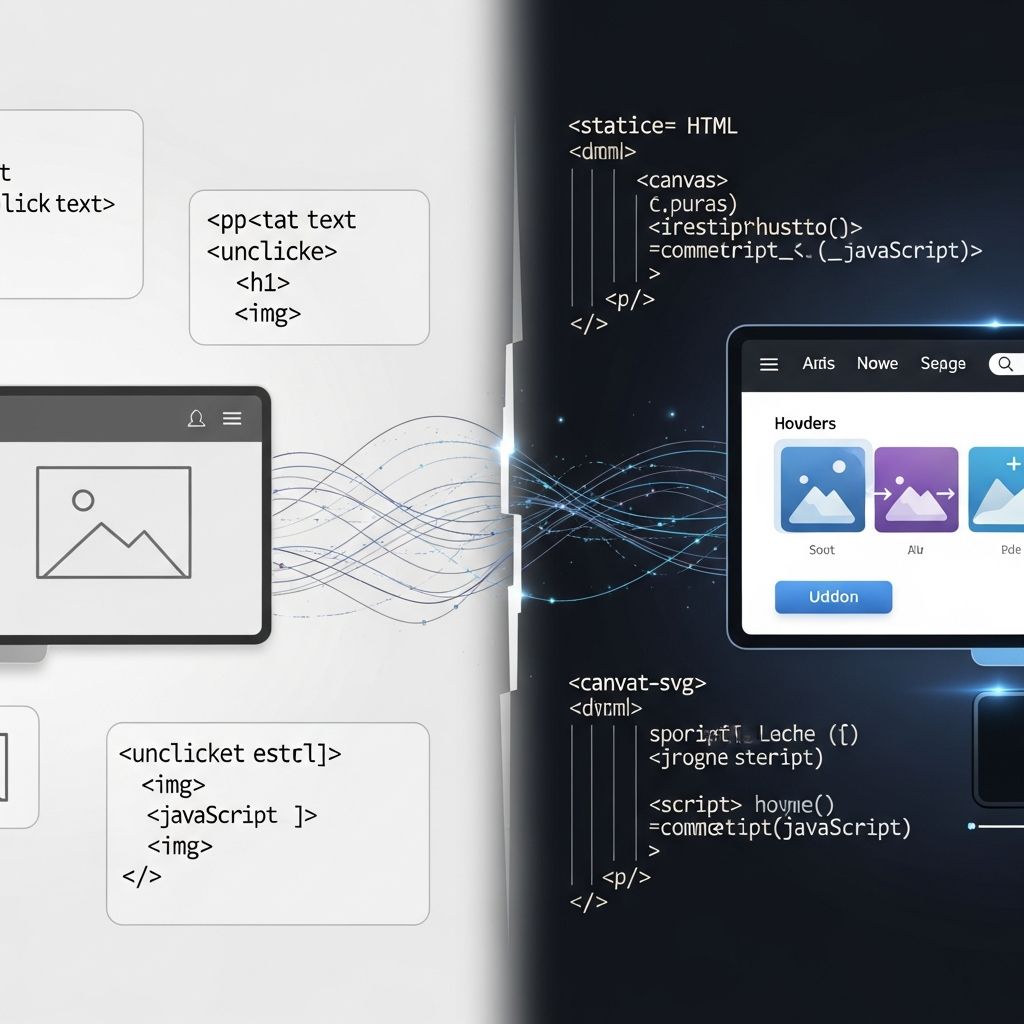
Dynamic HTML, commonly known as DHTML, represents a pivotal advancement in web development that breathes life into otherwise static web pages. By integrating HTML for structure, CSS for styling, JavaScript for logic, and the Document Object Model (DOM) for manipulation, DHTML enables real-time changes to content, layout, and appearance without requiring full page reloads. This technology emerged in the late 1990s, revolutionizing user interactions and laying the groundwork for today’s rich web applications.
Core Components Powering DHTML
At its heart, DHTML is not a standalone language but a synergistic combination of established web technologies. HTML provides the foundational skeleton of a webpage, defining elements like headings, paragraphs, and images. CSS layers on visual enhancements, controlling colors, fonts, positions, and animations. JavaScript introduces interactivity, allowing scripts to respond to user events such as clicks, hovers, or keystrokes. The DOM acts as the bridge, representing the page as a tree of objects that scripts can query and modify dynamically.
- HTML: Structures content and markup.
- CSS: Manages presentation and layout dynamically.
- JavaScript: Handles events and logic.
- DOM: Enables access and alteration of page elements.
This quartet allows developers to create effects like moving elements, changing text colors on hover, or updating content seamlessly, making websites feel responsive and alive.
Historical Evolution of Dynamic Web Content
DHTML gained prominence with the release of fourth-generation browsers like Netscape Navigator 4 and Internet Explorer 4 in the late 1990s. These browsers introduced capabilities for client-side scripting that went beyond basic HTML. Netscape relied heavily on the <layer> tag, which allowed positioned, movable content blocks treated as independent document objects. Microsoft, on the other hand, leveraged <div> and <span> elements with the innerHTML property to swap content instantly.
Early DHTML was browser-specific, leading to compatibility headaches. Netscape’s layers clashed with IE’s positioning model, forcing developers to write branched code. The W3C’s standardization efforts, including the DOM Level 1 specification in 1998, aimed to unify these approaches, promoting cross-browser interoperability without new tags or proprietary extensions.
Today, while pure DHTML is somewhat legacy, its principles underpin modern frameworks like React and Vue.js, which build on the same DOM manipulation concepts.
Key Advantages Over Traditional Static HTML
Static HTML pages, once loaded, remain unchanged regardless of user actions. DHTML flips this paradigm by permitting on-the-fly modifications. Benefits include:
| Feature | Static HTML | DHTML |
|---|---|---|
| Interactivity | Limited to links/forms | Real-time responses (hovers, drags) |
| Performance | Full reloads | No reloads, faster UX |
| Content Updates | Server round-trip | Client-side changes |
| Animations | None | Smooth transitions |
These enhancements result in more engaging user experiences, reduced server load, and quicker perceived performance. For instance, a dropdown menu can expand instantly on click, or images can fade in without disrupting the page flow.
Practical Techniques for Implementing DHTML
Creating DHTML effects starts with identifying elements via IDs or classes, then using JavaScript to alter their properties. Consider a simple hover effect where text changes color:
<!DOCTYPE html><html><head><style>#hoverText { color: blue; transition: color 0.3s; }</style></head><body><p id="hoverText" onmouseover="this.style.color='red'" onmouseout="this.style.color='blue'">Hover over me!</p></body></html>Here, inline event handlers directly modify the style property. For more complex scenarios, like animating an element’s position:
function moveElement(id, final_x, final_y, interval) { if (!document.getElementById) return false; if (!document.getElementById(id)) return false; let elem = document.getElementById(id); let xpos = parseInt(elem.style.left); let ypos = parseInt(elem.style.top); if (xpos == final_x && ypos == final_y) return true; xpos += (final_x - xpos) / 10; ypos += (final_y - ypos) / 10; elem.style.left = xpos + 'px'; elem.style.top = ypos + 'px'; setTimeout('moveElement(\' ' + id + ' \', ' + final_x + ', ' + final_y + ', ' + interval + ')', interval);}This function uses the DOM to incrementally adjust left and top styles, simulating smooth movement.
Dynamic content generation, such as updating a div’s innerHTML, further exemplifies DHTML’s power. In IE4, setting elem.innerHTML = newContent instantly refreshes the element’s contents.
Real-World Applications and Use Cases
DHTML shines in scenarios demanding immediacy. Navigation menus that slide out, image carousels that auto-advance, form validations with instant feedback, and drag-and-drop interfaces all leverage DHTML behaviors. E-commerce sites use it for tooltips on products, while dashboards employ it for collapsible panels and live charts.
Games and animations also benefit; simple drag-and-drop puzzles or bouncing balls can be built purely with DHTML, fostering engagement without plugins.
Challenges and Browser Compatibility Issues
Despite its strengths, early DHTML suffered from vendor lock-in. Netscape’s layer-based model didn’t align with IE’s, necessitating object detection:
if (document.layers) { // Netscape code} else if (document.all) { // IE code} else if (document.getElementById) { // Standard DOM}Modern browsers have converged on standards, but legacy support remains a concern for broad audiences. Accessibility issues arise too, as dynamic changes can confuse screen readers if not handled with ARIA attributes.
Modern Successors and Evolutions
While DHTML paved the way, contemporary tools have refined its concepts. Libraries like jQuery abstracted DOM quirks, and frameworks such as Angular use virtual DOMs for efficiency. Notably, HTMX reimagines DHTML by embedding hypermedia attributes in HTML for AJAX-like interactions sans JavaScript. For example:
<div hx-get="/data" hx-trigger="click" hx-target="#content">Click for dynamic update</div><div id="content"></div>HTMX swaps content via server responses, echoing DHTML’s no-reload ethos but with simpler syntax.
Frequently Asked Questions (FAQs)
What is the main difference between HTML and DHTML?
HTML is static markup for structure, while DHTML adds JavaScript and CSS for dynamic, interactive changes post-load.
Do modern browsers still support DHTML?
Yes, via standardized DOM, though pure DHTML is rare; it’s evolved into framework-based development.
Is JavaScript required for DHTML?
Essential for logic and DOM manipulation; without it, pages revert to static HTML.
Can DHTML handle animations?
Absolutely, through CSS transitions and JavaScript-timed property changes for smooth effects.
What is the role of DOM in DHTML?
The DOM provides a programmable interface to modify HTML elements in real-time.
Best Practices for DHTML Development
To maximize effectiveness:
- Use feature detection over browser sniffing.
- Minimize DOM queries for performance.
- Ensure graceful degradation for no-script users.
- Incorporate accessibility with semantic HTML and ARIA.
- Test across devices and browsers.
Progressive enhancement—starting with static content and layering dynamics—ensures robustness.
In summary, Dynamic HTML marked a shift from passive webpages to interactive experiences, influencing every modern site. Its legacy endures in the fluid, responsive web we navigate daily.
References
- What is Dynamic HTML? — Code Institute Global. 2023. https://codeinstitute.net/global/blog/what-is-dynamic-html/
- Beginners Guide to DHTML — SitePoint. 2023. https://www.sitepoint.com/beginners-guide-dhtml/
- Lecture 4 (Dynamic HTML) — ITU.edu.tr. N/A. https://web.itu.edu.tr/soylemezm/eski/ebus577/Lectures/Lecture4_DHTML.pdf
- DHTML Introduction — GeeksforGeeks. 2024-01-15. https://www.geeksforgeeks.org/html/dhtml-introduction/
- Intro to HTMX: Dynamic HTML without the JavaScript — InfoWorld. 2023-10-10. https://www.infoworld.com/article/2334868/htmx-dynamic-html-without-the-javascript.html
- Introduction to Dynamic HTML: Overview — Amherst.edu. N/A. https://www.ats.amherst.edu/software/dhtml/0.overview/
- Elements of Dynamic HTML — Syracuse.edu. N/A. https://ecs.syr.edu/faculty/Fawcett/handouts/cse686/code/DynamicHTML/HTMLPage1.htm

- Integrated M.A. in Applied Linguistics, University of Hyderabad
- 5+ years in editorial, instructional, SEO, and research-based writing
Sneha is a relationships and lifestyle writer with a strong foundation in applied linguistics and certified training in relationship coaching. She brings over five years of writing experience to theskillvault, crafting thoughtful, research-driven content that empowers readers to build healthier relationships, boost emotional well-being, and embrace holistic living. Her writing and insights reflect the belief that beauty, happiness, and wellness…