
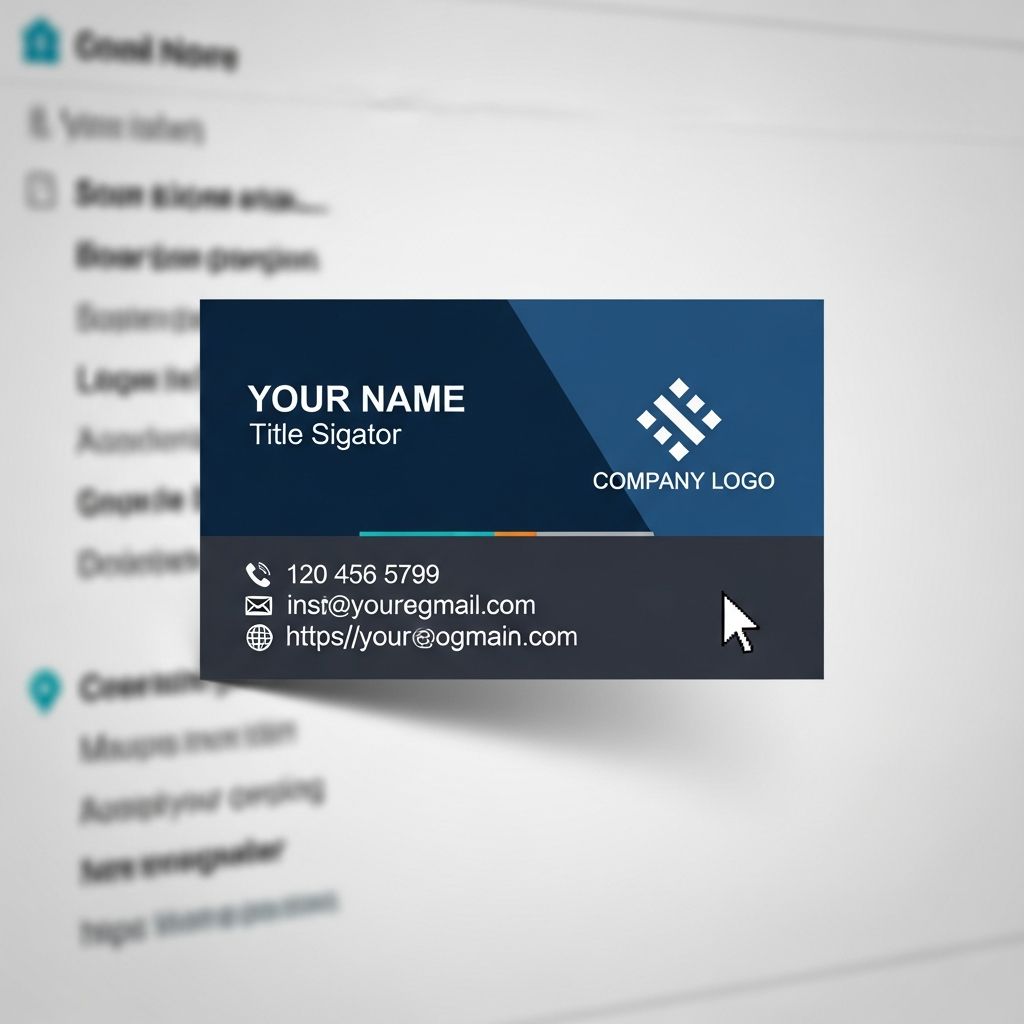
Your email signature is a tiny block of content that appears at the bottom of every message you send, yet it can quietly influence how people perceive you, your company, and your brand. Used well, it works like a digital business card, a trust signal, and a soft marketing tool all at once.
This guide walks you through what to include, what to avoid, and how to design a modern email signature that is clear, on-brand, and optimized for every device.
Why Your Email Signature Deserves Serious Attention
Every email you send is a touchpoint with customers, prospects, partners, or colleagues. An effective email signature supports that interaction in several important ways:
- Professional credibility: A clean, consistent signature signals that you are organized, legitimate, and detail-oriented.
- Brand reinforcement: Consistent use of logos, colors, and fonts strengthens recognition of your company across channels.
- Easy contact: Clear contact options reduce friction for people who want to call, schedule a meeting, or visit your website.
- Subtle promotion: Calls to action or links to key pages can drive traffic and engagement without aggressive selling.
- Compliance and clarity: In regulated industries, signatures can carry required legal disclaimers or notices when needed.
Because email is still one of the most widely used communication tools in business, optimizing what appears at the end of each message is a low-cost way to strengthen your overall presence.
Essential Elements Every Professional Email Signature Needs
Although design and style can vary, most effective professional email signatures are built on the same core components.
1. Identity and Role
- Full name: Use your preferred professional name, with correct capitalization.
- Job title: Make your role specific enough to be meaningful (e.g., “Customer Success Manager” instead of “Manager”).
- Organization: Include the company or brand name associated with your email address.
2. Primary Contact Details
Make it easy for someone to reach you without hunting through previous messages or your website.
- Work phone number (with country code if you work across borders)
- Company website (simplified to the main domain, not a tracking link)
- Alternative contact channel if relevant (e.g., direct scheduling link or booking page)
3. Visual Brand Cues
Visual elements in a signature should support clarity and brand recognition, not distract from the message.
- Logo: Use a small, optimized image of your company logo.
- Color palette: Limit yourself to one or two brand colors for accents.
- Font choice: Pick a web-safe font (such as Arial, Georgia, or Verdana) for consistency across email clients.
4. Links and Calls to Action
Links transform your signature from a static block of text into a useful navigation hub.
- Social media icons or text links (with an emphasis on professional networks like LinkedIn)
- A primary call to action (e.g., “Book a meeting”, “View pricing”, or “Download the guide”)
- Optional secondary links (e.g., customer support page, help center, or feature overview)
5. Optional Legal and Compliance Information
Some organizations must include legal notices to comply with regional or industry regulations.
- Confidentiality notice, when required by company policy
- Regulatory or compliance identifiers (e.g., registration numbers, regional disclaimers)
- Short privacy or data-use statement, if mandated
Design Principles for a Clean, Readable Signature
Once you know what to include, design decisions determine how easily recipients can scan and use the information you provide.
Readability First: Layout and Hierarchy
Think of your signature as a tiny information hierarchy. The most important details should stand out at a glance.
- Place your name and role at the top.
- Follow with primary contact details on separate lines.
- Group related items (e.g., all phone numbers together, all links together).
- Use simple separators (like vertical bars or short lines) sparingly to avoid clutter.
Font, Size, and Color Choices
Readable typography is more important than stylistic flair in a signature.
- Stick to one font family across the whole signature.
- Use a font size similar to your email body (typically 10–12 px).
- Use color sparingly to highlight your name or role, not entire paragraphs.
- Avoid script, novelty, or overly decorative fonts that may render poorly.
Smart Use of Images and Icons
Images should support your message without slowing down loading times or breaking when blocked by email clients.
- Compress your logo and icons so they load quickly.
- Always add descriptive
alttext for accessibility and for clients that block images by default. - Never rely on a single large image as the entire signature; key information should always be in text form.
- If you include a headshot, use a professional, neutral photo that fits your brand tone.
Mobile-Friendly Email Signatures
A substantial share of emails are opened on phones or tablets, which have smaller screens and sometimes different rendering behavior.
- Use a single-column layout so the signature doesn’t break on narrow screens.
- Avoid placing multiple images side by side.
- Leave adequate spacing so that links and buttons are easy to tap.
- Test how your signature looks on major mobile email clients before rolling it out widely.
Balancing Information and Simplicity
It is tempting to stuff every possible link and promotion into your signature. However, clutter makes it harder for recipients to find what they need quickly.
What to Include vs. What to Leave Out
| Good to Include | Better to Avoid |
|---|---|
| Full name and role | Quotes or long personal mottos |
| Core contact details | Multiple personal phone numbers and addresses |
| Company logo and website | Large promotional images or animated GIFs |
| One primary call to action | Several competing CTAs or banners |
| Relevant social links | All social profiles, including unused or purely personal ones |
Different Signatures for New Emails vs. Replies
Repeating a long, graphics-heavy signature in every reply of a long thread can be distracting and overwhelming.
- Create a full signature for your initial outbound messages that includes logo, contact details, and your primary CTA.
- Create a shorter reply signature with just your name, role, and one main contact method for ongoing threads.
Using Your Signature as a Quiet Marketing Channel
While an email signature should never feel like a banner ad, it can still meaningfully support your marketing and sales efforts.
Subtle Calls to Action That Drive Engagement
Examples of low-friction calls to action include:
- “Schedule a meeting” linking to your calendar booking page
- “Get our product overview” leading to a concise features page or one-pager
- “Join our newsletter” connecting recipients to a subscription form
- “Leave feedback” pointing to a short customer survey
The key is to keep the copy short, clear, and directly useful to the recipient rather than purely promotional.
Tailoring Signatures by Team or Role
Within a company, different departments may use slightly different calls to action that match their goals, while still following a common brand template.
- Sales: Link to booking demos, pricing pages, or proposal downloads.
- Marketing: Highlight recent content, events, or webinars.
- Customer success / support: Emphasize help center links or support channels.
- Leadership: Focus on brand or vision pages and key press releases.
Governance, Consistency, and Rollout Across a Company
In organizations with multiple employees, unmanaged email signatures can quickly become inconsistent and off-brand.
Standardizing a Company Signature Format
To maintain a professional, unified presence:
- Define a standard template for layout, fonts, colors, and required fields.
- Specify what elements are mandatory (e.g., name, title, logo, main contact line) and which are optional (e.g., personal pronouns, photo).
- Provide step-by-step instructions for installing the signature in common email clients.
- Review signatures periodically to ensure contact details remain accurate and up to date.
Centralized Management (When Possible)
Larger organizations often benefit from centrally managed signatures using IT- or cloud-based tools.
- Guarantee that everyone uses the most current design and contact information.
- Apply global updates (such as new branding or updated disclaimers) without needing each user to make manual edits.
- Ensure compliance with corporate and regulatory requirements in every outgoing message.
Practical Tips for Creating and Testing Your Signature
Creating a polished email signature is not just about design; it also involves testing and maintenance.
Step-by-Step Creation Checklist
- Write a short text draft with all the key information you want to include.
- Prioritize the top three items that must stand out (usually name, role, and main contact method).
- Choose one font and one or two brand colors.
- Add your logo and any icons, compressing them for fast loading.
- Convert your CTA to a clear, concise phrase (ideally three to five words).
- Ensure that every phone number, email address, and URL is clickable.
Testing Across Clients and Devices
Email clients render HTML differently, so testing is essential before deploying a new signature broadly.
- Send test emails to multiple accounts (e.g., corporate, Gmail, Outlook.com).
- View the message on both desktop and mobile mail apps.
- Check how the signature looks with images disabled to confirm that all key information is still visible in text form.
- Verify accent colors and fonts fall back gracefully where a custom font is not supported.
Frequently Asked Questions (FAQs)
Q: How long should a professional email signature be?
A: Aim for no more than 6–8 lines of core information. Longer blocks make it harder for recipients to quickly find what they need and can look cluttered in reply chains.
Q: Is it necessary to include a photo in my email signature?
A: A photo is optional. It can humanize communication in sales, consulting, or client-facing roles, but it must be professional and balanced so it does not dominate the design.
Q: Should I add my personal social media profiles?
A: Only include social profiles that support your professional image or company goals. A LinkedIn profile or company page is generally safer than informal personal networks.
Q: Do I really need a legal disclaimer?
A: Not every organization requires one. In regulated sectors or under certain regional rules, legal or compliance teams may mandate specific text. Follow local laws and internal policy guidance.
Q: How often should I update my email signature?
A: Review your signature whenever your role, contact details, branding, or core offer changes. At minimum, checking once or twice a year helps keep information current and relevant.
References
- Email Signature Examples: Best Tips & Practices in 2025 — Atomic Mail. 2025-06-10. https://atomicmail.io/blog/email-signature-examples-best-tips-and-practices
- Email Signature Best Practices: The Definitive Guide 2025 — Newoldstamp. 2025-05-03. https://newoldstamp.com/blog/email-signature-best-practices-creative-ideas-beautiful-examples-design-hints-and-free-tools-to-use-now/
- 25+ Professional Email Signature Examples & Formats for 2025 — Exclaimer. 2025-03-18. https://exclaimer.com/email-signature-handbook/professional-email-signature-examples/
- Email Signature Best Practices – A Simple Guide for 2025 — Mailmunch. 2025-01-20. https://www.mailmunch.com/blog/email-signature-best-practices
- Best practices for business email signatures in 2025 — Bybrand. 2025-02-11. https://www.bybrand.io/blog/best-practices/
- 12 Best Email Signature and Disclaimer Practices — The Cloud Awards. 2024-11-05. https://www.cloud-awards.com/12-tips-for-effective-use-of-email-signatures-and-disclaimers
- Email Signature Etiquette: Best Practices for Professional Communication — Email Signature Rescue. 2023-09-12. https://www.emailsignaturerescue.com/blog/email-signature-etiquette-best-practices-for-professional-communication

Medha Deb is an editor with a master's degree in Applied Linguistics from the University of Hyderabad. She believes that her qualification has helped her develop a deep understanding of language and its application in various contexts. Medha specializes in the areas of beauty, health, sports, and wellness and is committed to ensuring that the content on the website is…