
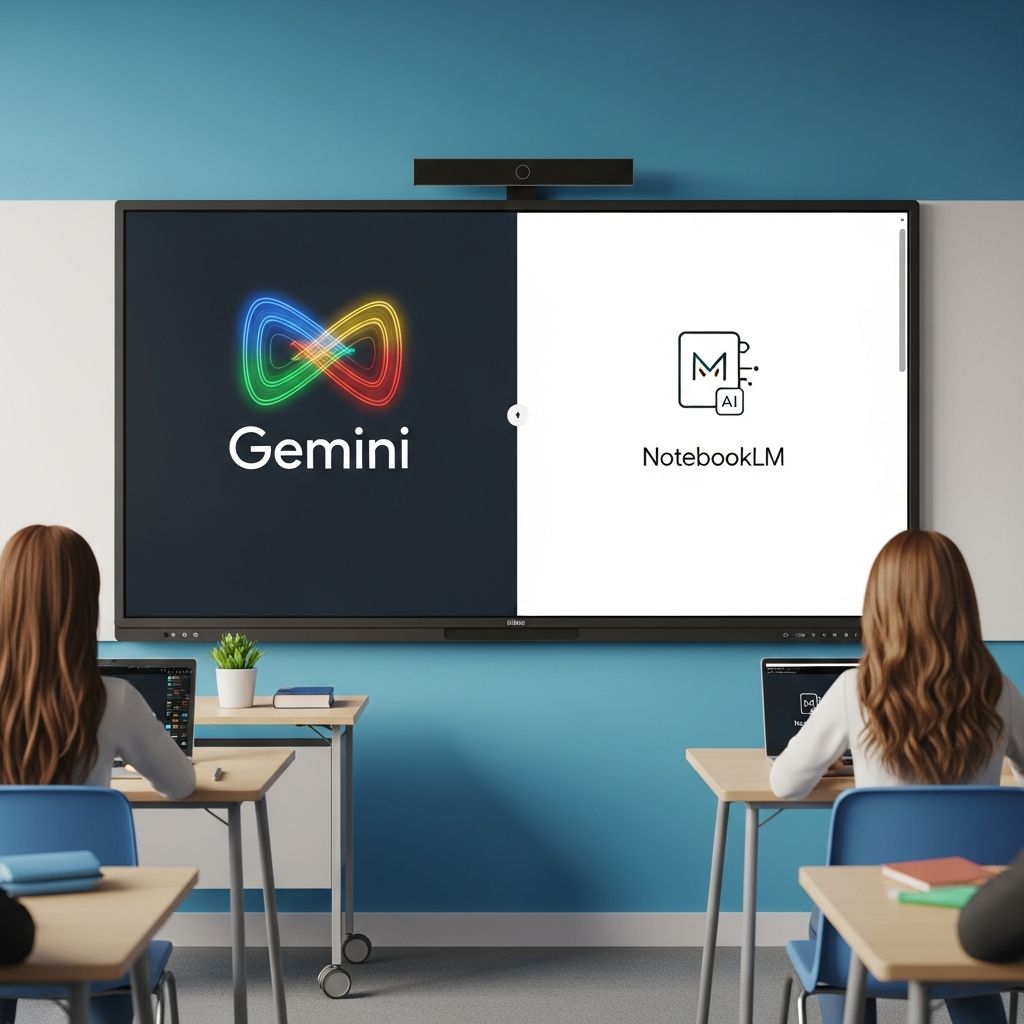
Google’s AI innovations, Gemini for Education and NotebookLM, are reshaping how educators design lessons and engage students. Integrated into Google Workspace for Education and available at no cost, these tools help teachers save time on routine tasks while delivering customized learning experiences that boost student achievement and curiosity.
Why AI Tools Matter in Modern Education
The integration of artificial intelligence into teaching practices addresses key challenges like administrative overload and diverse learner needs. Gemini acts as a versatile assistant for brainstorming and content creation, while NotebookLM excels at processing complex materials into digestible formats. Together, they enable educators to focus on instruction and relationships rather than paperwork.
Research from educational technology experts highlights how such tools align with learning science, using advanced models fine-tuned for pedagogy to improve comprehension and retention. For instance, Gemini incorporates LearnLM, a model developed with education specialists to support deeper understanding over rote memorization.
Streamlining Lesson Preparation with Gemini
One of Gemini’s primary strengths lies in accelerating curriculum development. Teachers can input learning objectives to generate complete lesson outlines, complete with activities aligned to standards. This feature proves invaluable for crafting engaging introductions or adapting content for varied skill levels.
- Custom Rubrics: Quickly produce assessment criteria tailored to specific assignments, ensuring fairness and clarity.
- Creative Starters: Brainstorm unique discussion prompts or multimedia hooks to draw students into topics.
- Project Ideas: Develop interdisciplinary challenges that encourage critical thinking and collaboration.
Educators report significant time savings; for example, generating a week’s worth of differentiated materials that once took hours now occurs in minutes. This efficiency allows more focus on classroom dynamics.
Building Custom AI Assistants for Students
Gemini introduces ‘Gems,’ specialized AI versions teachers can customize using classroom resources. These can be assigned directly through Google Classroom, providing students with on-demand support grounded in approved content.
Consider a science teacher uploading experiment protocols to create a Gem that guides pupils through data analysis. Or a history instructor building one focused on primary sources for debate preparation. Safety features, including content filters and admin controls, ensure appropriateness for minors.
| Use Case | Gem Application | Student Benefit |
|---|---|---|
| Math Problem-Solving | Step-by-step guidance on uploaded worksheets | Builds confidence in tackling complex problems |
| Literature Analysis | Interpretations based on class texts | Encourages deeper textual engagement |
| Language Practice | Conversational drills from vocabulary lists | Improves fluency through interactive dialogue |
These teacher-led experiences promote active learning while teaching digital literacy.
NotebookLM: From Raw Materials to Dynamic Resources
NotebookLM revolutionizes how teachers handle informational overload by converting documents, slides, or notes into interactive aids. Upload a unit’s worth of readings, and it produces summaries, timelines, or audio discussions automatically.
Audio and Video Overviews for Accessibility
Transform dense texts into podcast-like audio overviews where AI hosts discuss key points conversationally. Ideal for homework review or auditory learners, this supports flipped classrooms by pre-teaching concepts. Video overviews, in development, will further enhance visual learning.
Targeted Assessment Tools
Generate quizzes, flashcards, and FAQs directly from materials, allowing personalized revision. Students receive immediate feedback, pinpointing strengths and gaps before exams. Upcoming features will enable sharing these notebooks for collaborative study.
- Upload lecture slides for instant quiz banks.
- Create flashcards from historical timelines.
- Build FAQs for frequently misunderstood topics.
Practical Strategies for Classroom Integration
To maximize impact, start with low-stakes applications. Use Gemini for one lesson per week, then expand. Pair NotebookLM outputs with in-class discussions to reinforce learning.
Professional development is key: Google’s free courses cover ethical use and advanced features. Involve students by co-creating Gems, fostering ownership and AI fluency.
Ensuring Safe and Ethical AI Deployment
Both tools prioritize data security with enterprise protections compliant with global standards. Admins control access, and features like youth safeguards prevent misuse. Teach responsible practices through guided assignments, modeling transparency in AI-assisted work.
Real-World Impact and Future Potential
Teachers using these tools note increased student engagement and reduced prep time, freeing energy for mentoring. As features like expanded NotebookLM sharing and Gemini Canvas evolve, expect even more seamless workflows.
Statistics from Google indicate widespread adoption in educational settings, with tools grounded in evidence-based design for optimal learning outcomes.
Frequently Asked Questions
What is the cost of Gemini for Education and NotebookLM?
Both are free within Google Workspace for Education, making them accessible to all qualifying institutions.
Can younger students use these tools?
Yes, with teacher supervision and upcoming expansions for broader age groups, including safety features for under-18s.
How do I get started?
Access via Google Workspace, complete free training, and experiment with small tasks like generating a study guide.
Are there privacy concerns?
Data remains secure with no training on user content, adhering to strict educational privacy policies.
What subjects benefit most?
All, but particularly research-heavy ones like history, science, and literature for content synthesis.
Overcoming Common Challenges
Initial hesitation about AI often stems from unfamiliarity. Counter this with peer demos and pilot programs. Address equity by ensuring device access through school policies.
Expand usage gradually: Week 1 for planning, Week 2 for student tools. Track impact via simple feedback surveys.
Advanced Workflows for Power Users
Combine tools: Use NotebookLM to process research, then import to Gemini Canvas for interactive sites with quizzes and diagrams. Generate mind maps or infographics for visual subjects.
For group projects, share notebooks enabling peer editing and AI-moderated discussions.
Training and Community Resources
Google offers certifications, webinars, and lesson plans on responsible AI. Join educator forums for tips and success stories.
References
- How Teachers Can Use Gemini for Education and NotebookLM — Greenhouse Learning. 2024. https://greenhouselearning.co.uk/how-teachers-can-use-gemini-for-education-and-notebooklm-to-transform-learning/
- NotebookLM + Gemini Canvas: The FASTEST Way to Learn Anything! — YouTube (AI and Tech for Education). 2024. https://www.youtube.com/watch?v=_H-XwSvqDcE
- Empower Learning with Gemini for Education — Google for Education. 2025-10-01. https://edu.google.com/intl/ALL_us/ai/gemini-for-education/
- Integrating Google Gemini & NotebookLM into Teaching Practice — YouTube (Levy Library). 2024. https://www.youtube.com/watch?v=gdFo0DableU
- Learn about Gemini in Google Classroom — Google Support. 2025. https://support.google.com/edu/classroom/answer/15410566?hl=en
- Quickstart Guide to Gemini and NotebookLM for Education — Google Workspace Knowledge. 2025. https://knowledge.workspace.google.com/admin/getting-started/editions/quickstart-guide-to-gemini-and-notebooklm-for-education

Medha Deb is an editor with a master's degree in Applied Linguistics from the University of Hyderabad. She believes that her qualification has helped her develop a deep understanding of language and its application in various contexts. Medha specializes in the areas of beauty, health, sports, and wellness and is committed to ensuring that the content on the website is…