
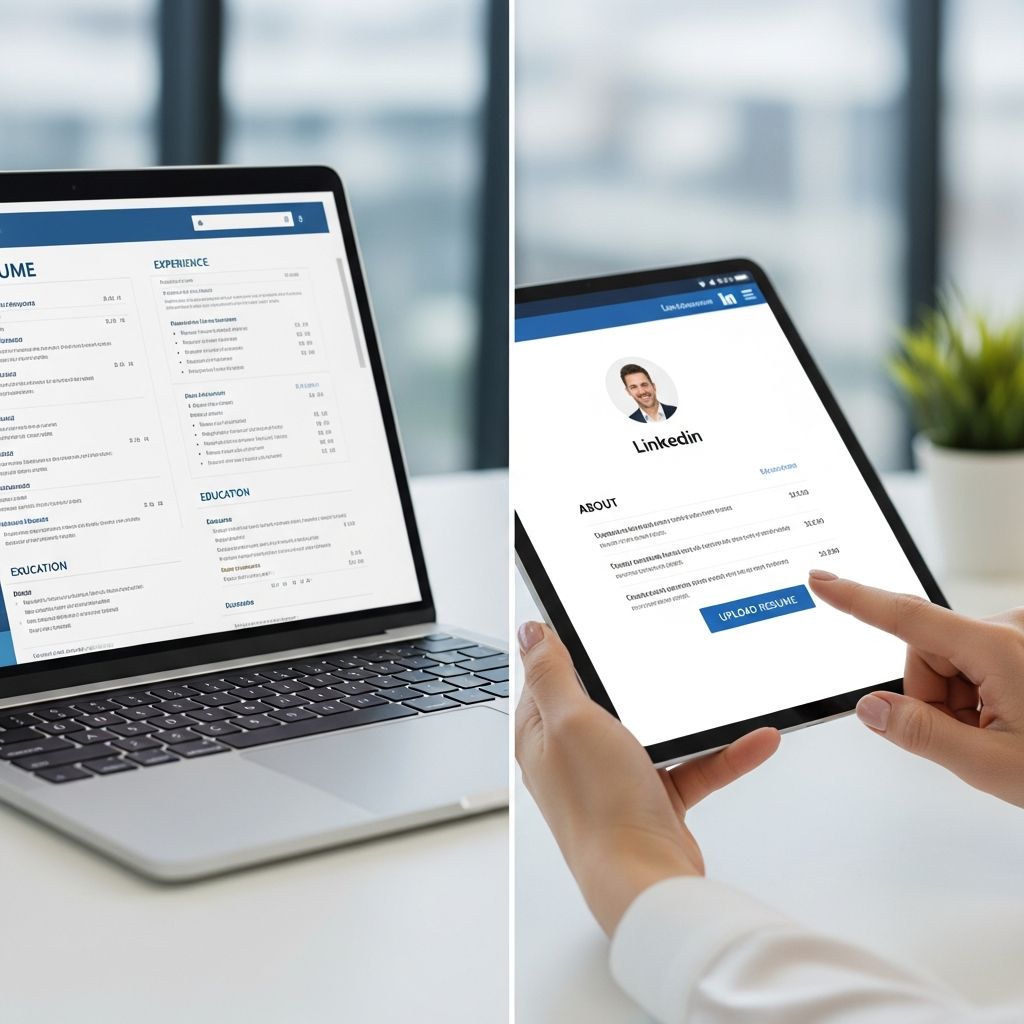
LinkedIn is often the first place recruiters go to evaluate candidates, and your resume is still the main document they rely on to understand your experience. Used together, they can significantly strengthen your job search—if you upload and share your resume in a strategic way.
This guide walks you through the main options for adding a resume to LinkedIn, how to decide which method fits your goals, and what to do (and avoid) so recruiters see you at your best.
Why Your Resume and LinkedIn Profile Should Work Together
Your resume and your LinkedIn profile are not identical, but they should tell the same overall story about who you are as a professional. Research from LinkedIn shows that profiles with a complete work history, skills, and a profile photo get more views and connection requests from recruiters. When you align your resume with that profile, you make it easier for hiring managers to verify your background and move you forward in the process.
Think of the differences this way:
- Resume: Targeted, concise document tailored to a specific role.
- LinkedIn profile: Broader overview of your career that can appeal to multiple roles and audiences.
Uploading your resume to LinkedIn is about giving the right people fast access to more detail—without cluttering your profile or exposing personal information.
Main Ways to Add Your Resume to LinkedIn
LinkedIn lets you connect your resume to your presence in several different ways. Each serves a slightly different purpose.
| Method | Who Can See It? | Best Use Case | Key Advantages |
|---|---|---|---|
| Public resume in profile (Featured area) | Anyone viewing your profile | Actively job searching and open to inbound recruiter interest | High visibility, easy to access, acts like a mini portfolio |
| Resume uploaded via job applications (Easy Apply) | Only the employer for that job | Applying quickly to specific roles | Targeted, private, supports multiple tailored versions |
| Resume stored in Job Application Settings | Only employers you apply to | Reusing updated resumes across future applications | Saves time, keeps versions ready to attach |
| External link to a resume (cloud-hosted) | Anyone who clicks the link | Sharing dynamic or frequently updated resumes | Easy to update, no need to reupload to LinkedIn |
| Resume-style LinkedIn post | Your network and anyone it’s shared with | Announcing a job search or career change | Increases reach and engagement, encourages referrals |
Method 1: Showcasing Your Resume on Your Profile
If you want recruiters to see your resume as soon as they open your profile, your best option is to place it in a prominent, visual area that acts like a portfolio.
A strategic approach is to use LinkedIn’s visual profile section (often used for articles, links, and media) to add a PDF version of your resume. This makes your resume visible to anyone who visits your profile and is especially useful when:
- You are actively job hunting or open to new opportunities.
- You work in a field where examples of work (portfolios, case studies, decks) matter.
- You want a single, polished resume that shows your general strengths.
To keep this public-facing resume effective:
- Use a PDF file to preserve formatting across devices and operating systems.
- Give the file a clear name that includes your name and role, such as Jordan-Rivera-Product-Manager-Resume.pdf.
- Write a short title and description that highlight your specialty, years of experience, and key industries.
- Review this public version regularly so it stays consistent with the rest of your profile and with your most recent experience.
Method 2: Uploading a Resume When You Apply for Jobs
When you hit the “Easy Apply” button on LinkedIn job listings, you are prompted to upload a resume that is sent only to that employer. This is where you can—and should—tailor your document to the specific role.
Most applicant tracking systems (ATS) used by employers can parse resumes in common formats like PDF or DOCX and store them in a searchable database. Because these systems scan your resume, aligning your wording with the language in the job description can help your application surface when recruiters search for candidates.
Best practices when uploading during an application:
- Mirror critical keywords from the job description where they genuinely match your experience.
- Customize your summary or headline to reference the position title and key requirements.
- Highlight measurable outcomes (revenue, time saved, process improvements) in bullet points so they stand out in quick scans.
- Keep your resume one to two pages unless your industry expects longer documents (for example, academic CVs).
Because this resume goes directly to one employer, you can include details that are too specific to make sense as a public document, such as metrics tied to a single team or product.
Method 3: Saving Multiple Resumes for Future Applications
LinkedIn allows you to store several resume files in your account so you can quickly pick the one that best fits each job you apply for. This is especially helpful if you target multiple types of roles—for example, both project management and operations management.
Consider maintaining a small set of core versions:
- One general resume that matches your primary field.
- One or two specialized resumes focused on specific job families (for example, customer success, product marketing).
- A condensed one-page version for networking and referrals where people need a quick snapshot.
To avoid confusion over time, adopt a simple naming convention that makes each version instantly recognizable, such as:
- Alex-Tan-Data-Engineer-Analytics.pdf
- Alex-Tan-Data-Engineer-Platform.pdf
- Alex-Tan-General-Data-Resume.pdf
Consistent naming also signals professionalism to recruiters and hiring managers who may download and share your file internally.
Method 4: Linking to a Resume Hosted Elsewhere
Another option is to store your resume in a cloud service (such as Google Drive, Dropbox, or OneDrive) and share the link on LinkedIn. This works well if you want to update your resume frequently without reuploading it every time.
Possible places to add a resume link include:
- Your About section, as part of a sentence like “For a detailed overview of my background, you can view my latest resume here.”
- Your Contact Info, so people who already decided to reach out can see more detail.
- Individual posts or messages when networking or being referred.
Before you share a link, make sure the file’s permissions allow viewers to access it without logging in, and test it in a private browser window to confirm it opens correctly.
Method 5: Sharing Your Resume as a LinkedIn Post
Turning your resume into a post can help you surface in your network’s feed and beyond. This is especially powerful when you are pivoting industries, relocating, or returning to the workforce and want to spread the word.
Ideas for an effective resume-related post include:
- A short statement of what you are looking for (roles, locations, industries).
- Two or three signature achievements that demonstrate your impact.
- A call to action asking your network to share the post or tag people who might be hiring.
- A document attachment of your resume, or a link to a portfolio or personal site.
Because posts can be shared, they sometimes reach hiring managers who are not yet connected to you, amplifying your visibility in the job market.
Protecting Your Privacy When Uploading a Resume
When you post a resume publicly online, you increase your exposure to both legitimate recruiters and potential risks, such as identity theft or unwanted sales calls. Career and security experts recommend limiting the amount of personal information you publish on resumes that are visible to the general public.
On public or widely shared resumes, consider:
- Leaving out your full street address; city and region are usually enough.
- Using a professional email address dedicated to job search.
- Relying on LinkedIn messaging instead of listing a personal phone number, or using a separate number for recruiting calls.
- Omitting personal identifiers that are not relevant to hiring, such as full date of birth or government identification numbers.
For resumes that are shared only with employers via applications, you can add more direct contact information as needed, but it is still wise to avoid sensitive data that is not necessary for hiring decisions.
Formatting Your Resume for LinkedIn and ATS
Many employers use applicant tracking systems to store and rank candidates. These systems parse resume text to match applicants to job requirements, so clear formatting helps ensure your information is read correctly.
To make your resume more compatible with both human readers and technology:
- Use standard section headings like “Experience,” “Education,” and “Skills.”
- Avoid putting important details in text boxes or images, which ATS software may ignore.
- Choose a simple, legible font and maintain consistent formatting for dates and job titles.
- Include a targeted skills list with keywords relevant to the jobs you want.
- Save as a PDF unless a job posting specifically requests another format.
Aligning Your Resume with Your LinkedIn Profile
Employers and recruiters commonly compare a candidate’s resume with their LinkedIn profile to confirm dates, titles, and responsibilities. Surveys of recruiters show that inconsistencies can raise questions about accuracy or attention to detail.
Before you upload any resume to LinkedIn, complete a quick alignment check:
- Ensure company names and job titles match exactly on both documents.
- Verify that employment dates are consistent down to the month and year where possible.
- Use similar language to describe your core responsibilities, even if the resume version is more concise.
- Update your LinkedIn headline and About section so they support the same narrative your resume presents.
You do not need to copy every bullet point from your resume into your profile. Instead, think of LinkedIn as a place to expand on key themes with stories, media, and recommendations.
Common Mistakes to Avoid When Adding a Resume to LinkedIn
Even strong candidates can undercut their chances by using LinkedIn’s resume features carelessly. Watch out for these frequent missteps:
- Uploading an outdated resume that does not reflect your most recent roles or skills.
- Sharing sensitive personal data such as full home address, multiple phone numbers, or personal IDs on public resumes.
- Relying only on a resume file and leaving major sections of your profile blank.
- Using one generic resume for every job instead of slightly tailoring content and keywords.
- Forgetting to check visibility settings so you do not accidentally share a draft or internal version.
Quick Checklist Before You Upload
Use this short checklist any time you add a resume to LinkedIn, whether publicly or through a job application:
- The resume is current and matches your latest profile updates.
- Personal information is limited to what is necessary for employers to contact you.
- The file name is clear and professional.
- The design is simple, easy to scan, and friendly to ATS software.
- Key words and skills match the roles you are targeting.
- All links (portfolio, email, external resume copy) have been tested.
Frequently Asked Questions About Adding a Resume to LinkedIn
Do I have to upload a resume to LinkedIn to get hired?
No. Many people are hired based on a strong LinkedIn profile and a resume sent directly to the employer through traditional channels. Uploading a resume to your profile simply makes it easier for recruiters to access more detail when they are interested in you.
Should my LinkedIn profile and resume look exactly the same?
They should be consistent, but not identical. Your resume is usually tailored to a specific role, while your profile can cover a broader range of your experience and interests. Dates, titles, and major responsibilities should match across both.
What file format is best when uploading a resume to LinkedIn?
PDF is usually the safest choice because it preserves your layout and is widely supported by applicant tracking systems and devices. Only use another format, such as DOCX, if an employer or application form specifically requires it.
Is it safe to include my phone number on a resume that is visible on my profile?
For fully public resumes, using a dedicated phone number or relying on LinkedIn messages is generally safer than posting your main personal number. For resumes sent only to employers through applications, including a phone number is more common and appropriate.
Can I edit a resume file directly on LinkedIn?
No. LinkedIn does not currently support editing uploaded documents. To make changes, edit the original file on your computer or cloud storage, save a new version, and then upload or link to that file again.
References
- Profile Strength: All-Star — LinkedIn Help. 2023-05-10. https://www.linkedin.com/help/linkedin/answer/a507440
- Submit your resume for a job on LinkedIn — LinkedIn Help. 2024-02-15. https://www.linkedin.com/help/linkedin/answer/a507967
- What is an applicant tracking system (ATS)? — US Bureau of Labor–sponsored CareerOneStop. 2022-09-01. https://www.careeronestop.org/ExploreCareers/Plan/ats.aspx
- Protecting Personal Information: A Guide for Business — Federal Trade Commission. 2021-10-01. https://www.ftc.gov/business-guidance/resources/protecting-personal-information-guide-business
- Recruiter Nation Report — Employ, Inc. (Jobvite). 2021-11-10. https://www.employinc.com/resources/report/recruiter-nation-report/

Medha Deb is an editor with a master's degree in Applied Linguistics from the University of Hyderabad. She believes that her qualification has helped her develop a deep understanding of language and its application in various contexts. Medha specializes in the areas of beauty, health, sports, and wellness and is committed to ensuring that the content on the website is…