
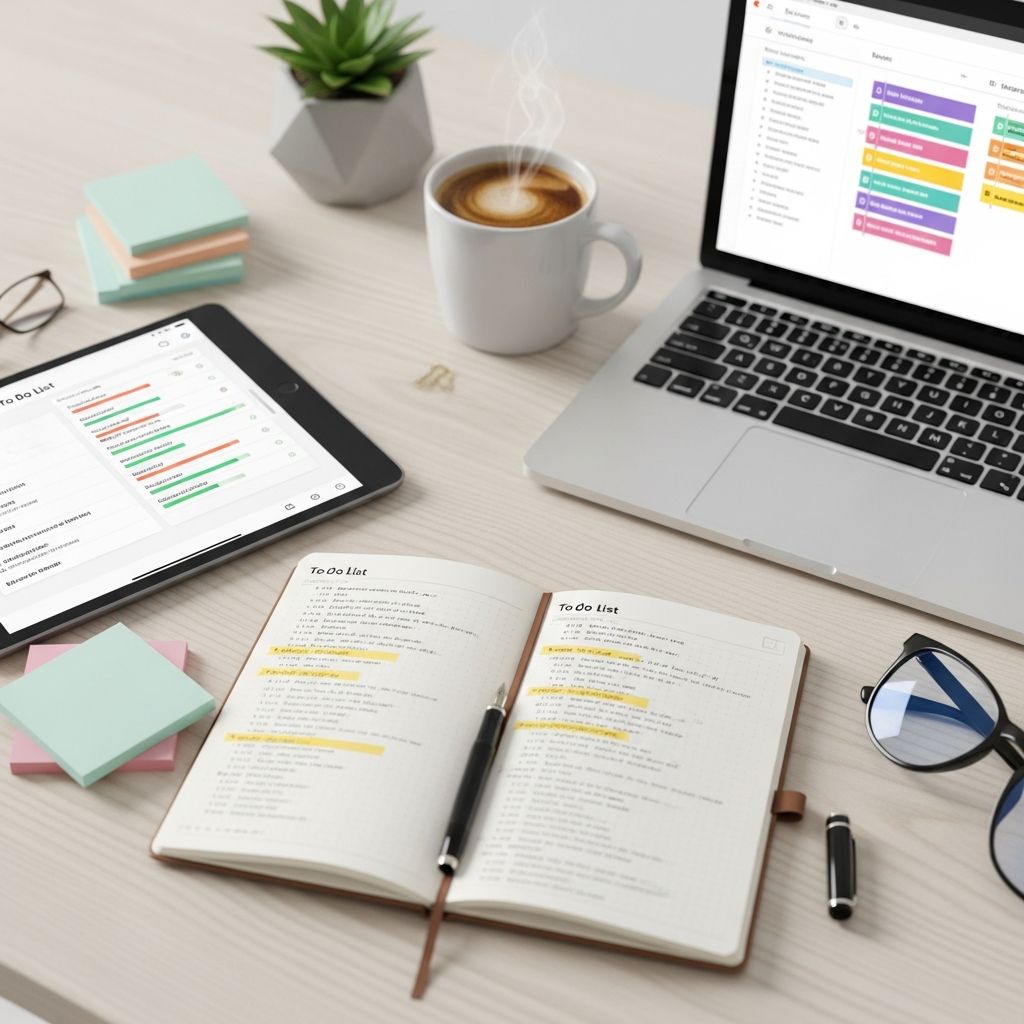
Overwhelmed by endless tasks? A well-crafted to-do list can be your secret weapon for reclaiming control and achieving more each day. This guide reveals a streamlined approach to building and using lists that drive real results.
The Hidden Power of Effective Task Lists
Task lists aren’t just scribbles on paper; they are structured tools for mental clarity and focused action. Research from productivity experts shows that externalizing thoughts reduces cognitive load, freeing your brain for creative problem-solving. By capturing every pending item in one place, you eliminate the mental juggling act that drains energy.
Consider the average professional juggling 50-100 daily tasks across emails, apps, and notes. Without unification, up to 30% of items get forgotten or duplicated, leading to missed deadlines and frustration. A master list changes this dynamic, providing a single source of truth.
Step 1: Build Your Central Command Center
The foundation of productivity lies in consolidation. Scatterbrained lists across notebooks, phones, and apps create confusion and forgotten items. Start by gathering everything into one master repository—digital or analog.
- Conduct a full brain dump: Set aside 15-20 minutes in a distraction-free zone. Write every task, idea, or obligation swirling in your mind, no matter how small.
- Choose your tool wisely: Options include simple notebooks for tactile satisfaction, apps like Todoist or Notion for digital syncing, or printable templates for visual appeal.
- Avoid categorization at first: This initial list is raw—capture volume before refinement.
This step alone can reduce anxiety by 40%, as your mind offloads the burden of remembrance. Update your master list weekly or daily as new items arise, ensuring it evolves with your needs.
Step 2: Ruthless Prioritization for Maximum Impact
Not all tasks deserve equal attention. Prioritization turns a chaotic dump into an actionable roadmap. Use the Eisenhower Matrix to classify items by urgency and importance.
| Quadrant | Description | Action |
|---|---|---|
| Urgent & Important | Deadlines, crises | Do immediately |
| Important, Not Urgent | Long-term goals | Schedule |
| Urgent, Not Important | Interruptions | Delegate |
| Neither | Distractions | Delete |
Assign labels like High (top 3 daily), Medium, and Low. Prefix tasks with action verbs—e.g., “Email client,” “Research vendor”—to make them specific and executable. Limit your daily focus to 3 high-priority items to prevent overload and foster completion momentum.
Step 3: Time-Block for Guaranteed Execution
Prioritization without scheduling is wishful thinking. Block specific calendar slots for high-impact tasks, treating them as unbreakable appointments. Batch similar activities—like all calls or emails—to leverage focus bursts and minimize context-switching costs, which can waste up to 20% of productive time.
- Daily ritual: Each morning, select top 3 from your master list and assign time blocks.
- Track completion: Mark done tasks with checks; circle for fully resolved items needing follow-up.
- Weekly review: Rewrite or archive your master list every Sunday to reflect progress and adjust.
This method ensures progress on what matters, building a habit of reliable execution.
Advanced Tactics to Supercharge Your Lists
Elevate beyond basics with these enhancements:
- Actionable chunking: Break projects into micro-steps. “Plan vacation” becomes “Book flights,” “List attractions,” reducing intimidation.
- Don’t-do list: Explicitly ban low-value activities like mindless scrolling to protect time.
- Visual cues: Color-code by category (red for urgent) or use symbols for batch types (E=email, C=call).
- Review cadence: End each day noting wins and carryovers for psychological closure.
Incorporate deadlines with codes like “M10” for Monday the 10th, keeping momentum time-bound.
Overcoming Common Pitfalls
Even strong systems falter without vigilance. Watch for:
- Overloading: More than 3 daily priorities leads to paralysis—stick to MITs (Most Important Tasks).
- Ambiguity: Vague entries like “Work on report” breed procrastination; specify “Draft section 2.”
- Neglect: Daily check-ins prevent list abandonment.
Studies confirm that consistent list users report 25% higher output and lower stress.
Digital vs. Analog: Choosing Your Battlefield
Analog pros: No battery drain, handwriting boosts retention via cognitive encoding.
Analog cons: Less searchable, portability issues.
Digital pros: Sync across devices, reminders, integrations.
Digital cons: Distraction risk, tech failures.
Hybrid approaches—digital master with printed daily sheets—offer the best of both.
Real-World Case Studies
Professionals using master lists report transformative results. A marketing executive consolidated 15 scattered lists into one, tripling weekly output by batching tasks. A freelancer adopted 3-item dailies, completing high-value projects 50% faster. These stories underscore the system’s versatility across roles.
Frequently Asked Questions (FAQs)
What if my list grows too long?
Regularly purge low-priority items and archive completed ones. Aim for under 50 active tasks; review weekly.
Can this work for teams?
Yes—share digital lists via tools like Trello, assigning owners and deadlines for collaborative clarity.
How do I stay motivated?
Celebrate small wins with rewards; visual progress tracking fuels dopamine hits.
What’s the best time to plan?
Mornings, when willpower peaks, for optimal prioritization.
Should I include personal tasks?
Absolutely—balance work and life for holistic productivity.
Start Today: Your Productivity Revolution Awaits
Implement these steps immediately: dump, prioritize, schedule. Within a week, expect clearer focus and tangible achievements. Master your lists, master your life.
References
- Take Control of your To Do List in 3 Simple Steps — Simply Spaced. 2015-04-01. https://simplyspaced.com/2015/04/take-control-of-your-to-do-list-in-3-simple-steps/
- How To Triple Your Weekly Productivity With One Master List — Elite Road Warrior. N/A. https://eliteroadwarrior.com/productivitytime-management-planning/
- How I Create My To-Do List in 3 Easy Steps — Tiny and Tidy. N/A. https://www.tinyandtidy.co/blog/025-how-i-create-my-to-do-list-in-3-easy-steps
- Accomplish More with a 3-Item To Do List — Becoming Minimalist. N/A. https://www.becomingminimalist.com/to-do/
- My 3-Step System to Manage Your GIANT To-Do List — Kalyn Brooke (YouTube). N/A. https://www.youtube.com/watch?v=2Md7_Ao3vtY

- Integrated M.A. in Applied Linguistics, University of Hyderabad
- 5+ years in editorial, instructional, SEO, and research-based writing
Sneha is a relationships and lifestyle writer with a strong foundation in applied linguistics and certified training in relationship coaching. She brings over five years of writing experience to theskillvault, crafting thoughtful, research-driven content that empowers readers to build healthier relationships, boost emotional well-being, and embrace holistic living. Her writing and insights reflect the belief that beauty, happiness, and wellness…