
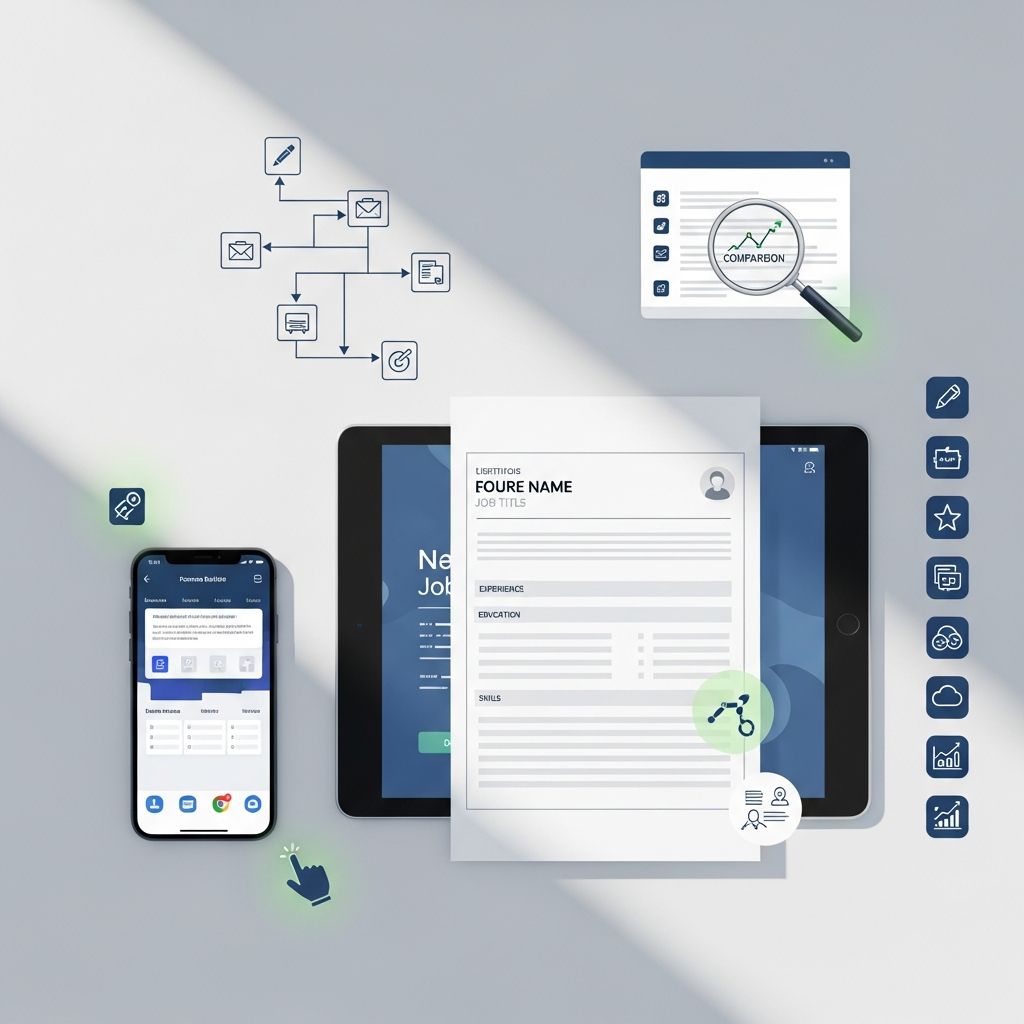
Online resume builders have become a central part of modern job searching, helping candidates quickly produce clean, well-structured resumes that can pass automated screenings and appeal to human recruiters. According to a survey by the National Association of Colleges and Employers, over 90% of large employers now use Applicant Tracking Systems (ATS) to filter resumes before a human ever sees them. As a result, the tools you use to write and format your resume matter more than ever.
This guide explains how online resume builders work, what features matter, how to avoid common pitfalls, and how to pick the platform that matches your goals, experience level, and budget.
Why Use an Online Resume Builder at All?
Many job seekers still write their resumes in a word processor, but resume builders can offer several concrete advantages:
- Time savings: Guided prompts and pre-written phrases significantly reduce the time needed to create a professional document.
- Consistent formatting: Builders keep margins, font sizes, and spacing consistent, which improves readability and reduces technical errors that can confuse ATS software.
- Modern design: Professionally designed templates help your resume look current without you having to know design principles.
- Content guidance: Some tools provide suggestions, examples, or AI-generated bullet points tailored to your role or industry.
- Easy updates: Once your information is stored, generating a targeted resume for a new job posting becomes much faster.
Used correctly, a resume builder is not a shortcut for avoiding thinking about your career; it is a structured environment that supports clear thinking and polished presentation.
Key Features That Matter in a Resume Builder
Not all resume builders are created equal. When comparing platforms, focus on these feature categories:
1. Template Quality and Flexibility
Templates are more than aesthetics; they determine how clearly your information is presented and whether machines can parse it accurately. Research from LinkedIn and hiring platforms highlights that recruiters typically scan a resume for just a few seconds before deciding whether to keep reading. A cluttered or unconventional design can work against you.
- Clean layout: Prefer simple structures with clearly labeled sections (work experience, education, skills, etc.).
- Minimal graphics: Heavy graphics, text boxes, and icons can cause issues for some ATS programs.
- Section flexibility: You should be able to add or remove sections like projects, certifications, or publications without breaking the design.
- Multiple styles: Different industries expect different levels of formality, so having several layout styles is useful.
2. ATS Compatibility
Applicant Tracking Systems are designed to parse resumes, extract key information, and search for relevant keywords that match job descriptions. If your resume builder produces a visually impressive file that the ATS cannot correctly read, you risk being filtered out early.
- Exports in standard formats: Look for PDF and DOCX exports that use actual text rather than images.
- Logical hierarchy: Headings and bullet points should be structured in a way that supports machine parsing.
- Limited use of columns: Some multi-column designs can confuse older ATS software.
- Keyword alignment tools: Advanced builders highlight missing keywords or phrases based on the job description you paste into the platform.
3. Content Support and AI Assistance
Modern resume builders often incorporate AI to help you write bullet points, summarize your experience, or tailor content to a specific role. Used thoughtfully, these tools can save time and provide inspiration, but they still rely on accurate information from you.
- Targeted suggestions: Good platforms suggest wording based on job titles and industries rather than generic sentences.
- Customization controls: You should be able to edit or reject AI-generated content easily.
- Skill and keyword suggestions: Some tools identify common competencies for your role to ensure you cover the essentials.
- Grammar and style checks: Integrated proofreading can help you avoid basic errors.
Professional career services and university career centers increasingly recommend using such tools as a supplement to, not a replacement for, your own review and critical thinking.
4. Pricing, Trials, and Hidden Costs
Resume builders often advertise “free” options that turn into paid plans at the download step. Carefully review pricing pages and trial terms before you invest hours building your resume on one platform.
- Free tier limitations: Check whether you can download your resume in a usable format, such as PDF, without paying.
- Subscription vs. one-time: Decide whether you prefer a short-term subscription during your job search or a one-time payment for ongoing access.
- Refund policies: Some tools offer guarantees or refunds if you cancel within a certain period.
- Bundled extras: Additional features like cover letter builders, portfolio hosting, or job tracking may be included in premium tiers.
5. Privacy, Security, and Data Control
A resume includes sensitive personal information. Reliable platforms clearly explain how they store, process, and protect your data. Cybersecurity agencies and consumer protection organizations routinely advise reviewing privacy controls on job-related platforms, especially when they store identification details, employment history, or salary information.
- Transparent privacy policy: Look for clear explanations of data usage, retention, and sharing.
- Data export and deletion: You should be able to delete your account and files if you stop using the service.
- No public posting without consent: Avoid tools that automatically publish your resume online without explicit permission.
- Secure connections: Ensure the site uses HTTPS and a reputable payment processor.
Comparing Types of Resume Builders
Different platforms emphasize different strengths. The table below summarizes how common types of resume builders typically compare:
| Type of Builder | Main Strength | Best For | Typical Trade-Off |
|---|---|---|---|
| Template-focused tools | Visually appealing layouts | Design-oriented fields, creative roles | Sometimes weaker ATS compatibility |
| ATS-first tools | Clean structure and keyword optimization | Large organizations, corporate roles | More conservative or plain-looking designs |
| AI-assisted platforms | Content generation and tailored suggestions | Busy professionals, career changers | Risk of generic or inaccurate statements if not reviewed |
| All-in-one career suites | Job tracking, interview tips, career analytics | Active job seekers applying at scale | More complex interface; may cost more |
How to Evaluate a Resume Builder Step by Step
Before committing, it helps to test a platform systematically. Use this simple evaluation process:
Step 1: Define Your Goals
Clarify what “success” means for your resume:
- Are you aiming for a career change where your past titles don’t match your target roles?
- Do you need a one-page resume for early-career positions or a longer CV for academic/research roles?
- Are you applying to large employers that rely heavily on ATS, or to smaller organizations with manual review?
- Do you care more about a distinctive visual style or maximum compatibility?
Step 2: Create a Test Profile
Instead of entering your full history at once, start with a simplified version of your experience:
- One or two previous jobs with a few bullet points each.
- Your highest level of education.
- Five to ten core skills.
Use this to explore how intuitive the interface feels, how quickly you can produce a coherent draft, and whether the builder allows you to rearrange or customize sections.
Step 3: Check Download Options
Once you have a draft, test the output:
- Download the resume as a PDF and a DOCX file if available.
- Open the files in a word processor and confirm that all text is selectable, not embedded as an image.
- Check if bullet points, headings, and contact details appear correctly.
You can also copy the text from the PDF and paste it into a text editor. If the order is scrambled or content disappears, some ATS tools may struggle to read it.
Step 4: Compare Real Costs
Before finalizing, explore the pricing section thoroughly:
- Note the cost for one week, one month, and six months of access.
- Check if there is a charge per download or if unlimited downloads are included.
- Confirm what happens when the trial period ends—will you be automatically billed?
Consumer protection agencies frequently warn job seekers to monitor subscription renewals and cancel services they are no longer using to avoid unnecessary charges.
Best Practices for Using Resume Builders Effectively
Even the best platform cannot fix weak or inaccurate content. Combine the tool’s capabilities with these practices recommended by career services and HR professionals:
Focus on Impact, Not Just Duties
Hiring managers want to see evidence of results. When you use AI suggestions or template bullet points, adapt them to show measurable impact where possible.
- Replace “Responsible for managing a team” with “Led a team of 6 analysts, improving reporting turnaround time by 30%.”
- Convert generic phrases into specific outcomes tied to metrics, budgets, or timelines.
- Highlight promotions, awards, or expanded responsibilities.
Tailor Each Resume to the Job Description
Studies of recruitment technology show that resumes aligned with the language of the job posting are more likely to make it through ATS filters and secure interviews. Use your builder to create multiple versions of your resume targeting different roles.
- Mirror critical keywords from the job ad in your skills and experience sections when they genuinely apply.
- Reorder bullet points so the most relevant accomplishments appear first for each application.
- Use separate resumes for different career tracks (e.g., project management vs. data analysis).
Keep Design Professional and Readable
While creative layouts can look impressive, most recruiters prioritize clarity. Guidance from professional HR organizations consistently emphasizes legibility and straightforward organization.
- Stick to one or two typefaces and a limited color palette.
- Avoid dense blocks of text; use bullet points with concise statements.
- Use clear headings for each section and maintain consistent formatting throughout.
Proofread Beyond Automated Checks
Spelling and grammar errors can undermine an otherwise strong profile. Even if your resume builder includes automated checks, do a manual review:
- Print your resume or view it on a different device to catch formatting and spacing issues.
- Read each bullet point aloud to test clarity and flow.
- Ask a trusted friend, mentor, or career counselor to review it.
Common Mistakes When Relying on Resume Builders
To get the most value from your chosen tool, avoid these frequent errors:
- Accepting generic AI text without editing: Recruiters can recognize vague, overused phrases; customize all suggestions to your actual experience.
- Overstuffing keywords: Including every buzzword from the job ad without context can appear unnatural and may not help with ATS ranking.
- Ignoring local norms: Resume conventions differ across countries; for example, some markets typically exclude photos and personal details while others expect them.
- Relying on one master resume: Sending the same document to every role reduces your chances in competitive processes.
- Skipping the preview on mobile: Many recruiters review documents on phones or tablets; ensure your downloaded file is readable on smaller screens.
Frequently Asked Questions (FAQs)
Q: Are online resume builders better than writing a resume in Word?
A: They are not inherently better, but they can make it easier to create consistent formatting, apply modern templates, and incorporate ATS-friendly structure. The real advantage comes from guided prompts and content feedback, which can be especially helpful if you are not confident in resume writing.
Q: How do I know if a resume builder is ATS-friendly?
A: Check whether the tool exports resumes as standard text-based PDFs or DOCX files, avoids heavy graphics, and maintains clear headings and bullet points. Some platforms include built-in checks that simulate how ATS systems read your document, highlighting potential parsing issues.
Q: Is it safe to upload my existing resume to these platforms?
A: Reputable services explain how they store and protect data in their privacy policies. Before uploading, verify that the site uses secure connections, does not resell your information, and allows you to delete your account and documents when you are finished.
Q: Do recruiters dislike resumes that obviously come from builders?
A: Recruiters typically care more about clarity, relevance, and honesty than about the specific tool used. Many are familiar with common templates and do not view them negatively as long as the content is tailored, accurate, and easy to read.
Q: Should I pay for a premium plan or stick with free options?
A: Free tools can work well for simple resumes or early-career roles. Paid plans often add benefits such as multiple customized versions, advanced design options, AI optimization, and cover letter builders. Consider a paid plan if you are running an intensive job search, changing careers, or applying to highly competitive positions.
References
- Job Outlook 2023 — National Association of Colleges and Employers (NACE). 2023-10-01. https://www.naceweb.org/store/2023/job-outlook-2023/
- Inside the Mind of Today’s Hiring Manager — LinkedIn Talent Solutions. 2017-09-01. https://business.linkedin.com/content/dam/me/business/en-us/talent-solutions/resources/pdfs/insidemindhiringmanager.pdf
- Resumes & Cover Letters — Harvard University Office of Career Services. 2023-01-01. https://ocs.fas.harvard.edu/resumes-cover-letters
- Avoid Job Scams — U.S. Federal Trade Commission (FTC). 2024-03-14. https://consumer.ftc.gov/articles/job-scams
- Europass CV — How to Make Your Skills and Qualifications Clearly and Easily Understood in Europe — European Centre for the Development of Vocational Training (Cedefop). 2020-06-01. https://www.europass.eu/en

- Integrated M.A. in Applied Linguistics, University of Hyderabad
- 5+ years in editorial, instructional, SEO, and research-based writing
Sneha is a relationships and lifestyle writer with a strong foundation in applied linguistics and certified training in relationship coaching. She brings over five years of writing experience to theskillvault, crafting thoughtful, research-driven content that empowers readers to build healthier relationships, boost emotional well-being, and embrace holistic living. Her writing and insights reflect the belief that beauty, happiness, and wellness…