
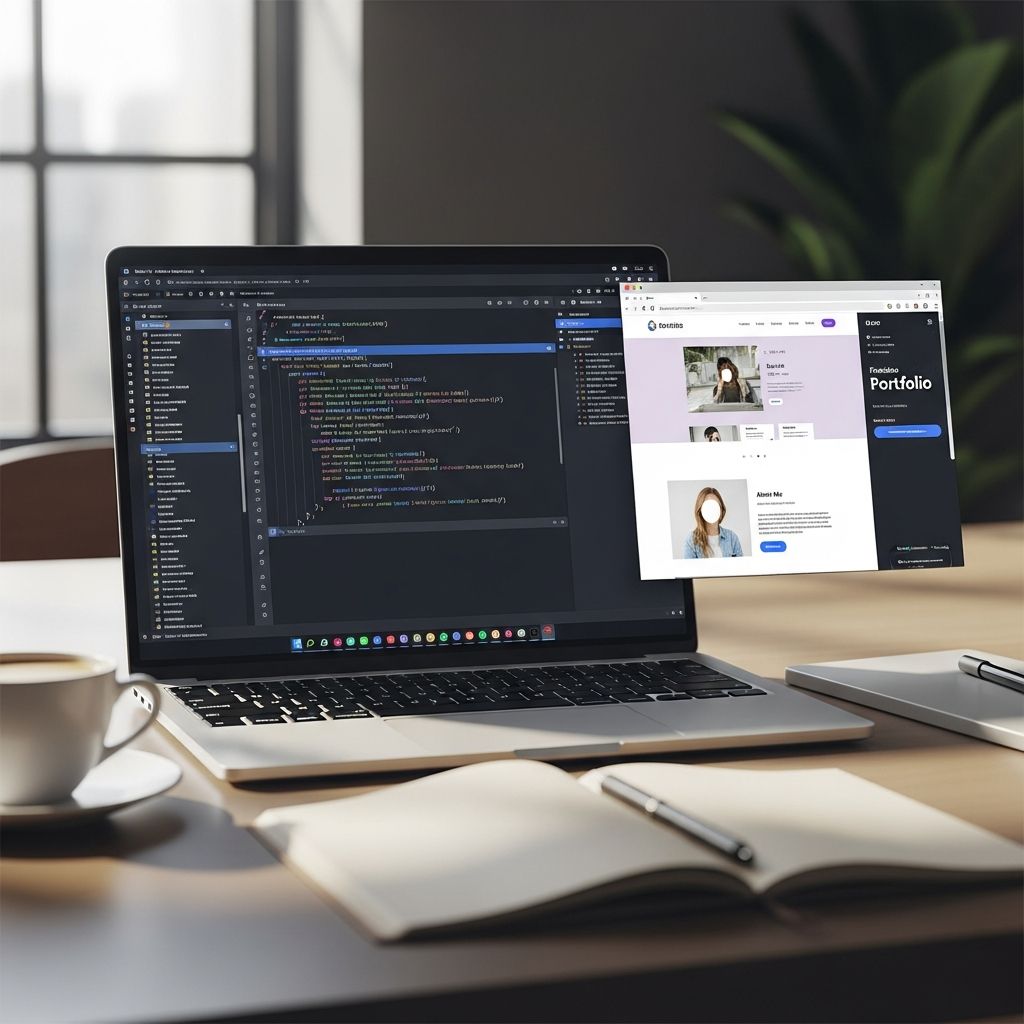
A well-crafted personal website is one of the most powerful tools you can use to promote your work, shape your professional reputation, and open new doors in your career. Whether you are job searching, freelancing, or simply planning ahead, your site becomes the place where people can quickly understand who you are, what you do, and why you matter.
Why a Personal Website Still Matters
Hiring managers, clients, and collaborators routinely look people up online before deciding to work with them. Surveys of recruiters report that most employers research candidates on the internet and social platforms before making hiring decisions, which means what appears in search results directly influences your opportunities.
Social media profiles are useful, but they limit how you present yourself. A personal website gives you far more control over your message, your visuals, and the depth of information you share.
| Social Profile | Personal Website |
|---|---|
| Standard layout and restricted formatting | Fully customized design and structure |
| Owned by another company and subject to their rules | Owned and controlled by you on your own domain |
| Limited room to show work samples | Unlimited space for portfolios, case studies, and resources |
| Competes with feeds and distractions | Focused attention on your story and calls to action |
Clarify the Purpose of Your Site
Before you pick colors or a template, you need to decide what role your website will play in your professional life. Clear goals will guide every design and content choice.
Common goals for a personal website
- Support a job search: Provide a richer picture than your CV with projects, writing, and achievements.
- Showcase freelance or consulting work: Act as your portfolio and lead-generation engine.
- Build authority in your niche: Host articles, talks, and resources that demonstrate expertise.
- Centralize your online presence: Link everything—LinkedIn, GitHub, Behance, publications—on one hub.
- Future-proof your career: Maintain a stable professional identity independent of specific jobs or platforms.
Try completing one statement to focus your site:
- “When people land on my website, I want them to know…”
- “When people land on my website, I want them to do…”
Choose the Right Structure for Your Website
You do not need a complex, multi-level site to make an impact. For most professionals, a simple structure is easier to maintain and more pleasant for visitors to navigate.
Core pages to include
- Home: A concise overview of who you are, what you offer, and where to go next.
- About: A more detailed narrative about your background, values, and strengths.
- Work or Portfolio: Selected projects or case studies that demonstrate your capabilities.
- Writing or Insights (optional): Articles, talks, or resources that show your thinking.
- Contact: A straightforward way to reach you, plus links to your main social profiles.
Single-page vs. multi-page
- Single-page site: Best when you are just starting out or want a streamlined, resume-like presentation.
- Multi-page site: Better if you have extensive work samples, multiple audiences, or plan to publish content regularly.
Define Your Personal Brand Online
A personal website forces you to think about how to present yourself in a consistent, deliberate way. This is the essence of personal branding: intentionally shaping how others perceive your professional identity.
Key elements of your brand
- Positioning statement: One or two sentences that describe who you are, what you do, and for whom.
- Voice: The tone of your writing—formal, relaxed, analytical, friendly, or a mix.
- Visual identity: Colors, fonts, and imagery that feel appropriate for your field and audience.
- Proof points: Evidence—projects, metrics, testimonials—that back up your claims.
To sharpen your message, ask:
- What problems do I help people or organizations solve?
- What outcomes or results am I most proud of?
- What makes my approach, experience, or perspective distinctive?
Plan Content That Employers and Clients Want to See
Your content should answer the questions people have when they are deciding whether to contact, hire, or collaborate with you. Research on recruitment and hiring shows that employers look not only at skills, but at how well someone communicates and fits with organizational culture.
Must-have content sections
- Concise professional summary: A short introduction near the top of your homepage that explains your role, focus area, and value.
- Selected achievements: A few bullet points that quantify results where possible—revenue increased, time saved, audience reached, and similar outcomes.
- Evidence of skills: Real examples—screenshots, code snippets, writing samples, campaign reports—connected to the skills you claim.
- Social proof: Testimonials, quotes from performance reviews, or logos of organizations you have worked with (where appropriate).
Optional but powerful additions
- FAQ section: Anticipate questions about how you work, what projects you take on, or what roles you are seeking.
- Media or speaking list: If you have been interviewed, quoted, or presented at events, list those appearances to build credibility.
- Blog or article library: Thoughtful pieces related to your field help establish you as a knowledgeable voice.
Design Choices That Make Your Site Feel Professional
Good design is less about fancy animations and more about clarity, hierarchy, and ease of use. Research on web usability consistently shows that visitors leave quickly when pages are cluttered, slow, or hard to navigate.
Design principles to follow
- Keep layouts simple: Use plenty of white space, readable fonts, and a limited color palette.
- Highlight the essentials: Put your name, role, and primary call to action near the top of each page.
- Ensure mobile-friendliness: Recruiters and clients often visit from phones; choose responsive templates and test on small screens.
- Use consistent visuals: Repeat colors, button styles, and heading sizes to make the site feel cohesive.
- Include a clear navigation bar: Use short labels (Home, About, Work, Contact) and keep menus uncluttered.
Showcase Your Work Strategically
Your portfolio or work page is often the most influential part of your site. Instead of listing everything you have ever done, feature a curated set of examples that align with the roles or clients you want next.
How to structure a project or case study
- Context: Briefly describe the organization, audience, or problem.
- Role: Clarify what you personally contributed.
- Process: Outline the steps you took, decisions you made, and tools or methods used.
- Results: Share outcomes with numbers where possible, such as engagement rates, cost savings, or growth.
For students or early-career professionals, academic projects, volunteer work, and self-initiated experiments can all serve as credible proof of skills when presented clearly.
Make It Easy for People to Contact You
Every page should make it simple for a visitor to reach you or learn more. Lost opportunities often come from unclear or buried contact information.
Elements of an effective contact section
- Primary email address: Use a professional address that includes your name.
- Contact form (optional): A short form can reduce spam and make outreach easier.
- Key profiles: Link to platforms that matter in your industry, such as LinkedIn, GitHub, Dribbble, or Google Scholar.
- Location or time zone (if relevant): Helpful for remote roles and international collaborations.
Basic SEO for Being Found by the Right People
You do not need to be a search engine optimization specialist to help people find your website. A few fundamentals can significantly improve the chances that someone searching for your name or expertise will see your site in the results.
Simple SEO practices to apply
- Use your full name in key places: Include it in your page titles, headings, and meta descriptions.
- Include relevant keywords: Naturally mention your job title, skills, and location (if important) in headings and paragraphs.
- Write descriptive page titles: For example, “Your Name – Data Analyst & Visualization Specialist” is clearer than “Home.”
- Add alt text to images: Briefly describe images, especially headshots and portfolio work, for accessibility and search.
- Link to your own pages: When relevant, connect related content within your site to guide visitors and help search engines.
Keep Your Website Updated and Aligned With Your Goals
A neglected website can send the wrong signal. Short, regular updates keep your content accurate and show that you are active in your field.
Maintenance checklist
- Review dates, job titles, and descriptions at least a few times per year.
- Add notable new projects, certifications, or publications as they happen.
- Remove outdated work that no longer reflects your current level or direction.
- Test links, forms, and contact details to ensure everything still works.
Frequently Asked Questions (FAQs)
Do I need a personal website if I already have LinkedIn?
LinkedIn is useful, but a personal website offers more flexibility in layout, storytelling, and portfolio presentation. It also gives you a central place to organize links to all your professional content and profiles, which strengthens your overall digital presence.
How much time does it take to build a basic personal website?
If you use a modern website builder and a pre-made template, you can create a simple, professional site in a weekend. The most time-consuming part is deciding what to include and writing clear, focused content, not the technical setup.
What if I do not have many projects to show yet?
You can highlight academic assignments, volunteer work, personal experiments, or collaborative projects. Emphasize your role, what you learned, and the outcomes. As your experience grows, you can replace early pieces with more advanced work.
Should I register my own domain name?
Using a domain with your name (or a close variation) looks more professional and makes you easier to find in search results. Many career experts recommend personal domains as part of a long-term personal branding strategy.
How often should I update my personal website?
Review the site at least a few times a year or whenever your role, goals, or portfolio changes significantly. Frequent small updates are better than long periods of neglect followed by a major overhaul.
References
- How to create a personal website (with tips and benefits) — Indeed Editorial Team. 2023-10-04. https://uk.indeed.com/career-advice/career-development/create-personal-website
- Personal Websites: Why Every Professional Needs One in 2024 — AP Web World. 2024-05-10. https://www.apwebworld.com/why-every-professional-needs-personal-websites/
- Why You Need a Personal Website in 2025: Take Control of Your Digital Identity — O-Wow. 2024-11-15. https://o-wow.com/why-you-need-a-personal-website-in-2025/
- 6 Things You Should Put on Your Personal Website—and 6 Things to Avoid at All Costs — The Muse. 2015-08-26. https://www.themuse.com/advice/6-things-you-should-put-on-your-personal-websiteand-6-things-to-avoid-at-all-costs
- Why a Personal Website Is the Best Thing for Your SEO Career — Sitebulb. 2020-09-17. https://sitebulb.com/resources/guides/why-a-personal-website-is-the-best-thing-for-your-seo-career/
- Personal Branding: What It Is and Why It Matters — Harvard Business School Online. 2020-02-12. https://online.hbs.edu/blog/post/personal-branding-at-work
- How a Personal Website Can Boost Your Career — CV Baker. 2021-06-30. https://cvbaker.com/blog/how-personal-website-can-boost-your-career

Medha Deb is an editor with a master's degree in Applied Linguistics from the University of Hyderabad. She believes that her qualification has helped her develop a deep understanding of language and its application in various contexts. Medha specializes in the areas of beauty, health, sports, and wellness and is committed to ensuring that the content on the website is…