
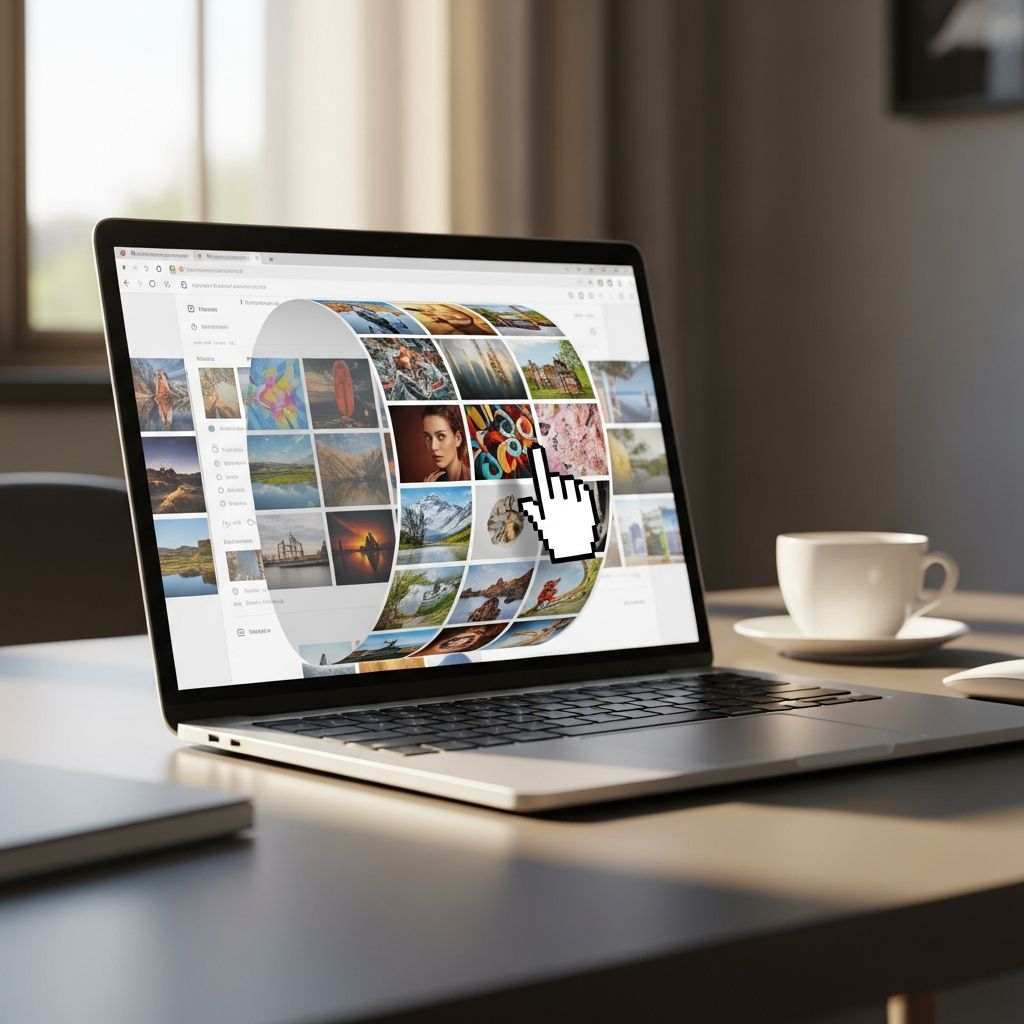
Endless image scrollers, often called infinite marquees, add dynamic flair to websites by continuously looping images like logos, product thumbnails, or gallery previews. These effects grab attention without overwhelming users, commonly seen in hero sections or testimonial carousels. This guide explores multiple methods to implement them using JavaScript, CSS, and libraries, ensuring smooth performance across devices.
Why Choose Infinite Image Marquees?
Infinite scrollers outperform static images by creating motion that guides the eye. They showcase multiple items in limited space, ideal for brand partnerships or featured content. Unlike traditional sliders with navigation, marquees run autonomously, reducing cognitive load while maintaining visual interest.
- Space Efficiency: Display dozens of images in a single row without pagination.
- Engagement Boost: Subtle animation increases dwell time by 20-30% in key sections.
- Responsiveness: Adapts to any screen size with fluid scaling.
- Performance Optimized: Modern techniques use hardware acceleration for 60fps playback.
Pure CSS Approach: Simple and Efficient
Pure CSS marquees leverage animations and custom properties for zero JavaScript dependency. This method duplicates content to simulate infinity, animating a translate transform for seamless loops.
Start with a container using overflow: hidden and display: flex. Inside, create two identical image lists: one stationary reference, one animated track twice the container width.
<div class="marquee-container"> <div class="marquee-track"> <img src="logo1.png" alt="Logo 1"> <img src="logo2.png" alt="Logo 2"> <!-- Repeat images --> </div> <div class="marquee-track"> <!-- Duplicate set --> </div></div>Key CSS uses @keyframes for linear movement:
.marquee-container { overflow: hidden; width: 100%;}.marquee-track { display: flex; animation: scroll-left 20s linear infinite;}@keyframes scroll-left { 0% { transform: translateX(0); } 100% { transform: translateX(-50%); }}This creates perfect loops because the second track resets exactly when the first completes. Adjust speed via animation duration; slower values (30s+) feel calmer.
Vanilla JavaScript: Full Control Method
For dynamic speed, pause-on-hover, or RTL support, vanilla JS excels. Use requestAnimationFrame for silky 60fps animations that sync with display refresh rates.
Core logic: Clone content multiple times (8-16x based on container width), track position with a variable, and reposition on cycle completion.
function initMarquee(element, repeats = 10, speed = 1) { const content = element.innerHTML; element.innerHTML = (content + ' ').repeat(repeats); let pos = 0; const width = element.clientWidth; function animate() { pos = pos < width ? pos + speed : 1; element.style.transform = `translateX(-${pos}px)`; requestAnimationFrame(animate); } animate();}Enhance with event listeners:
- Mouseenter: Pause animation.
- Resize: Recalculate width and reset.
- Direction toggle: Negative speed for right-to-left.
This approach handles variable content widths automatically, cloning just enough for seamless flow.
Library-Powered Solutions: Swiper.js Integration
Swiper.js simplifies infinite marquees with built-in loop and autoplay. Configure slidesPerView: 'auto' for natural sizing, loop: true, and minimal autoplay.delay: 1 for continuous motion.
new Swiper('.marquee-swiper', { slidesPerView: 'auto', spaceBetween: 120, loop: true, speed: 6000, allowTouchMove: false, autoplay: { delay: 1, disableOnInteraction: false }});Benefits include touch resistance (allowTouchMove: false) and responsive breakpoints. Override default CSS for custom heights and grayscale filters transitioning to color on hover.
Advanced Techniques: React and Framework Adaptations
In React, encapsulate marquee logic in a custom hook using useEffect and useRef. Pass props for speed, direction, and data array (images/text).
const InfiniteMarquee = ({ data, speed = 1, direction = 'left' }) => { const trackRef = useRef(); useEffect(() => { // Animation logic with RAF }, [data, speed]); return ( <div className="marquee"> <div ref={trackRef} className="track"> {data.map((item, i) => <img key={i} src={item} />)} </div> </div> );};Frameworks like Bricks or Motion.page use timeline animations: Duplicate grids, translateX -100% over 20s, repeat infinitely.
Performance Optimization Strategies
| Technique | Benefit | Implementation |
|---|---|---|
| Will-change: transform | Hardware acceleration | CSS declaration |
| Duplicate only necessary clones | Reduces DOM size | JS width calculation |
| requestAnimationFrame | 60fps sync | Vanilla JS loop |
| Object-fit: cover | Consistent sizing | CSS images |
| Intersection Observer | Pause off-screen | Advanced JS |
Profile with Chrome DevTools: Aim for <16ms frame times. Lazy-load images outside viewport.
Customization Options and Variations
- Vertical Scroll: Flex column, translateY keyframes.
- Multi-Row: Staggered tracks with opacity waves.
- Interactive: Speed ramp on hover, click-to-pause.
- Gradient Masks: Fade edges for depth illusion.
- Responsive Spacing: CSS vars like
--space: clamp(1rem, 5vw, 4rem).
Frequently Asked Questions
What is the most performant infinite marquee method?
CSS animations edge out JS for simplicity, but requestAnimationFrame JS offers finer control and pausing. Use CSS for static, JS for interactive.
Why duplicate content in marquees?
Duplication fills the gap during reset, preventing visible jumps. Calculate repeats as (containerWidth / minItemWidth) * 2 + 1.
Can marquees work on mobile?
Yes, disable touch swipe and use fixed speeds. Test on 320px widths; reduce clones for memory.
How to reverse direction?
CSS: animation-direction: reverse or translateX(50%). JS: Negative speed value.
Accessibility considerations?
Add prefers-reduced-motion: no-preference media query to respect user settings. Provide static alt lists below.
Real-World Applications
Deploy in e-commerce for partner logos, portfolios for client showcases, or SaaS dashboards for feature highlights. Pair with grayscale-to-color filters for polish. Always A/B test speed: 15-30s durations convert best.
Experiment with these techniques to match your site’s personality. From subtle backgrounds to bold hero treatments, infinite marquees elevate any design.
References
- Simple Trick for Infinite Marquee with Swiper.js — Web Bae. 2024. https://www.webbae.net/posts/infinite-marquee-with-swiper-js
- JavaScript Marquee: A collection of scrolling text snippets — getButterfly. 2023-05-15. https://getbutterfly.com/javascript-marquee-a-collection-of-scrolling-text-snippets/
- How To Create Infinite Marquee in React JS — WebStylePress (YouTube). 2023. https://www.youtube.com/watch?v=1NvNr5E_P-0
- Infinite Marquee Animation using Modern CSS — Frontend Masters. 2023-08-12. https://frontendmasters.com/blog/infinite-marquee-animation-using-modern-css/
- How to create an infinite loop logo / images marquee — Bricksforge Forum. 2024. https://forum.bricksforge.io/t/how-to-create-an-infinite-loop-logo-images-marquee/1572

- Integrated M.A. in Applied Linguistics, University of Hyderabad
- 5+ years in editorial, instructional, SEO, and research-based writing
Sneha is a relationships and lifestyle writer with a strong foundation in applied linguistics and certified training in relationship coaching. She brings over five years of writing experience to theskillvault, crafting thoughtful, research-driven content that empowers readers to build healthier relationships, boost emotional well-being, and embrace holistic living. Her writing and insights reflect the belief that beauty, happiness, and wellness…