
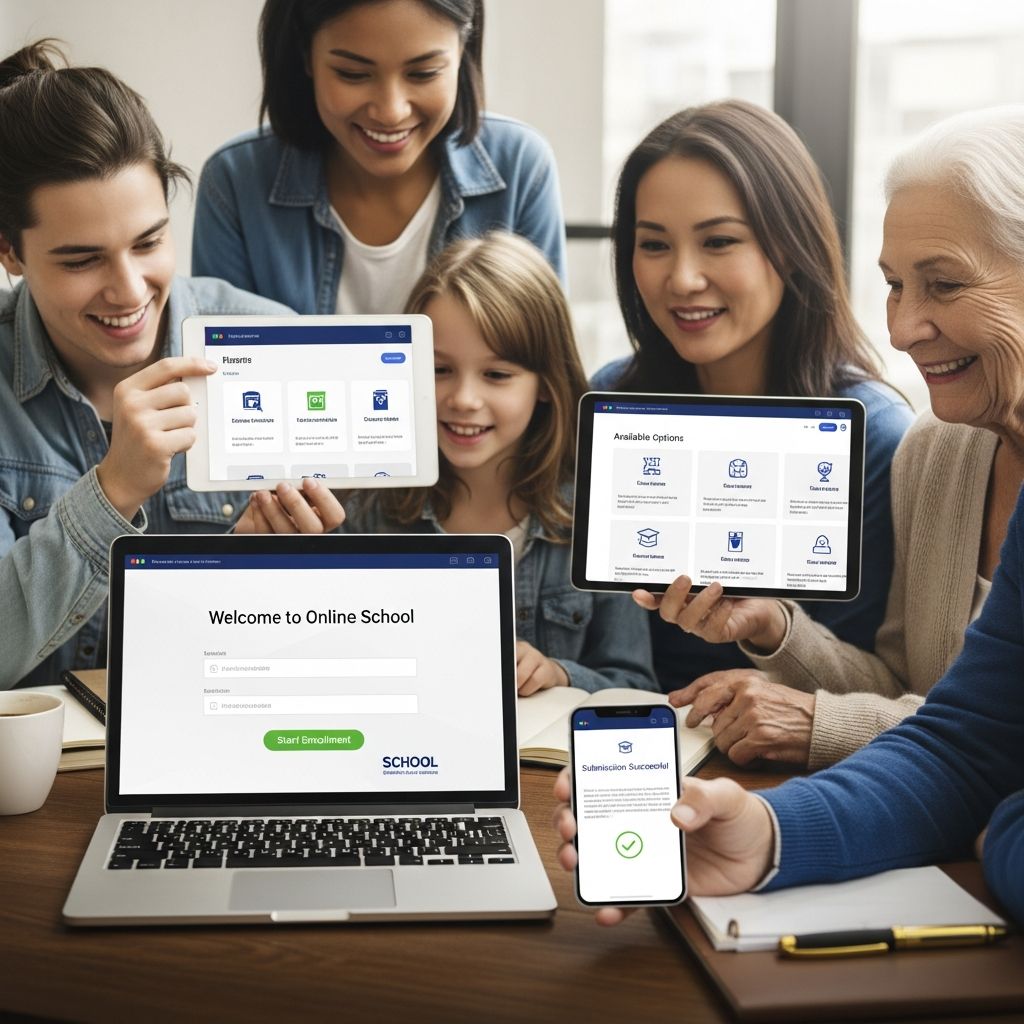
Enrolling a child in an online school marks the beginning of a flexible and personalized educational path that can adapt to family needs and student strengths. This process involves careful planning, document preparation, and orientation to digital tools, ultimately leading to a structured virtual learning experience.
Choosing the Right Virtual Program
The foundation of successful online enrollment lies in selecting a program that matches your child’s grade level, learning style, and your household’s location requirements. Public online schools, often tuition-free, serve specific states and prioritize residents, while private or charter options may offer broader access but could involve fees.
Key factors to evaluate include accreditation status, curriculum alignment with state standards, teacher credentials, and support services like counseling or tutoring. Families should review school websites for details on class schedules—whether synchronous live sessions or asynchronous self-paced modules—and extracurriculars such as virtual clubs or field trips.
- Accreditation: Ensures credits transfer and meet graduation requirements.
- Curriculum: Check for core subjects plus electives like STEM or arts.
- Support: Look for academic advisors, technical helpdesks, and parent resources.
- Community: Opportunities for peer interaction via forums or video meets.
Compare multiple programs using tables for clarity:
| Feature | Public Online | Private Online |
|---|---|---|
| Cost | Free for residents | Tuition-based |
| Enrollment Caps | Often lottery-based | Open with space |
| Customization | State-aligned | Flexible paths |
Gathering Essential Enrollment Documents
Preparation is crucial; compile documents early to avoid delays. Most programs require proof of identity, residency, and prior academic history to comply with state regulations.
Common requirements include:
- Birth certificate or passport for age verification.
- Proof of residency like utility bills or lease agreements.
- Immunization records to confirm health compliance.
- Previous transcripts or report cards for placement.
- Parent/guardian ID such as driver’s license.
Scan and organize files digitally for easy upload. Some schools accept electronic submissions, while others may request originals by mail. Double-check state-specific mandates, as Texas programs, for example, emphasize residency and immunization details.
Navigating the Online Application Portal
Once a school is chosen, create a parent account on their enrollment portal. This secure platform guides you through forms for household details, student info, and document uploads.
Steps typically include:
- Account Creation: Provide email, set password, and verify identity.
- Student Profile: Enter demographics, grade level, and emergency contacts.
- Document Upload: Attach scans; monitor status for approvals or rejections.
- Submission: Review and submit; expect review within 1-2 business days.
Portals often feature progress trackers and alerts. If issues arise, such as rejected documents, staff contact via email or phone with instructions.
Post-Submission Review and Approval
After submission, an enrollment team assesses completeness. Valid applications lead to acceptance, updating status to “enrolled.” Incomplete ones prompt requests for more info.
Upon approval:
- Withdraw from current school to prevent overlaps.
- Receive login credentials for the learning management system (LMS).
- Get a preliminary course schedule.
Delays can occur during peak seasons, so apply early. Advisors assist with course adjustments or graduation planning.
Preparing Your Home for Virtual Learning
A dedicated setup transforms your home into an effective school environment. Select a quiet space with reliable internet (at least 25 Mbps download for video classes) and comfortable furnishings.
Essential tech:
- Computer or tablet meeting school specs (e.g., Windows 10+, 8GB RAM).
- Webcam and headset for live interactions.
- Printer/scanner for materials.
Establish routines: fixed wake times, breaks, and homework slots mimic traditional school days. Tools like calendars or apps aid time management.
Orienting to the Digital Classroom
New students attend virtual orientations covering LMS navigation, assignment submission, and teacher communication. Practice logging in, accessing lessons, and joining chats.
Materials arrive weeks later: textbooks, workbooks, and kits. Advisors help with queries on credits or electives.
Financial Considerations and Aid
Public options are free, but uniforms, supplies, or field trips add costs. Explore scholarships, grants, or payment plans. Some states offer vouchers for private programs.
Common Challenges and Solutions
Families face hurdles like tech glitches or motivation dips. Solutions:
| Challenge | Solution |
|---|---|
| Internet Issues | Upgrade service; use mobile hotspots. |
| Time Management | Daily planners; parental check-ins. |
| Social Isolation | Virtual clubs; local meetups. |
Frequently Asked Questions
What grades are available in online schools?
Most cover K-12, with some starting at 3rd grade.
Is online school free?
Public virtual schools are tuition-free for residents; private ones charge fees.
How long does enrollment take?
Typically 1-4 weeks, depending on document review.
Do I need to be tech-savvy?
Basic skills suffice; orientations provide training.
Can I switch courses after enrolling?
Yes, with advisor approval early in the term.
What if my child needs special education?
Programs offer IEPs and support services per state law.
Long-Term Success Strategies
Beyond enrollment, foster growth through goal-setting, regular feedback loops with teachers, and balancing screen time with activities. Track progress via portals and adjust as needed.
Online schooling empowers families with control over pacing and environment, often yielding higher engagement when structured well. Celebrate milestones to build momentum.
References
- How Do I Enroll My Child into Online School? — ASU Prep Digital. 2023. https://www.asuprepdigital.org/blog/how-do-i-enroll-my-child-in-school-online/
- How To Enroll – Digital Academy of Texas — K12.com. 2025. https://datx.k12.com/enrollment/
- Enrollment Checklist — TXEL.org. 2024. https://www.txel.org/enrollmentchecklist
- HISD Connect Enrollment Process — Houston ISD. 2023. https://tx01001591.schoolwires.net/cms/lib2/TX01001591/Centricity/Domain/8334/Online%20Enrollment%20Technical%20and%20Manual%20Process.pdf
- What to Expect When You Begin Enrollment in Online School — Connections Academy. 2025. https://www.connectionsacademy.com/support/resources/article/what-to-expect-when-you-begin-enrollment-in-online-school/

Medha Deb is an editor with a master's degree in Applied Linguistics from the University of Hyderabad. She believes that her qualification has helped her develop a deep understanding of language and its application in various contexts. Medha specializes in the areas of beauty, health, sports, and wellness and is committed to ensuring that the content on the website is…