
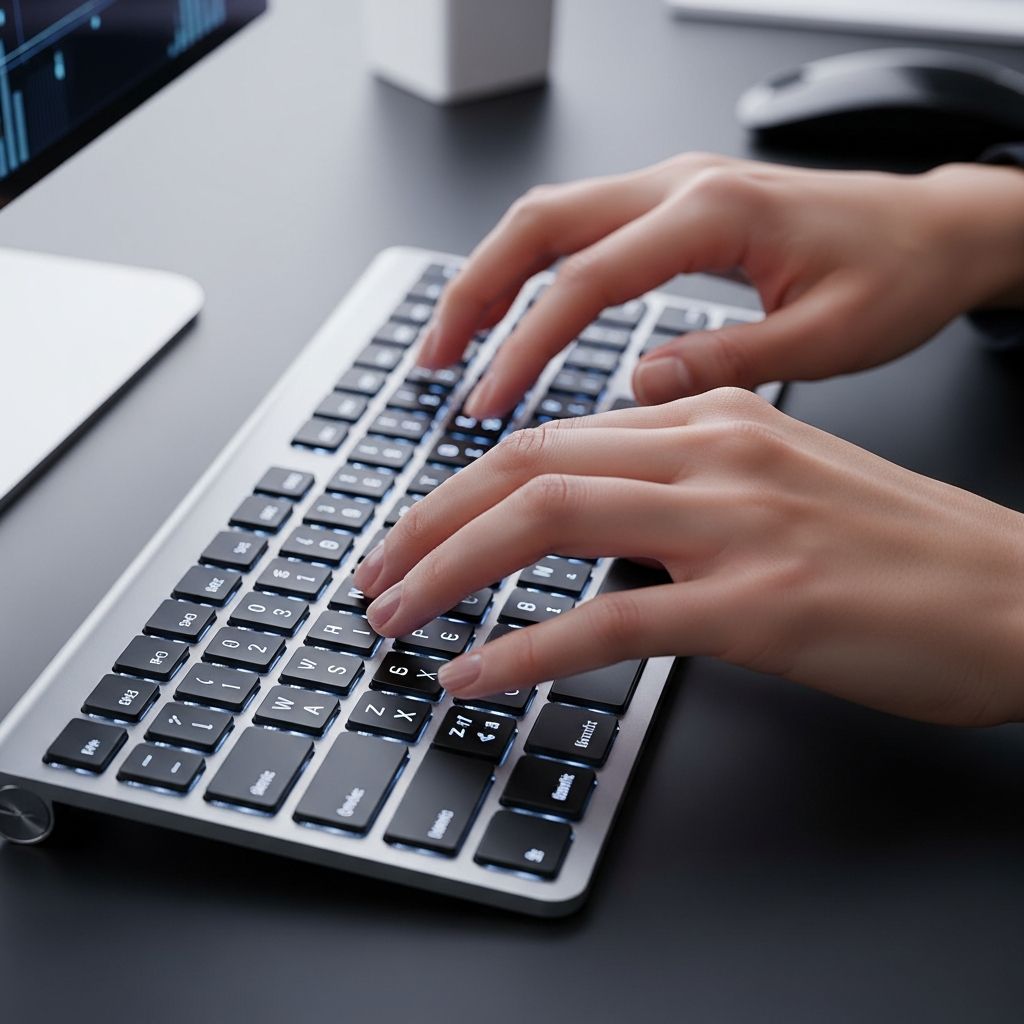
Enhancing your typing abilities can significantly elevate your daily efficiency, whether you’re drafting emails, coding programs, or transcribing notes. In today’s digital landscape, where keyboards dominate communication and work, the capacity to input text swiftly and precisely is invaluable. This guide delves into actionable strategies drawn from established practices, helping you build muscle memory, minimize errors, and achieve professional-level performance.
Building a Strong Foundation with Touch Typing Basics
Touch typing forms the cornerstone of rapid and reliable keyboard use. This method involves positioning your fingers on specific ‘home row’ keys without glancing at the keyboard, allowing your hands to navigate intuitively. Start by placing the index finger of your left hand on the ‘F’ key and the right on the ‘J’—these often feature small bumps for guidance. Left hand covers A-S-D-F, while right handles J-K-L-;, with thumbs ready on the spacebar.
Consistent initial placement trains your brain to automate movements, reducing cognitive load. Over time, this habit minimizes finger travel distance, directly boosting words-per-minute (WPM) rates. Research indicates that touch typists outperform hunt-and-peck users by up to 20% in speed through optimized finger motion.
- Align fingers precisely on home row each session to ingrain the pattern.
- Minimize unnecessary lifts; slide fingers lightly to adjacent keys.
- Focus on weaker digits like pinkies, which often lag and cause delays.
Adopting this from day one prevents bad habits, setting the stage for exponential improvement.
Ergonomic Setup: Your Keyboard’s Best Friend
A poorly configured workspace leads to fatigue, errors, and stalled progress. Proper ergonomics ensures sustained sessions without strain. Position your chair so feet rest flat on the floor, knees at a 90-degree angle, and elbows tucked close to your sides. The keyboard should sit at elbow height, with wrists straight and neutral—not bent up, down, or sideways.
| Element | Ideal Position | Benefit |
|---|---|---|
| Chair Height | Feet flat, thighs parallel to floor | Supports spine alignment |
| Keyboard Tray | Elbows at 90-100 degrees | Reduces shoulder tension |
| Wrist Rest | Slight elevation, neutral angle | Prevents repetitive strain |
| Monitor | Top at eye level, arm’s length away | Minimizes neck strain |
Maintaining this setup not only accelerates typing but also wards off conditions like carpal tunnel. Invest in a mechanical keyboard if possible; their tactile feedback enhances accuracy over membrane types.
Eliminate Distractions: Eyes on the Prize
One of the biggest hurdles for novices is peeking at keys, which fragments attention and slows progress. Force your gaze to the screen to catch mistakes in real-time and foster hand-eye independence. Initially challenging, this shift compels your brain to map key locations subconsciously.
Practice by covering the keyboard with a cloth or typing in dim light. Scan ahead by one or two words, allowing fingers to anticipate presses. This forward focus, combined with home row returns, can elevate speeds dramatically—users report 50% gains in 30 days with just 10 minutes daily.
- Enable on-screen keyboard overlays in training apps for visual cues.
- Gradually increase text complexity to build confidence without looking.
- Review errors post-session to reinforce correct paths.
Daily Practice Routines That Deliver Results
Improvement demands repetition, but quality trumps quantity. Dedicate 15-30 minutes daily rather than marathon sessions, as shorter bursts maintain focus and build muscle memory effectively. Alternate between speed drills, accuracy exercises, and real-world typing like emails or journals.
Track metrics: Aim for 40-60 WPM with 95% accuracy initially, scaling to 80+ WPM. Consistency over weeks yields compounding returns; missing days erodes gains. Incorporate rest breaks every 20 minutes to sustain peak performance.
- Warm-up: 5 minutes on home row drills.
- Core practice: 15 minutes varied lessons.
- Cool-down: 5 minutes free typing with self-review.
- Weekly test: Measure WPM and error rate.
Such structured routines transform casual typists into pros, enhancing not just speed but overall digital fluency.
Harnessing Free Tools and Platforms for Growth
Leverage online resources to gamify practice and monitor advancement. Platforms like Keybr adapt lessons to your weaknesses, starting with familiar letters before expanding. Ratatype offers comprehensive courses emphasizing finger-specific exercises, while Typing.com provides age-appropriate interactive modules.
- Keybr: Algorithmic progression matches your pace, with visual finger guides.
- Ratatype: Lessons on motion efficiency and speed-building tests.
- 10FastFingers: Competitive WPM challenges for motivation.
- Typing Academy: Browser-based touch typing with progress analytics.
These tools quantify improvement, often showing 20-50% speed boosts in a month. Integrate them into routines for engaging, measurable strides.
Advanced Techniques for Peak Performance
Beyond basics, refine with specialized drills. Accuracy-focused sessions—typing paragraphs with symbols and numbers—sharpen precision before speed surges. Employ the ‘deliberate practice’ model: Identify bottlenecks (e.g., slow pinky shifts) and target them exclusively.
Experiment with keyboard layouts like Dvorak for potentially higher speeds, though QWERTY mastery suffices for most. Customize hotkeys in apps for frequent phrases, and practice on varied devices to build adaptability. Mental visualization—imagining key presses—further embeds skills.
For professionals, verbatim transcription drills mimic high-stakes accuracy needs, capturing every word flawlessly.
Overcoming Common Roadblocks and Plateaus
Plateaus hit everyone; combat them by varying routines, increasing difficulty, or switching tools. If hardware falters, test for issues—sticky keys sabotage efforts. Fatigue? Shorten sessions and prioritize sleep. Motivation dips? Set micro-goals like ‘beat last WPM’ and reward achievements.
Address asymmetry: Many favor dominant hands, so isolate weaker ones in drills. Patience is key; sustainable gains average 5-10 WPM monthly with diligence.
The Broader Impact: Why Typing Mastery Matters
Swift, accurate typing unlocks productivity ripples—faster note-taking, quicker coding, seamless remote work. It reduces physical strain, opens transcription careers, and boosts confidence in digital tasks. In an era of AI-assisted writing, human precision remains irreplaceable for nuanced output.
Students finish assignments quicker; professionals handle more volume. Ultimately, it’s a high-ROI skill: Minimal effort yields lifelong dividends.
Frequently Asked Questions
How long does it take to double typing speed?
With 15-30 minutes daily practice, many see 50% gains in 30 days, doubling in 2-3 months depending on starting point and consistency.
What’s a good WPM for beginners?
Aim for 40 WPM at 95% accuracy; professionals target 80+ WPM.
Should I switch keyboards?
Mechanical keyboards aid feedback, but focus on technique first. Ergonomic models prevent injury long-term.
Can adults learn touch typing?
Absolutely—age-irrelevant with regular practice; muscle memory adapts quickly.
How to fix frequent errors?
Prioritize accuracy drills, slow down initially, and review mistakes without peeking.
References
- 6 Easy Ways on How to Improve Your Typing Speed — Ditto Transcripts. 2023. https://www.dittotranscripts.com/blog/how-to-improve-your-typing-speed/
- Learn how to type faster. Touch typing tips — Ratatype. 2024. https://www.ratatype.com/learn/
- Full Course – How to Type 3x Faster — YouTube (Ali Abdaal). 2023. https://www.youtube.com/watch?v=tU_AXrvQjpo

- Integrated M.A. in Applied Linguistics, University of Hyderabad
- 5+ years in editorial, instructional, SEO, and research-based writing
Sneha is a relationships and lifestyle writer with a strong foundation in applied linguistics and certified training in relationship coaching. She brings over five years of writing experience to theskillvault, crafting thoughtful, research-driven content that empowers readers to build healthier relationships, boost emotional well-being, and embrace holistic living. Her writing and insights reflect the belief that beauty, happiness, and wellness…